Generate
History
Private Creation
Details
43
123
2025-03-27 01:48:13 Update
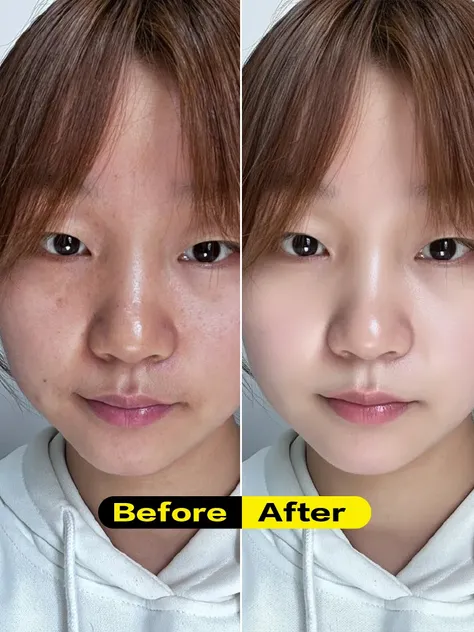
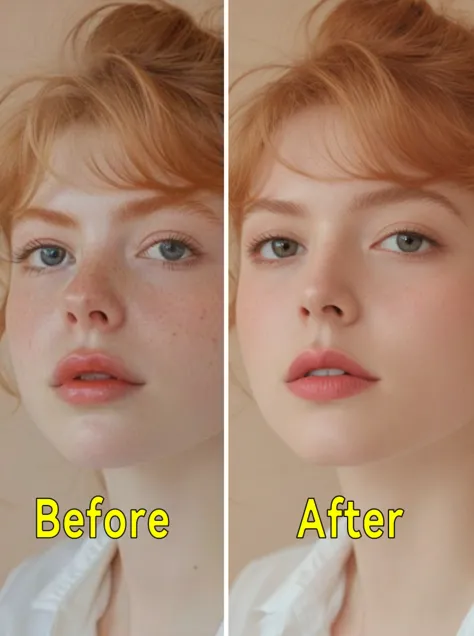
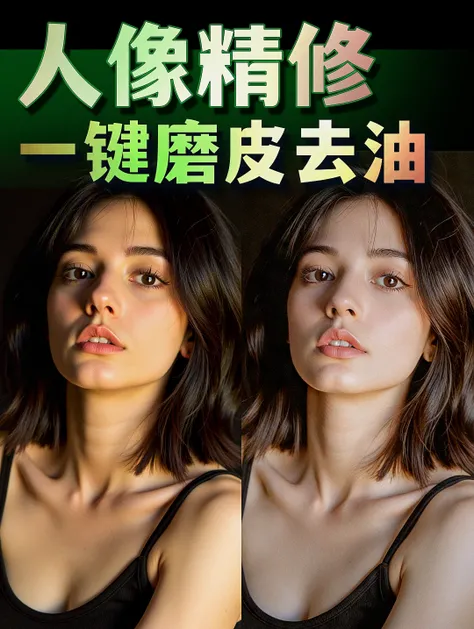
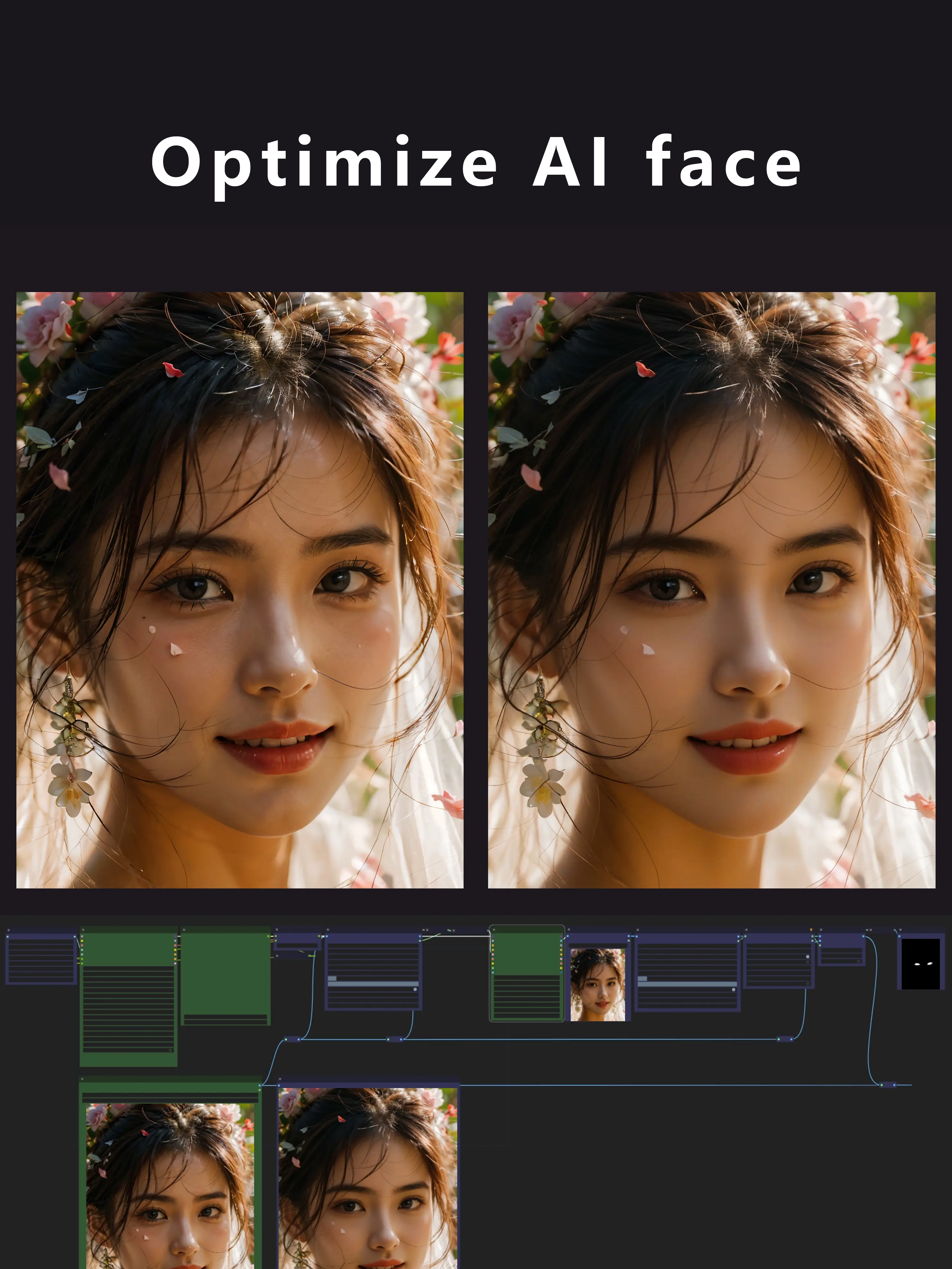
Use the K sampler to adjust the redrawing amplitude. If there are relatively large changes to the face, please adjust the denoising amplitude of the K sampler. The range is from 0.2 to 1. The closer the value is to 1, the greater the redrawing amplitude will be.
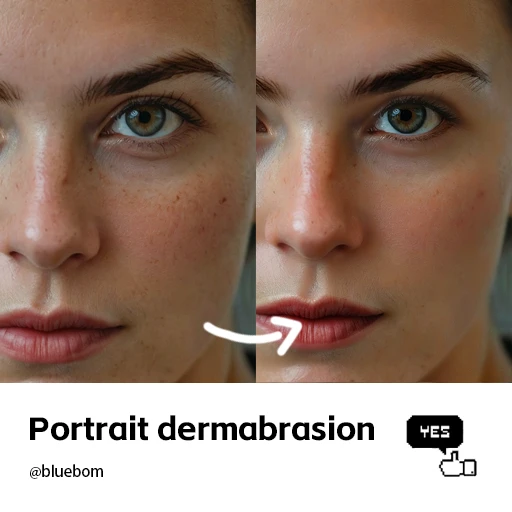
There are countless different faces, so a small number of faces may require parameter adjustments. If you are dealing with a close-up portrait of a face, you can basically import the picture and click to generate without much thought. If it's a near shot, you may need to adjust the parameters and sample multiple times to achieve relatively good results. (Mid-shot and long-shot pictures cannot be retouched.)
Regarding how to adjust the parameters, here are several references for you: Denoising at 0.2, with 10 steps and a LoRA strength of 0.7 - 1. | Denoising at 0.1, with 20 steps and a LoRA strength of 1. | Denoising at 0.4, with 4 steps and a LoRA strength of 0.4. | Denoising at 0.05, with 20 steps and a LoRA strength of 1. The specific situation still requires you to make adjustments on your own. Anyway, the higher the denoising value is, the more the generated image will deviate from the original one.

No data available