
Generate
History
Private Creationvip-icon
Details
Pixverse AI
Original

Pixverse AI

279
0
311
2025-12-31 10:41:14 Update

Create stunning AI-generated videos directly in your browser with Pixverse AI. Simple, powerful, and accessible to everyone. Try it now!

Rating & Review

-- /5
0 Ratings

Not enough ratings or reviews received yet

no-data
No data available

Pixverse AI: Video Generation

Bring your ideas to life in just a few clicks with this AI video generator.

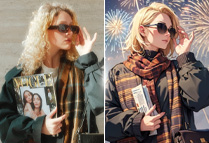
Turn an image to a video with AI

Convert Static Images to Stunning Videos

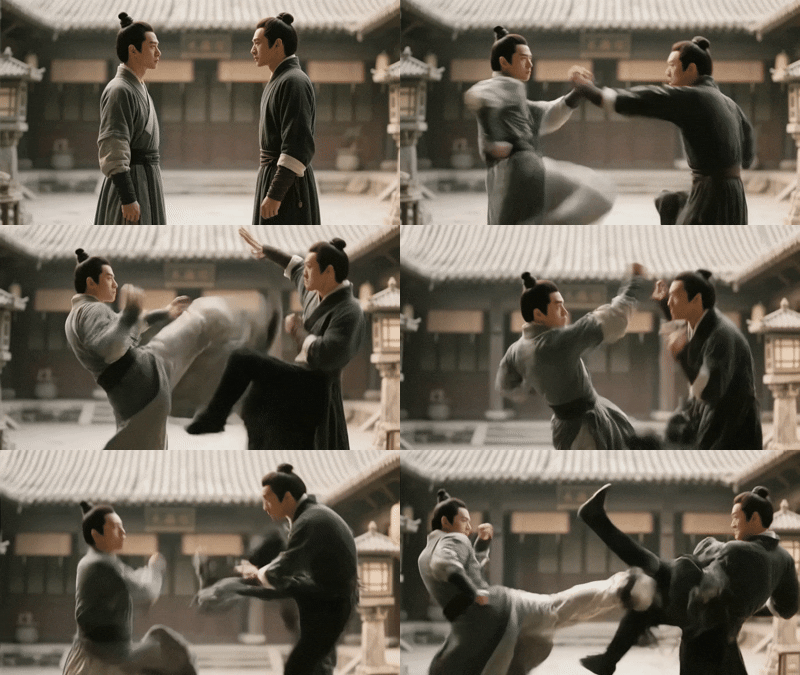
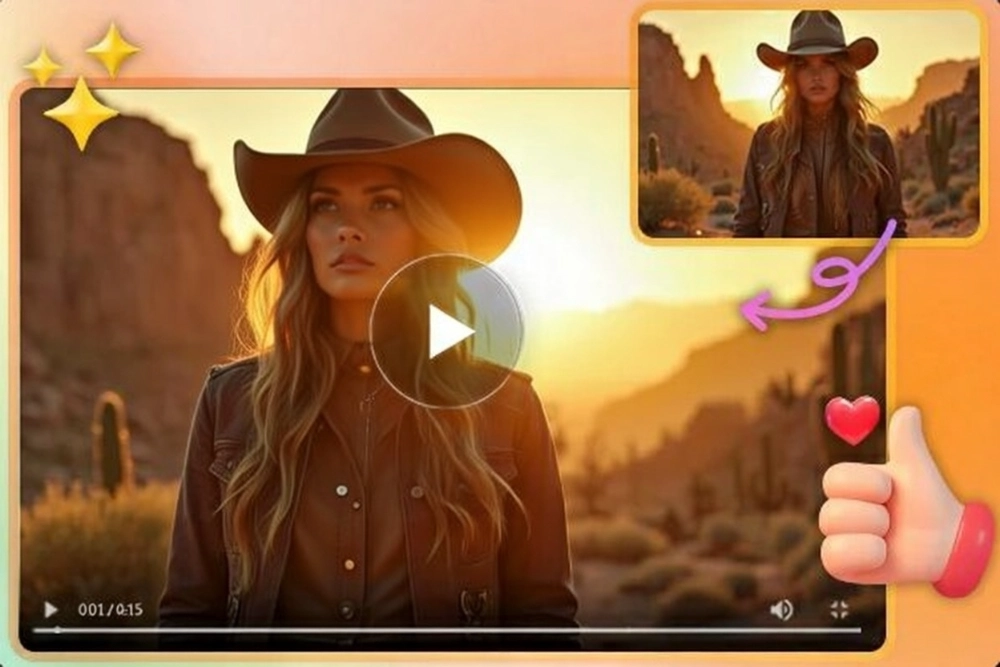
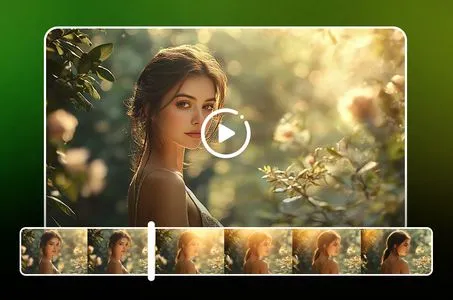
Transform your still images into dynamic videos effortlessly with Pixverse AI. Simply upload a photo, and watch the advanced AI animate it with smooth motion and vivid details, creating captivating videos in minutes using the innovative image-to-video generation technology.

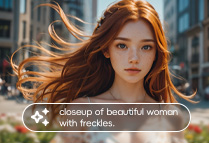
Customize an AI video with prompts

Customize Videos Your Way

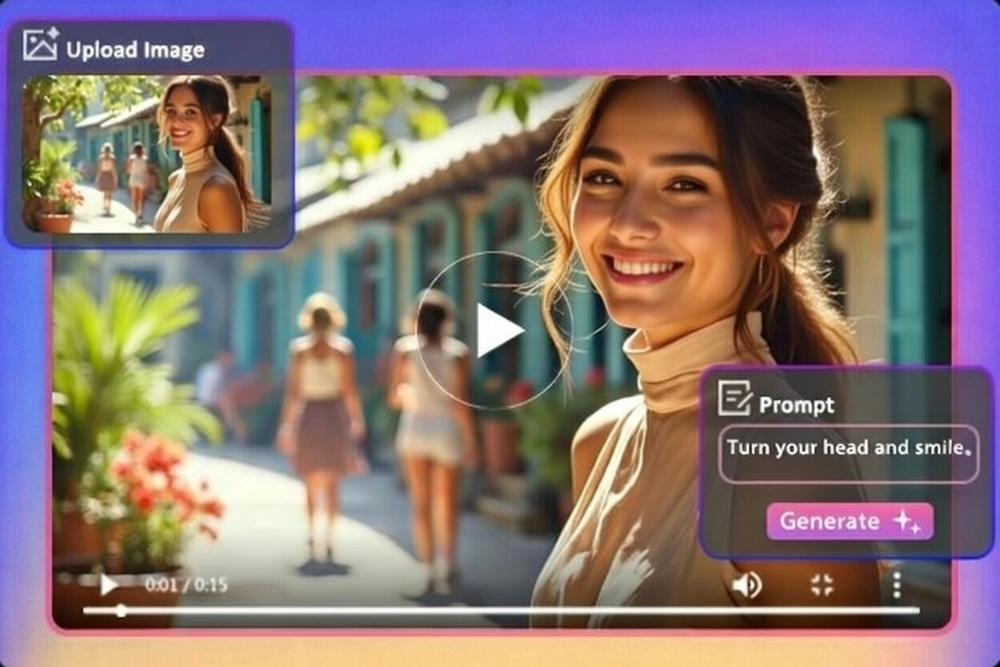
Personalize your videos with Pixverse AI by adding text prompts to guide the creation process. Define actions and styles, and tweak every detail to match your vision, giving you full creative control over the final output.

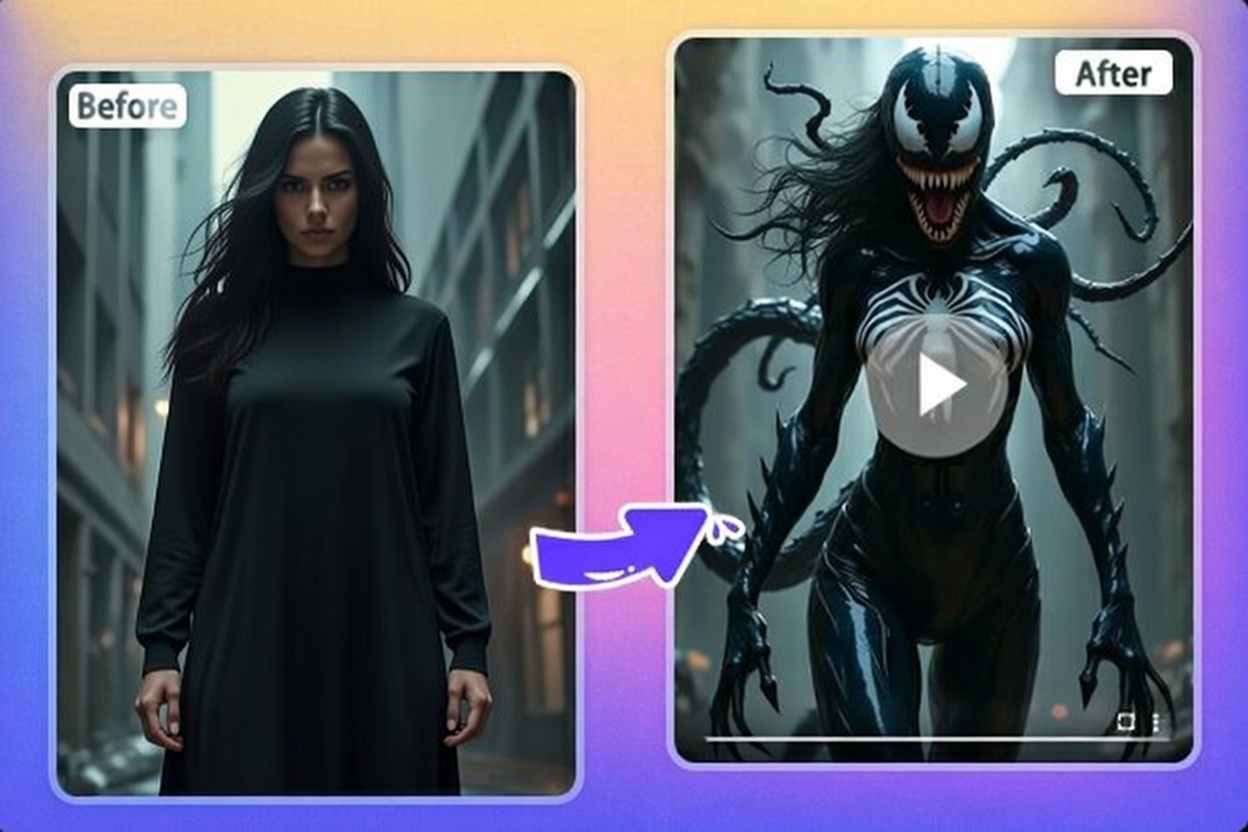
AI Venom transformation

Explore A Wide Range of AI Effects

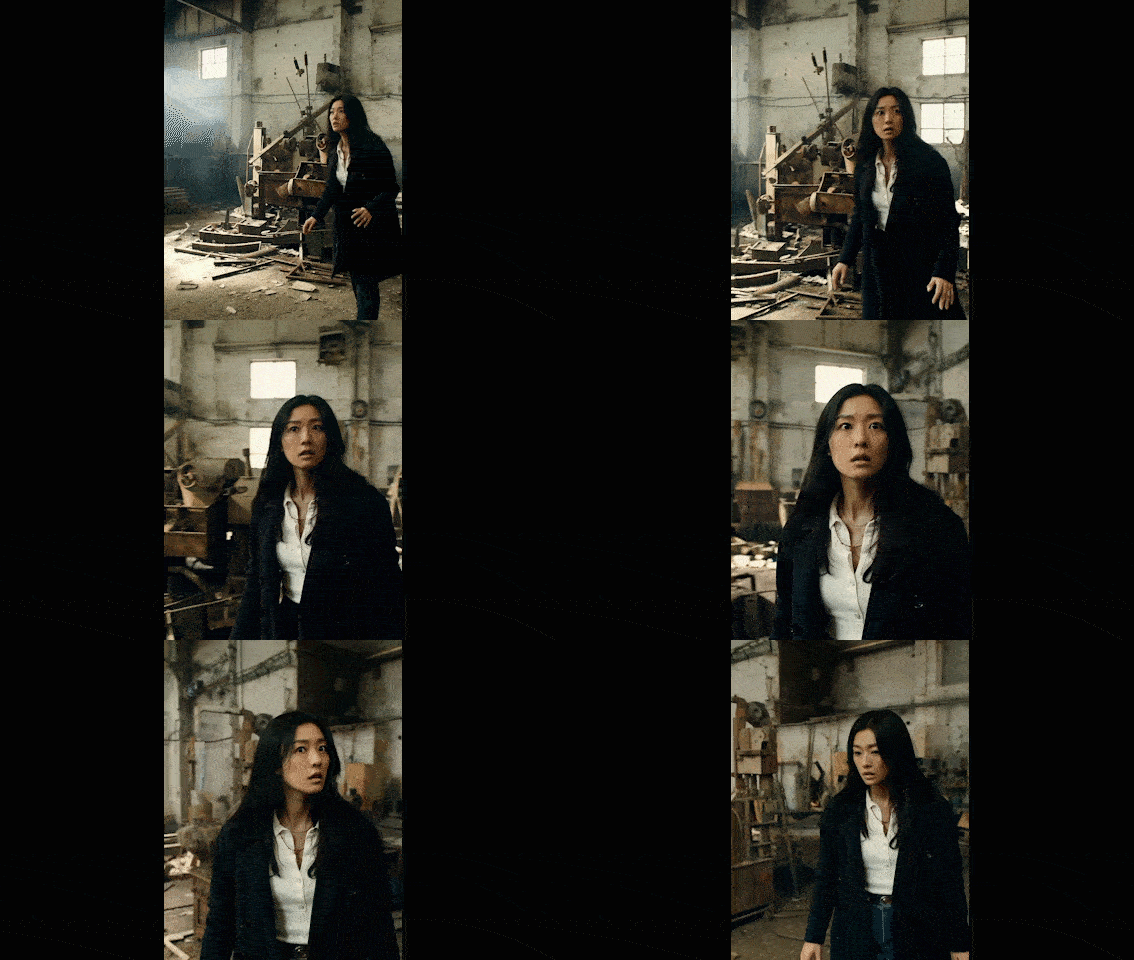
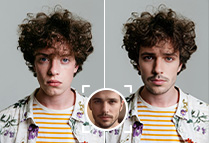
Enhance your videos with diverse effects, from thrilling PixVerse AI Venom transformation to heartwarming AI hug and kiss. Choose from an array of trending options like body morphing or superhero makeovers to make your content stand out with unique, eye-catching flair.

Why Choose Pixverse AI?

User-Friendly Interface

Pixverse AI offers a user-friendly interface. Enjoy a simple, intuitive design that lets anyone create stunning videos effortlessly, no technical expertise needed.

Accurate Understanding Ability

Pixverse AI excels at interpreting text prompts and images, precisely transforming them into your desired video with impressive accuracy.

Cross-Device Friendly

You can access Pixverse AI seamlessly on any device, enjoy convenient video creation anytime, anywhere.

How to Use PixVerse AI?

Step 1: Upload Your Image

Choose an image you'd like to animate and upload it to this Pixverse AI video generator.

Step 2: Enter the Prompt

Add a text prompt to customize the style, motion, or effects you want in your video.

Step 3: Download & Share

Click Generate to bring your vision to life. Once you're happy with the result, download your video and share it effortlessly.

Pixverse AI - FAQs

collapse

What is PixVerse AI?

PixVerse AI is a powerful video generation tool that helps users create dynamic content quickly and creatively. It supports a wide range of styles and effects, with user-friendly models like PixVerse AI V2 and V2.5 designed to deliver a seamless creative experience.

expand

Can I use PixVerse AI for free?

You can access the advanced PixVerse AI model through SeaArt. SeaArt provides 150 free stamina daily, allowing users to explore AI tools. You can also earn additional stamina through daily activities to generate more AI videos.

expand

What types of videos can I created with PixVerse AI?

PixVerse AI lets you generate a wide variety of videos, from animated scenes to stylized transformations, whatever your imagination can dream up.

expand

How long does it take to generate an AI video?

PixVerse AI is an efficient AI tool. It typically takes just a few minutes to convert your image and prompt into a dynamic video clip.