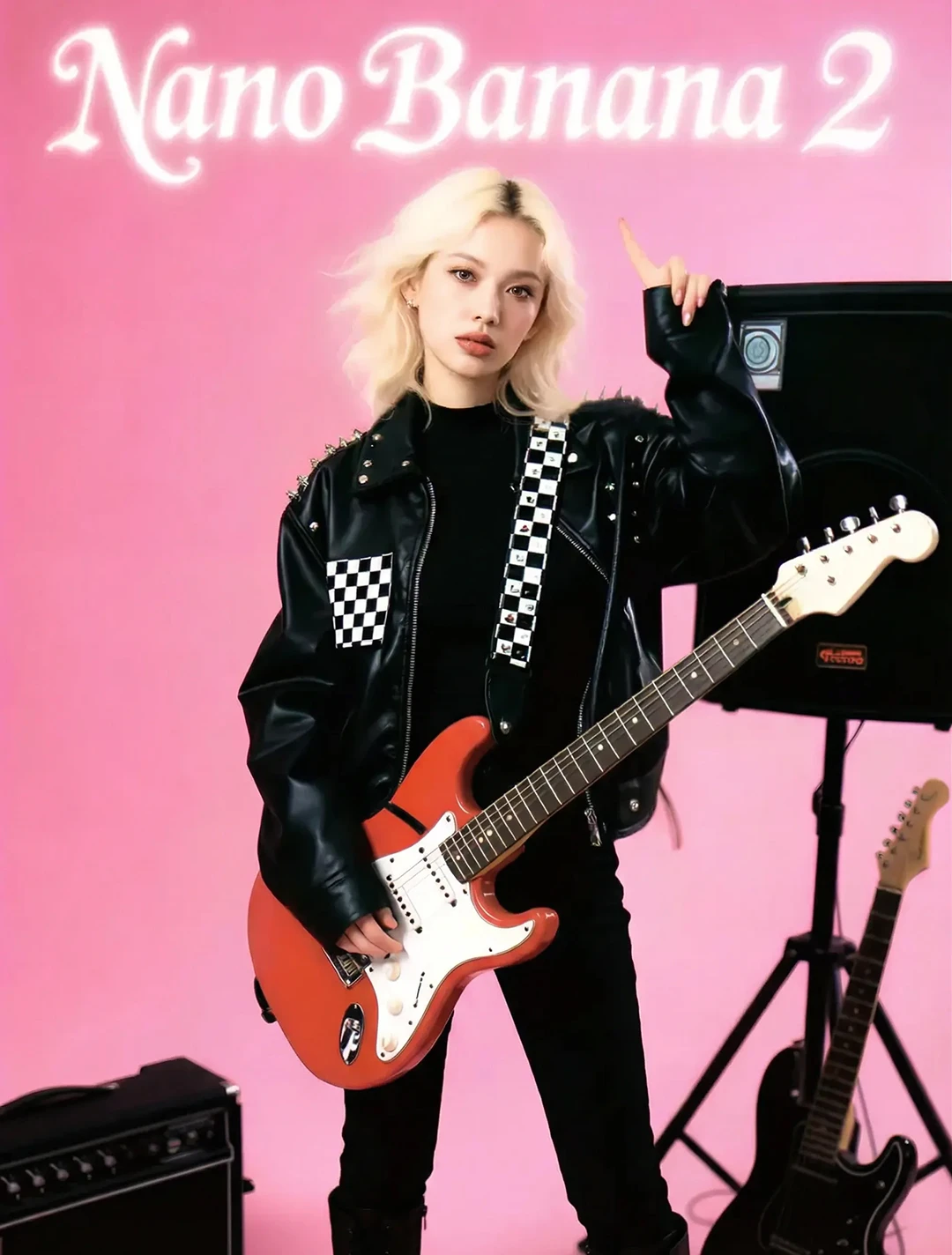
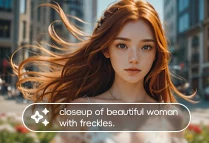
Multi-Element Editor
Effortlessly mix text and images, rearrange content, and create dynamic layouts with flexible editing tools.
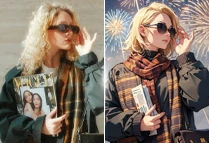
Restyle Feature
Instantly apply new visual styles to your projects with just one click for fresh, creative transformations.
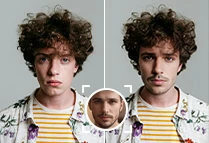
Image Editing
Enhance, refine, or expand any image seamlessly for flawless results with advanced AI-powered adjustments.

Experience the future of video creation with Kling 2.0 - an advanced AI video generator model that transforms your ideas into cinematic-quality visuals.

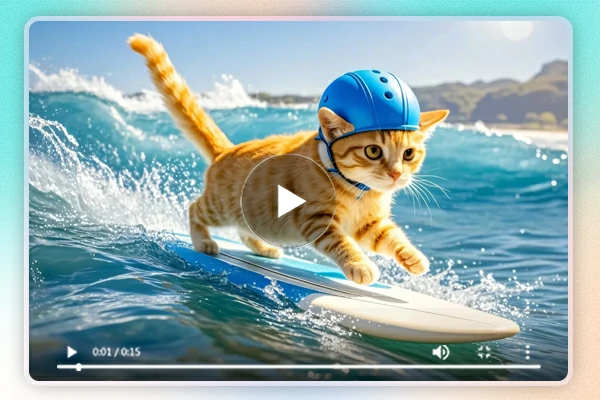
Kling 2.0 offers better responsiveness to action tags, camera movements, and lighting. It enhances composition and frame aesthetics, bringing unique visual beauty to your videos. The AI analyzes scenes for dynamic camera work, delivering a more polished and cinematic look with each shot.

With over 60 video styles, Kling AI video generator adds cinematic-quality visual effects, elevating your footage with rich details. Whether you're aiming for a nostalgic vibe or modern flair, it allows for customizable aesthetics that enhance storytelling and evoke the desired mood in every frame.

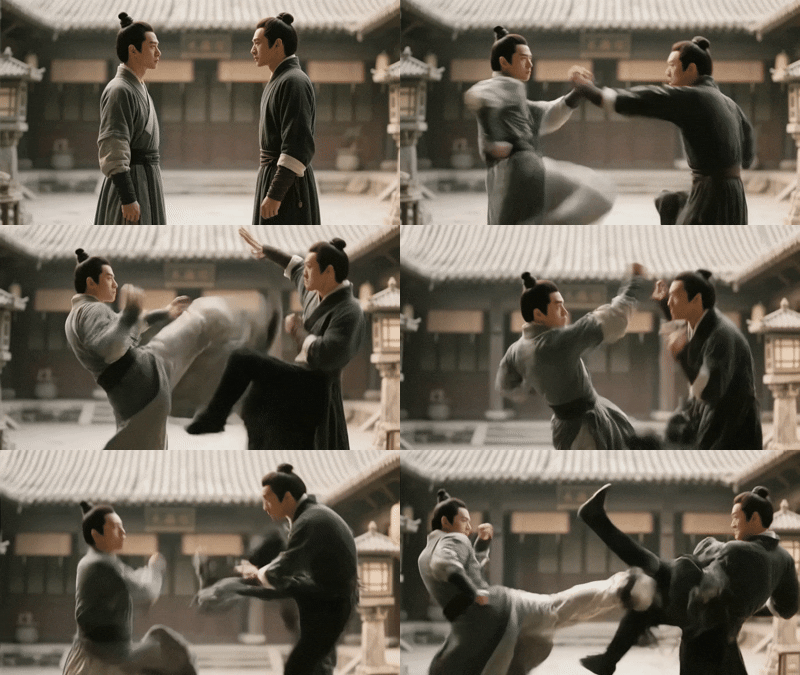
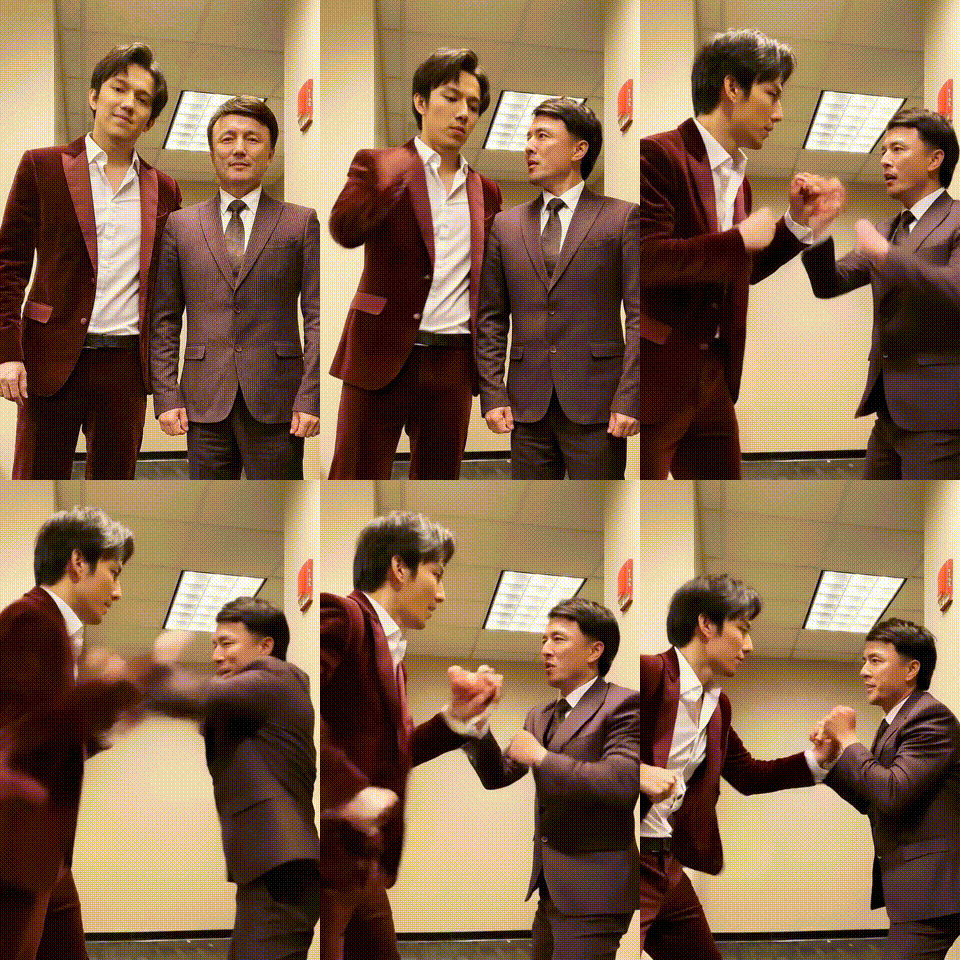
Kling 2.0 improves dynamic effects by expanding motion range, making action sequences smoother and more natural. Whether it's a fast-paced chase or an emotional dance, the AI refines the flow of movements, ensuring realism while maintaining fluid transitions and lifelike interactions between characters.

Kling 2.0 elevates its prompt adherence capabilities, enabling more precise and realistic outputs. By better understanding the context, it generates content that aligns with the intended vision, ensuring every scene stays true to the creative direction while producing visually coherent and authentic results.
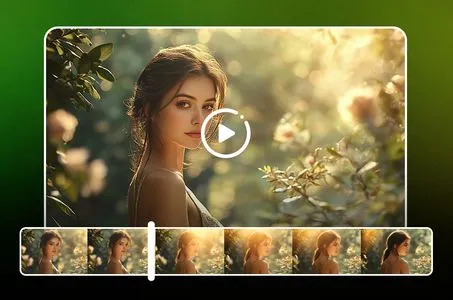
Kling 2.0 video generator utilizes cutting-edge AI algorithms to analyze your text or image inputs, interpreting them to generate videos that reflect your creative intent with high fidelity.
Step 1. Input Content
Upload an image or enter a text prompt to serve as the basis for your video.
Step 2. Generate Video
Click the "Generate" button; Kling 2.0 will process your input and create a video.
Step 3. Download Output
Preview the generated video and download it once satisfied with the result.
Is Kling 2.0 worth it?
Absolutely. Kling AI 2.0 significantly improves semantic understanding, motion simulation, and video quality, making it a valuable tool for content creators.
How to get Kling AI 2.0 for free?
Visit the official site of Kling AI or try it through platforms like SeaArt AI to access Kling AI 2.0 video generator for free.
How does Kling 2.0 compare to 1.6?
Kling AI 2.0 introduces significant enhancements over version 1.6, including improved semantic understanding, more realistic motion simulation, and higher video resolution. These advancements enable users to create more accurate and visually compelling videos with greater ease.