

Generate
History
Private Creation
Details

229
524
2025-04-25 03:45:53 Update
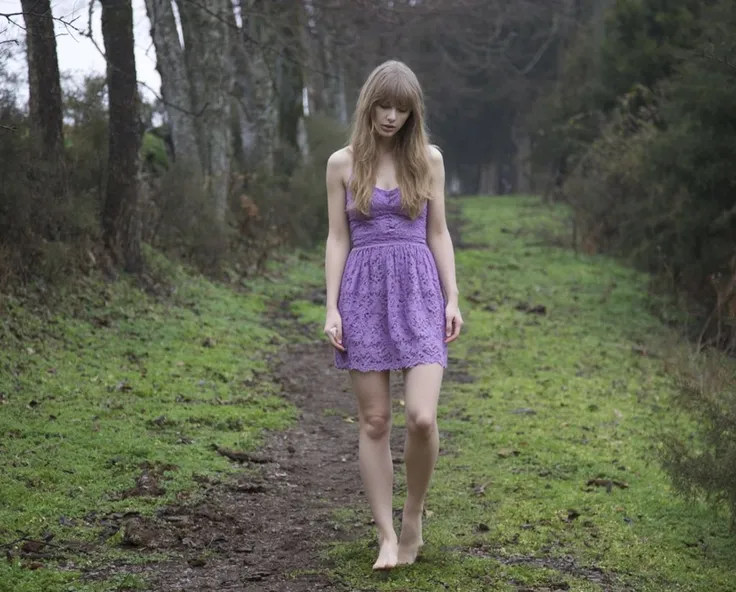
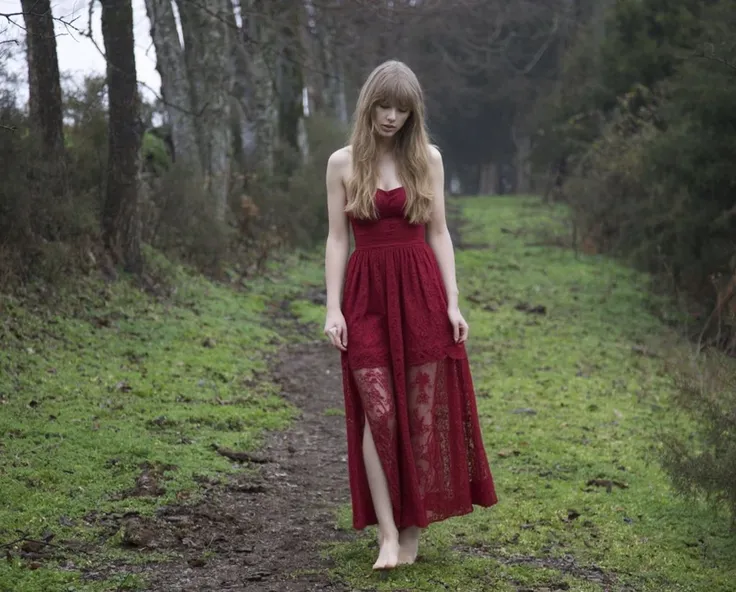
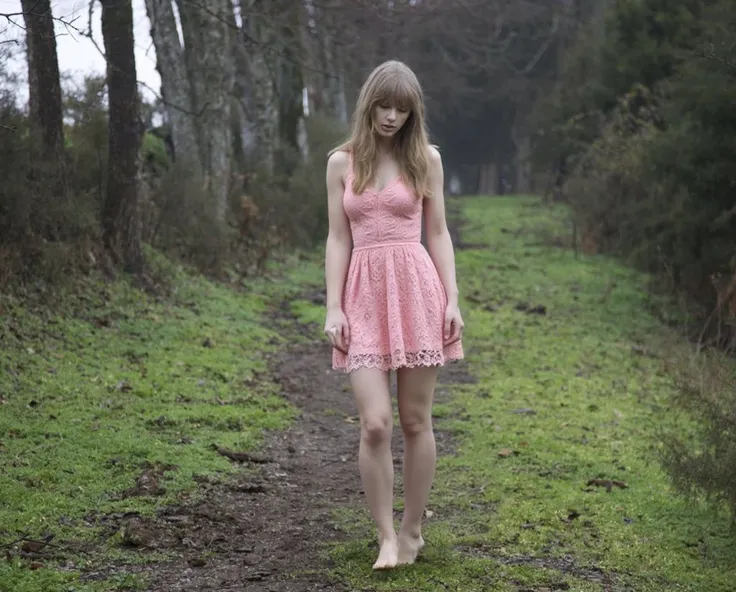
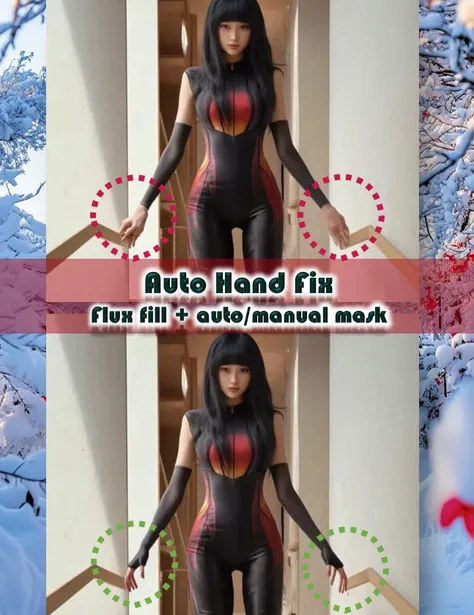
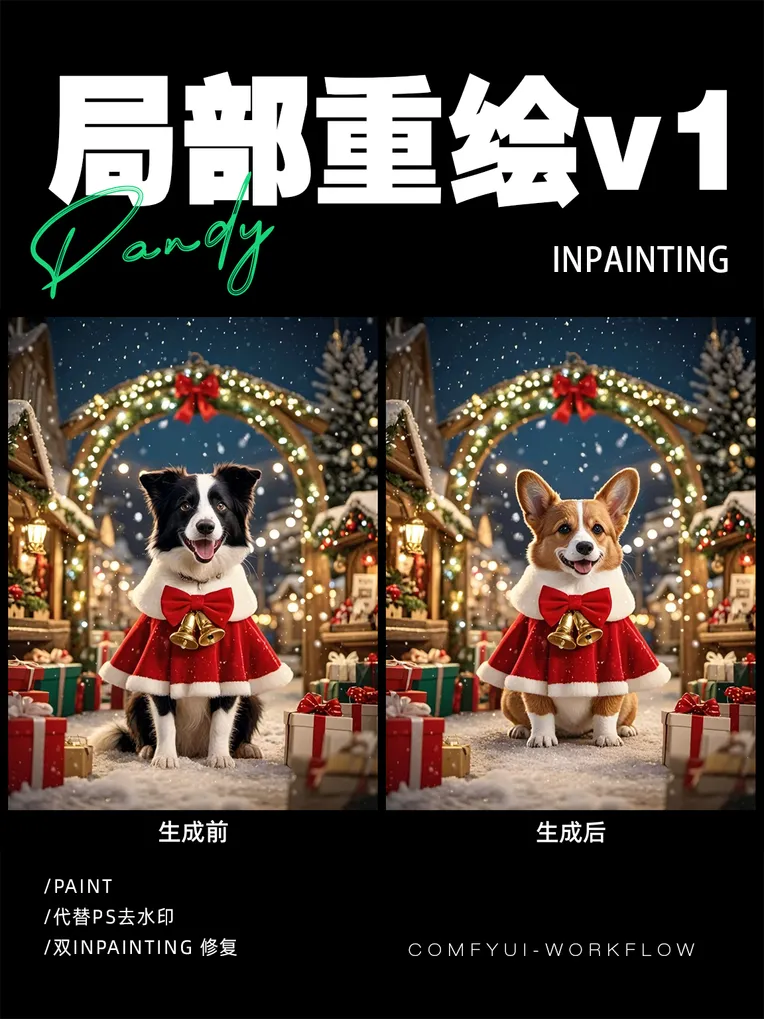
Automatically masks the area you want to inpaint based on your prompt, no need to manually mask it.
Step 1: Upload the image,
Step 2: Type a prompt describing the part you want to inpaint,
Step 3: Type the prompt describe how do you want to change it.
Step 4: And then choose the Flux Model or LoRA as you like, adjust the upscale and model upscale settings, and that's it!

No data available

ViciousNg
1.3K
7.6K
Explore Related






Download SeaArt App
Continue your AI creation journey on mobile devices