Generate
History
Private Creationvip-icon
Details
Veo 2 Text to Video
Original

Veo 2 Text to Video

22
0
248
2025-05-30 07:57:53 Update

Rating & Review

5.0 /5
0 Ratings

Not enough ratings or reviews received yet

no-data
No data available

Ignite Your Creativity with Veo 2 Text to Video

Enhanced Realism

Say goodbye to stiff animations! Veo 2 is committed to making videos real and immersive.

Advanced Dynamic Output


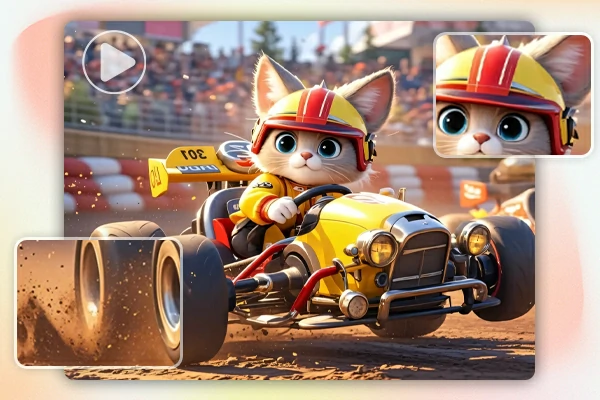
Veo 2 captures dynamic actions, making everything from walking people to running animals feel natural and fluid.

Perfect Detail Rendering

Each frame shines with incredible detail. Whether it's fine textures or complex scenes, Veo 2 ensures your video looks consistent and professional.

Ignite Your Creativity with Veo 2 Text to Video

Ready to create amazing AI videos with a sentence? Turn your ideas into captivating dynamic visuals with this groundbreaking AI video generator in no time!

AI Text to Video

Bring Your Ideas to Life with Ease

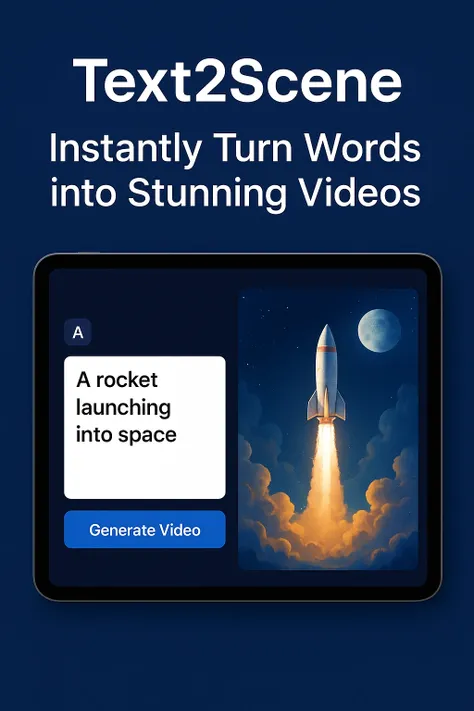
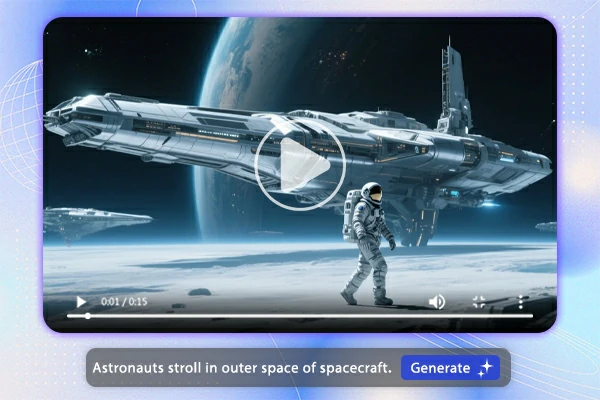
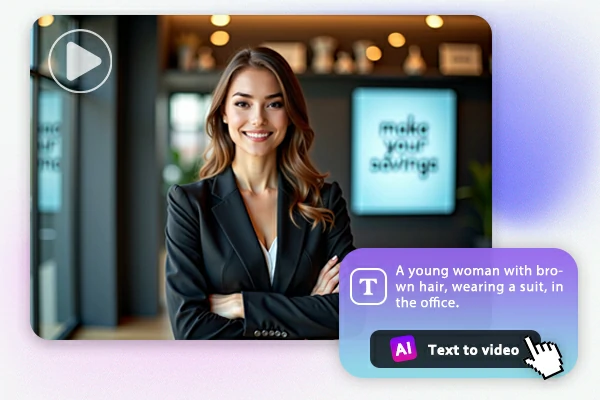
Creating videos from text with the Veo 2 video generator is effortless! Simply describe the scene you have in mind in a few words, and wait for the AI to show its magic! It turns your words into colorful, cinematic videos with ease. This simplified process makes video creation accessible to anyone. Start your video creating journey now!

Precise Prompt Comprehension

Precise Prompts Comprehension

This AI text to video generator doesn't just take your text literally—it understands it. Whether you're describing complex actions or subtle scenes, Veo 2 captures it all and ensures the end result corresponds with your vision. Its understanding of complex descriptions contributes to the flawless and precision of the AI-generated video.

Control Video Details

Direct Your Video Like a Pro with Full Control

Veo 2 AI text-to-video gives you full control over every detail of your video. This means you can customize almost every video detail, from motion to camera movement. Changing the speed of an action or adjusting the camera angles to capture the perfect shot is possible now! Veo 2 enables you to fine-tune every aspect to get the video exactly your imagination.

Consistent Video Output

Consistent & Fluent Video Output

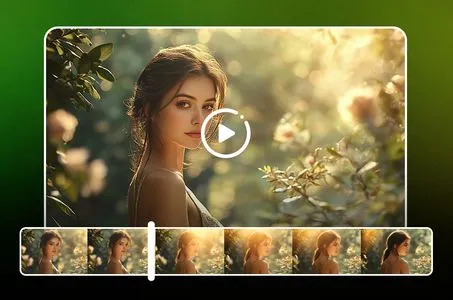
With Veo 2 text to video generator, your videos flow seamlessly from start to finish. Say goodbye to awkward transitions or choppy cuts—each scene moves naturally, keeping you engaged from the first frame to the last. No hiccups, just smooth, captivating storytelling all the way through!

How to Use Veo 2 Text to Video

Step 1: Describe Your Scene

Describe the scene you want to create in detail. The more specific you are, the better your video will turn out!

Step 2: Generate AI Video

Click the Generate button and wait for Veo 2 to process your text input and create your video.

Step 3: Download Or Share

Once the video is generated, you can download it to your device or share it directly on your social media.

Veo 2 Text to Video - FAQs

collapse

Is Veo 2 text to video generator free to use?

No. Veo 2 is only available for Gemini Advanced subscribers, 18+. However, you can experience the Veo 2 text to video function in SeaArt AI for free.

expand

Can I use Veo 2 to create different types of videos?

Yes! Veo 2 text to video generator is versatile and can generate all types of videos, from cinematic scenes to animated stories, making it perfect for a variety of creative needs.

expand

How long does it take to create a video with Veo 2 text to video generator?

The time to generate a video depends on the complexity of your desired video and your description.

expand

Do I need any technical skills to use Veo 2?

No. Veo 2 is designed for everyone, from beginners to experts. All you need to do is write a description you have in mind.