
Generate
History
Private Creation

Details
3.7K
1.3K
2025-04-30 13:24:46 Update
...View More
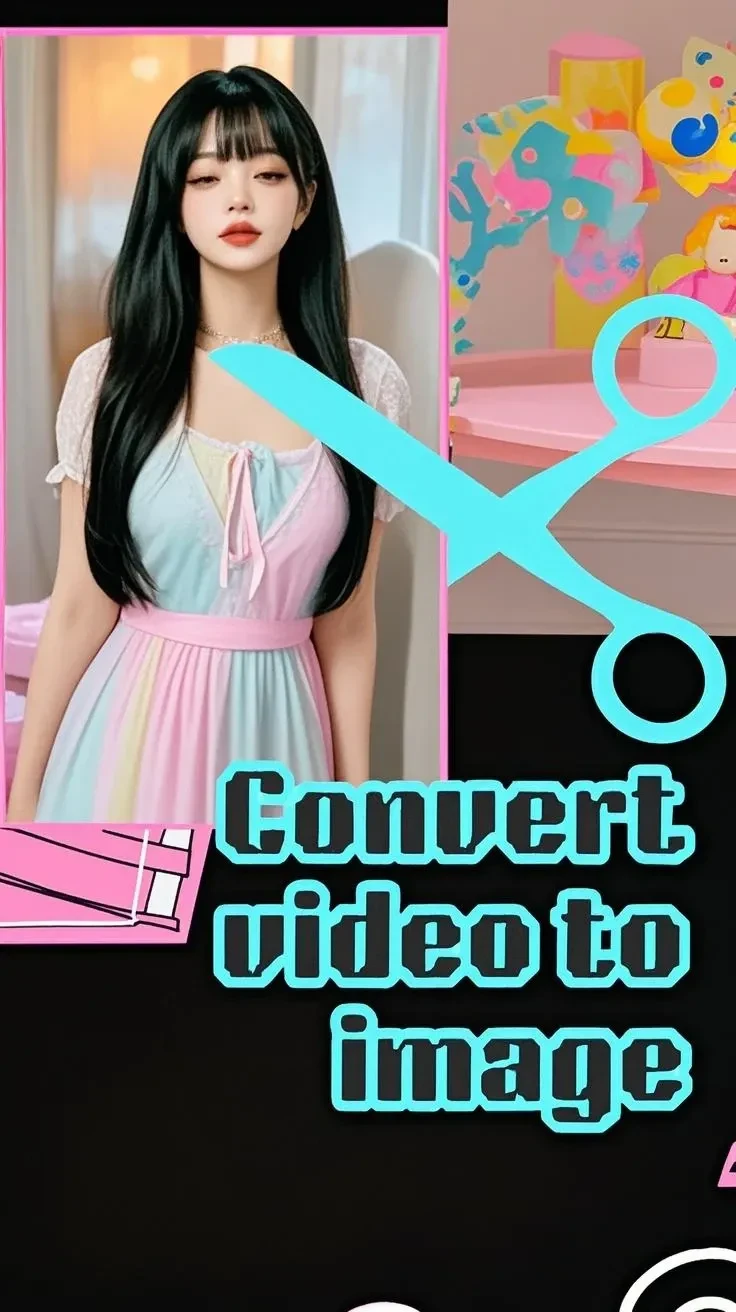
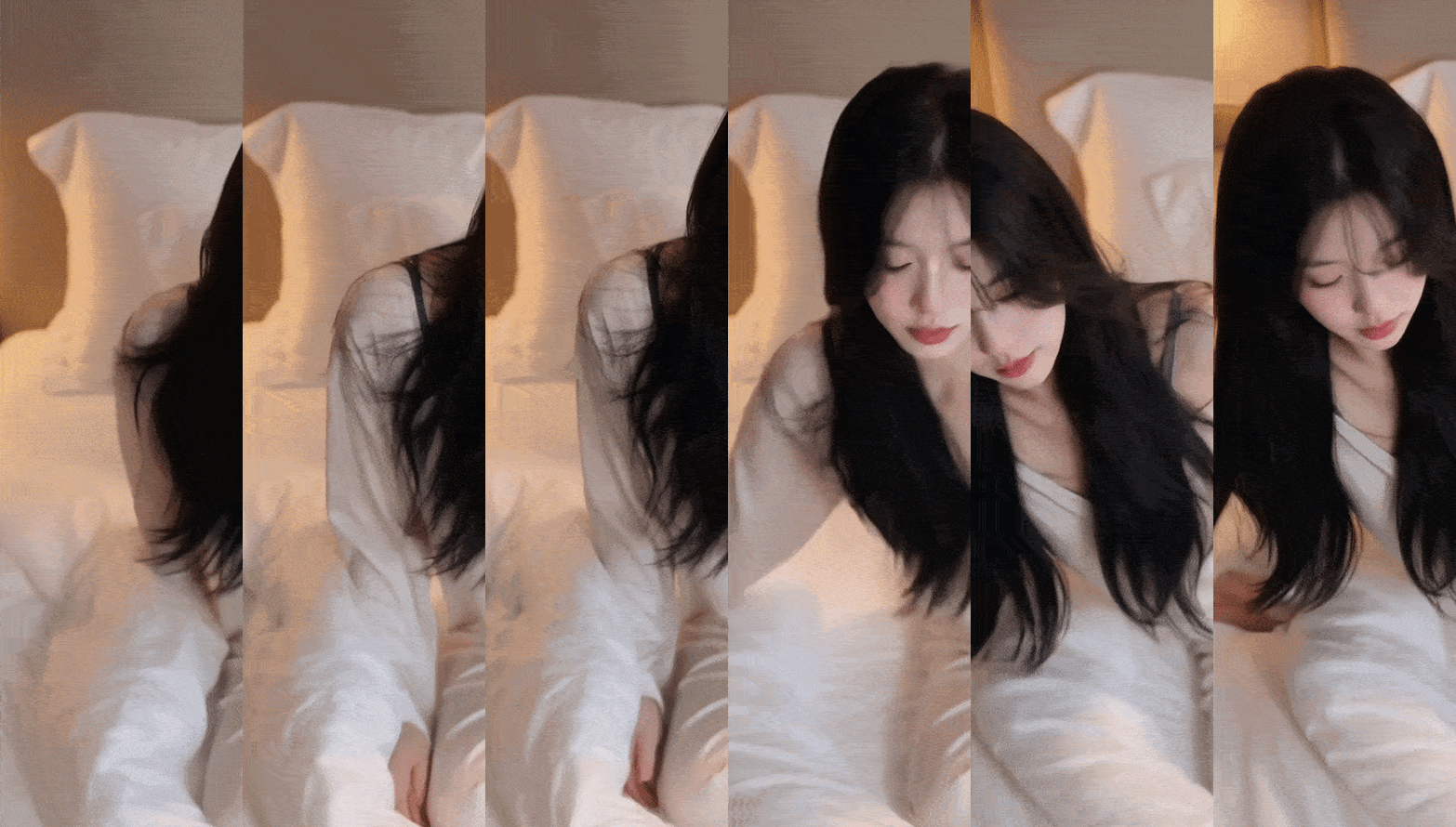
💖Use this if you want to convert a video generated by seart to an image.
frame is Image.
⚙️Settings
⛏️ load cap 60frame(2-second)
⛏️first: 1
⛏️nth:1
It is set to generate one image every 30 frames.
Currently it is 30/60.
10 images will be generated.
When you create a video with seart, you can create a 5-second video.
1 second: 30 frames (30 images per second)
5 seconds: 150 images
10 seconds: 300 images
20 seconds: 600 images
*For detailed frame count calculations, use the FPS simple conversion tool on the Internet.
Converting all frames to images increases the generation cost.
In this app, the default value is 2 seconds. 1 second seems too short.
If there is no movement in the video, adjust it.
💖Scale: The original resolution of the video.
💖 load cap
default: 2 seconds 60frame.
Sets the limit of the number of frames to load from the video.
We set a low value of 2 seconds.
This will impact memory usage and processing time.
Note that a value of zero will load all frames.
💖first Image
default: 1
Allows you to skip the first number of frames of the video. Useful for ignoring unwanted content at the beginning of a video.
💖Select every nth
default: 1
This parameter allows you to select every nth frame from the video, effectively downsampling the frame rate.
Changing the frame number will change the playback position.
more

No data available


D y n a M i c
418
20.1K
Explore Related











Download SeaArt App
Continue your AI creation journey on mobile devices