
Generate
History
Private Creation

Details
80
141
2025-05-09 10:12:13 Update
...View More
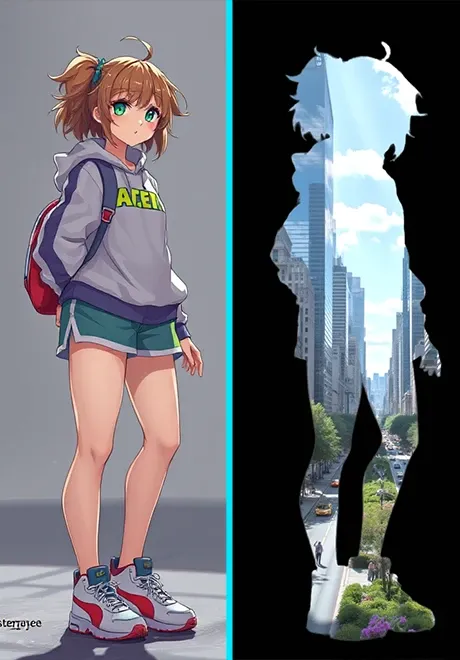
This application is to mask and redraw the main body of the image. Please follow the steps below:
1. Upload a clear picture with a clear subject. It can be any type of picture;
2. The threshold value controls the silhouette range (0~1). The default value is 0.3. If the silhouette is not clean, you can try 0.4;
3. Background color: 1=white; 2=black;
4. Enter the picture in the silhouette in the prompt word. You only need to enter a simple keyword, such as: Autumn, maple leaves, sunshine, Photo-realistic style;
5. Click Create
more

No data available


SolWander
1.3K
9.6K
Explore Related







Download SeaArt App
Continue your AI creation journey on mobile devices