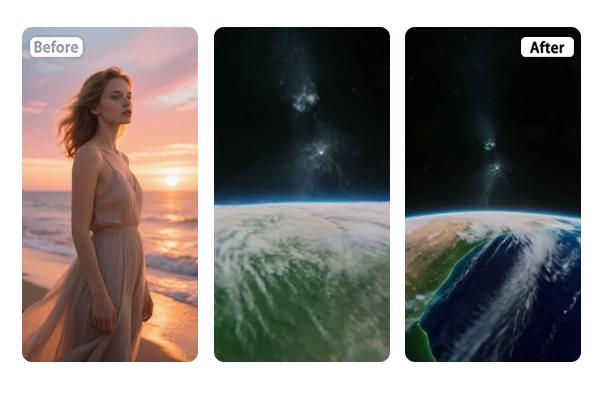

Transform your photo into stunning Earth zoom in videos. Zoom out from earth to the universe in one click.

Not enough ratings or reviews received yet


Make incredible earth zoom out videos online for free. Zoom from street level to space with smooth, realistic transitions.
Creating the viral Earth zoom out video has never been easier - simply upload your photo, and with one click, the AI instantly generates a smooth transition from your street or building all the way to outer space. This tool automatically detects your subject, stitches together multi-level satellite imagery, and produces a smooth zoom out effect. No manual editing or complicated settings needed.

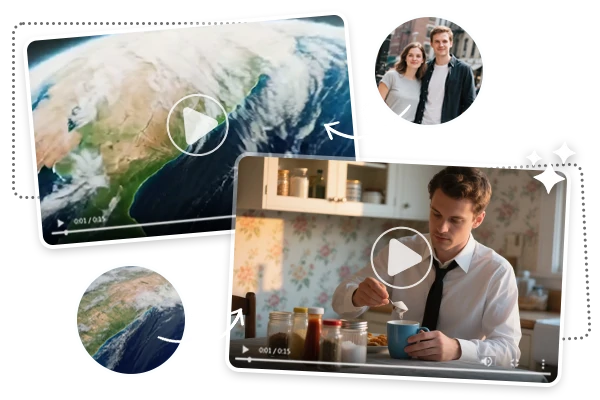
Experience the cinematic Earth zoom out effect with realistic multi-level camera pullback. SeaArt AI can generate smooth transitions from person or object, to street, city, region, continent, and finally a breathtaking full Earth view. Using satellite-like rendering and authentic Earth textures, the generator ensures your Earth zoom out video to universe videos look professional with seamless movement between layers.

Besides the Earth zoom out videos, SeaArt AI also enables you to reverse the journey with Earth zoom in effect - perfect for highlighting a specific place. You can even combine both directions for smooth, cinematic transitions. Simply enter your prompts in the AI video generator to customize zoom levels, starting or ending points, and more details, adding unique touches for a truly personalized video experience.

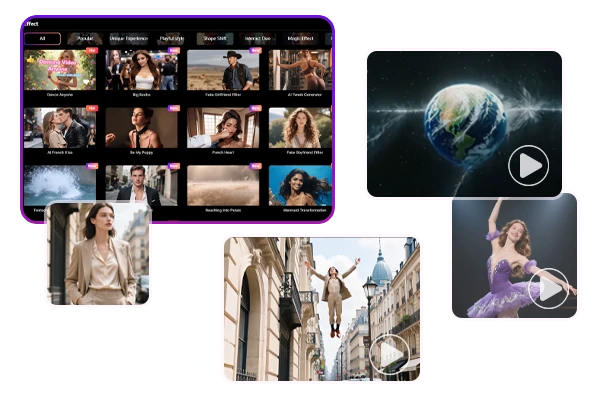
Additionally, SeaArt offers AI video effects like eye dive and flying videos and more, allowing you to add more dynamic movement to your projects. These unique AI effects are ideal for creating memes, music clips, video intros, or viral social content, helping your creations stand out and capture attention. With such a wide range of options, you can easily add professional flair and creativity to every video you make.
Step 1: Upload an Image
Choose a photo of any subject that you want to apply the Earth zoom out effect.
Step 2: Click to Create
Just click the generate button and wait for a few seconds.
Step 3: Preview and Save
Once you're satisfied with the result, save the generated video to your device.
What types of images work best with this tool?
For the best results with the Earth zoom effect, use high-resolution, clear images featuring a distinct subject or location. Aerial shots, cityscapes, landmarks, or portraits with visible backgrounds work especially well. Avoid blurry, low-quality, or heavily edited images, as these can disrupt the smoothness and realism of the zoom effect. Well-lit photos with natural colors help ensure seamless transitions from close-up to space.
Can I start the zoom from a person, building, or landmark?
Yes, you can begin the zoom from any clear subject—such as a person, building, or recognizable landmark—provided it’s visible and distinct in the image.
Are there options for adding background music or sound effects to my Earth zoom out video?
Yes, SeaArt AI video generator provides a library of AI music, AI audio, sound effects, or you can upload your own audio to enhance your video creation with lip-synching.