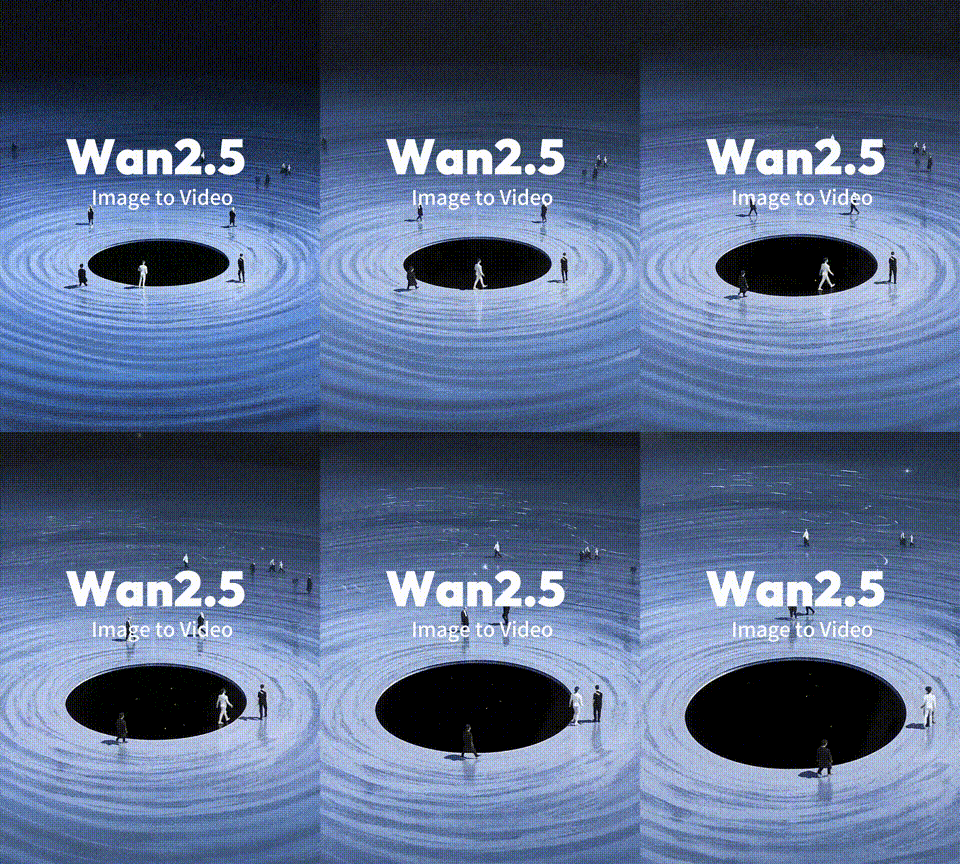
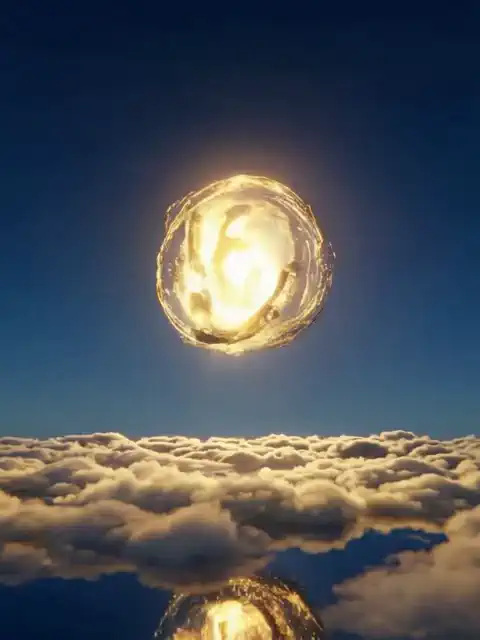
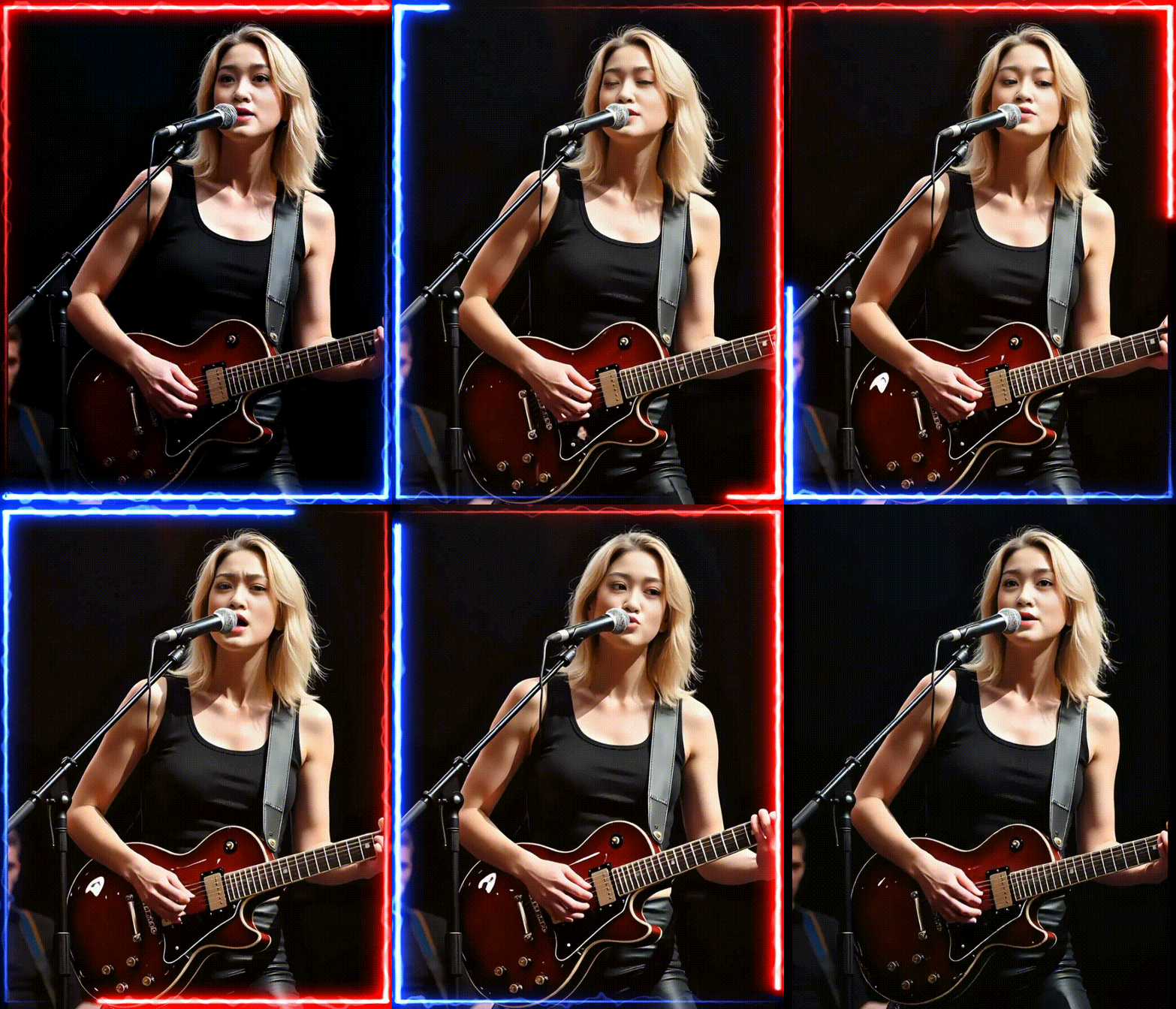
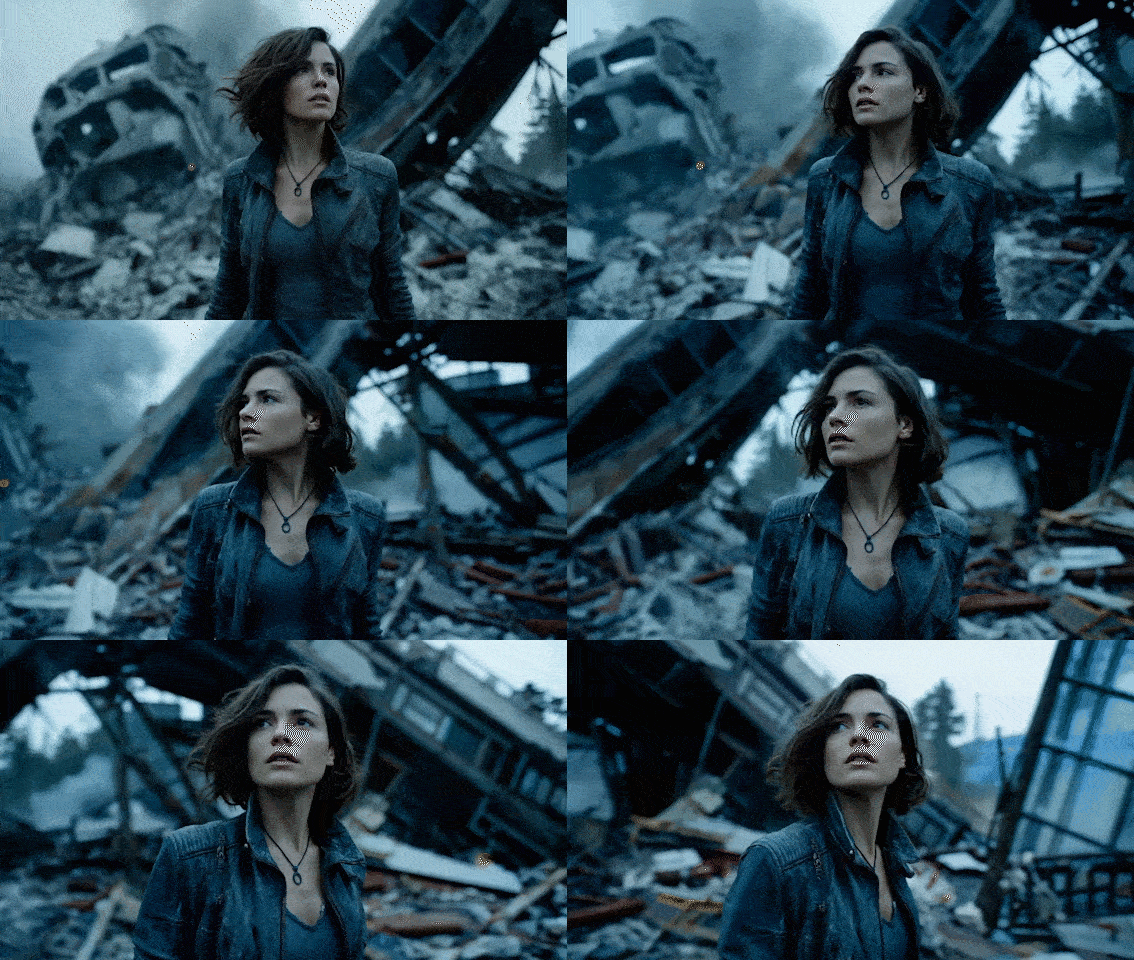
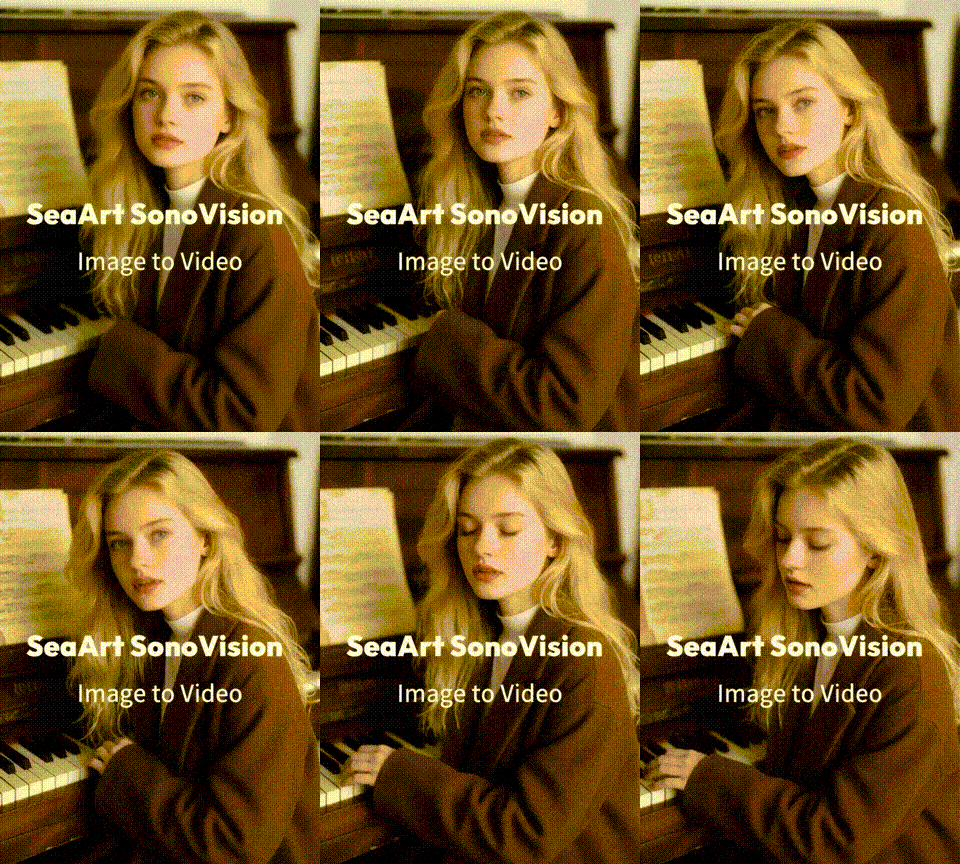
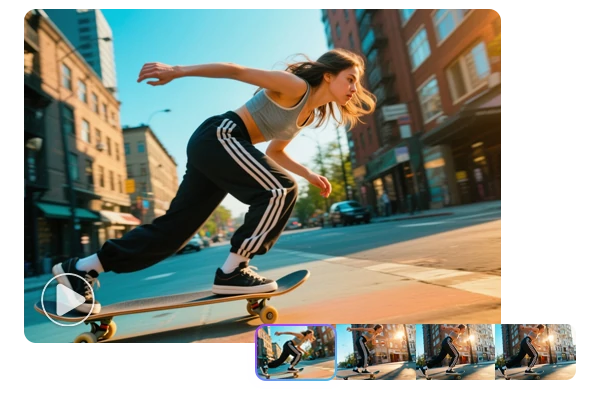
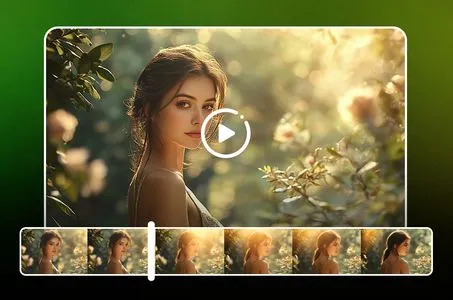
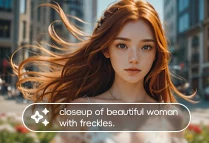
Input image,Edit text,Experience the charm of video generation!
Not enough ratings or reviews received yet


Create amazing AI videos from images with free Midjourney AI video generator. Upload, choose aspect ratio, and generate stunning, watermark-free clips online.
The Midjourney AI video generator makes it convenient to turn any static image into a dynamic short video online - fast, no cost, and watermark-free. This intuitive tool in SeaArt AI analyzes your picture, adds natural motion, and outputs high-quality clips in seconds. Ideal for creators who need rapid video production for social media, marketing campaigns, and storytelling projects.

The Midjourney AI video generator delivers superior image-to-video conversion. Each static image transforms into HD video through advanced AI processing. Users can select between low motion for atmospheric scenes with subtle animations, or high motion for dynamic action sequences. Its combination of exceptional visual quality and customizable options makes AI video creation accessible.

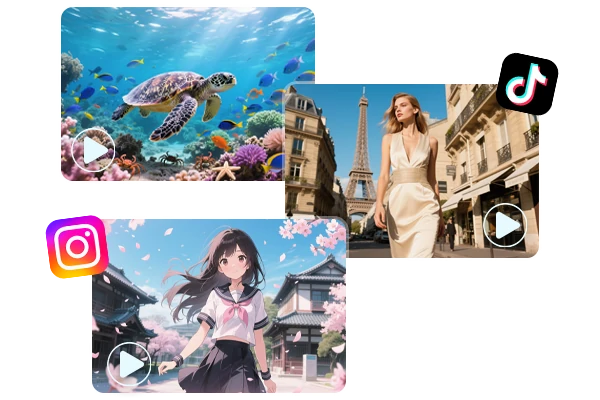
This MidJourney video generator empowers you to effortlessly craft viral clips for Instagram Reels, TikTok, and YouTube within seconds. Instantly generate eye-catching promotional content, stunning product demos, and compelling brand narratives that ignite social feeds. Watch single images evolve into engaging AI generated videos that captivate audiences, fuel conversations, and convert casual viewers into devoted fans.


One-Click Image-to-Video Conversion
Transform static images into dynamic video content with a single click, maintaining exceptional visual quality and style consistency throughout the animation process.
High-Quality Visual Consistency
Maintains original image style, resolution, and artistic elements throughout AI video generation while producing professional-grade animations without watermarks.
Flexible Motion and Format Options
Customizable motion and camera control, multiple aspect ratios for different platforms.

Step 1: Input Your Content
Upload an image that you want to animate.
Step 2: Personalize Your Creation
Enter and specify your prompts. Select a proper aspect ratio.
Step 3: Generate and Download
Click the "Generate" button, and wait for a few minutes. Once you're satisfied with the result, save the videos to your device.
What is Midjourney AI Video Generator and how does it work?
It is an advanced AI tool that converts static images into dynamic video content. Midjourney specializes in image-to-video conversion, transforming any uploaded photo into animated clips with realistic motion and visual effects. Developed by the same team behind the renowned Midjourney image generator, this video generator leverages sophisticated machine learning algorithms to create natural animations that maintain the original image's style, composition, and artistic quality.
Can I create videos from text only with the Midjourney AI Video Generator?
At present, this tool exclusively handles image-to-video transformation and doesn't include text-to-video functionality. However, SeaArt AI video generator offers a complete solution with both text-to-video and image-to-video generation, featuring various powerful AI models and daily free usage allowances.
Is Midjourney AI Video Generator free to use on SeaArt AI?
Absolutely! Our basic plan provides complimentary access to the Midjourney AI Video Generator, enabling users to explore AI video creation without any cost. Advanced features and superior quality options are available through our premium subscription tiers.