
Upload 3 keyframe images to automatically generate smooth and coherent one-shot videos. Achieve spatial continuity and natural camera movements with professional effects.

Not enough ratings or reviews received yet


Create AI consistent videos from multiple frames with SeaArt Multiple Images to Video AI for free. Upload 3 images in a sequence, and generate dynamic AI videos with fluid transitions between images.
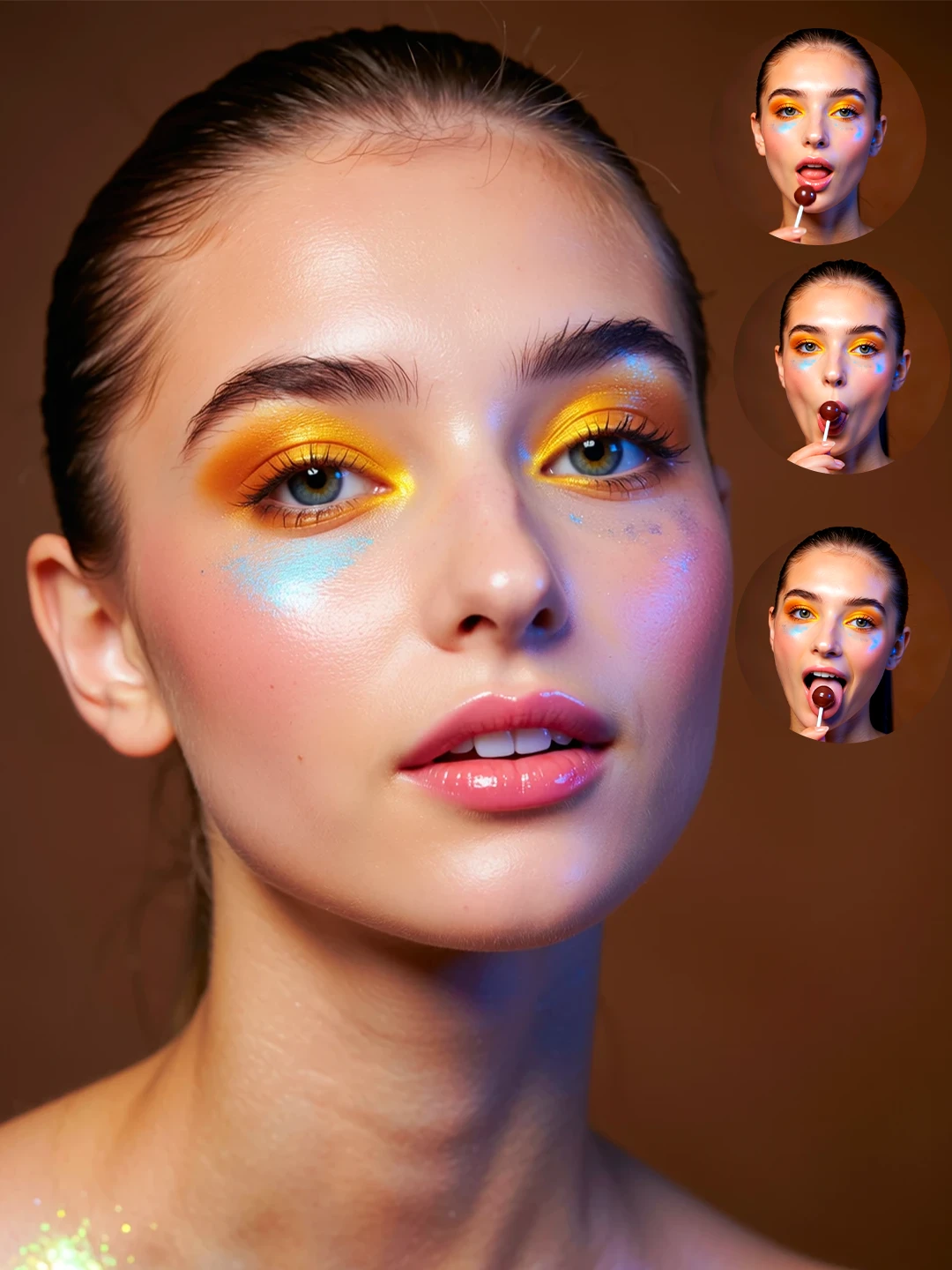
Upload 3 images to create spatially continuous, cinematically smooth one-take videos with SeaArt multiple images to video AI. It preserves character identity, style, and scene logic. SeaArt’s multi-image conditioning goes beyond standard image to video AI by aligning poses, expressions, and layout with your prompt, producing fluid motion and consistent visuals across every frame.
Achieve exceptional visual stability and character preservation with SeaArt multiple images to video AI. It automatically recognizes your images, maps facial features, clothing details, and environmental elements to ensure seamless identity retention when transitioning between scenes or camera angles. This tool can generate long shots for 15s with stunning motion dynamics, temporal pacing, and video effects.

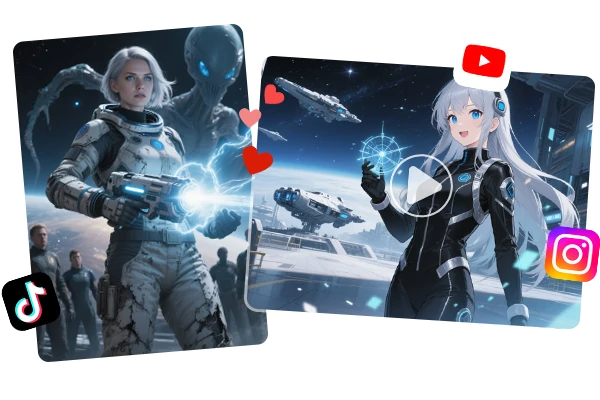
Utilize multiple images to video AI to make your AI video creation more effective at a lower cost. You can animate channel mascots, stitch storyboards into shorts, and keep visual continuity in social clips and ads. Educators can illustrate concepts with recurring characters; brands can prototype campaigns with on-model heroes; indie creators can previsualize scenes on a budget—while preserving stylistic and character consistency.


Seamless Long-Shot Generation
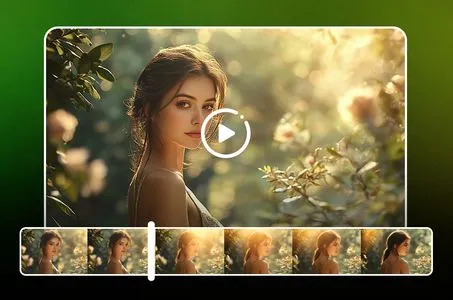
Create continuous, uninterrupted video sequences through intelligent keyframe analysis, eliminating jarring cuts and maintaining spatial coherence throughout extended scenes.
Intelligent Image Recognition
Automatically analyzes uploaded keyframe images to understand spatial relationships, character positioning, and environmental context, ensuring natural progression and maintaining visual consistency across the entire video sequence.
Consistent Video Output
Maintains unified rhythm, natural flow, and spatial continuity across all generated content, eliminating common AI video issues like frame jumping, content disconnections, and inconsistent motion patterns.

Step 1: Upload your images
Select 3 clear, relevant images to be merged into your AI generated video. The system works optimally with front-facing and profile angles for comprehensive character mapping.
Step 2: Enter the prompts
Upload a detailed description of the video you want to generate and how your objects interact with each other. It would be best to cover all the images you uploaded.
Step 3: Generate and download
Click the "Generate" button, and wait for a few seconds. Download and share the video as you like!
What is Multiple Images to Video AI technology?
Multiple Images to Video AI represents an advanced generation system that synthesizes video content from 2-4 reference images while maintaining visual consistency. The technology analyzes facial geometry, pose structures, and environmental context across source materials to produce coherent animated sequences with natural motion flow and preserved character identity.
How does Multi-Image Video differ from traditional Image to Video conversion?
Traditional image to video tools animate single static photographs through motion prediction, often resulting in inconsistent details and identity drift. Multi-image technology leverages multiple visual references to establish robust character understanding, enabling stable animation across varied poses, lighting conditions, and camera angles while maintaining superior visual fidelity.
Can I control specific aspects like camera movement and character actions?
Yes, SeaArt's system supports detailed prompt engineering for precise creative control. Users can specify camera trajectories, zoom effects, character gestures, facial expressions, and environmental interactions. Advanced parameters include motion speed adjustment, transition timing, and reference image prioritization for customized results.
What are the optimal image requirements for best results?
For maximum quality, use high-resolution images (minimum 1024x1024) with consistent lighting, clear facial details, and minimal motion blur. Include varied angles (front, profile, three-quarter) of the same subject, maintain similar color grading across sources, and ensure subjects occupy significant portions of the frame for accurate analysis.