
 Enterprise Version
Generate
History
Private Creation
Private Creation
Create private works that are only visible to yourself.
[Private Creation] is a premium feature that is available after becoming an SVIP.
Unlock Now
Already the end

No Data
No Data
Details
Report
Not Interested
Original
seedance video generator
682
0
646
2025-09-10 06:36:26 Update
Rating & Review
4.9 /5
0 Ratings
Not enough ratings or reviews received yet

No data available



Points Competition
Lv1
You have unclaimed rewards worth $199.
Claim
Explore Related
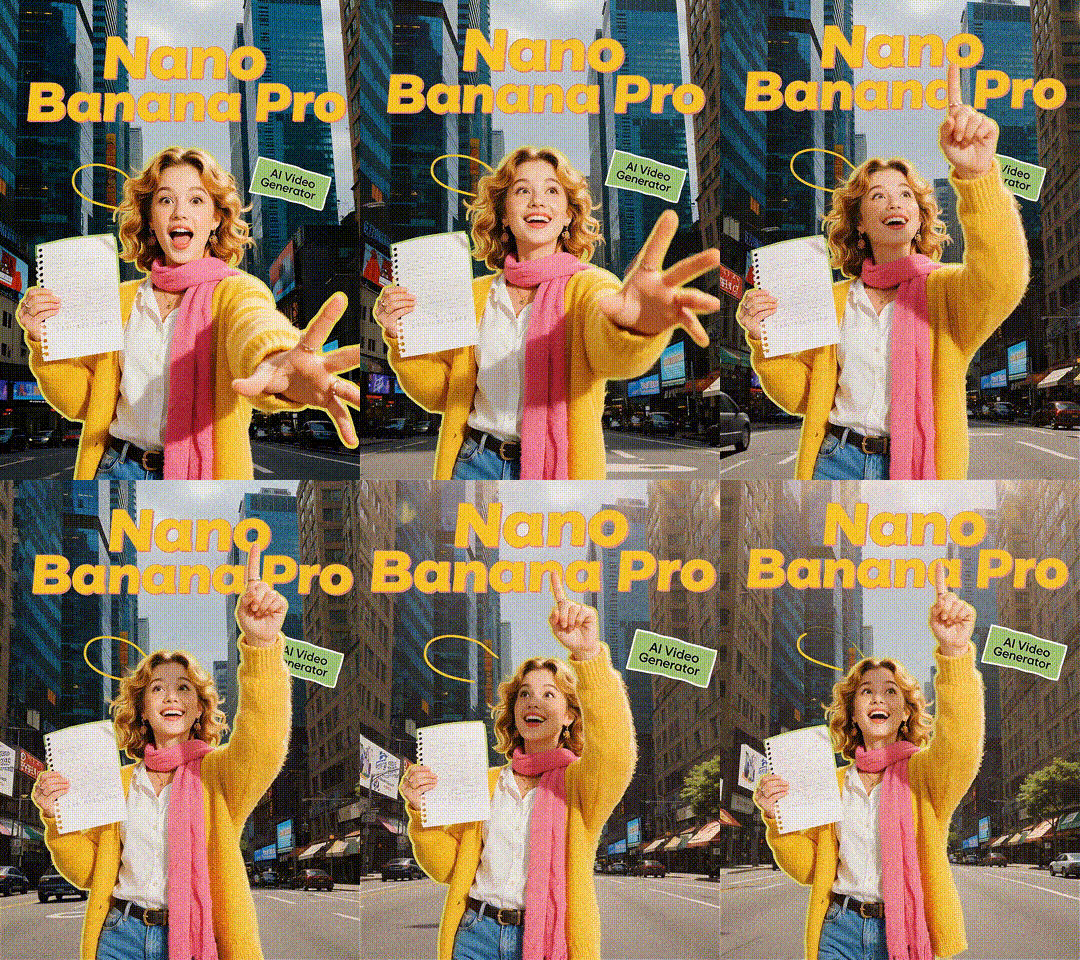
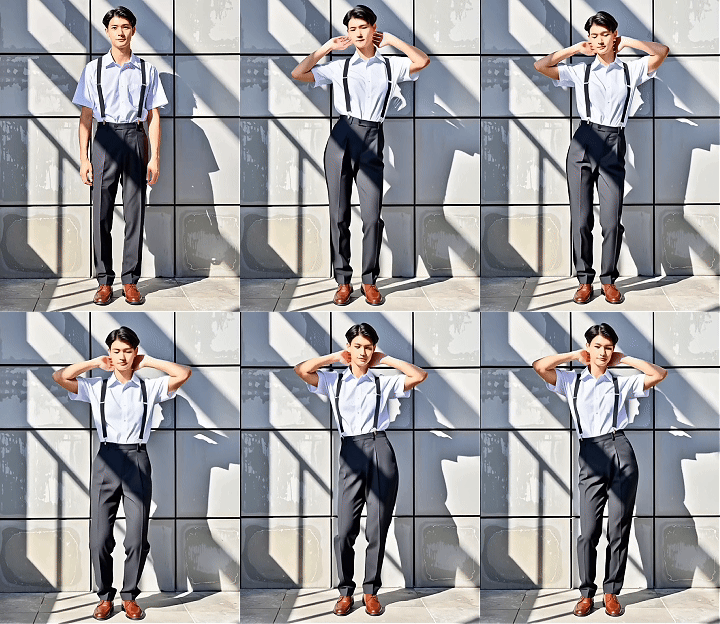


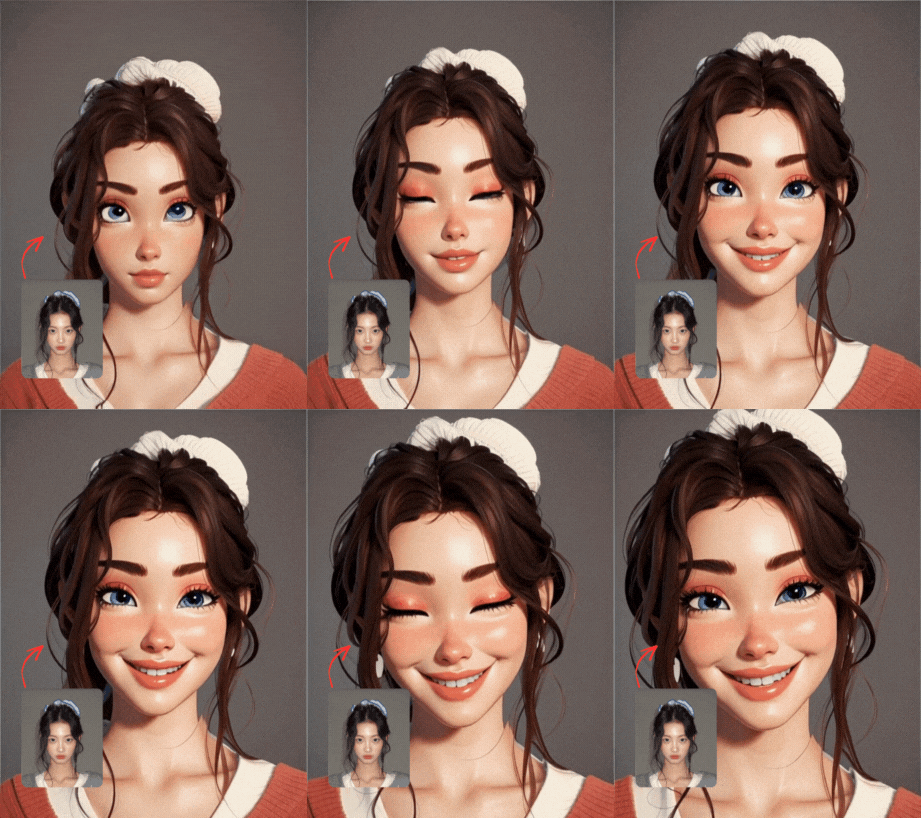


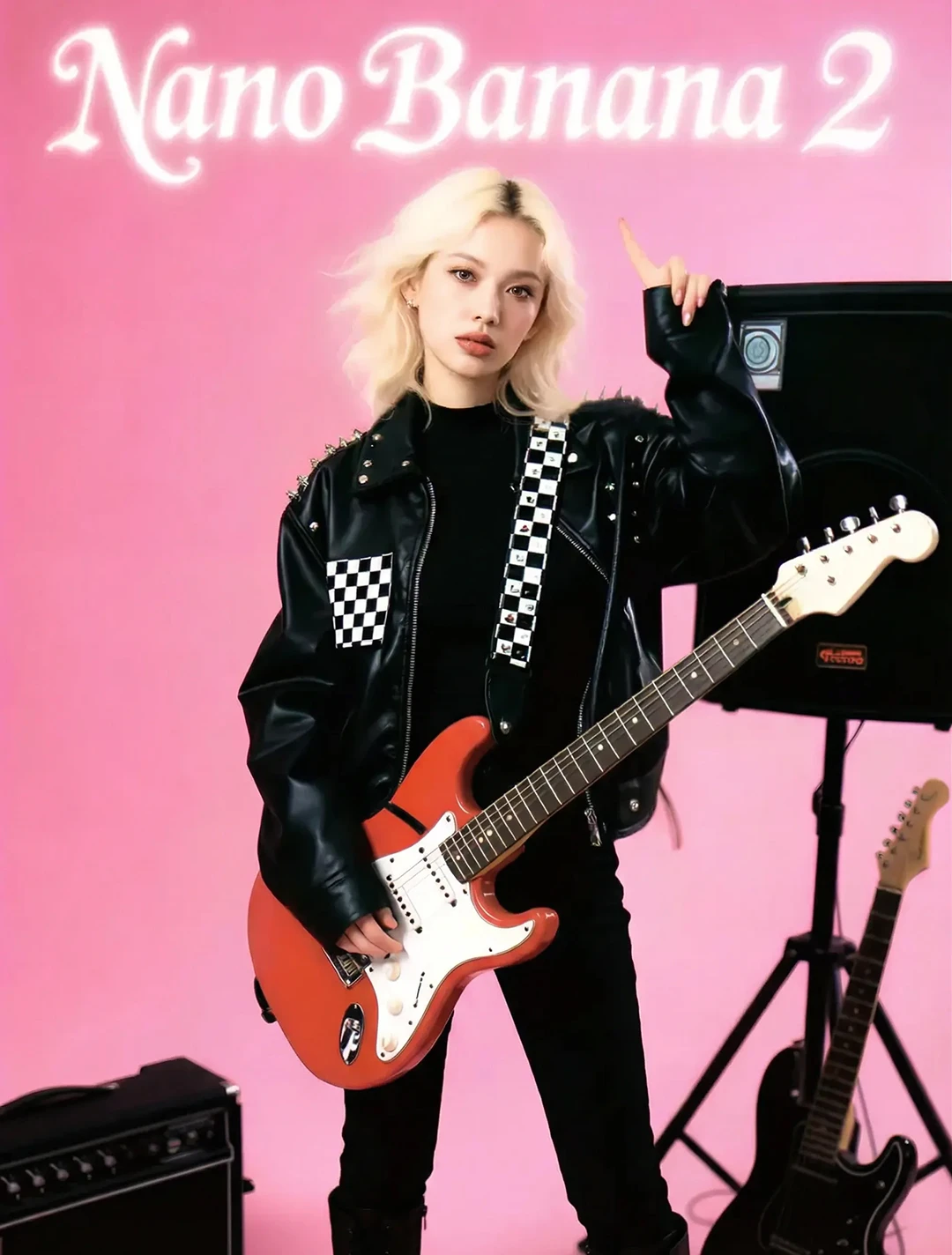


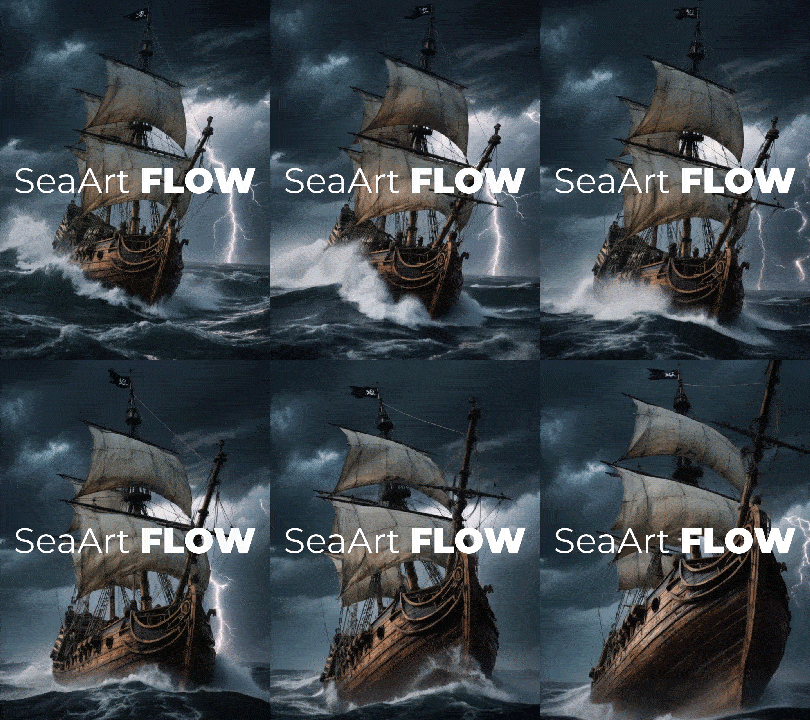


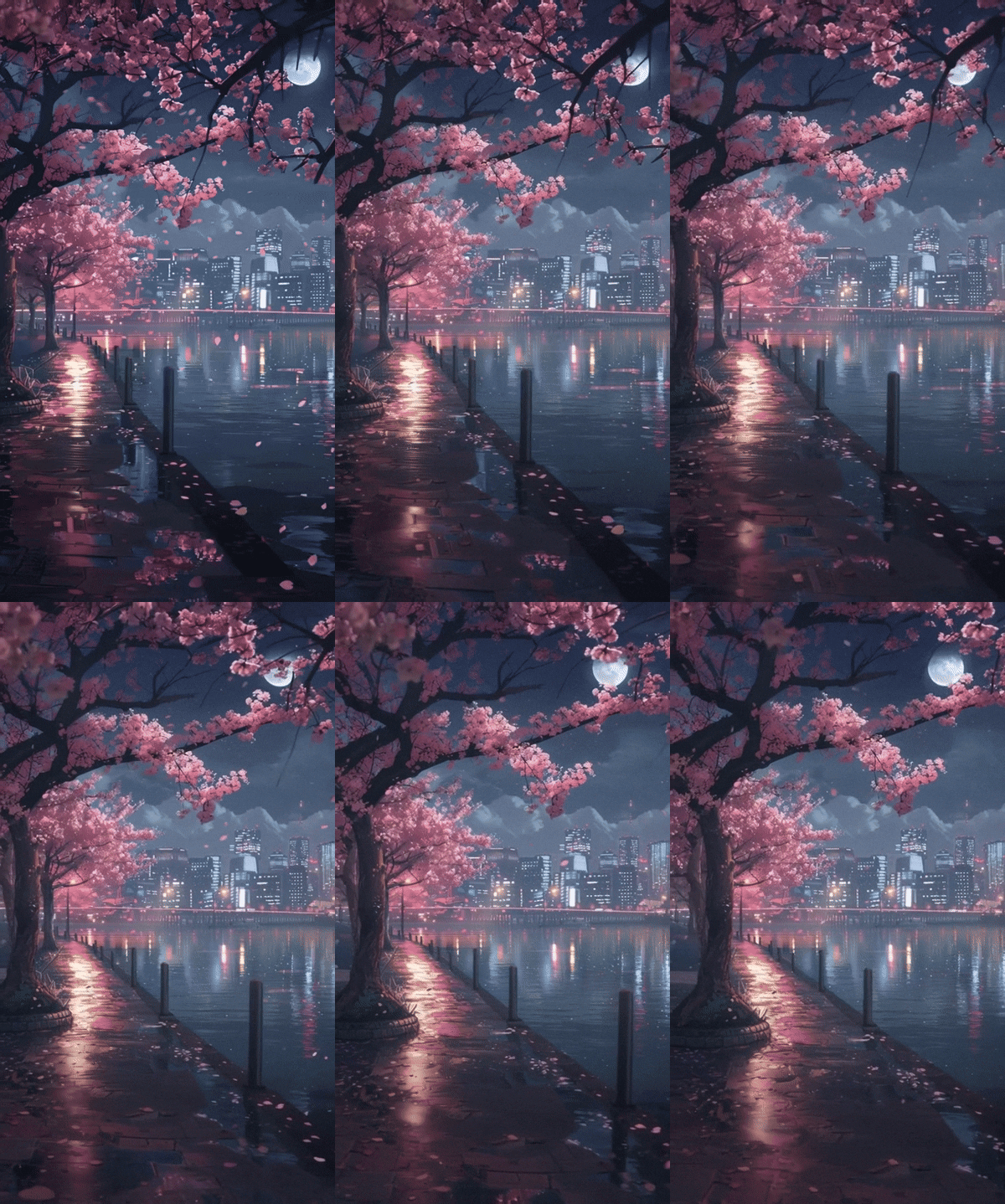


Download SeaArt App
Continue your AI creation journey on mobile devices
Free Online Seedance AI Video Generator
Generate high-quality videos from images and text with Seedance Video Generator. Free ByteDance AI tool featuring multi-shot storytelling and smooth motion.
Unified Text-to-Video & Image-to-Video AI
Seedance video generator stands out as a truly unified AI tool, seamlessly handling both text prompts and image inputs within a single interface. Whether you're starting with written descriptions or existing visuals, this unified approach eliminates the need for multiple tools, streamlining your creative workflow while maintaining consistent quality and style across all AI generated videos.
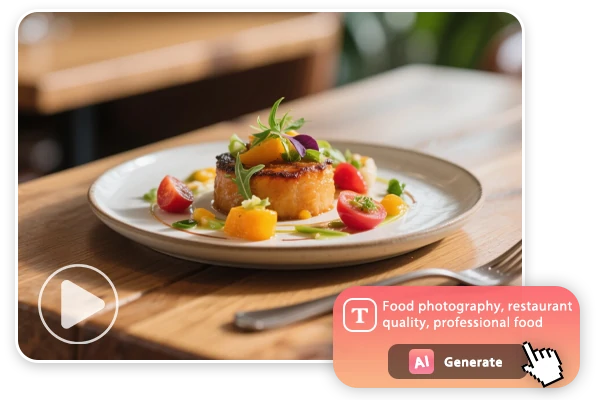
Smooth Narrative Flow and Multi-shot Storytelling
Seedance video generator maintains visual consistency across scene changes. The AI system tracks character attributes, environmental settings, and stylistic elements throughout video sequences, ensuring logical continuity between shots. It helps creators develop structured narratives, supporting complex storytelling that demands consistent visual elements and smooth transitions between different camera perspectives.
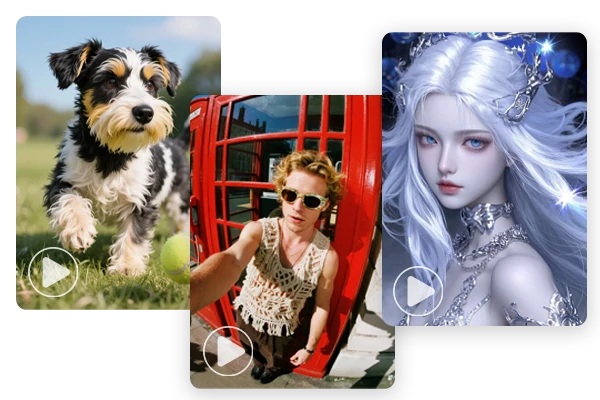
Advanced Style Control and Prompt Interpretation
Seedance video generator processes diverse artistic directions, from photorealism to illustration styles, while maintaining precise prompt adherence. Besides, it effectively processes complex natural language instructions, accurately controlling multi-agent scenarios and detailed action sequences. It enables creators to achieve specific artistic visions across various industries with reliable, specification-accurate results.
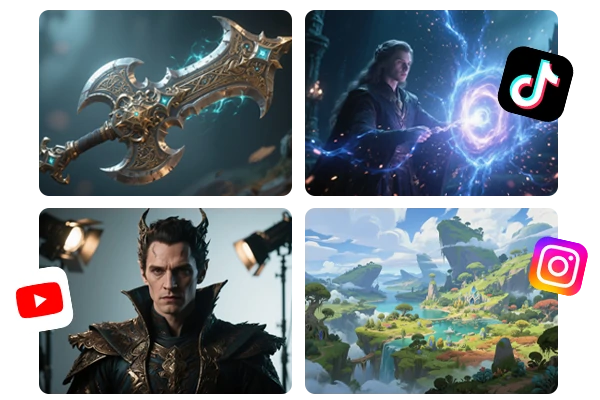
Smart AI Video Creation for Every Application
Seedance 1.0 accommodates diverse creative requirements through flexible AI video generation. You can use Seedream for images and animate them with Seedance. Also, you can convert your textual concepts into promotional materials, educational content, cinematic sequences, and branded visuals with consistency. SeaArt also provides you with multiple sound effects and AI video effects to enrich your video creation.
Pros of Seedance Video Generator


ByteDance AI Innovation
Leverage cutting-edge technology from one of the world's leading AI research and development companies.

Multi-Shot Storytelling
Create seamless narratives across multiple scenes with consistent character and environmental continuity.



Advanced Motion Stability
Generate smooth, jitter-free animations with HD, natural output.

Spatiotemporal Consistency
Advanced modeling ensures coherent character behavior and environmental logic throughout video sequences.
How the Seedance Video Generator Works
Step 1: Input Your Content
Upload an image or enter the prompts to start creating with Seedance 1.0.
Step 2: Personalize and Configure Your Creation
Configure your AI video, define elements such as characters, movements, and styles to match your project requirements and creative vision.
Step 3: Generate and Download
Click the "Generate" button, and wait for a few minutes. Once you're satisfied with the result, save the generated videos to your device.
FAQs About the Seedance Video Generator

Is Seedance Video Generator free to use?
Yes, Seedance 1.0 is completely free to access through the SeaArt AI. No subscription fees, hidden costs, or premium tiers are required to use the basic video generation features. You are given a daily free credits to create videos without any charge.

Does Seedance support audio generation?
Currently, Seedance 1.0 focuses on visual content generation and does not include audio creation. Users can add soundtracks and sound effects in one click at SeaArt AI.
Is Seedance better than Veo 3 for creating photorealistic AI videos?
For single-scene photorealistic content, Veo 3 currently maintains an edge in texture detail and visual fidelity. However, Seedance excels in multi-shot photorealistic sequences with superior character consistency and narrative continuity. Most professionals use both platforms strategically - Veo 3 for standalone realistic scenes and Seedance for complex photorealistic storytelling that requires seamless transitions and maintained visual coherence across multiple shots.
Explore More AI Apps
More
SUNRISEAI PTE. LTD.