Generate
History
Private Creationvip-icon
Details
Wan 2.2 Animate Workflow
Original

Wan 2.2 Animate Workflow

6.3K
0
1.3K
2025-09-25 13:54:21 Update

Rating & Review

4.8 /5
0 Ratings

Not enough ratings or reviews received yet

no-data
No data available

Revolutionary Character Animation with Wan 2.2 Animate Workflow

Create character animation videos that perfectly replicate body movements from reference videos.

AI motion transfer

Motion Transfer with Perfect Consistency

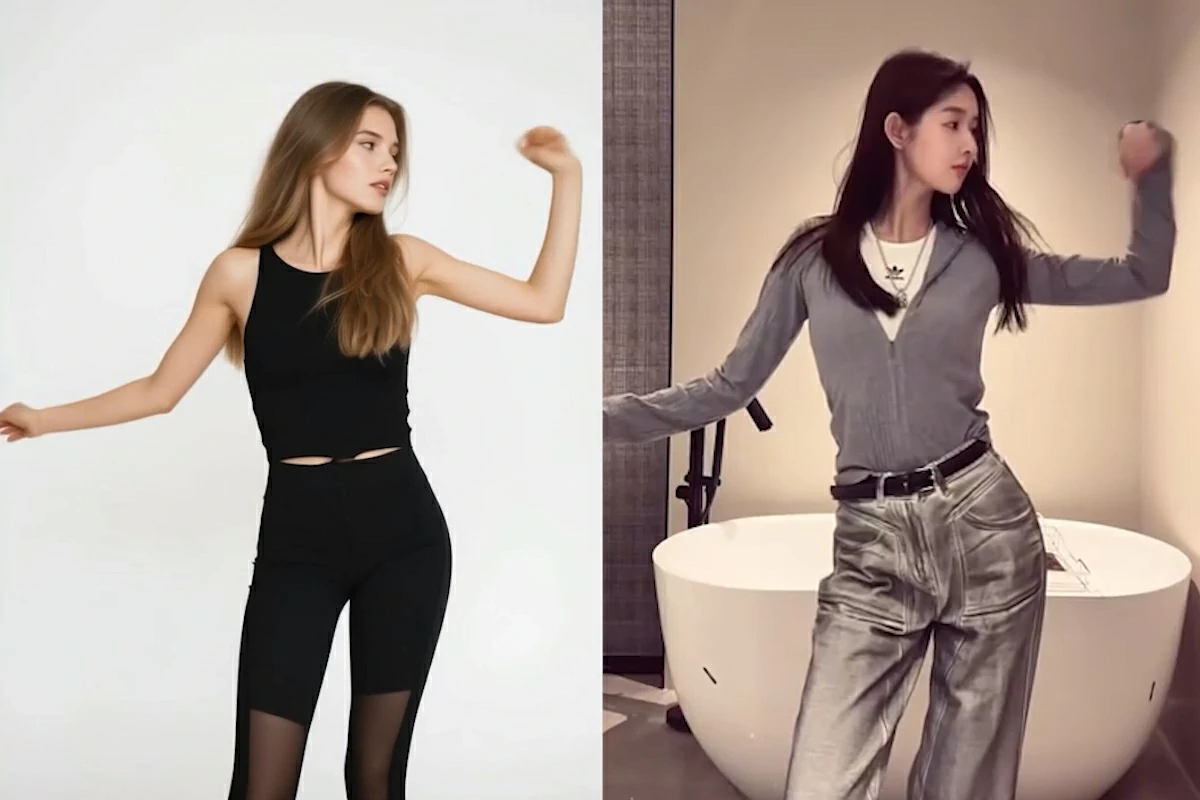
With Wan 2.2 Animate, transfer movements from a reference video to any character image while keeping actions perfectly consistent. It replicates facial expressions, poses, and gestures down to the details, ensuring your animated output matches the source motion frame by frame. This makes it ideal for consistent storytelling, where every beat flows naturally without jarring shifts.

Accurate movement replication

Advanced Body Motion Control


Experience precise character control through spatially-aligned skeleton signals that capture even the smallest movement details. The Wan 2.2 Animate workflow uses sophisticated motion mapping technology to understand and replicate complex body mechanics, from graceful dance movements to dynamic action sequences. This level of control allows creators to achieve professional animation results without requiring extensive technical expertise or time-consuming manual adjustments.

Comparison of the same action by different characters

Smooth Video Generation

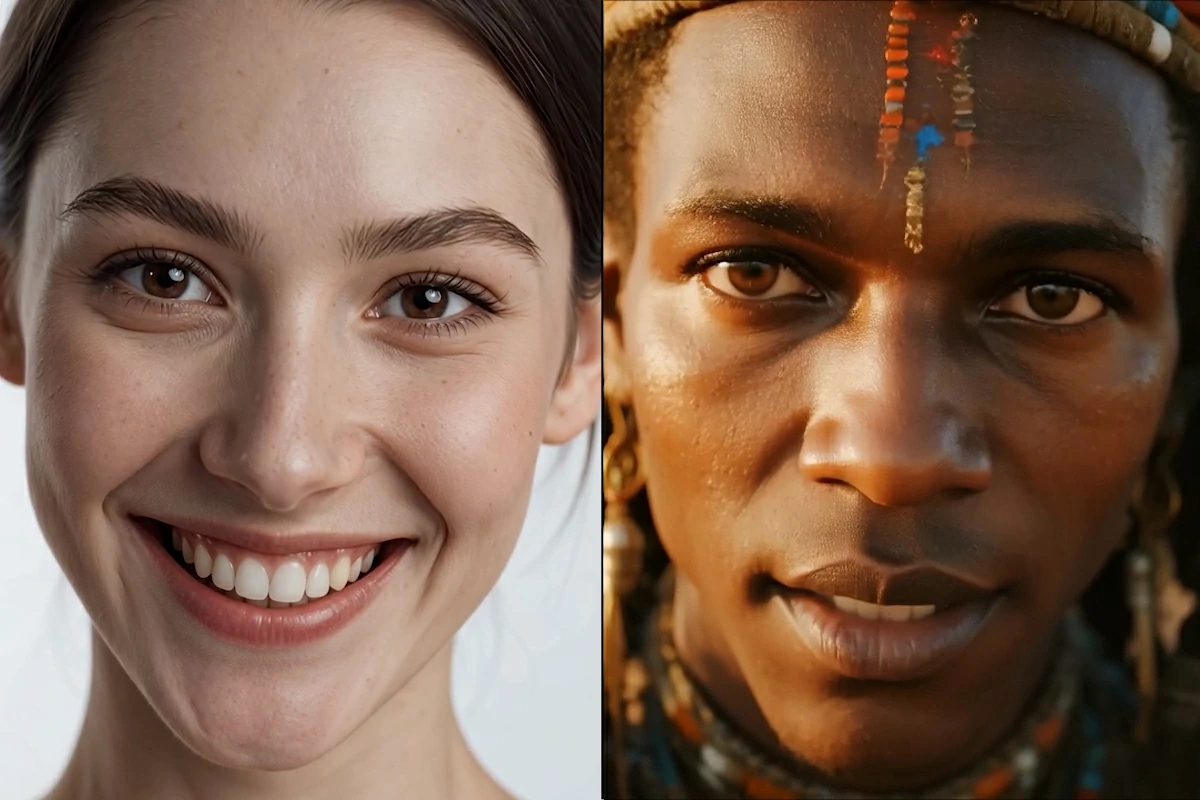
Experience exceptional video quality with smooth motion flow and natural visual continuity. The Wan 2.2 Animate ComfyUI delivers professional-grade results with seamless character integration, maintaining consistent lighting and environmental harmony. Every frame showcases crisp details and fluid movement transitions that create truly believable animated content with studio-quality polish.

How to Use Wan 2.2 Animate Workflow

Step 1: Upload Your Media

Upload a static character image and reference video with the movements you want to replicate.

Step 2: Adjust Parameter Settings

Configure motion sensitivity, output resolution, and animation mode settings through the intuitive workflow interface panel.

Step 3: Generate and Download

Click generate to process your animation, then download the completed video directly from our platform.

Wan 2.2 Animate Workflow- FAQs

collapse

What is Wan 2.2 Animate?

Wan 2.2 Animate is an advanced AI model that transforms static character images into realistic animations by replicating facial expressions and body movements from reference videos. SeaArt provides a free online workflow that lets you create professional animations without any software downloads.

expand

What video format is supported?

The Wan 2.2 Animate workflow supports MP4 for both input reference videos and character sources.

expand

Is the Wan 2.2 model free to use?

Yes, you can experience Wan 2.2 Animate workflow on SeaArt AI for free. SeaArt provides a free ComfyUI platform where you can easily access advanced AI features and models without any cost.