Generate
History
Private Creationvip-icon
Details
qwen image edit 2509
Original

qwen image edit 2509

24.4K
0
2.3K
2025-09-24 13:22:30 Update

Rating & Review

4.9 /5
0 Ratings

Not enough ratings or reviews received yet

no-data
No data available

A New Generation Multi-Image Intelligent Editing AI Model

Easily achieve batch editing of multiple images, style consistency, and precise controllable image creation with Qwen-Image-Edit-2509 - ushering in a new era of efficient AI image editing!

Qwen-Image-Edit-2509 workflow editing interface

Multi-Image Editing & Batch Processing

Built on the Qwen-Image-Edit series with significant multi-image enhancements, this advanced model processes multiple images effortlessly through intelligent batch editing. Whether it's "person + product" or "scene + text,", or handling complex multi-element compositions, Qwen-Image-Edit-2509 handles everything simultaneously, saving hours of manual work while delivering professional results.

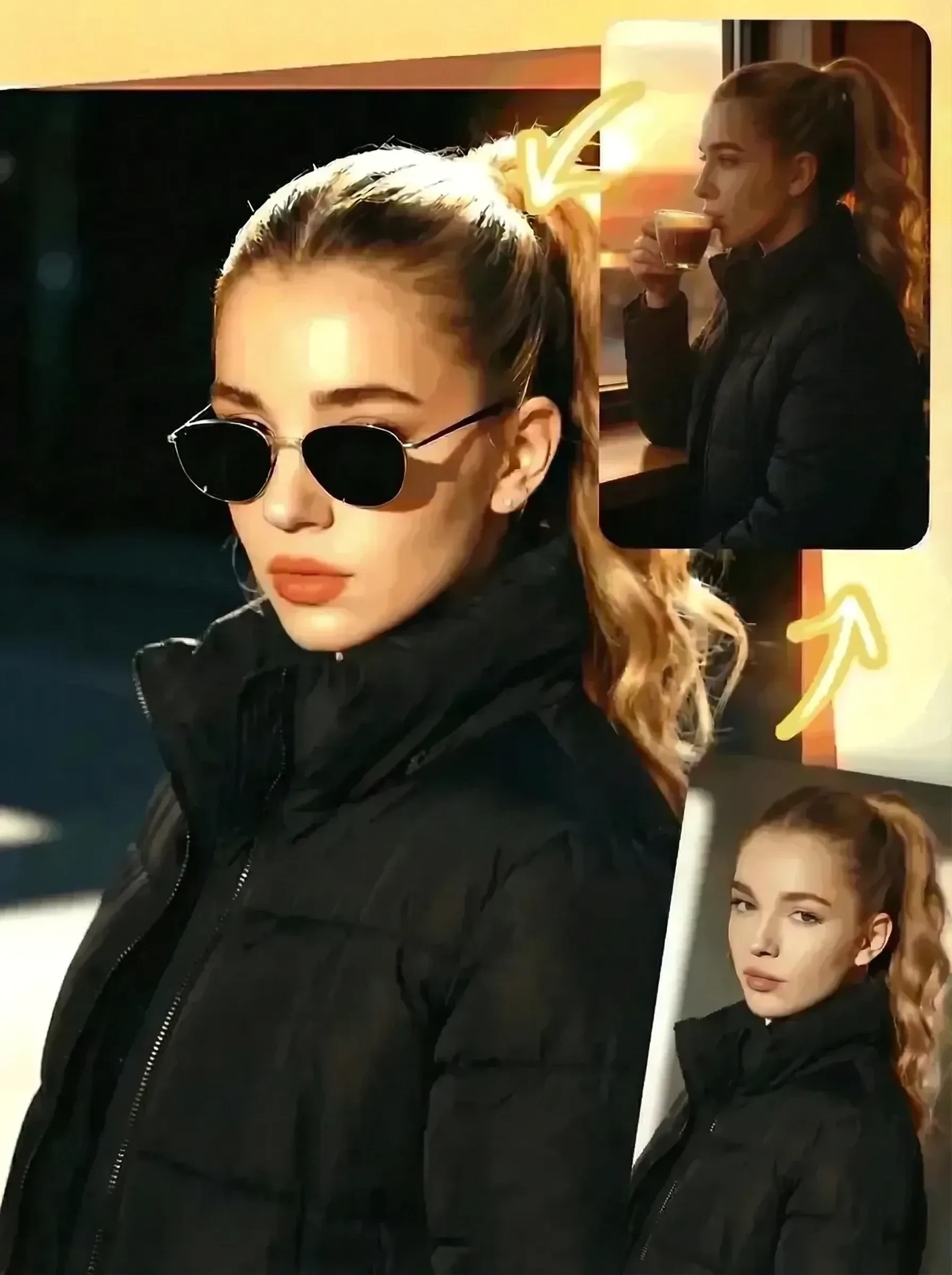
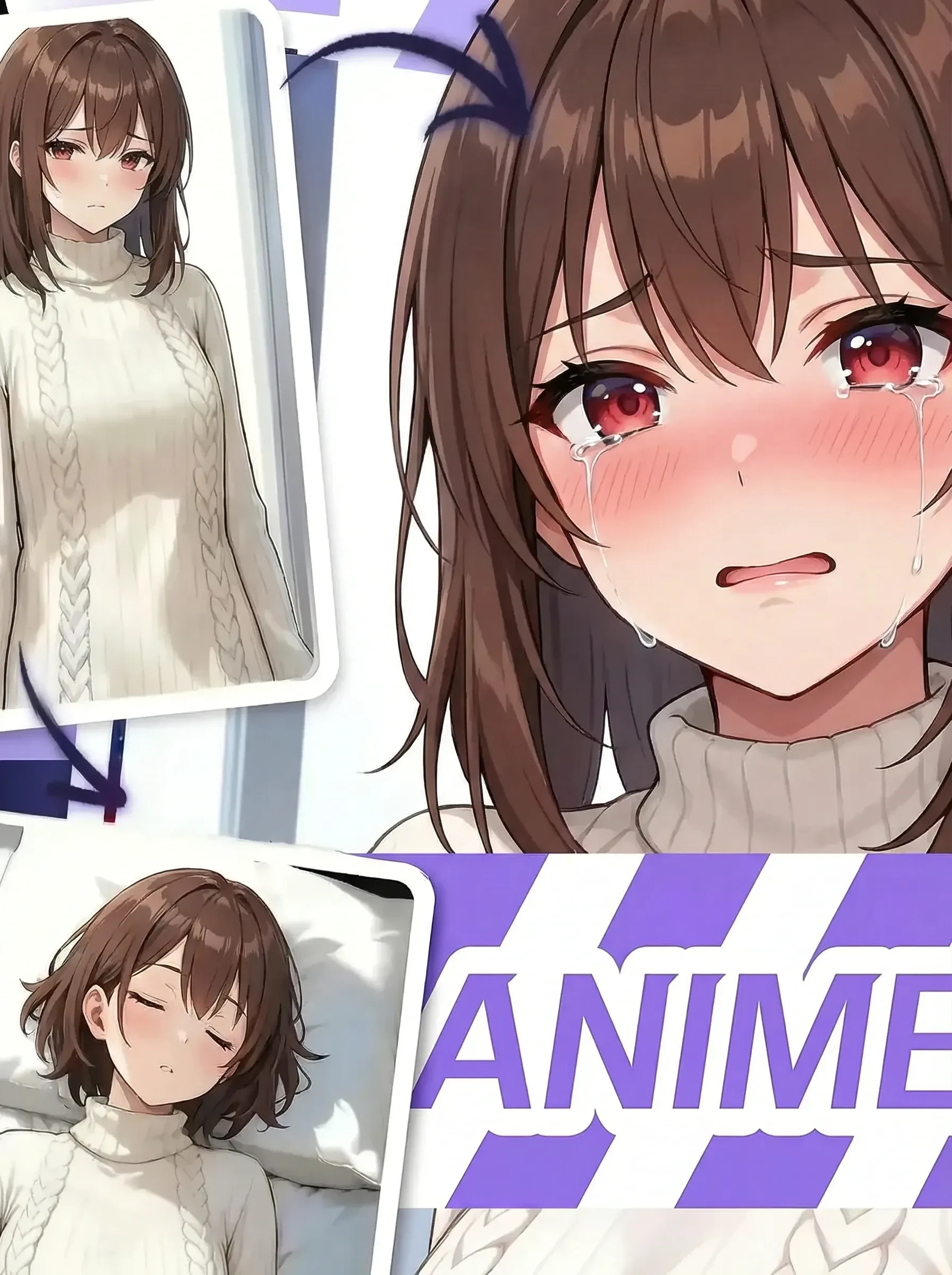
Before and after image editing

Editing Consistency & Unified Style

Say goodbye to mismatched edits and inconsistent results. The advanced model ensures seamless style uniformity across all your images for portraits, products, or text. Every image maintains the same aesthetic quality and visual coherence, creating a polished, professional look that ties your entire project together beautifully.

ControlNet split-screen comparison

Precise Control with ControlNet

Take complete creative control with built-in ControlNet technology supporting depth maps, edge detection, keypoint mapping, and advanced control signals. Achieve pixel-perfect edits, complex design requirements, and high-fidelity restorations that meet the most demanding creative and commercial standards with remarkable accuracy.

Qwen-Image-Edit-2509 Advantages

Batch Multi-Image Editing

Supports processing multiple images at once, greatly improving editing efficiency.

Highly Consistent Style

Whether editing people, products, or text, results are unified and natural in style.

Precise, Controllable Editing

Built-in ControlNet supports various control signals to meet professional design needs.

Free and Open Source

The model is fully open source and offers online access, making it flexible and easy to use.

How to Use Qwen-Image-Edit-2509

Step 1: Upload Images

Select single or multiple images for editing

Step 2: Set Editing Parameters

Choose the editing type, add control signals like edge maps or keypoints, and set style or content requirements.

Step 3: Generate with One Click

Click "Generate," and the system will process automatically. Download the high-quality edited results.

Qwen-Image-Edit-2509 - FAQs

collapse

What image types and formats are supported?

You can upload common formats like JPG and PNG, with support for batch uploads of multiple images simultaneously.

expand

How is style consistency ensured across multiple images?

The model has a built-in style consistency optimization algorithm that automatically unifies the style of multiple images.

expand

What can ControlNet do?

ControlNet provides precise editing through depth maps, edge detection, keypoint mapping, and custom control signals for professional-grade results.

expand

Is the model free?

Yes, the model is completely open source and offers free online access, making advanced AI editing accessible to everyone.