
Generate
History
Private Creationvip-icon
Details
Wan2.1 I2V-KJ
Original

Wan2.1 I2V-KJ

64
0
32
2025-12-31 04:09:51 Update

Rating & Review

1.0 /5
0 Ratings

Not enough ratings or reviews received yet

no-data
No data available

Wan2.1 i2V (KJ) | Coherent Image‑to‑Video from One Image

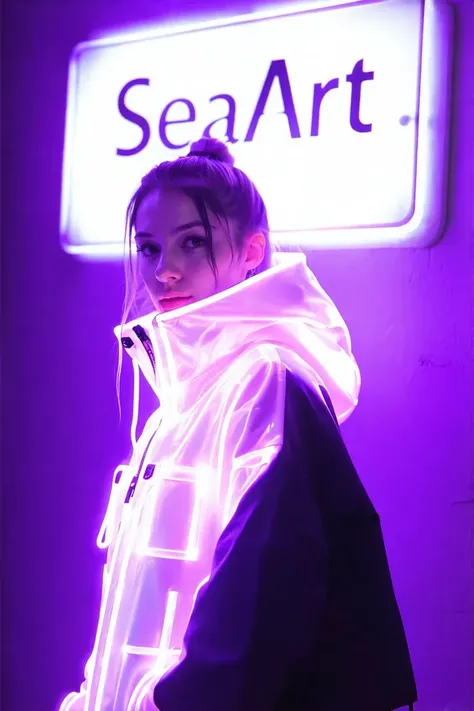
Turn a still image into a coherent video with stronger temporal consistency, more natural motion, and steadier details. Great for portrait motion, product demos, animated posters, storyboard previs, and publish‑ready short clips.


Animated rabbit barbecuing in forest scene

Stronger temporal consistency

More stable frame‑to‑frame relationships—subjects and key details are less likely to drift or abruptly change during motion.


stylishly dressed woman walking on sidewalk

More believable motion

Better at continuous, “video‑like” motion such as action changes and camera push/track moves—not just simple jitter or effect‑style wobble.

Operation Steps

Upload image

In the Load Image node, upload the image you want to animate

Prompts

Enter the scene you want to continue (motion + camera)

Generate

Click Generate and wait a moment to view the result

FAQ

collapse

What’s the key to keeping the subject unwarped and details from flickering?

Keep motion small and realistic (subtle breathing, slow dolly‑in, slight lateral move). Avoid fast spins, big shifts, or strong perspective stretch. In the prompt, state “keep face/logo/text unchanged.” Use a clean, sharp input image and avoid busy backgrounds.

expand

How do I write a more "cinematic" camera move?

Use an executable camera format: shot size (close/medium) + movement (dolly in/track left/pan) + speed (slow/steady) + angle (eye‑level/low angle). Example: “medium shot, slow dolly-in, steady camera, shallow depth of field.”