
Generate
History
Private Creationvip-icon
Details
qwen-image-edit-daughter
Reprint

qwen-image-edit-daughter

2.4K
0
702
2025-12-29 13:33:54 Update

Rating & Review

5.0 /5
0 Ratings

Not enough ratings or reviews received yet

no-data
No data available

Qwen-Image-Edit-MeiTu Workflow | Image Editing

Qwen-Image-Edit-MeiTu is a model variant optimized for image-to-image editing. Through DiT fine-tuning, it enhances structural stability and spatial consistency, and applies aesthetic optimization to color, contrast, and lighting and shadow, while better preserving details such as textures and faces.

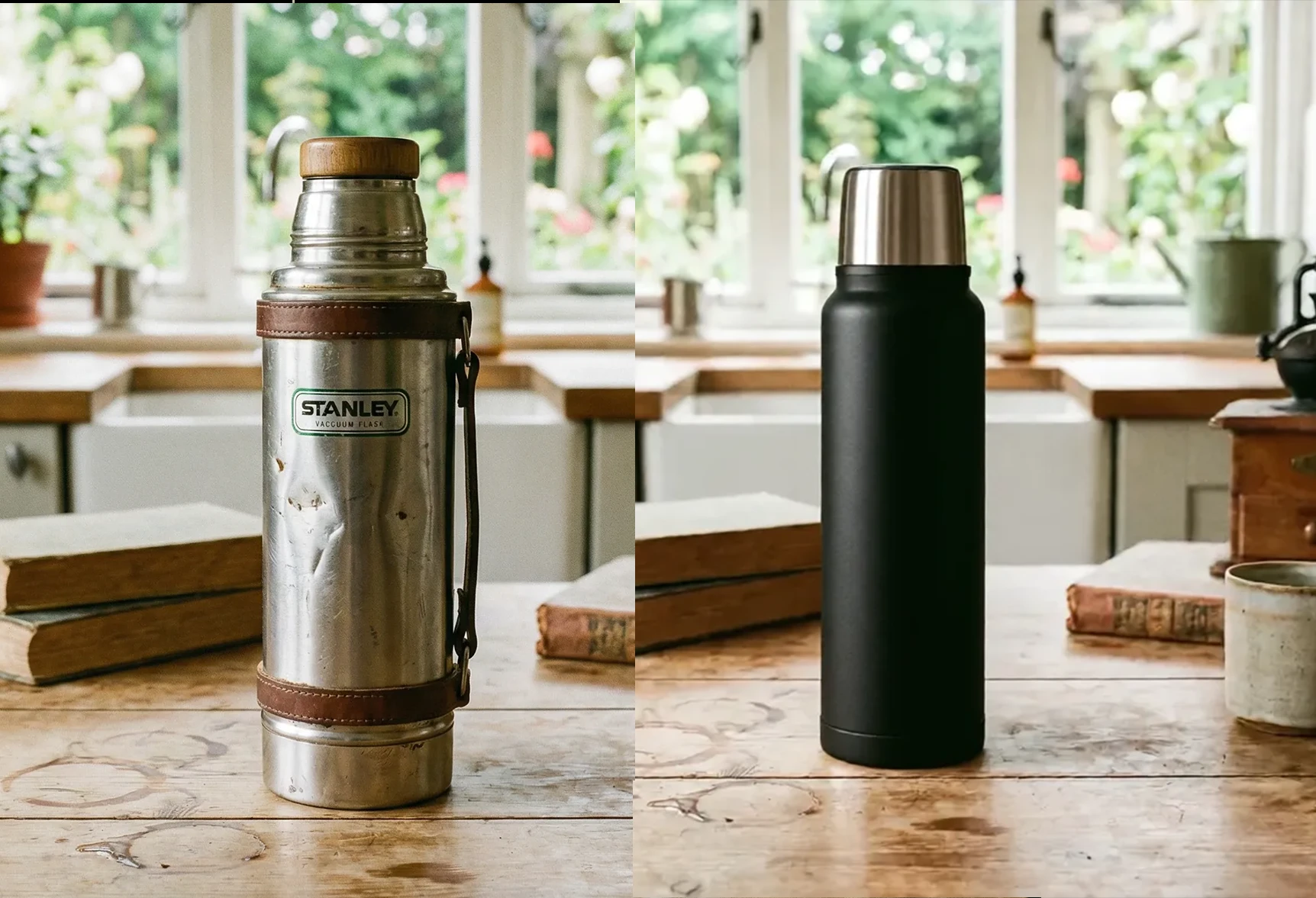
old and new thermoses in kitchen

Stronger structural consistency

The spatial relationship between the edited region and the overall original image is more stable; even with complex changes, it is less likely to break the structure, producing more coherent results.

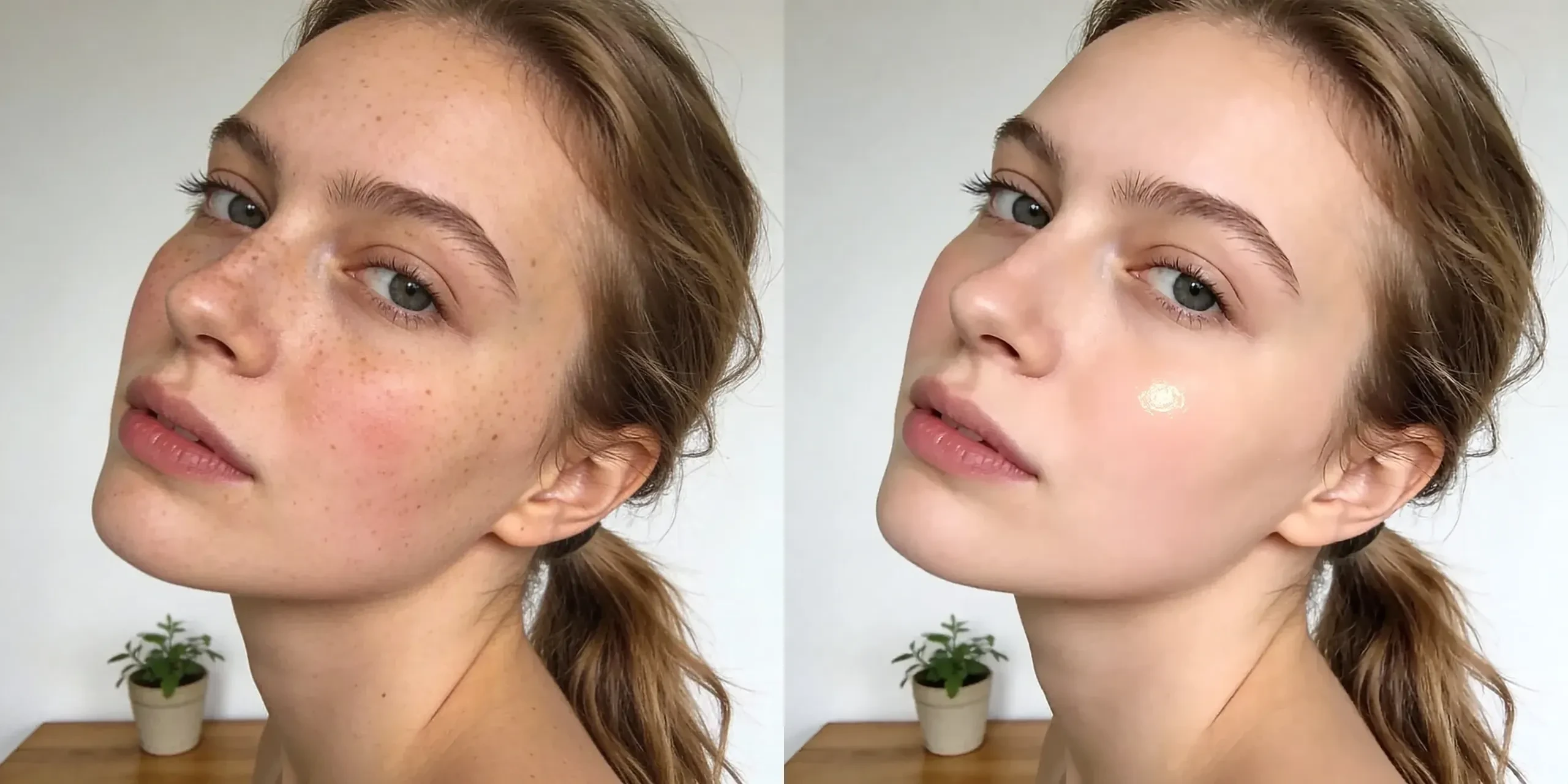
two side profile view, plant decor

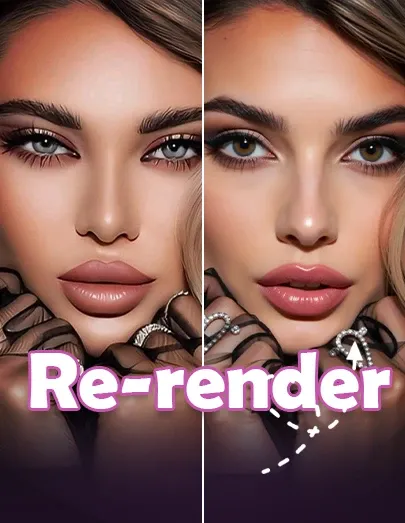
More advanced portrait beautification

More pleasing performance in facial restoration and beautification, skin smoothing, and more, delivering outputs closer to a natural, professional finish.

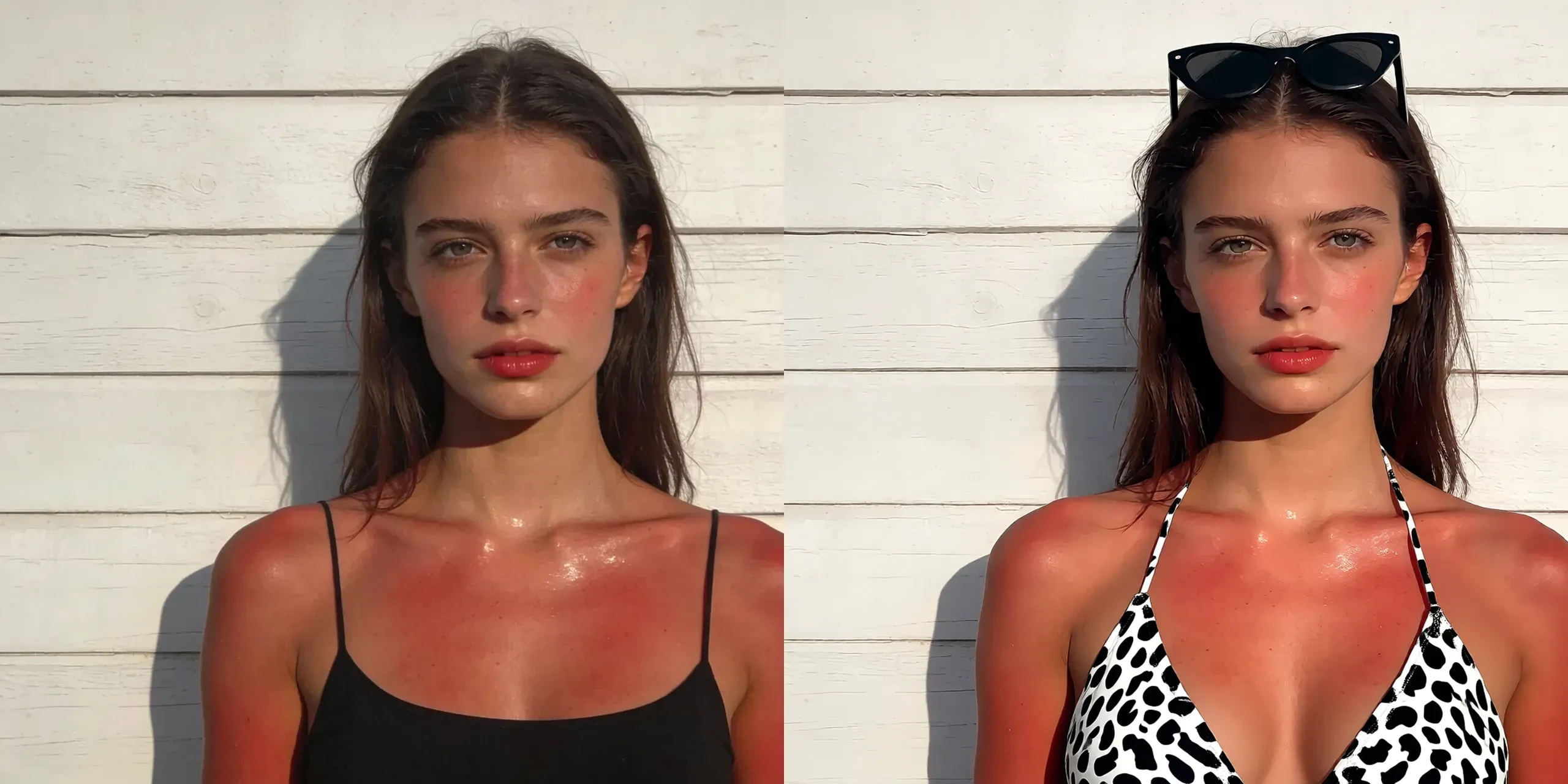
Comparison of sunburned skin images

Better detail preservation

Better at retaining low-level information such as textures, facial details, and layout/fonts, reducing blurred faces, smeared text, and material loss.

Operation Steps

Upload Image

Find the Load Image node and click Upload. Upload the image you want to edit.

Enter Prompt

Positive prompt: In the node input field, use natural language to describe how to modify the image. For example: change the person's clothing to a Christmas style.

Generate Results

Click the Generate button and wait a moment to see the results.

FAQ

collapse

What should I do if text or logos get distorted?

Be as clear and specific as possible with instructions (e.g., keep the text content unchanged/keep the font and layout), and avoid strong style terms that may conflict with the text. If you need multiple options, increase the number of generations and choose the most stable result.

expand

Which scenarios are best suited for this workflow?

Editing tasks that require strong consistency and texture retention, such as portrait retouching and style changes, product image optimization, scene replacement/composition enhancement, and illustration refinement and style unification.