 Enterprise Version
Generate
History
Private Creation
Private Creation
Create private works that are only visible to yourself.
[Private Creation] is a premium feature that is available after becoming an SVIP.
Unlock Now
Already the end

No Data
No Data
Details
Report
Not Interested
Original
AI Snow Filter
579
0
8.2K
2025-11-19 10:57:55 Update
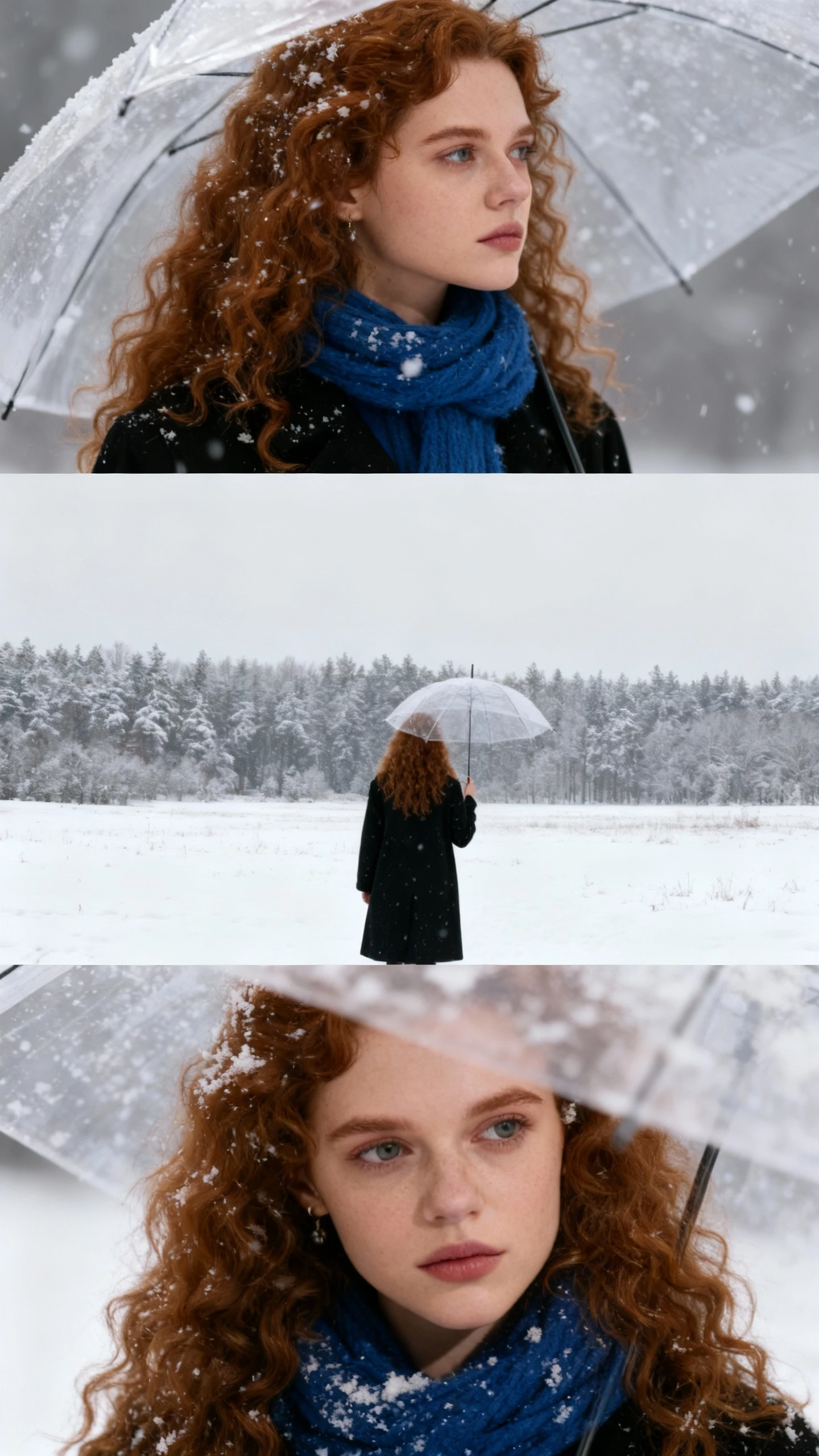
Add realistic snow effects to any photo in seconds with free AI technology.
AI Snow Filter
View Translation
Rating & Review
5.0 /5
0 Ratings
Not enough ratings or reviews received yet

No data available
S

shililili
5.9K
29.3K
Explore Related


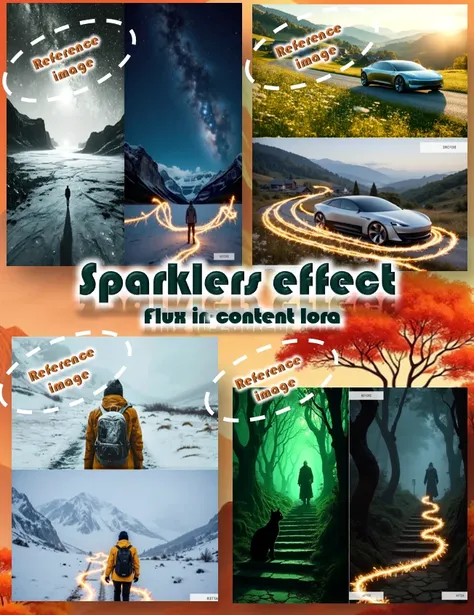




Download SeaArt App
Continue your AI creation journey on mobile devices
Add Realistic Snowflakes to Your Photos with AI
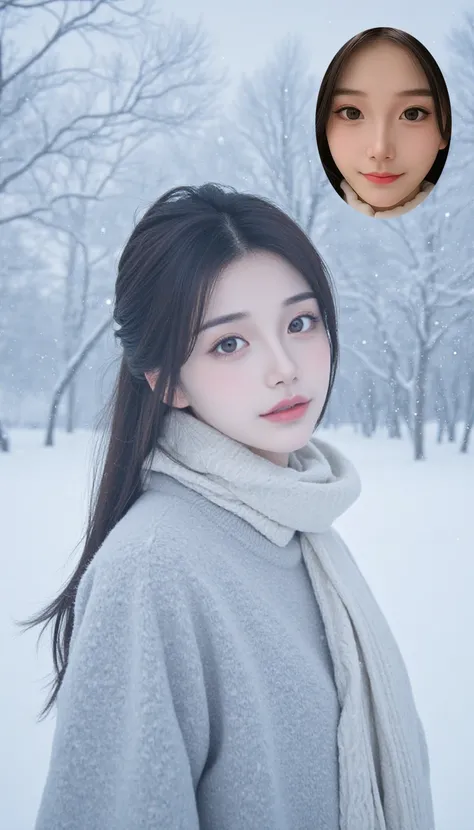
Transform ordinary photos into stunning winter scenes with free AI snow filter. Add realistic snowflakes and winter effects to any image in seconds - no editing skills required.
Realistic Snow Detail Integration
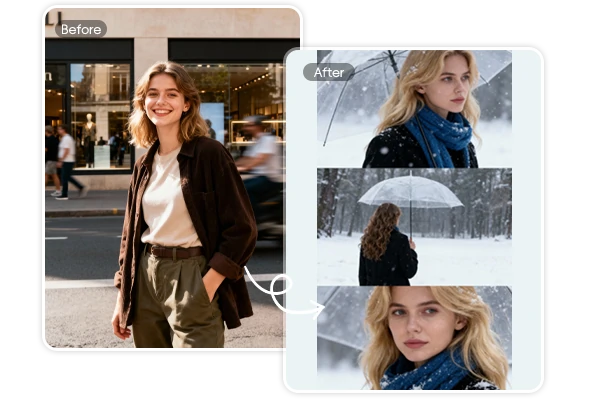
The AI snow filter intelligently analyzes your photo composition to place snowflakes naturally on hair strands, eyelashes, clothing textures, and umbrella surfaces. Unlike simple overlay effects, this winter filter uses advanced recognition to ensure snow appears to actually rest on surfaces with proper depth and lighting. Perfect for creating professional winter portraits that look authentically captured during snowfall rather than artificially edited.
No Prompts Needed - Instant Snow Effect
Unlike complex AI tools requiring detailed prompts, this snowflakes filter works instantly with one click. Simply upload your portrait and the AI automatically applies a professional snow effect with optimized lighting, natural snow placement, and atmospheric winter ambiance. No technical skills, prompt writing, or style selection required—the AI handles everything automatically. Join the trending AI snow photo movement in seconds and create winter portraits perfect for social media sharing.
Animate Your Snow Scenes
Take your winter photos beyond static images by using the AI video generator to animate your snow scenes into cinematic winter moments. Transform your snowflakes filter photos into mesmerizing videos with gently falling snow, perfect for Instagram Stories, TikTok posts, and stunning social media content. The winter photo effect generator creates videos that bring your frozen moments to life with smooth, realistic snow animation.


Intelligent Snow Effect
Advanced AI technology automatically places realistic snowflakes on hair, clothing, and surfaces with natural integration that mimics real winter scenes.

Fast Generation
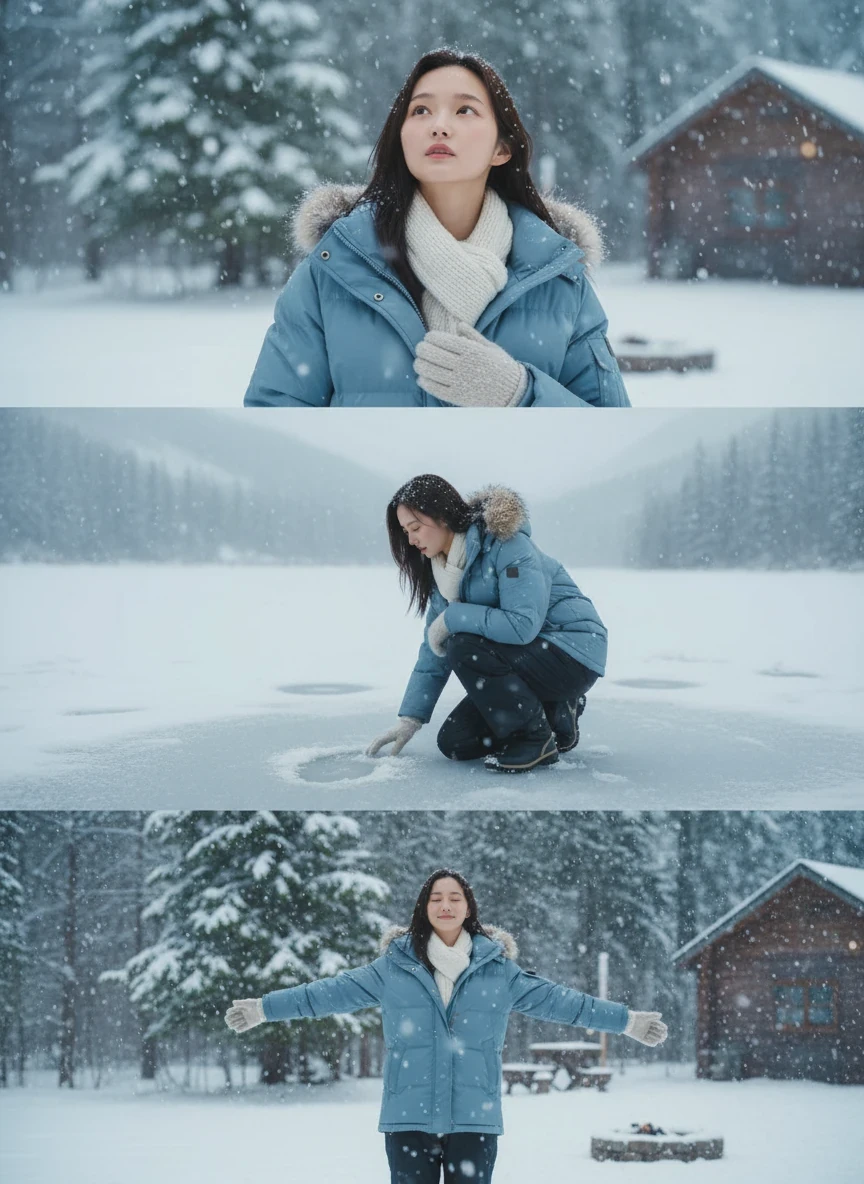
Generate 9:16 vertical triptych images in 30-60 seconds. Upload your photo and receive three connected winter panels optimized for social media sharing.



Professional HD Quality
Generate stunning 1080p winter photos with crisp details and natural color accuracy. The AI preserves your original photo quality while seamlessly integrating realistic snow effects perfect for printing and commercial use.

Simple and Easy to Use
No photo editing experience needed. The intuitive interface makes creating professional winter photos effortless and accessible to everyone.
How to Add Snow to Photo Online Free
Upload Your Photo
Select any portrait or photo from your device. The AI snow filter works with most image types and automatically applies the winter effect.
Generate Snow Effect
The AI automatically processes your photo in 30-60 seconds, placing snowflakes and adjusting lighting to create your 9:16 vertical triptych with three connected winter panels.
Download and Share
Download your winter photo in high resolution and share it on Instagram, TikTok, or other social media platforms.
Create Professional Winter Photos Instantly
Upload your image and add snow to photo online free with SeaArt AI advanced AI technology. Generate stunning winter scenes in seconds.
Everything You Need to Know About Free AI Snow Filter

What is an AI snow filter and how does it work?
This AI snow filter operates on the SeaArt AI platform, accessible from any browser on any device. Unlike traditional photo editors that require manual snow layer placement and complex blending techniques, this tool fully automates the process. Simply upload your photo and the AI automatically handles snow particle generation, depth mapping, and atmospheric lighting without requiring any editing skills.

What makes this snowflakes filter different from other snow effects?
This AI photo filter generates unique 9:16 vertical triptych images with three connected winter panels optimized for Instagram and TikTok. The AI applies a professional snow effect automatically without requiring any prompts or technical skills from users.
How long does it take to generate winter photos?
The AI snow filter processes your photo in 30-60 seconds. Upload your image and the AI automatically adds realistic snow effects with optimized lighting. No complex editing skills required.
Is this winter filter free to use?
Yes, the snowflakes filter is completely free to use with basic features. Create winter photos without any cost, and join daily challenge tasks to earn credits for additional creations. Photos created with SeaArt AI can be used for personal and commercial purposes.
What Creators Say About Our Winter Filter
See how photographers and content creators transform photos with AI snow effects
Explore More AI Apps


More
"This AI snow filter is incredible! I used it for a winter portrait session and the snowflakes looked so realistic on my client's hair and coat. The soft diffused lighting made the photos look like they were taken during actual snowfall. Way better than manually adding snow in Photoshop!"
Emma Rodriguez
Portrait Photographer
"As a social media manager, I need eye-catching seasonal content. This snowflakes filter creates stunning winter photos in seconds. The 9:16 vertical format is perfect for Instagram Stories and TikTok. My engagement rates doubled during our winter campaign using these AI-generated snow scenes!"
Michael Chen
Social Media Manager
"I love how this winter photo effect generator maintains photo quality while adding realistic snow. I transformed my summer vacation photos into magical winter memories. The AI placement of snowflakes on surfaces is so natural - even my professional photographer friends thought it was real snow!"
Sarah Thompson
Content Creator