Generate
History
Private Creationvip-icon
Details
AI Camera Movement
Original

AI Camera Movement

114
0
227
2025-11-11 11:00:38 Update

Rating & Review

5.0 /5
0 Ratings

Not enough ratings or reviews received yet

no-data
No data available

Animate Your Photo with AI Camera Movement

Generate smooth camera zoom-in effects from photos at SeaArt AI. This AI camera movement automatically recognizes subjects and creates professional five-second videos with cinematic visuals.

Generate Smooth Push-In Effects from Photos Instantly

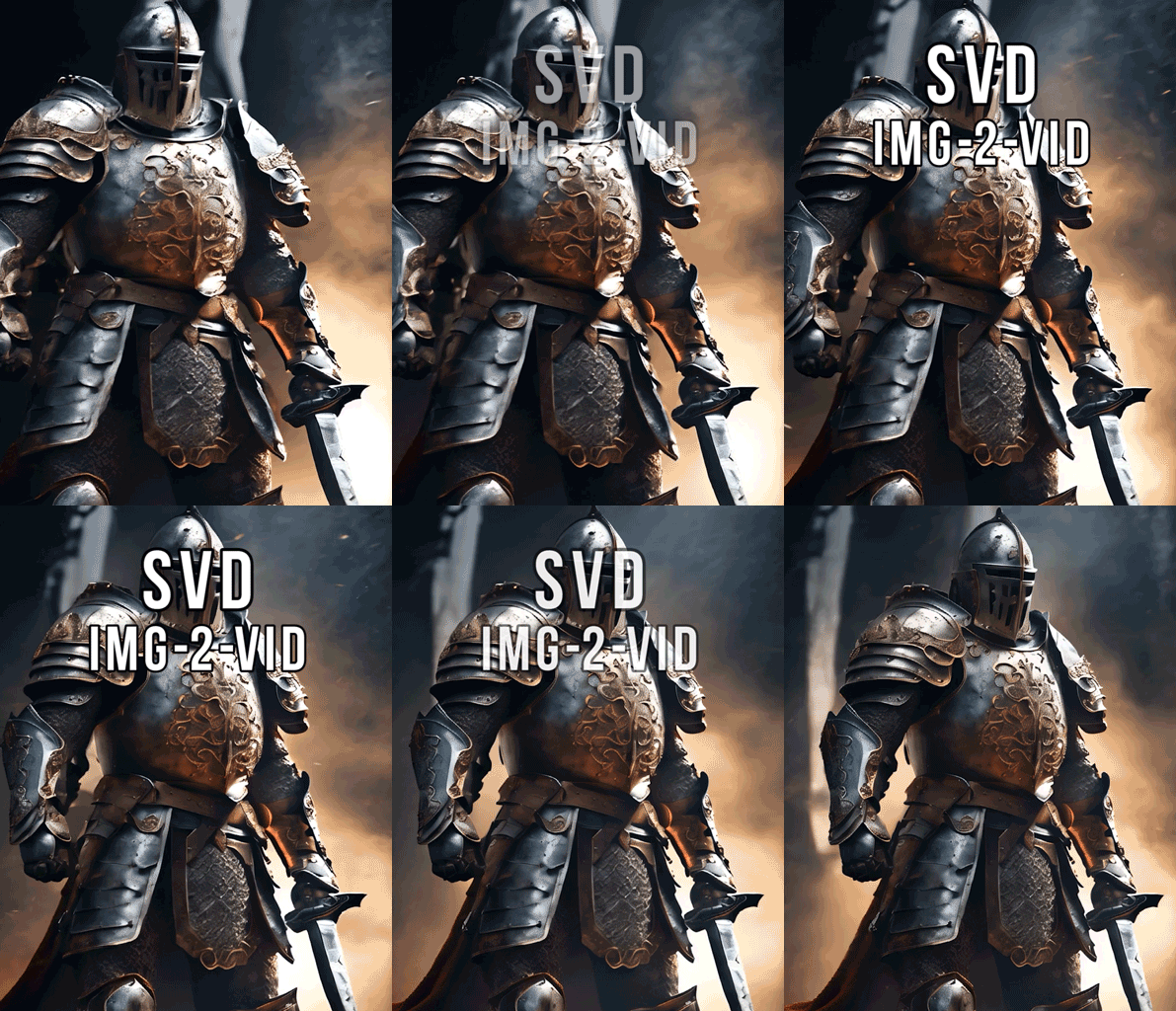
Upload a photo and generate smooth zoom-in effects automatically. The AI camera movement generator recognizes your subject and creates realistic push-in effects that gradually reveal and magnify details. No prompt words or any editing skills needed. Perfect for creating portrait close-ups, showcasing landscape transformations, and enhancing visual tension.

Explore more camera movements in SeaArt AI

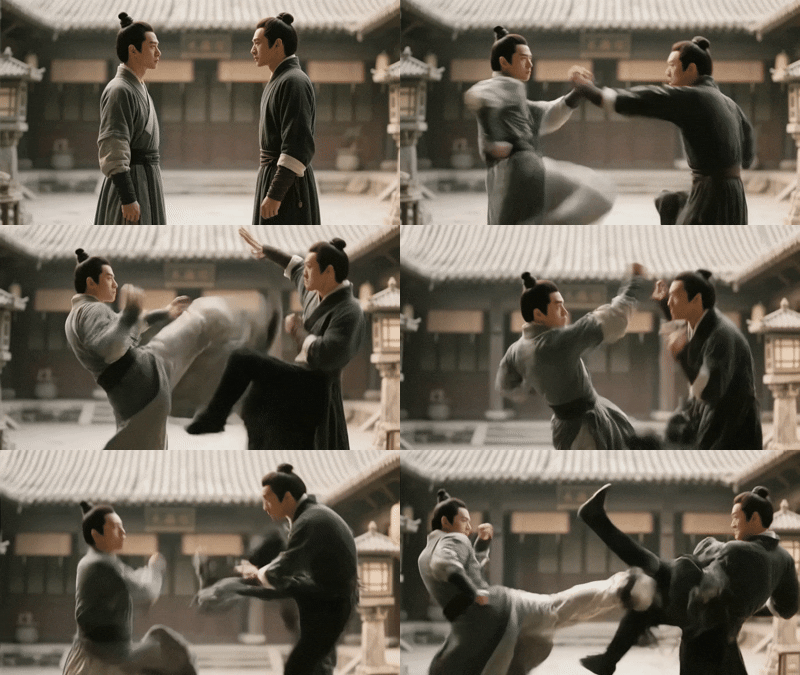
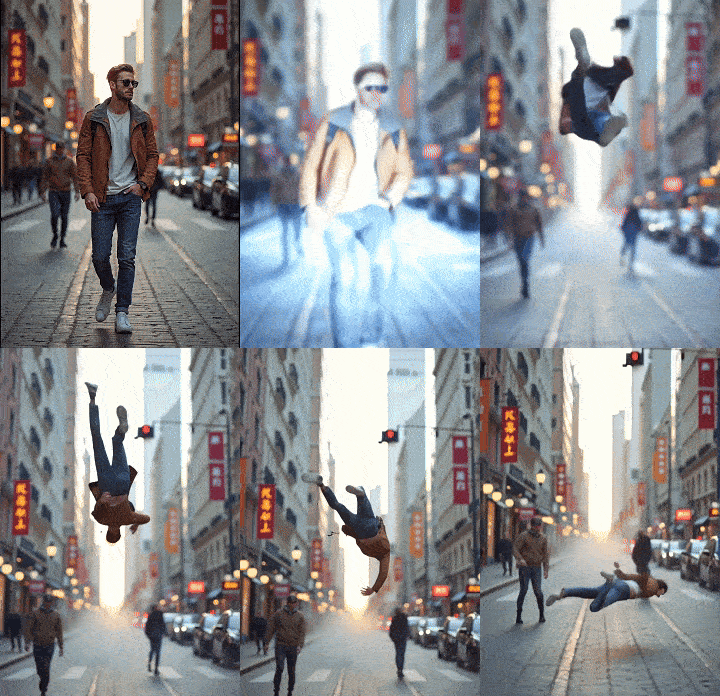
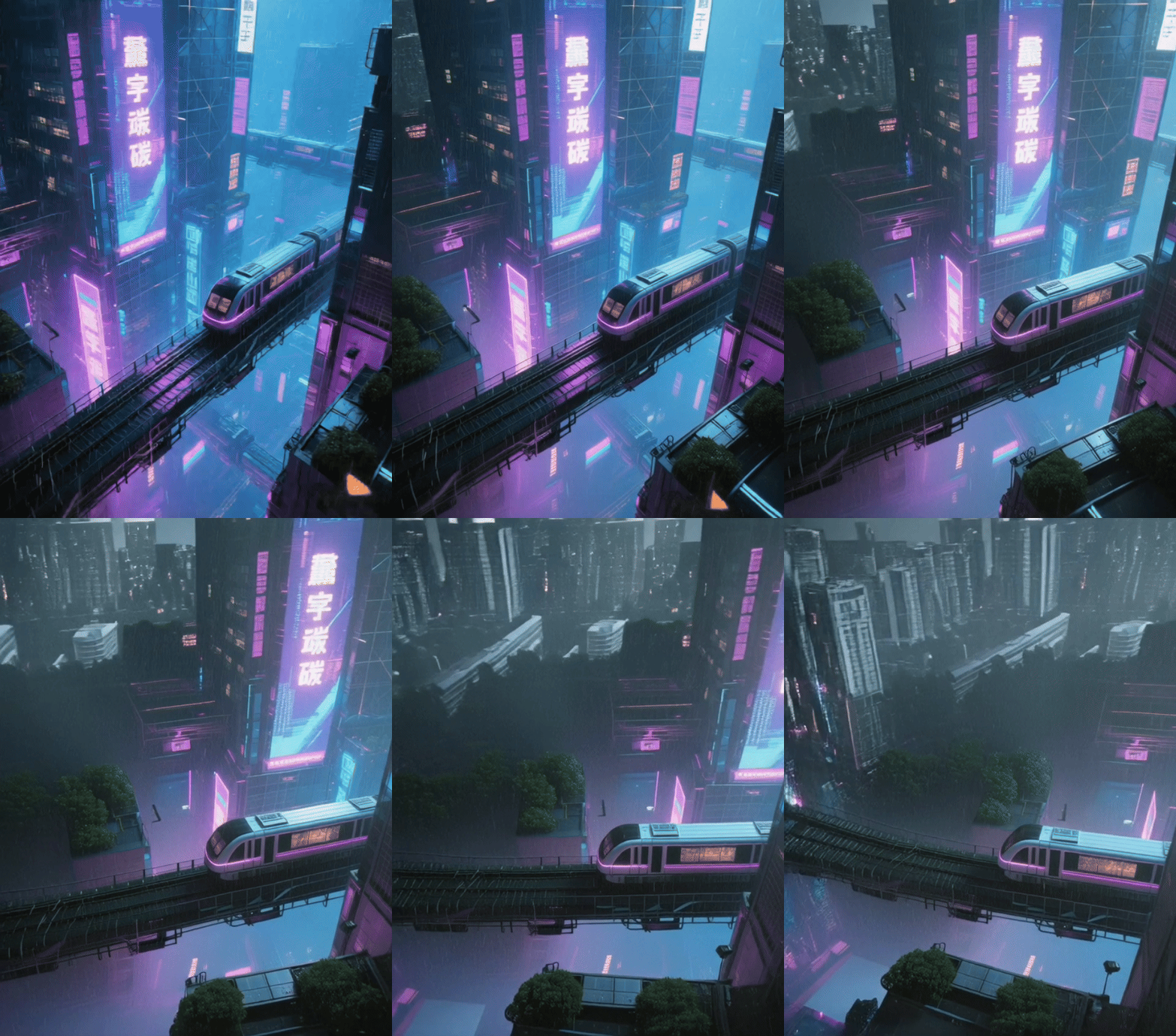
Discover additional AI camera movements in SeaArt AI video effects beyond push-in effects. The platform provides multiple camera control options including AI drone video effect, bullet time effect, dolly zoom in and zoom out effect, eye dive in, and other cinematic moves. These effects let you create diverse professional videos with various camera techniques.

Creative Uses for AI Camera Movement

AI camera movement enables diverse creative applications. Create dramatic portrait close-ups revealing facial details for social media and professional headshots. Showcase landscape transformations with smooth movements that enhance visual tension for travel and nature content. Enhance product displays with AI generated videos that highlight key details for e-commerce and marketing materials.

How to Create AI Camera Movement Videos?

Step 1: Upload Your Photo

Click or drag your image into the upload area. The tool supports photos of any type—portraits, products, landscapes, buildings, or travel scenes.

Step 2: Click to Create

Click the "Generate" button and watch as the AI creates a smooth five-second zoom-in effect videos.

Step 3: Preview and Save

Once you're satisfied with the result, save the generated video to your device.

FAQs About the AI Camera Movement

collapse

What is AI camera movement?

AI camera movement is a tool that generates smooth camera zoom-in effects from static photos. Upload any image and the AI automatically creates a five-second video with realistic camera movements that gradually reveal and magnify details, as if captured by professional camera equipment.

expand

Do I need to enter prompt words to create camera movement videos?

No, you don't need to enter any prompt words. Simply upload your photo and the AI automatically recognizes your subject and creates smooth camera movement effects. The tool handles everything automatically, making it effortless to generate professional videos.

expand

Is this camera movement generator free to use?

Yes, you can try the AI camera movement for free at SeaArt. Also try more AI camera motion effects at AI video effects free online.

expand

How do I ensure the best results with AI camera movement?

Upload clear, high-resolution photos with a distinct subject. The AI automatically identifies the main subject and adjusts camera perspective accordingly. Avoid blurry images or photos with multiple competing subjects for optimal results.