 Enterprise Version
Generate
History
Private Creation
Private Creation
Create private works that are only visible to yourself.
[Private Creation] is a premium feature that is available after becoming an SVIP.
Unlock Now
Already the end

No Data
No Data
Details
Report
Not Interested

Original
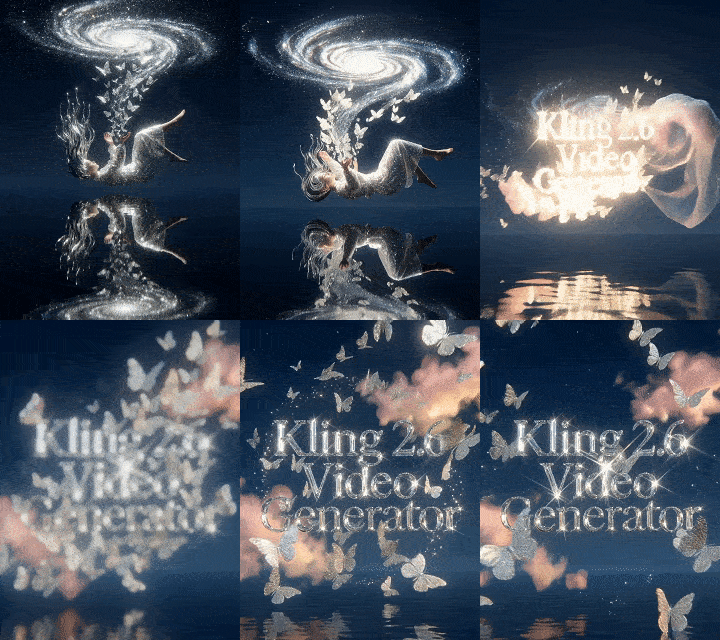
Kling 2.6 Video Generator
7.4K
0
2.0K
2025-12-03 14:12:50 Update
Create immersive videos instantly with Kling Video 2.6, the first AI model featuring "Native Audio". Generate high-quality visuals, natural voiceovers, and sound effects simultaneously in a single pass.
Kling 2.6 Video Generator
View Translation
Rating & Review
4.6 /5
0 Ratings
Not enough ratings or reviews received yet

No data available

雨

雨上がり
87.9K
146.7K
Explore Related








Download SeaArt App
Continue your AI creation journey on mobile devices
Kling 2.6 AI Video Generator with Synced Audio
Revolutionary Kling 2.6 video generator is now available at SeaArt! Generate 5-10 second videos from images or text with perfect audio-visual synchronization and premium quality.
Perfect Audio-Visual Synchronization That Surpasses Others
Kling 2.6 now supports audio-video generation. It can generate native audio that is synchronized frame by frame with video and also supports rich soundscapes like dialogue, ambient noise, and dynamic sound effects, along with lip-sync technology. Pioneering in audio-visual sync, it creates immersive soundscapes that match video imagery seamlessly, making your AI generated video more captivating.
Unified Multi-Modal AI Video Generation
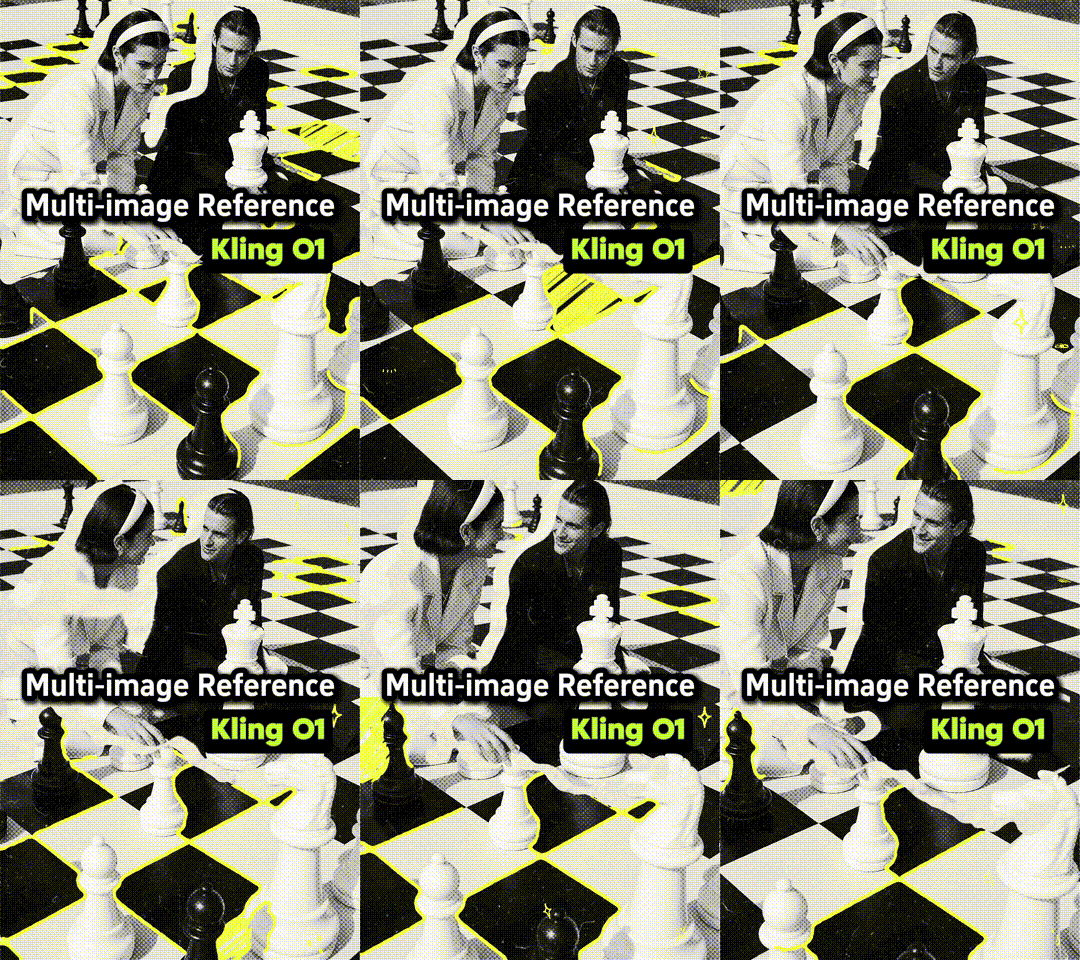
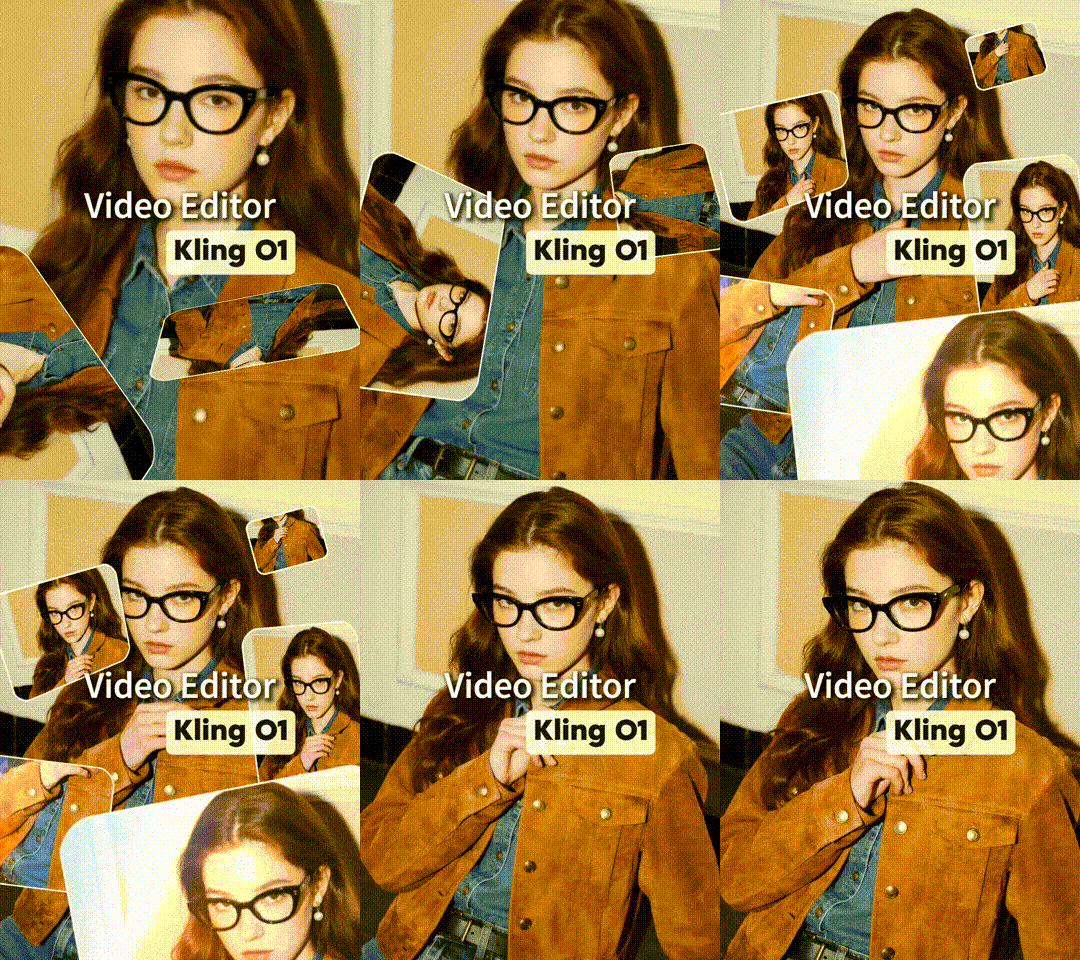
Powered by the Kling O1 video model, which unifies multiple video generation modes into one, approach Kling 2.6 AI video generator offers you both text-to-video AI and image-to-video AI with style transfer and camera extension. No need to switch between different models or tools, Complete your entire creative workflow from inspiration to final output with just one tool.
Exceptional Subject Consistency like Never Before
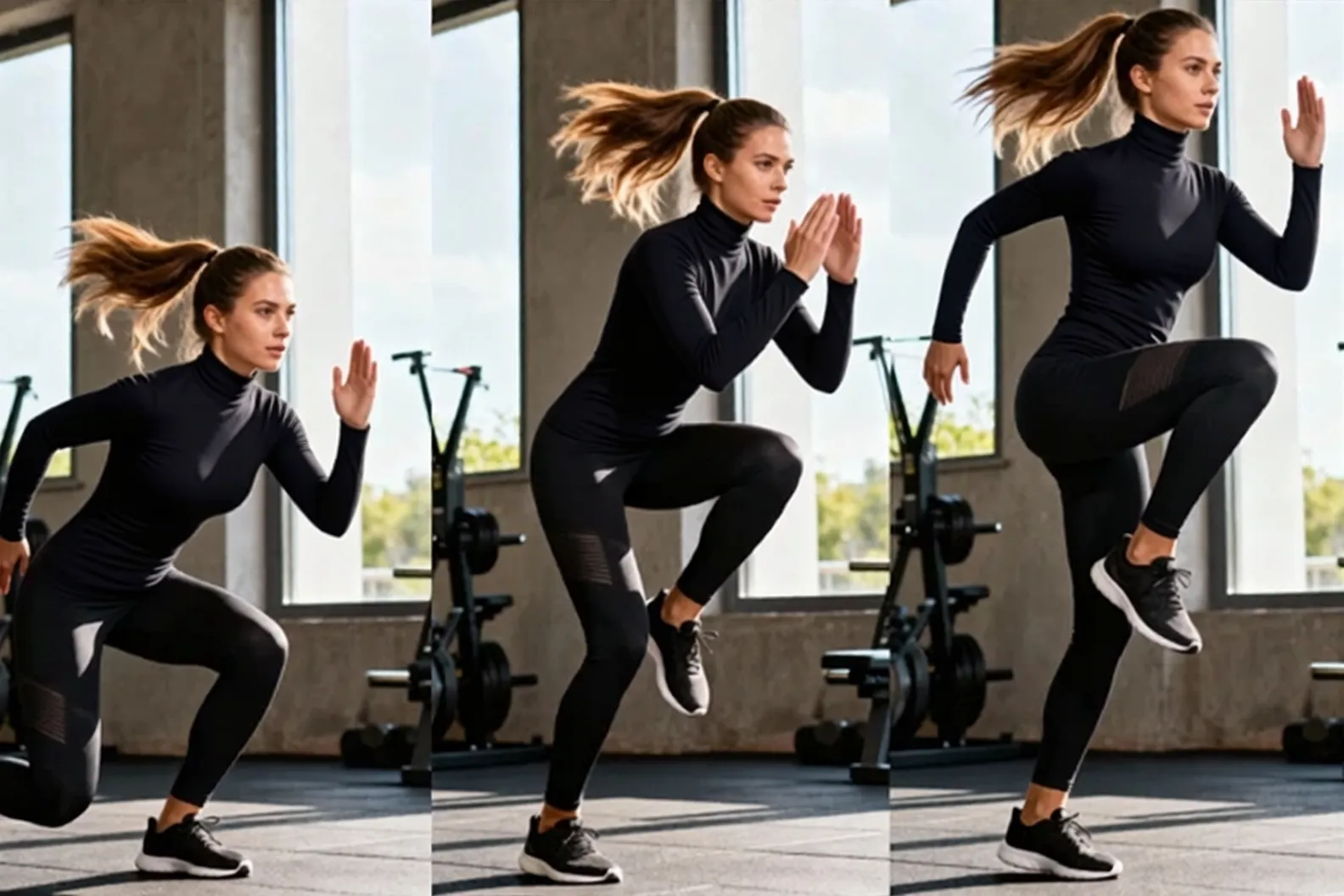
Kling 2.6 elevates video consistency challenges through enhanced image understanding and multi-view image support. The AI remembers your subjects, props, and scenes like a human director, maintaining stable features across frames with consistent visual elements. This ensures every frame is precise and coherent, making it perfect for character animations, product showcases, and narrative storytelling.
Premium Video Quality with extended length
Kling 2.6 generates professional videos with flexible 5 or 10second durations, giving you complete control over narrative pacing. It supports creative skill combinations, adds subjects while modifying backgrounds, or changes styles during image-to-video generation, enabling multiple creative variations in one generation. Whether you need rapid visual punches or extended storytelling, Kling 2.6 lets you define.
How to Use Kling 2.6 AI Video Generator?
Step 1: Input Your Content
Upload a photo in .jpg, .jpeg, or .png format (up to 10MB) or enter the prompts to start creation.
Step 2: Personalize Your Creation
Specify your prompts, choose duration and resolution for your video.
Step 3: Generate and Download
Click the "Generate" button, and wait for a few minutes. Once you're satisfied with the result, save the AI generated videos to your device.
FAQs About the Kling 2.6 AI Video Generator

What is the Kling 2.6 AI video generator?
Kling 2.6 is an advanced AI video generation tool powered by the Kling O1 video model. It enables you to craft professional videos from images or text prompts within 5-10 seconds. This tool supports audio-visual synchronization, particularly excelling in Chinese language performance - currently the best among all AI video generation tools. The generated audio perfectly matches the visual imagery.

How does Kling 2.6 audio-visual synchronization work?
Kling 2.6 uses the sound parameter to generate synchronized audio alongside video. The AI creates native audio that matches your video imagery, producing immersive experiences where sound and visuals work together seamlessly. This feature is exclusive to Kling 2.6 and later versions.
Is Kling 2.6 free to use?
Yes, you can use Kling 2.6 AI video generator online at SeaArt AI with free credits. SeaArt also you free access to Kling O1 video model.
What audio types can Kling 2.6 generate?
Kling 2.6 supports six comprehensive audio types: narration (character speech and storytelling), dialogue (multi-person conversations), singing/Rap (characters singing or rapping lyrics), ambient sounds (background audio like wind, ocean waves, street noise, traffic), object/action sound effects (glass breaking, footsteps, cutting sounds, machine sounds), and mixed audio (combining voice, background, and effects for immersive experiences).
How to write effective Kling 2.6 prompts that include sound effects?
Follow this structure: Scene + Subject + Motion + Audio + Style. For dialogue, use [Character label, emotion, voice tone] + "quoted text" + pace—single characters need clear voice attributes, while multiple characters require unique labels like [Character A, angry] and [Character B, calm], with dialogue bound to specific actions and timing controlled by transition words. For singing, include lyrics + style (Pop/Opera) + emotion. For sound effects, describe source + action + onomatopoeia (e.g., "wooden door slams with 'bang'"). Always use quotes around audio content for clarity.
What types of video can Kling 2.6 AI Video Generator create?
Kling 2.6 creates multiple video types: travel photo animations transforming static landscapes into dynamic drone-shot experiences; product showcase videos with smooth camera movements for commercial promotion; social media content optimized for short-form platforms like TikTok and YouTube Shorts; portrait and still life videos adding cinematic motion to photography; and narrative storytelling videos with controlled pacing. modifying backgrounds or changing styles in a single generation process.
Explore More AI Apps


More