
Generate
History
Private Creationvip-icon
Details

WAN 2.5 de imagen a video
Original

WAN 2.5 de imagen a video

5.7K
0
520
2026-01-11 01:13:57 Update

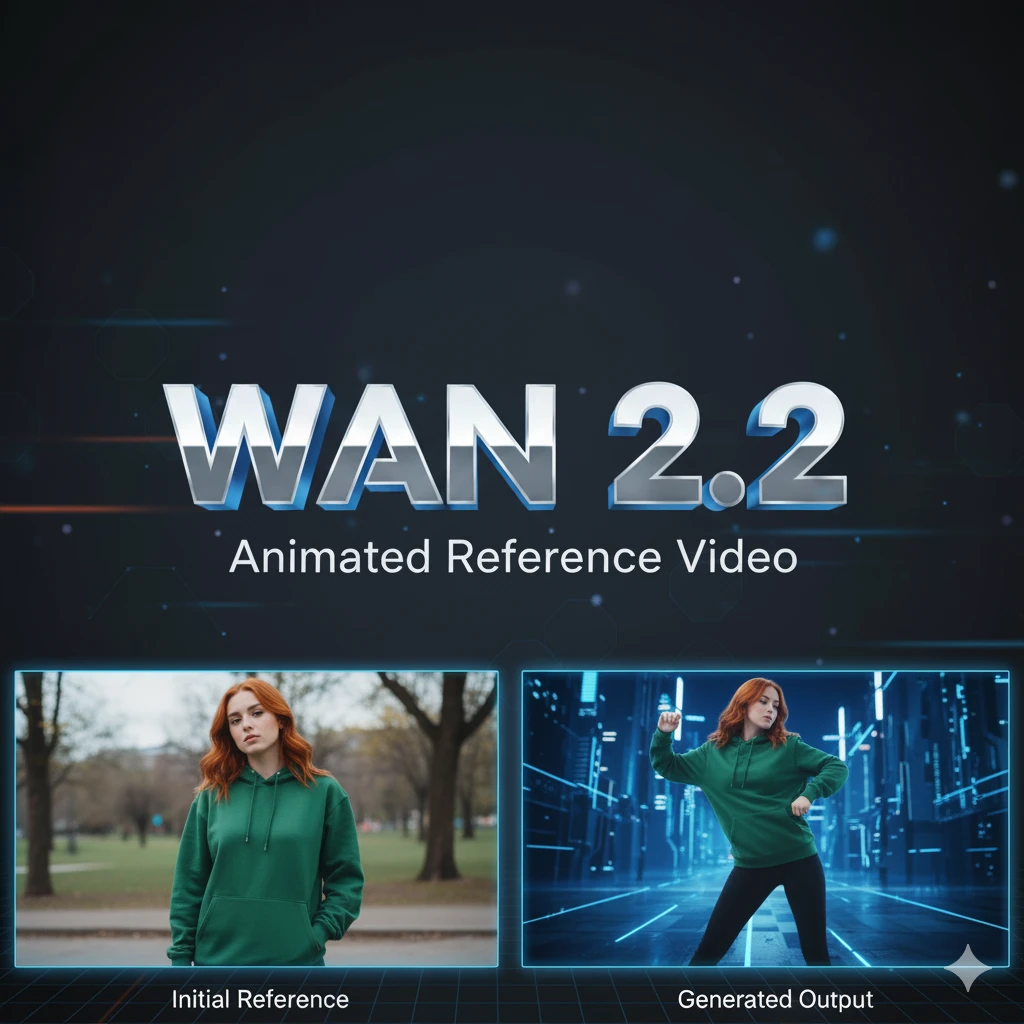
Allows you to create videos based on an image, the prompts must be in accordance with the image you upload, otherwise you may have undesired results.

Rating & Review

4.5 /5
0 Ratings

Not enough ratings or reviews received yet

no-data
No data available

Wan 2.5 Features for Video Generation

Turn your images into engaging videos with Wan 2.5.

Wan 2.5 text on stormy sea

Creative Image Transformation

Wan 2.5 lets you transform images into creative videos with intuitive morphing. Ideal for artistic projects and presentations that require a dynamic, visually appealing touch.

Wan 2.5 text on stormy sea

Playful Style in Videos

Give a playful style to your image-based videos. Thanks to its unique features, you can generate animations that capture attention with inherent creativity and fun.

Wan 2.5 text on stormy sea

Detailed Prompt Customization

Make sure the prompt matches the image to avoid unexpected results. This is essential for achieving maximum quality and consistency in the generated content.

Operation Steps

Select an Image

Upload the image you want to transform into a video using the Wan 2.5 platform. Make sure the image is clear and high-resolution for best results.

Define the Prompt

Enter a detailed prompt that fits the selected image. This is crucial to guide the creative transformation and achieve the desired effect.

Generate and Save the Video

Click the create button to generate the video. Once you're satisfied with the result, download it to your device and share it.

FAQ

collapse

What is Wan 2.5 and how does it work?

Wan 2.5 is an advanced tool that converts images into videos using specific prompts. It works by creating a series of creative transitions and playful styles to bring static images to life.

expand

What types of images are suitable for Wan 2.5?

For best results, we recommend using high-resolution, well-defined images. The choice of prompt should align with the image's visual content to avoid unexpected outcomes.