
Generate
History
Private Creationvip-icon
Details
Plastic Doll Filter
Original

Plastic Doll Filter

77
0
12
2026-01-16 03:24:38 Update

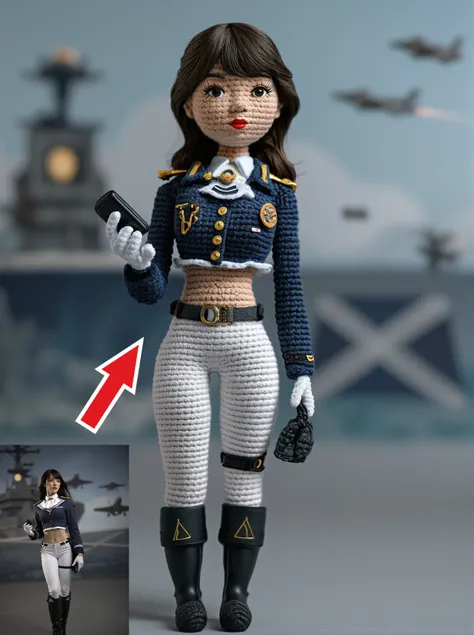
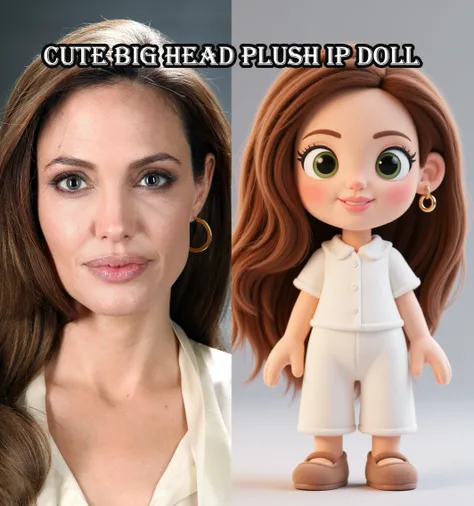
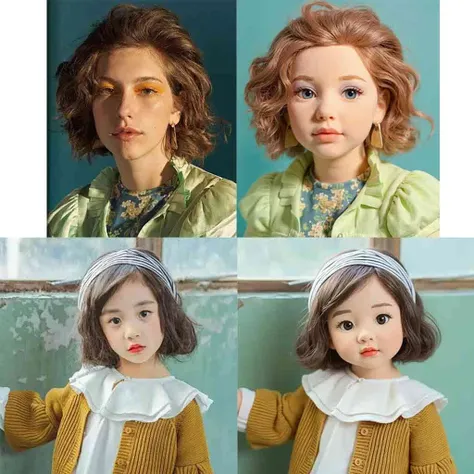
Upload a photo and transform a real woman into a plastic doll.

Rating & Review

5.0 /5
0 Ratings

Not enough ratings or reviews received yet

no-data
No data available

Plastic Doll Filter: Turn Photos into Dolls

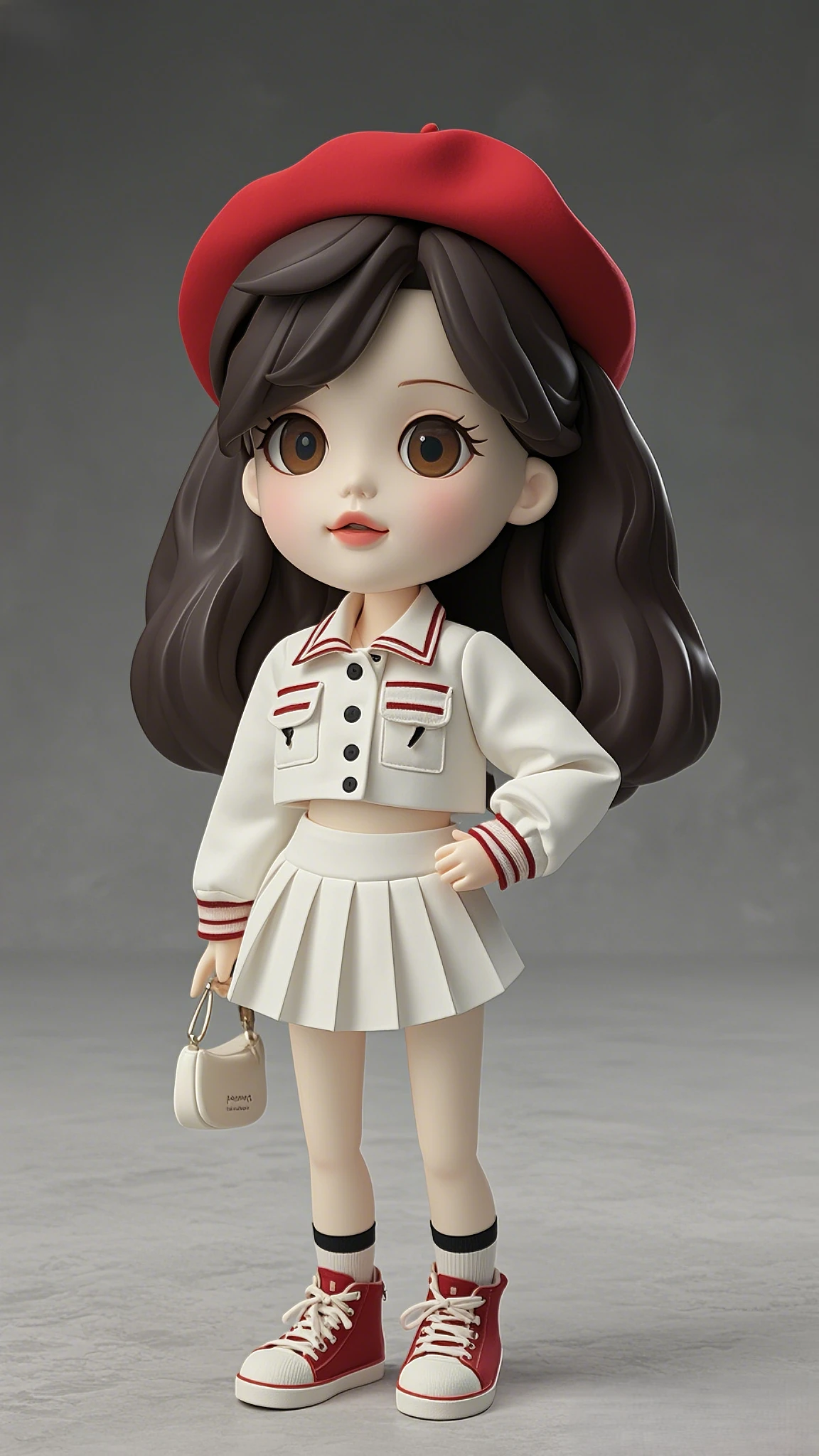
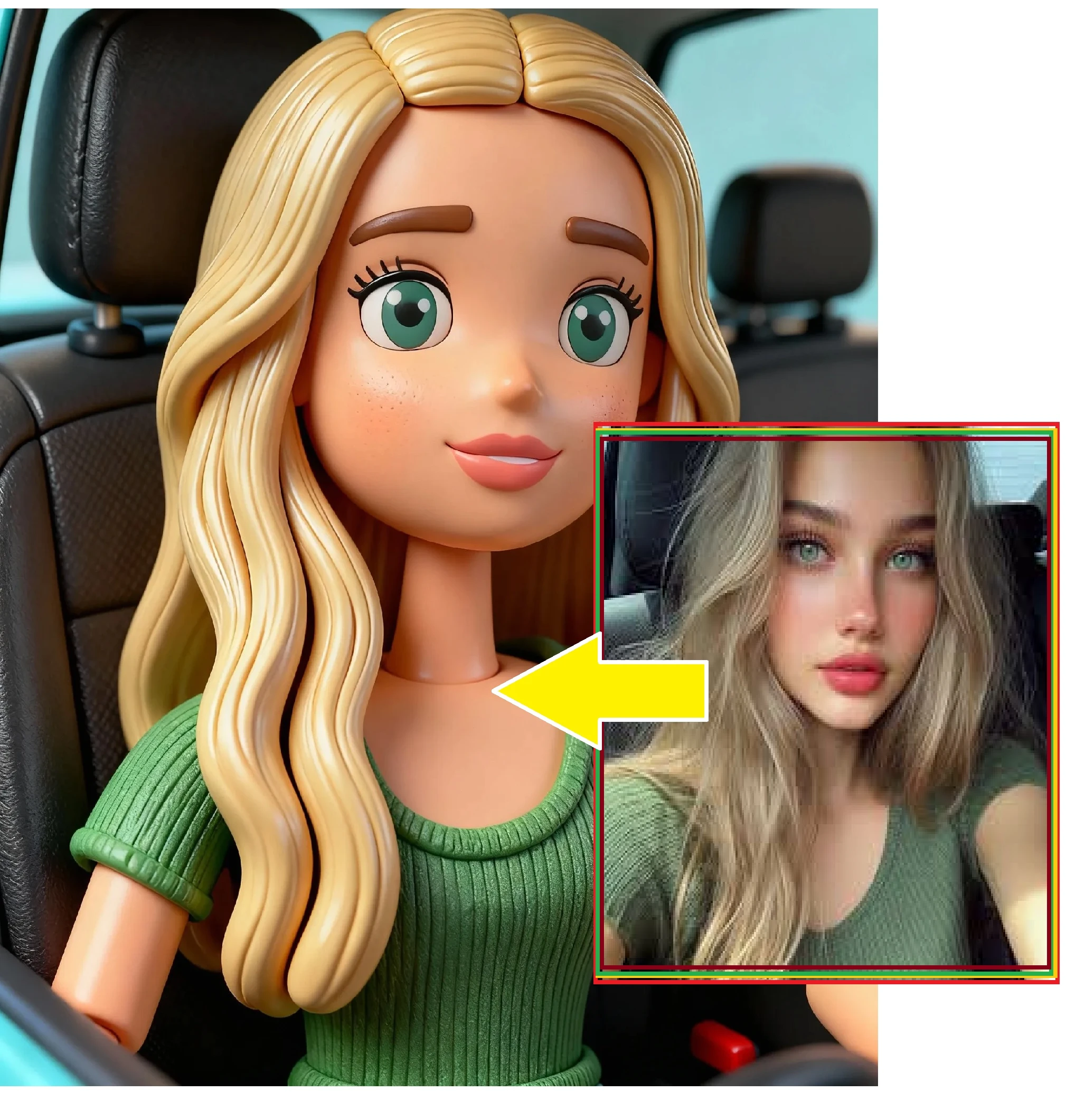
Easily turn a photo of a woman into a plastic doll.

Image-to-doll transformation

With the Plastic Doll Filter, you can turn any photo of a woman into a realistic plastic doll image. The app analyzes ?????? features and adjusts brightness, color, and texture to achieve an impressive effect. Compatible with high-resolution images for sharp, detailed results.

two-panel blonde woman in car

Fast, easy process

Upload a photo and apply the filter in seconds. The intuitive interface lets you see changes instantly, adjusting features to get the desired result on the spot. It supports a wide range of image formats, ensuring a smooth process for photos of various sizes.

Operation steps

Upload your photo

Select or drag the photo of the woman you want to transform into the app to start the process.

Apply the filter to the image

Use the exclusive filter to adjust ?????? features and turn the image into a realistic plastic doll. Check the result in real time and fine-tune details as needed.

Save and share the result

Save the transformed image to your device and share it on social media or with friends to show off your new doll-like look.

FAQ

collapse

Can the filter be applied to any photo?

Yes, the Plastic Doll Filter works with a wide range of photos, as long as they are of good quality with clear ?????? features to achieve the best possible results.

expand

What image formats does the app support?

The app supports common image formats like JPG and PNG, ensuring you can work with high-quality photos without any hassle.