Details
Related
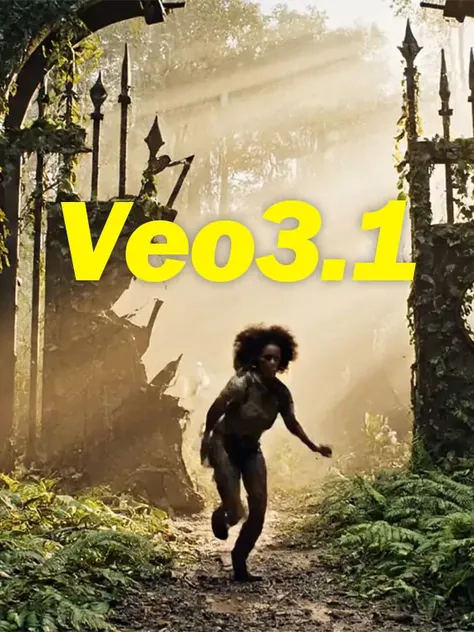
Veo3.1 Video Generation Workflow
Original

Veo3.1 Video Generation Workflow

2.2K
37
33
#Image to Video
#Text to Video

View Translation
Node Preview5 nodes
Full Screen
Click to Load Node Preview

Rating & Review

4.8 /5
0 Ratings

Not enough ratings or reviews received yet

no-data
No data available
avatar
avatar_frame
Workflow Details
Type
Workflow
Publish Time
2025-10-27
Status
Usable
Node Info (5)
Creator's Choice
cover

Wan2.2 I2V-KJ
4.6
61.9K
62
cover
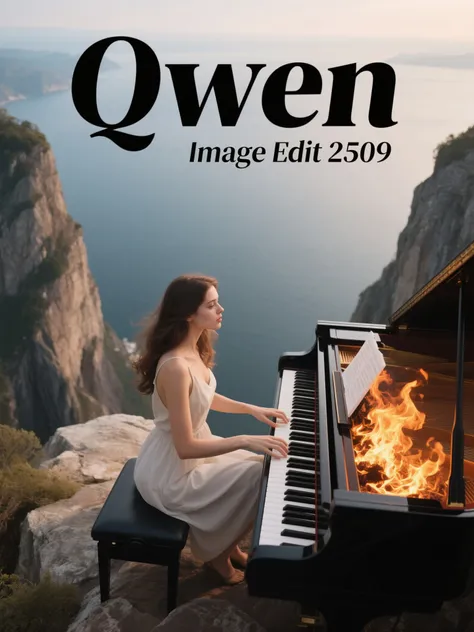
qwen image edit 2509
4.9
24.9K
105
cover

Wan 2.5 image-to-video workflow
4.8
19.1K
135
cover
Z-Image Turbo
4.9
22.0K
68
View More
QR Code
Download SeaArt App
Continue your AI creation journey on mobile devices

Veo 3.1 | Multi-image composition, start/end frame transitions

Generation can be driven by text or images, supports three-image compositions, automatic transitions between start and end frames, and strengthens prompt adherence and the native sound effects experience.


profile view with metal headphones

High-quality generation driven by multiple assets

Supports up to three-image combinations and Frames-to-Video (start-to-end frame transitions), making it well-suited for product highlight reels and brand short films.


Hawaiian dancers with torches on beach

Prompts are easier to use and more faithful

More accurately understands shot, style, and narrative instructions, reducing off-topic drift, and is better suited for repeated iteration toward a usable version.

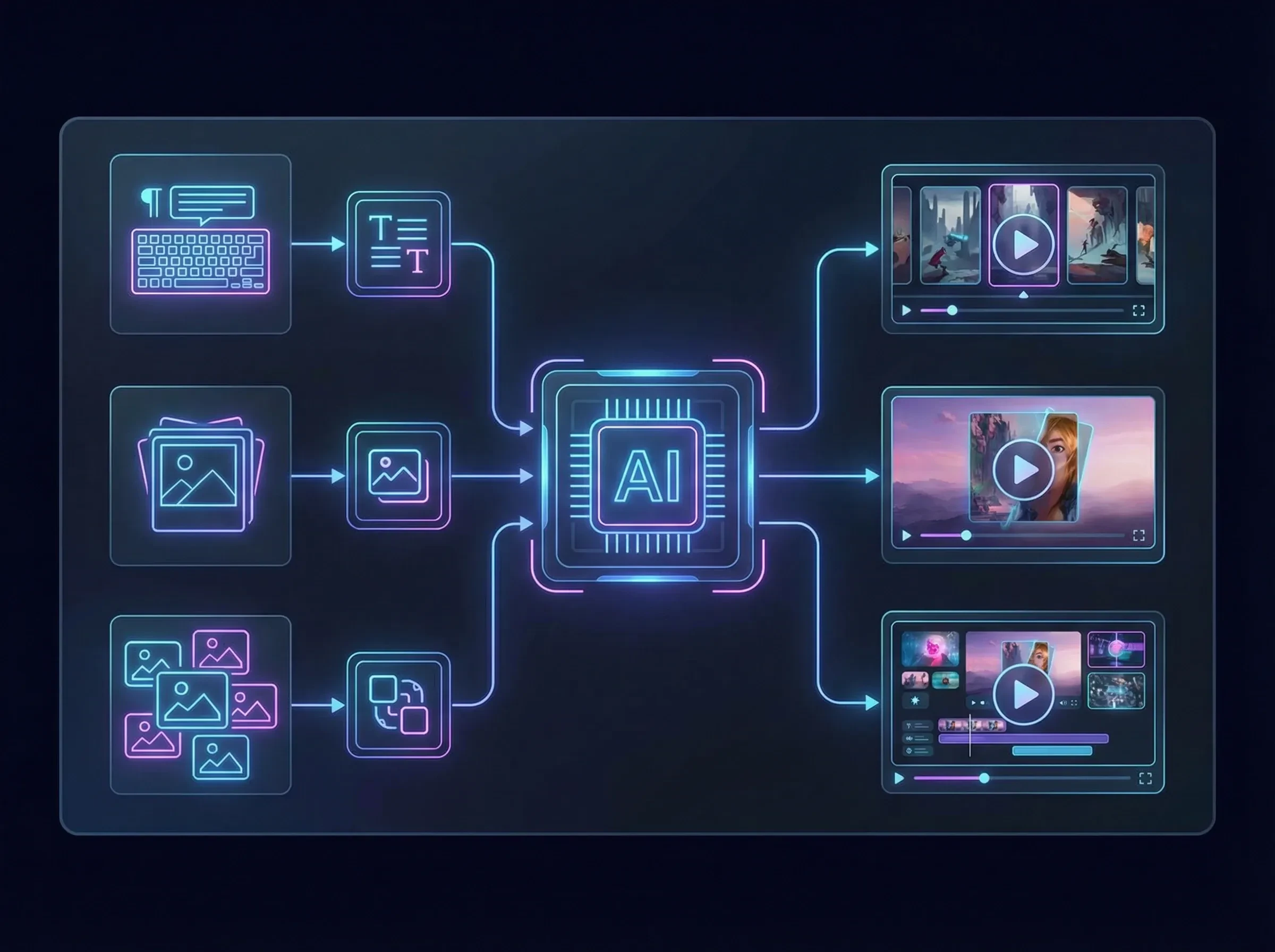
AI processing multimedia data to create videos

Multiple input paths, covering mainstream scenarios

Supports both text-to-video and image-to-video with reference images; supports multi-image composition generation, suitable for integrating brand elements and creating series content.

Operation Steps

Parameter Settings

Connect according to the required function (text, image, and reference generation).

Prompt Input

In the node input field, enter the scene you want.

Generate Results

Click the Generate button and wait a short while to see the generated results.

FAQ

collapse

How should prompts be written to make it easier to get a usable result?

Use the structure 'scene subject + action/event + camera language (shot size/movement) + style/image quality + atmosphere/lighting + duration/aspect ratio (if there are options),' and keep key constraints consistent.

expand

What kind of content is multi-image reference generation suitable for?

Suitable for feeding the model elements like 'logos/product images/scene mood images' together to quickly get a first draft of an ad short film, opening atmosphere, or product showcase video with unified visuals.