


Details
Related
ViduQ2 Video Generation Workflow
Original

ViduQ2 Video Generation Workflow

119
6
5
#Image to Video
#Text to Video
#Video to Video

View Translation
Node Preview17 nodes
Full Screen
Click to Load Node Preview

Rating & Review

-- /5
0 Ratings

Not enough ratings or reviews received yet

no-data
No data available
avatar
avatar_frame
Workflow Details
Type
Workflow
Publish Time
2025-10-31
Status
Usable
Node Info (17)
Creator's Choice
cover
Wan2.2 I2V-KJ
4.6
61.9K
62
cover
qwen image edit 2509
4.9
24.9K
105
cover
Wan 2.5 image-to-video workflow
4.8
19.1K
135
cover
Z-Image Turbo
4.9
22.0K
68
View More
QR Code
Download SeaArt App
Continue your AI creation journey on mobile devices

ViduQ2 Video Generation Workflow | Performance-Driven Cinematic Shots

Supports single-image video generation and a custom first-and-last-frame mode, focusing on enhancing subtle facial expressions, micro-movements, and camera movement performance, making emotional changes feel more natural and shots more narrative.


Performance-driven character acting: more natural micro-expressions

Better at presenting subtle changes in the eyes, corners of the mouth, jaw, etc.; ideal for emotional shifts, close-up slow-motion shots, and performance-driven scenes.

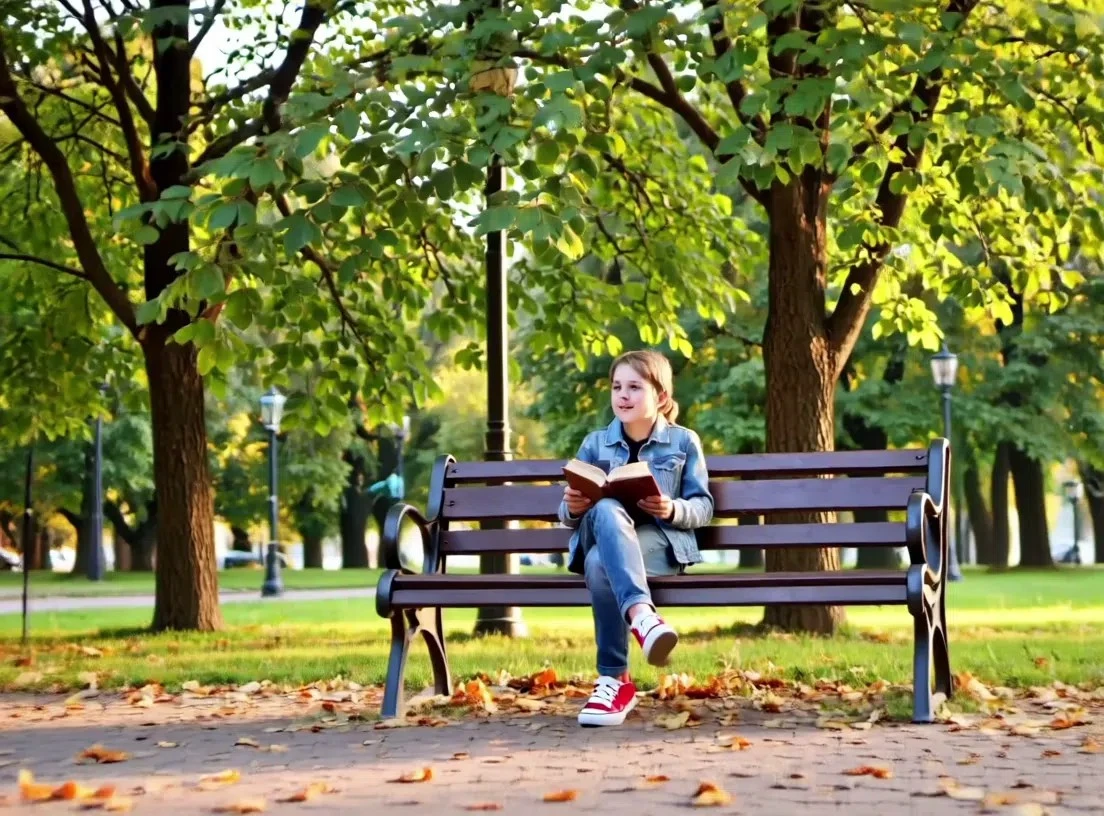
person reading book on park bench

More cinematic camera language: better camera movement and pacing

The image doesn’t just 'move'—it feels like shots propelled by a director’s intent, suitable for building atmosphere, emotion, and narrative tension.


woman with wavy hair in flower field

More controllable creation: single image / first-and-last-frame + adjustable duration

Supports single-image generation and custom first-and-last-frame, combined with adjustable duration and 720p/1080p output, helping shots better match the script and delivery specs.

Operation Steps

Workflow selection

Includes text-to-video, image-to-video, image reference, and video extension; you can choose according to your own needs.

Generate results

Click the Generate button, then wait a short while to see the generated results.

FAQ

collapse

How to make shots feel more 'cinematic'?

In the prompt, clearly specify 'shot type + camera movement method + pacing,' for example: 'cinematic close-up, slow push-in, shallow depth of field, emotion shifts from hesitation to determination.'

expand

When is it more appropriate to use the 'first-and-last-frame' mode?

When you need to control the opening and closing shots (e.g., transitioning from pose A to pose B, or from motion to a freeze-frame ending), using first-and-last-frame can significantly improve controllability and consistency.