Details
Related
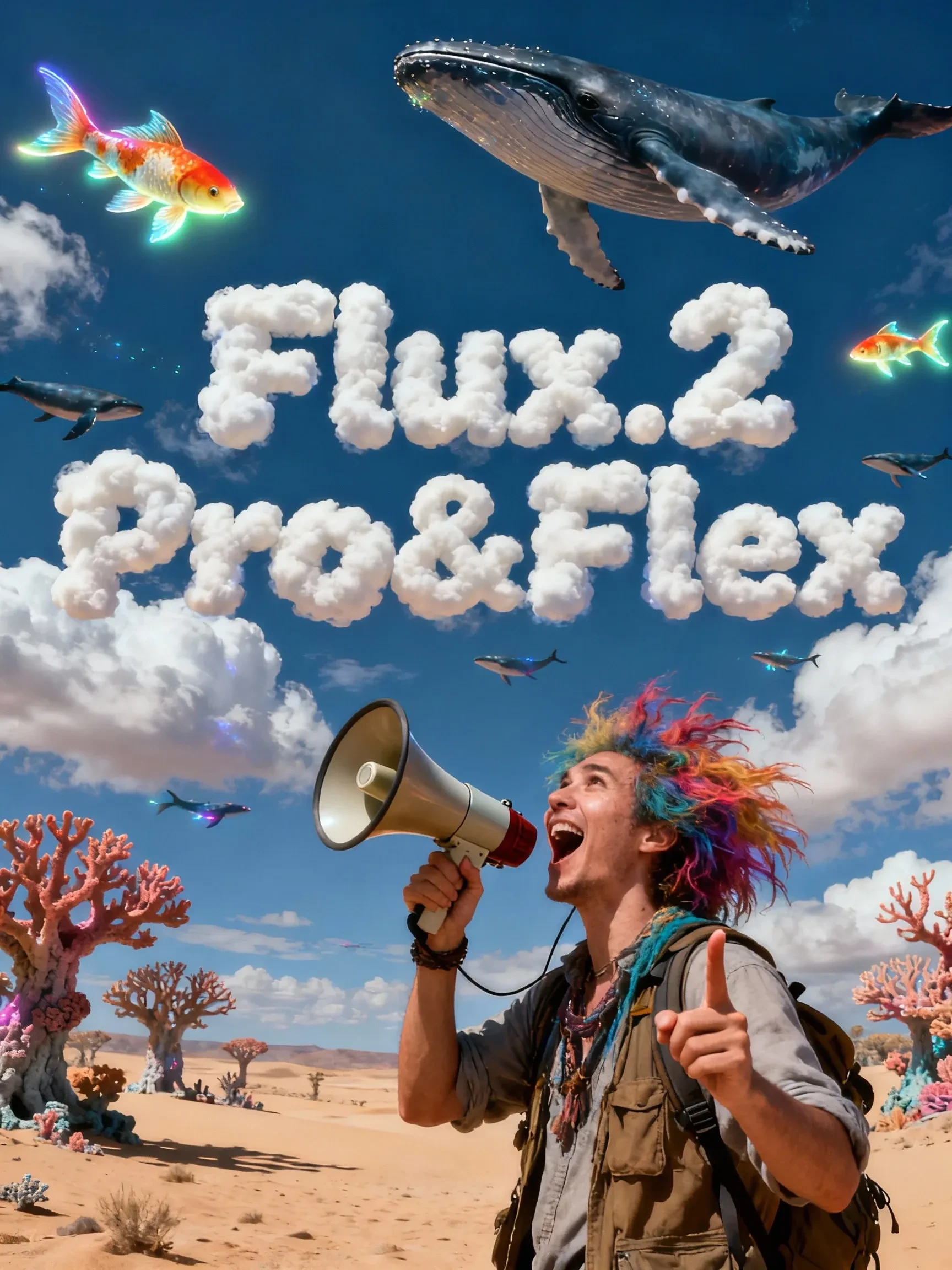
Flux.2 Pro&Flex
Original

Flux.2 Pro&Flex

2.1K
37
30
#Text to Image
#Image to Image

View Translation
Node Preview4 nodes
Full Screen
Click to Load Node Preview

Rating & Review

4.9 /5
0 Ratings

Not enough ratings or reviews received yet

no-data
No data available
avatar
avatar_frame
Workflow Details
Type
Workflow
Publish Time
2025-11-26
Status
Usable
Node Info (4)
Creator's Choice
cover
Wan2.2 I2V-KJ
4.6
61.9K
62
cover
qwen image edit 2509
4.9
24.9K
105
cover
Wan 2.5 image-to-video workflow
4.8
19.1K
135
cover
Z-Image Turbo
4.9
22.0K
68
View More
QR Code
Download SeaArt App
Continue your AI creation journey on mobile devices

Flux.2 Pro&Flex Workflow

For high-quality text-to-image and reference-based editing. Configure resolution/aspect ratio/steps and generate high-quality images in one click.

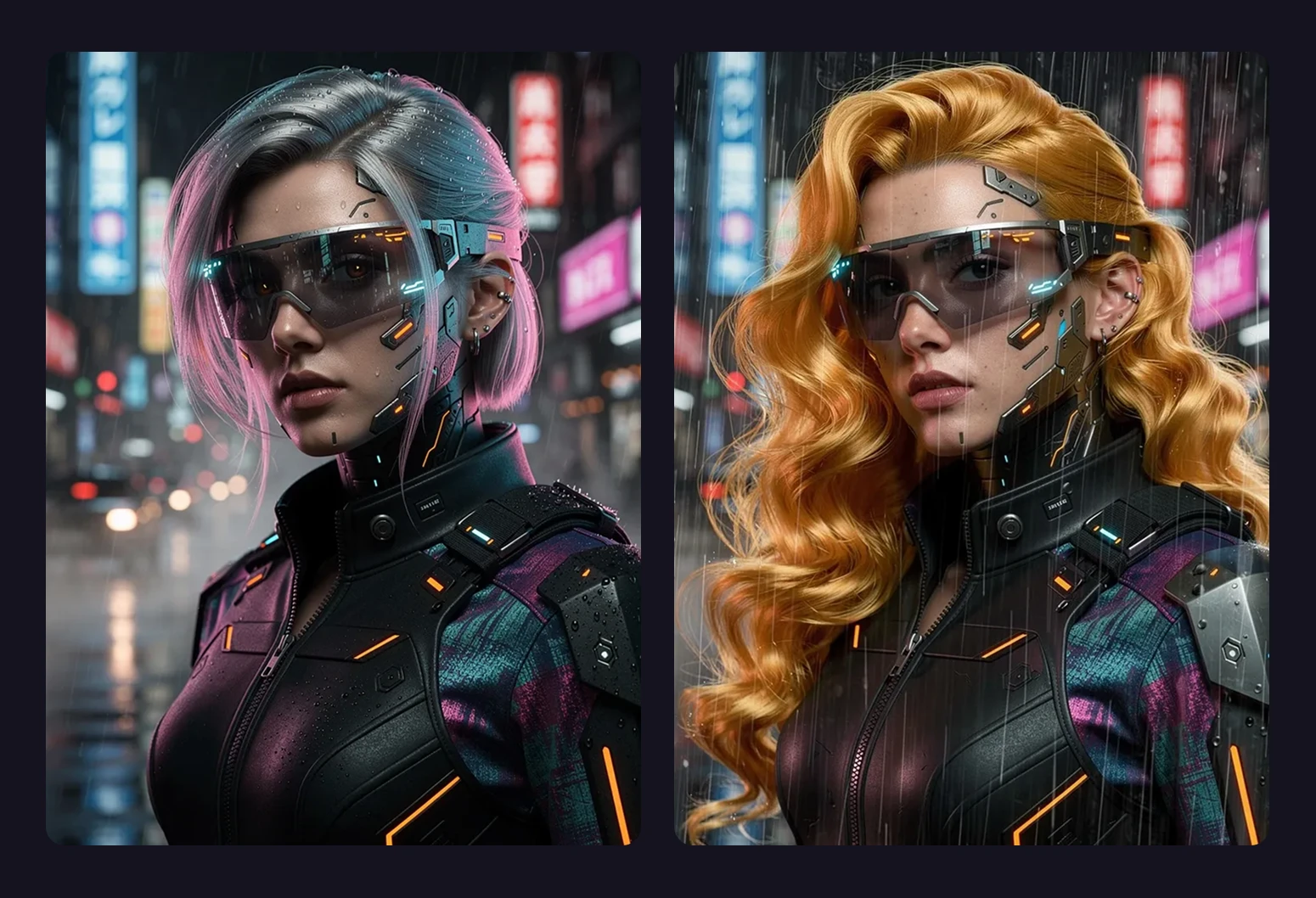
figures in cyberpunk-style clothing

Generation and editing in one

One workflow handles both creation and editing—reducing tool switching and trial-and-error.

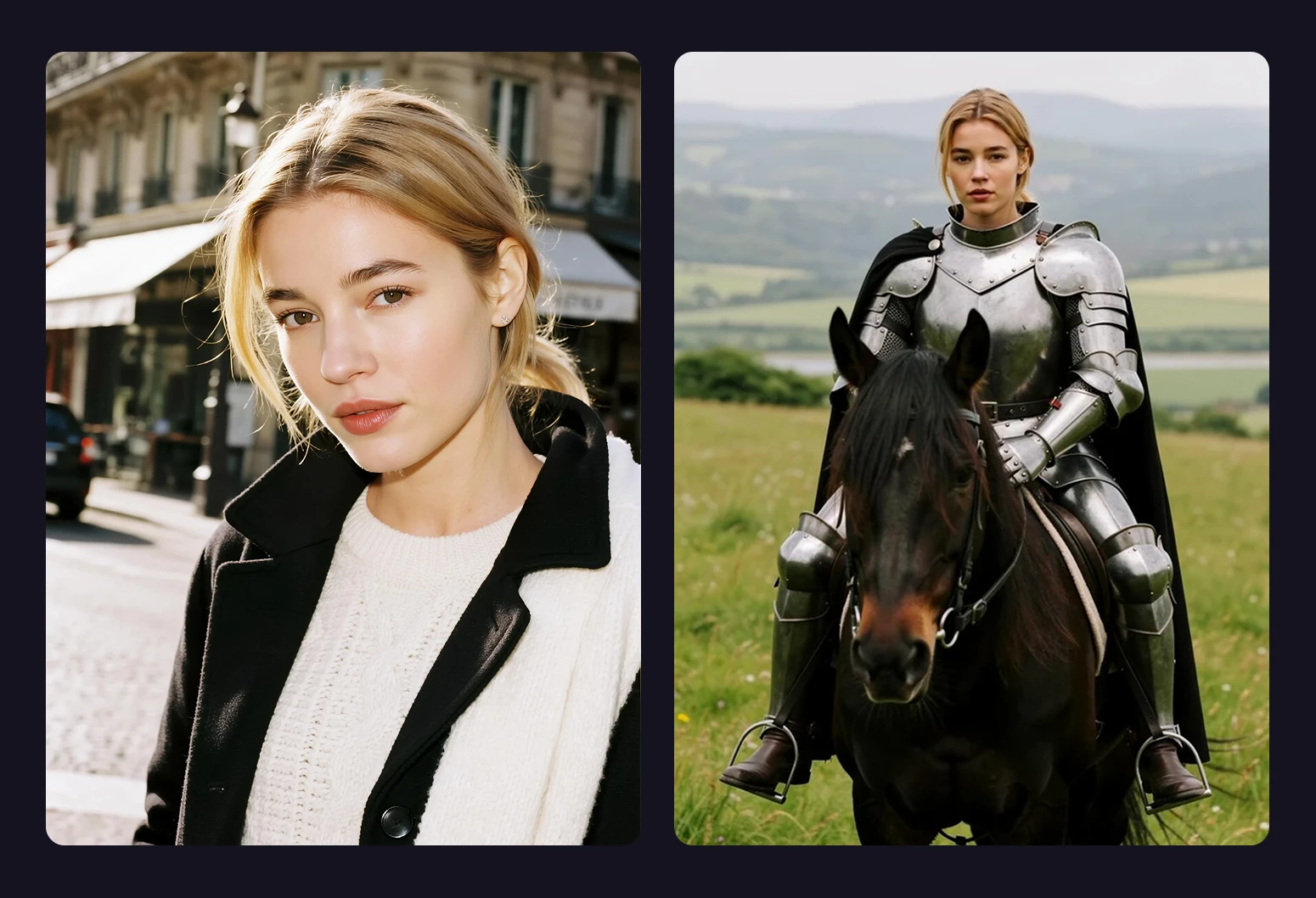
two-panel urban and armored outfits

Single- or multi-reference editing

Use one or multiple reference images to constrain outputs—great for character/product consistency, a unified style, and serialized content (no extra training or fine-tuning).

Operation Steps

Enter prompt

Enter the prompt for what you want to generate.

Set width/height and choose model

Enter the target width/height; you can also pick the model in the mode option.

Generate result

Click Generate. Wait a moment to see the result.

FAQ

collapse

Which scenarios is Flux.2 Pro&Flex best for?

E-commerce main images and variants, brand visuals, character design and series posters, storyboard drafts, fast asset iteration, and batch generation.

expand

How do I keep multiple outputs more consistent?

Keep the same reference image and key descriptors (subject traits, colors, materials). For more variation, only adjust small details in the prompt.