Upload image
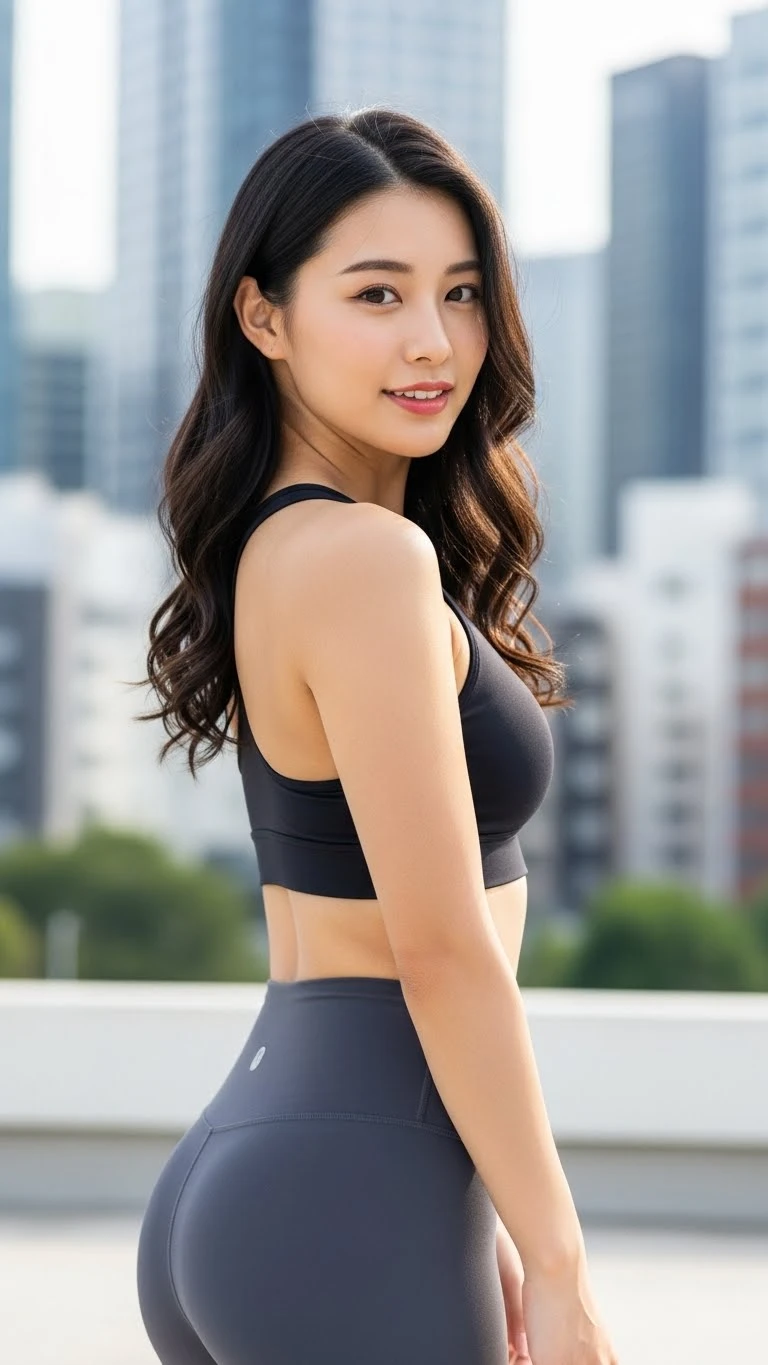
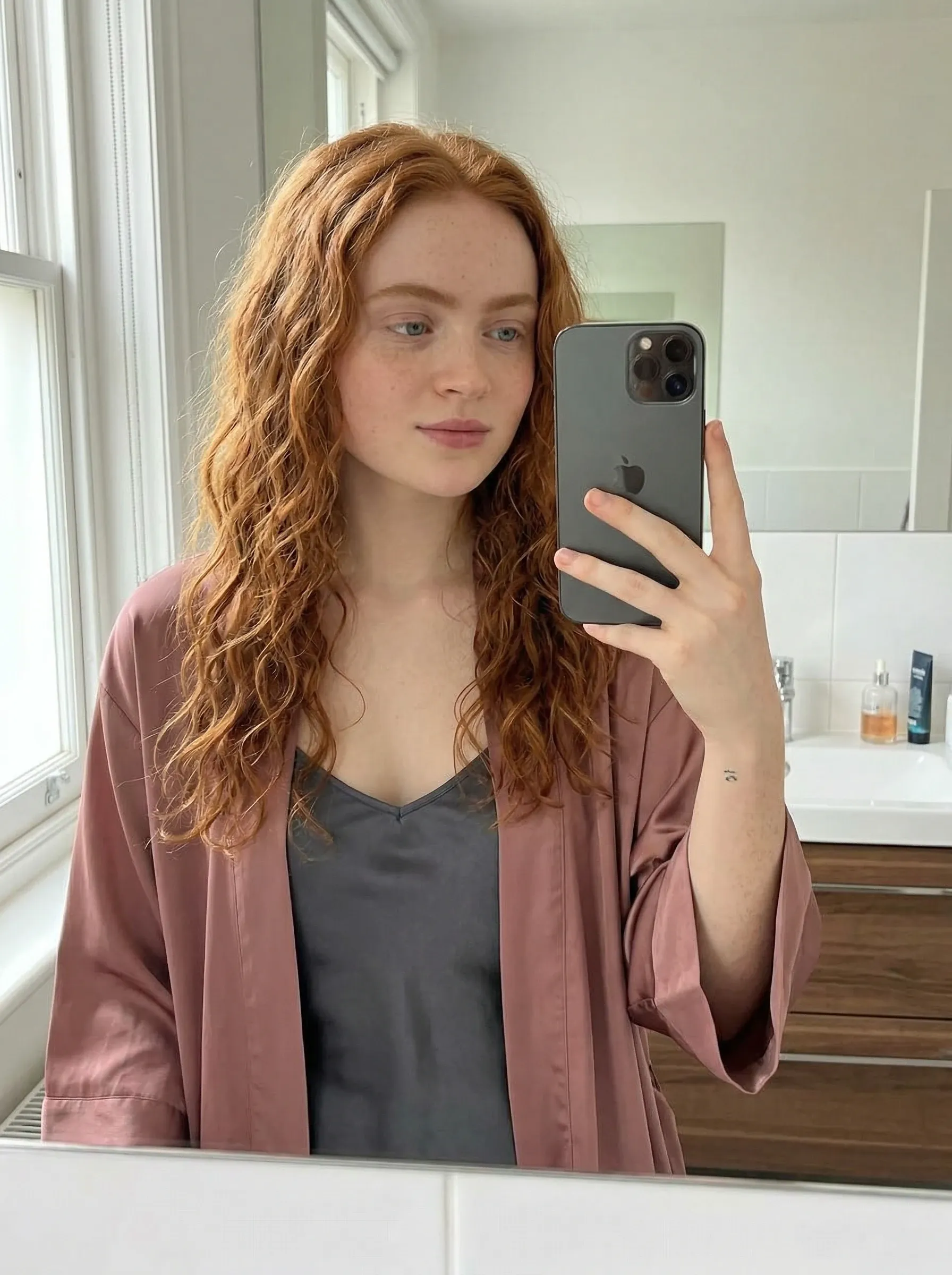
Select the portrait image you want to process and upload it to Nano Banana Pro to start the optimization and restoration workflow.
Select restoration options
Choose the comfyui-inpaint or comfyui-light optimize feature for restoration and optimization, and adjust the relevant parameters to achieve the best results.
Save results
After processing, download and save the restored and optimized image, ensuring it is stored in a high-quality format.