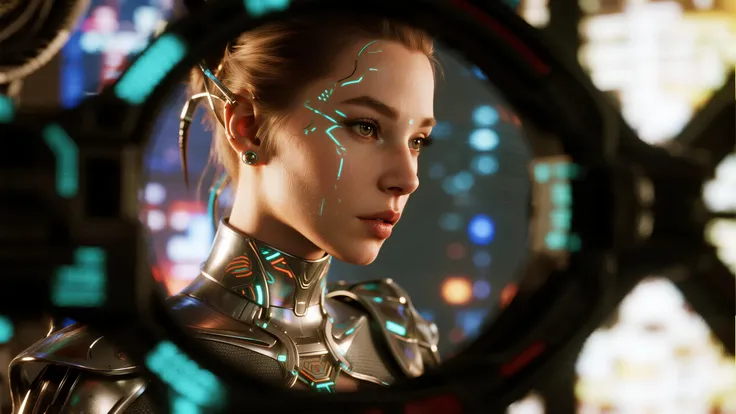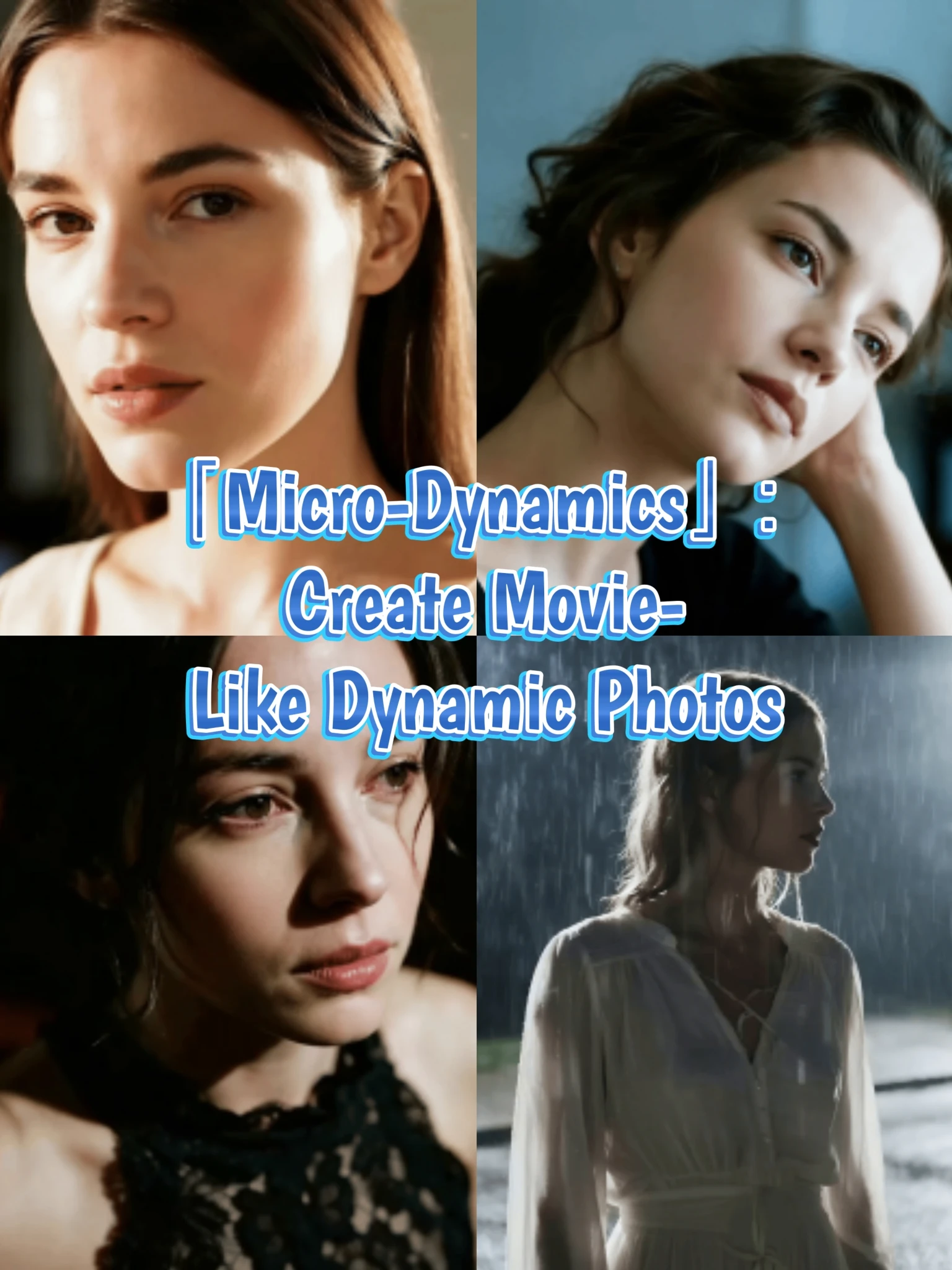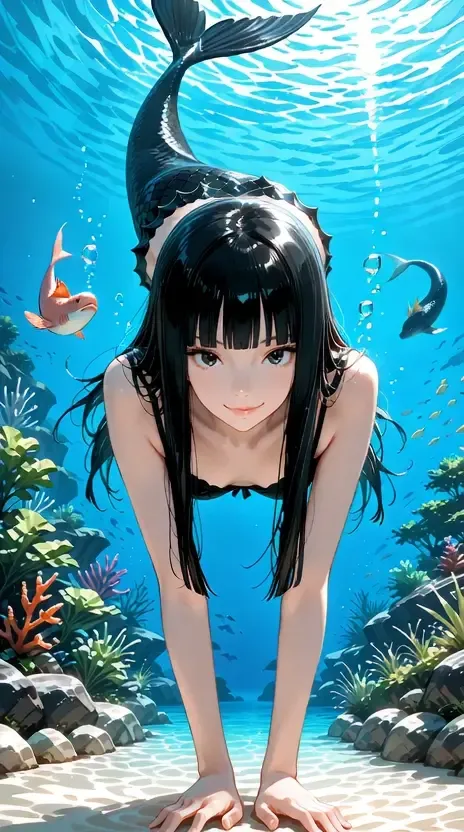

Don't you want to try to make your nice pictures move?
I believe that if you are here, you must have brilliant and good ideas to create good works. Moreover, Seaart is very supportive in providing many tools to create good images.
but is a good image enough?
for some of you, both beginners and experts, I am sure you have the desire to make videos from the images you have created or create new videos with the tools available at Seaart. especially for those of you who want their work to get more exposure on social media, the use of AI Video Generator is very trendy today.
In this article, I will share a little of my experience in creating AI videos.
FOR BEGINNERS
maybe you are confused about how to use the tools available in seaart, don't worry, seaart has several apps that can support your needs in making AI videos easier. there are TXT2VID or IMG2VID, i will show one example:
Celebrity POV
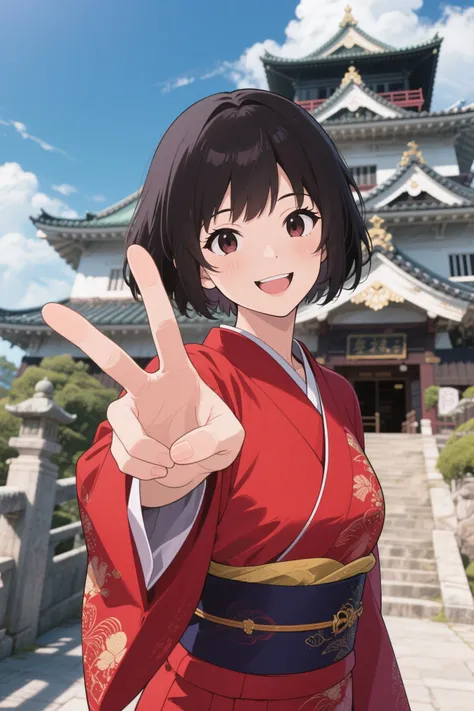

if you want to make a selfie video from your favorite movie character, this app has a good aesthetic in generating known movie characters (you can see some example on the page), even you can draw anime character like this :

yes this app is good for selfie pose, but if you tweak the prompt, you can generate other than selfie.
there are still many more apps that i can't show you one by one on this article.
FOR INTERMEDIATES
I'm sure you already understand how to make a prompt, but here I want to give you tips on how to make a seamless video with an interesting transition.
STEP 1

make 3 images, using whatever checkpoint you like, but because the goal is to make a video, try not to make the pose complicated, the background not difficult, and the appearance of the face must be the same.
the key is: same prompt for the appearance of the face and hair as well as the body, if you use flux, you should turn off the magic prompt.
example:
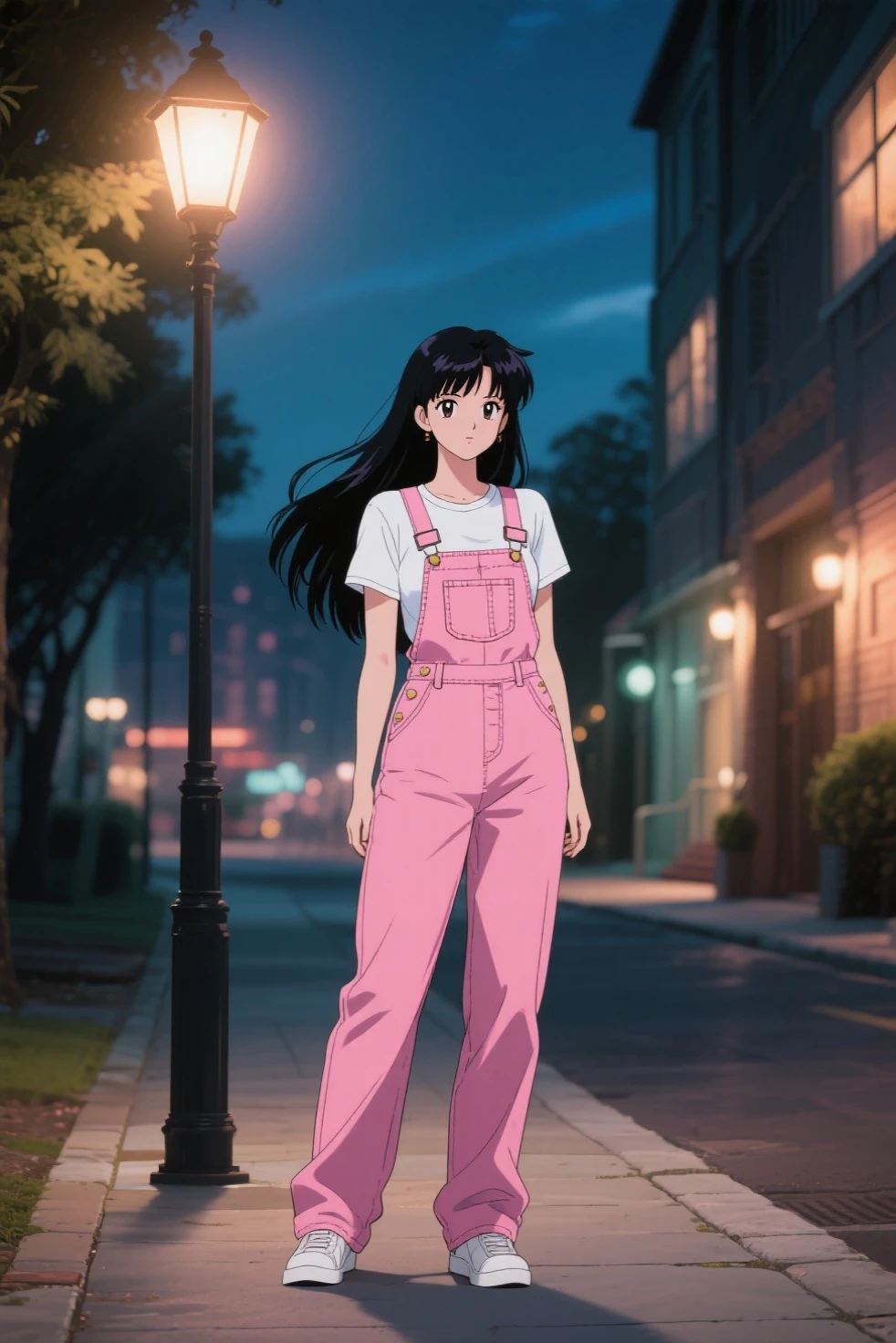

- if you have got the desired image 1, then regenerate, and turn on the fixed seed by pressing the seed button, then tweak your prompt to become a transition. i suggest to change the background into plain color.
example:
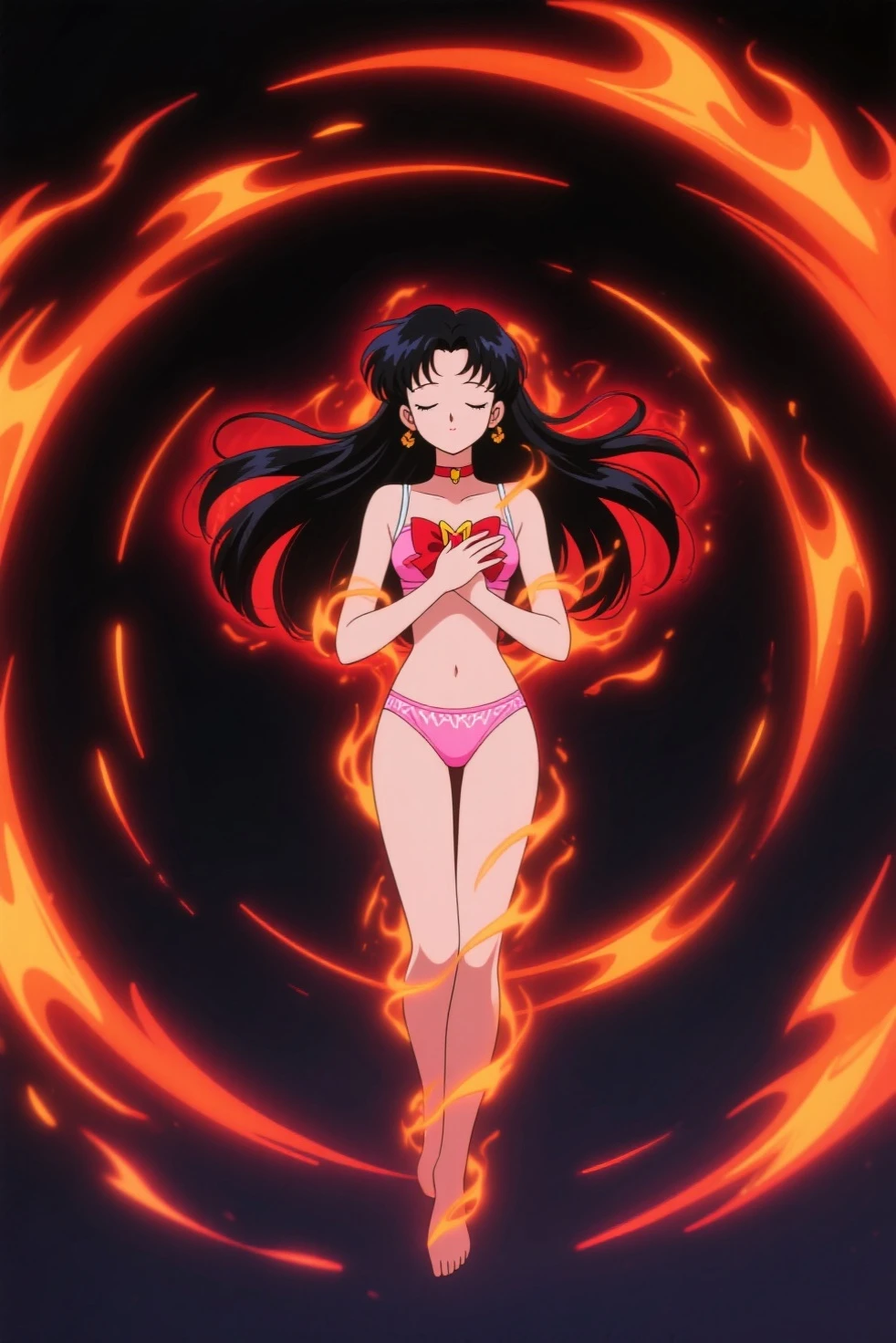
- the final image uses the same method as the second image, but still regenerate and tweak the prompt from the 1st image, not from the 2nd image.
example:
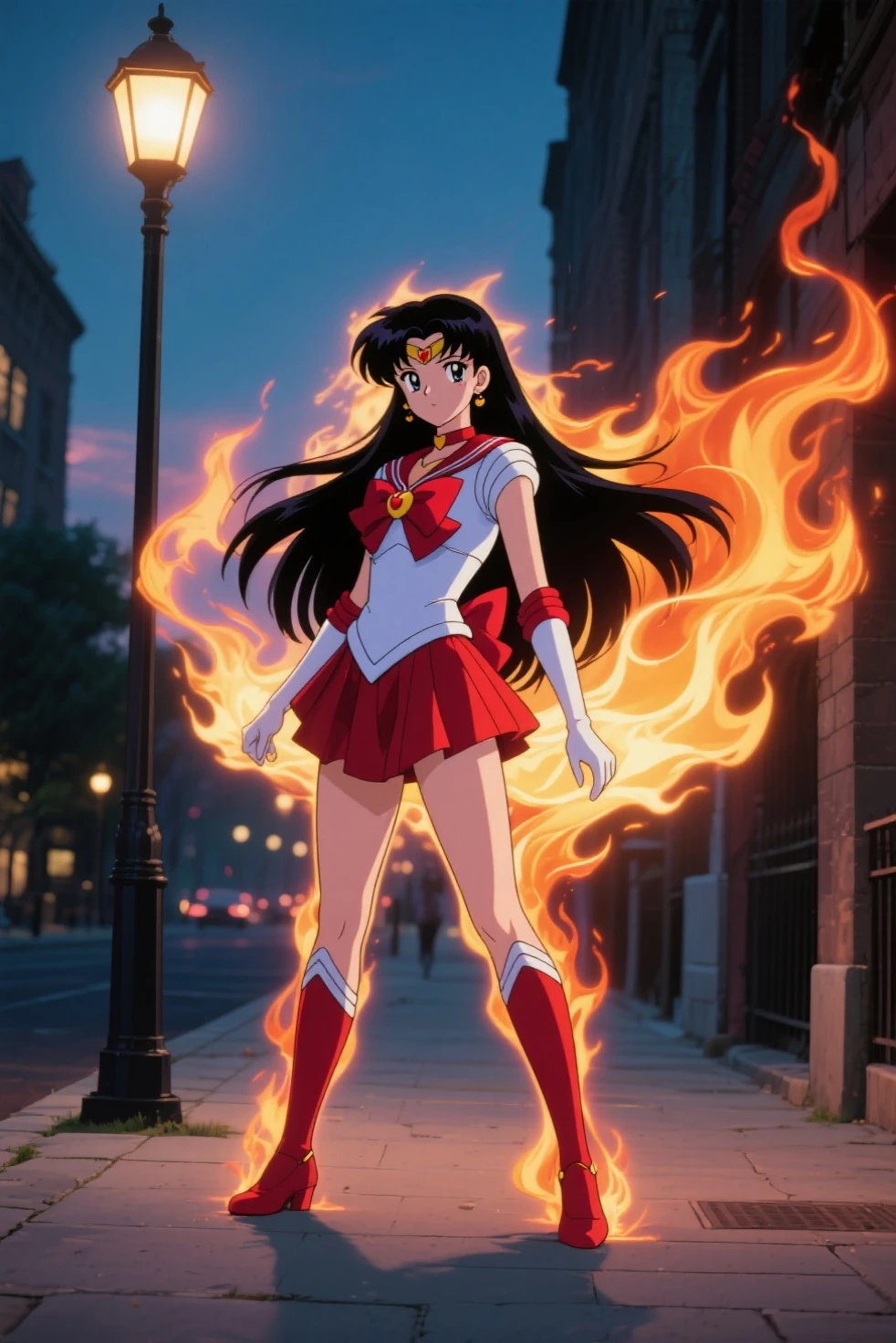
STEP 2
creating video using chcekpoint that has features of start frame-end frame such as Seaart Lite or Seaart Ultra
- create a video with putting the first image, let the AI created the prompt, then you should tweak it at least for the camera angle, so the camera won't panning. then upload the second image. do not forget to insert the negative prompts.
you can use mine : bad quality, worst quality, bad cinematography, worst animation, ugly, bad transformation, changing color, changing contrast, bad aesthetic, amateur video, slow motion. or you can add more.
for this tutorial i use seaart Lite
here is my prompt for 1st video :
The Sailor mars standing with her hair gently swaying in the evening breeze then she leaps and levitating, the background is changing to dark, and her body is emitting fire aura, burnt her clothes and reveals her pink under wears, camera following her movement and keep the proportion, 90s anime style with twilight lighting.
using the same method to create the seamless after transformation, you can use the same method, put the second image as the first frame, and last image for end frame.
here is my prompt for 2nd video :
A woman in a fiery outfit gracefully levitates surrounded by swirling flames, she open her hands and the fire creates her Sailor Mars Uniform, the background back to street view as she lands on the sidewalk and pose in powerful stance, camera following her movement and keeping the composition, 90s anime style with dramatic lighting.
because the last image will not clearly seen, then you should put the third video, to make a clear end. use the last image only, and make a cool ending video.
here is my prompt :
an Anime schoolgirl (Sailor Mars) posing confidently like a martial artist with flames swirling around her, while streetlights flicker and shadows dance on the pavement, wide camera smoothly zooming in to capture her expression, vibrant 90s anime style with dramatic twilight lighting.
STEP 3
then you can combine those 3 videos using Seaart Films Video Editor, or your favorite video editing application (I use cap cut, because Seaart video editor does not support my needs)
here is my result :

you can see the seamless transition, its not perfect, but its quite good to show on your social media :)
QUICK CLOSING
can we use 2 images only to create a seamless transformation? yes, but the result might be like this :

so the function of 2nd image is to give a seamless transformation effect / transition effect, but if you don't care about effect, with the same method, you can create a seamless transition also only using 2 images, but, the 1st image must has a strong connection with the 2nd image, you can create expensive cinematic shot like these :
 jupiter link
 safe haven link
 undine link
also i want to make a Quick comparation,
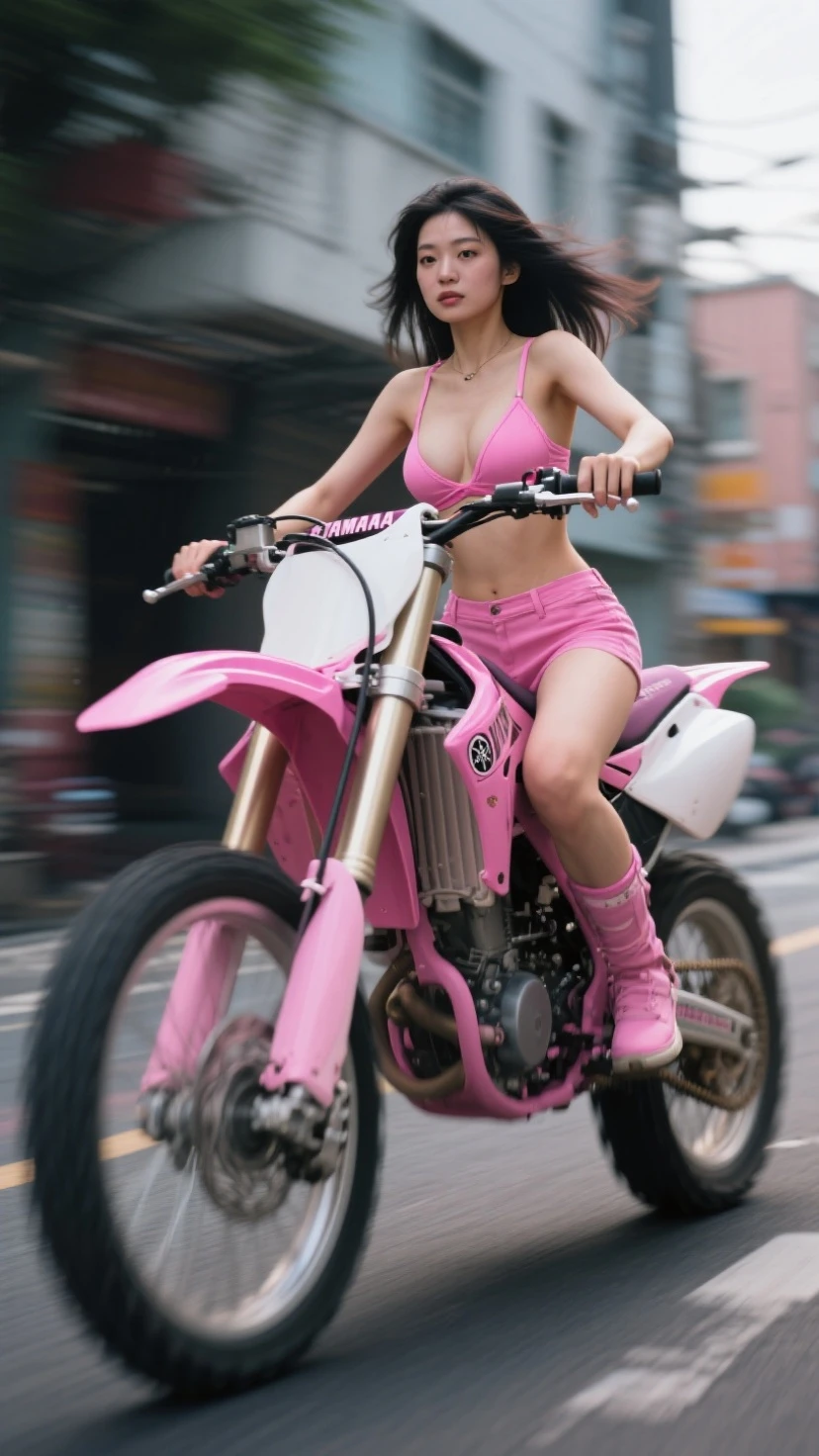
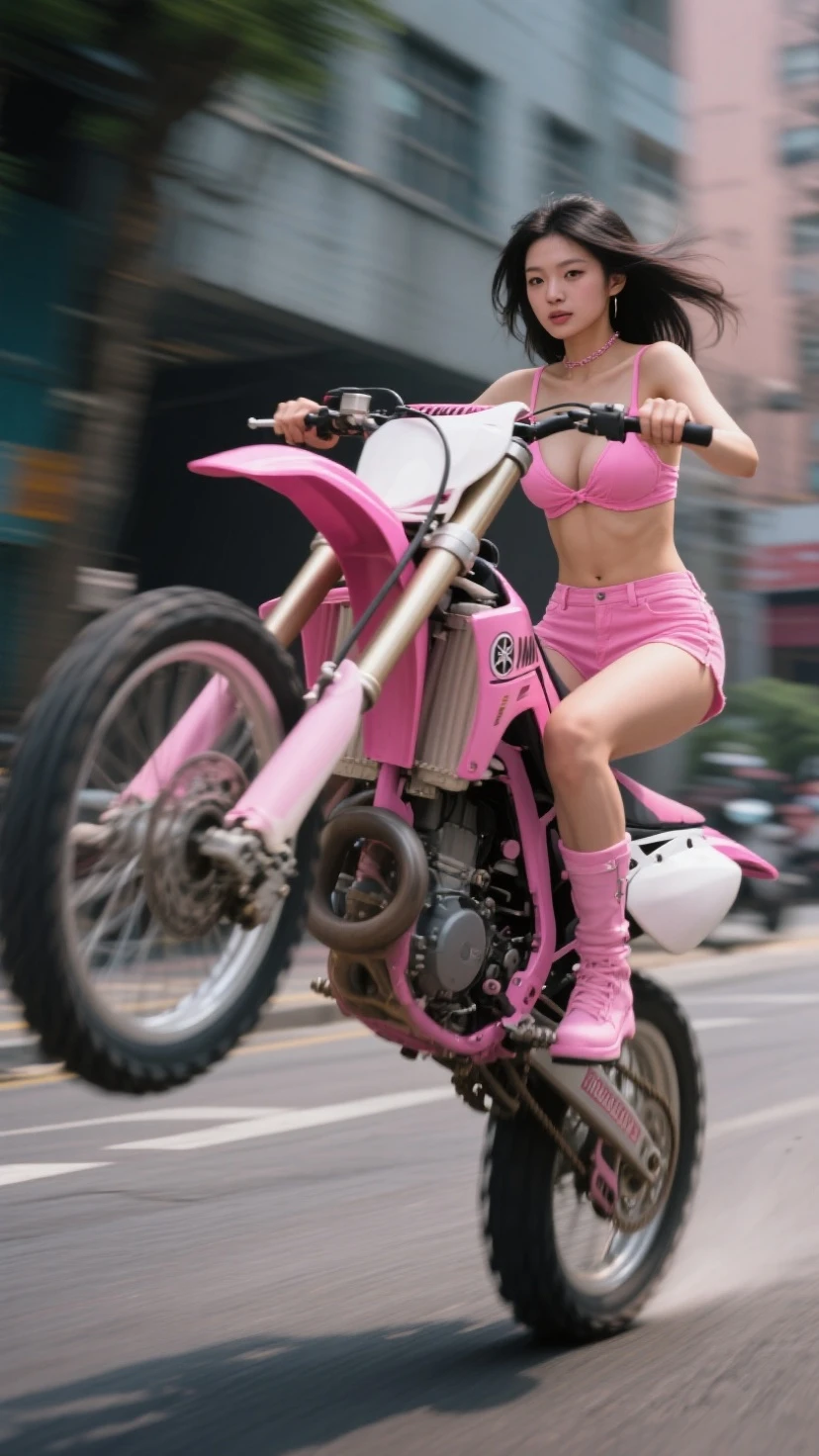
using these images and same prompts into an action video :
Positive Prompts:
A woman in a pink outfit riding a pink dirt bike swiftly down a bustling street the she lifts the motorcycle into a wheelie action with blurred pedestrians and colorful storefronts, medium camera following from a low angle, photorealistic style with vibrant daylight.
Negative Prompts:
bad quality, worst quality, bad cinematography, ugly, bad transformation, changing color, changing contrast, not aesthetic, amateur video, slow motion
Results :
Seaart Lite:

it has a good result, but it can only generate 720p video
Seaart Depth :

it has a shaky result, and too many deformed face, so this one need additional negative prompts, such as : shaky camera, deformed, disfigured, etc. i belief if this model can generate smoothly, it can be good, since this model can understand that my prompt is for action movie scene.
Seaart Ultra :

this result has a good natural movement, but the woman face was out frame, so i think we must tweak the prompts, like adding : keep the proportion or keep the composition on camera angle part
note :
so if you have limited credits, you should try using Seaart Lite.
but if you have lots of credits, then i suggest to use Seaart ultra , or maybe seaart ultra 2.0 (sorry i couldn't review that model, since my credits are limited, hahaha)
all works and explanations on this article are based on my experiment and experiences in using Seaart AI Video Tools.
see you on my next article :
on PART 2, i will share some tips for advance user, about why is storyline or storyboard important in making AI Video or AI Shorts.