

Do you want to make an aging AI video for challenging the event or for your social media content?
Have you ever marveled at the way characters effortlessly transform across ages in films? Whether it's the mind-bending reverse aging of Benjamin Button, the astonishingly lifelike de-aging of actors in The Irishman, or the age-defying enhancements of Marvel superheroes.
here’s the game-changer—you no longer need a Hollywood powerhouse to achieve jaw-dropping, seamless aging or de-aging effects. AI is revolutionizing cinematic special effects, With AI tools at your fingertips, you can bring your own characters to life in ways that were once unimaginable!
by using AI Video generation Tools, you can create a video like this :
here I will explain it briefly and easily understood
1. CREATE YOUR BASE IMAGES

a. First you have to make 1 photo of the main character (can start from childhood or adolescence), try to write down the appearance of his age in the prompt, and description of his facial features and hair.
b. To get a more seamless image, try to make the prompt the same color of clothes, and a blurred background
c. For flux models and seaart film, use magic prompt off, so that the lighting can follow our prompt.
prompt example:
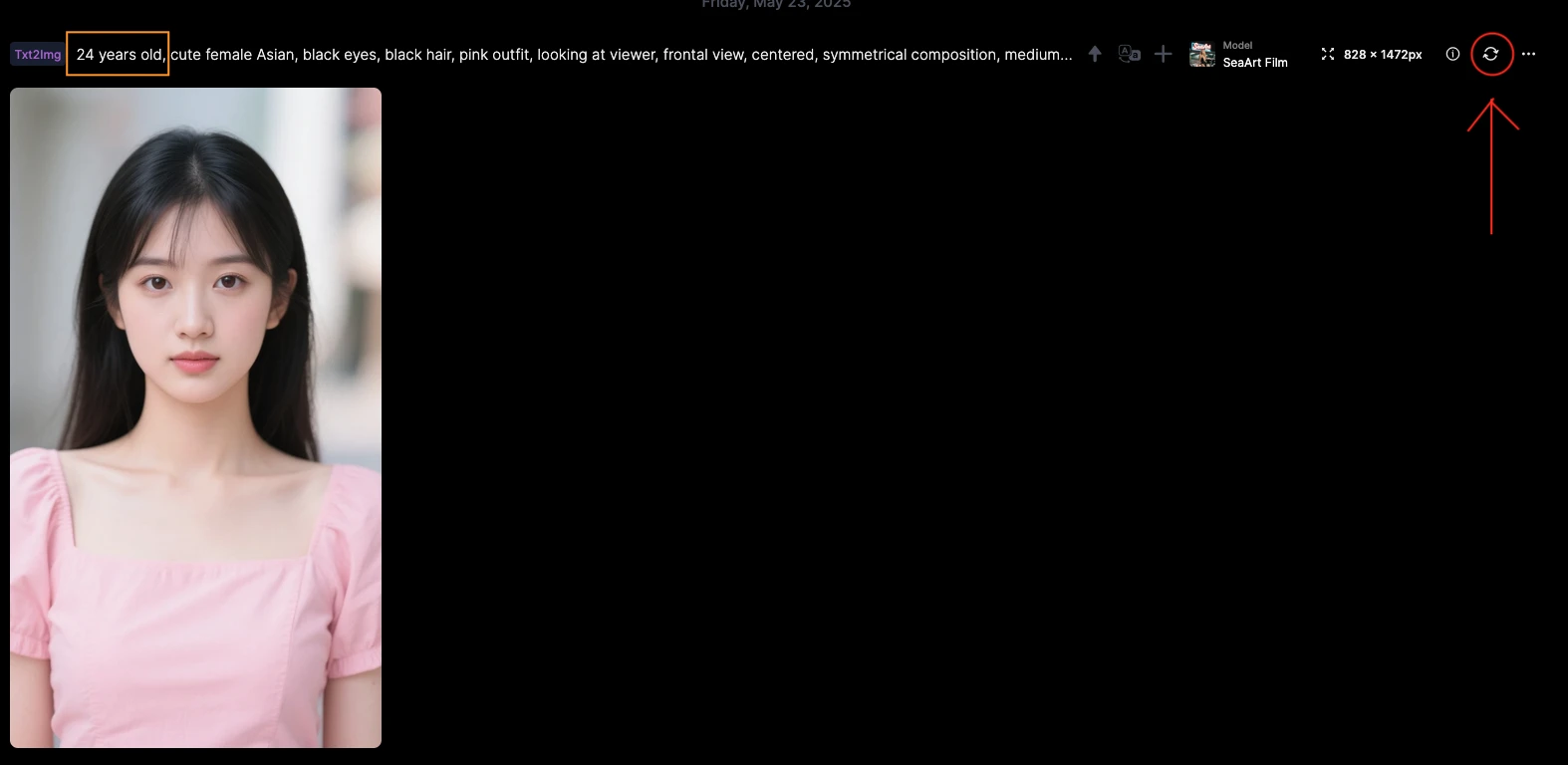
24 years old, cute female Asian, black eyes, black hair, pink outfit, looking at viewer, frontal view, centered, symmetrical composition, medium close up, blurry background, shallow depth of field.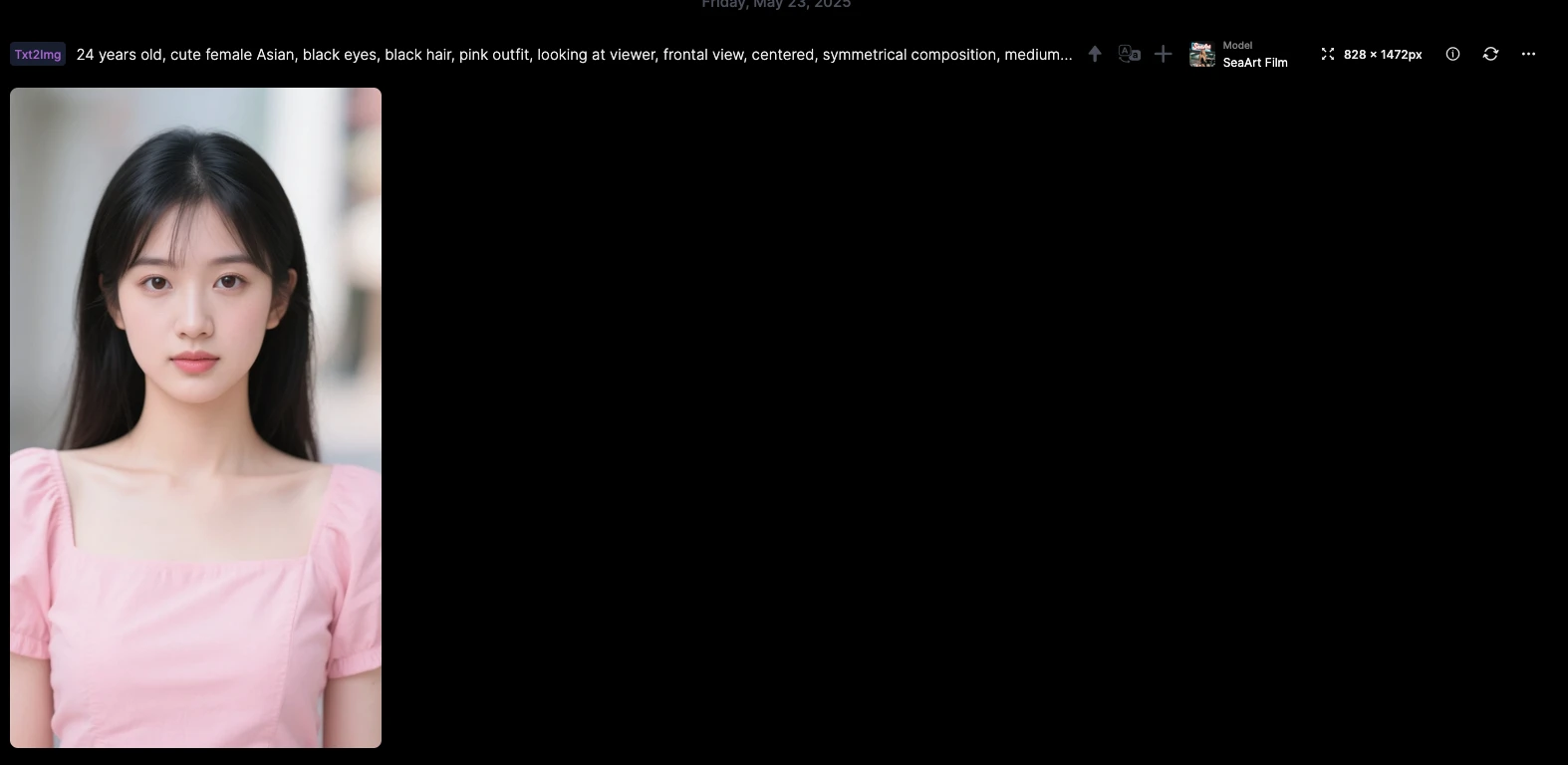 d. Regenerate (look at red mark on the image below), Tweak the age (minimum is 18 years old, below that is censored)
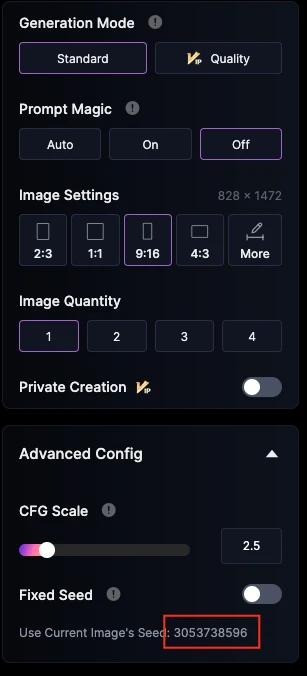
Common Issues & Fixes : use same seed with this method --> click the seed number, until the toggle turn on
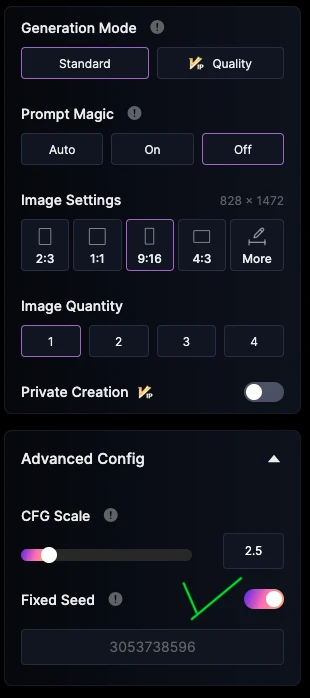
then click generate, you will get same face with different age like this
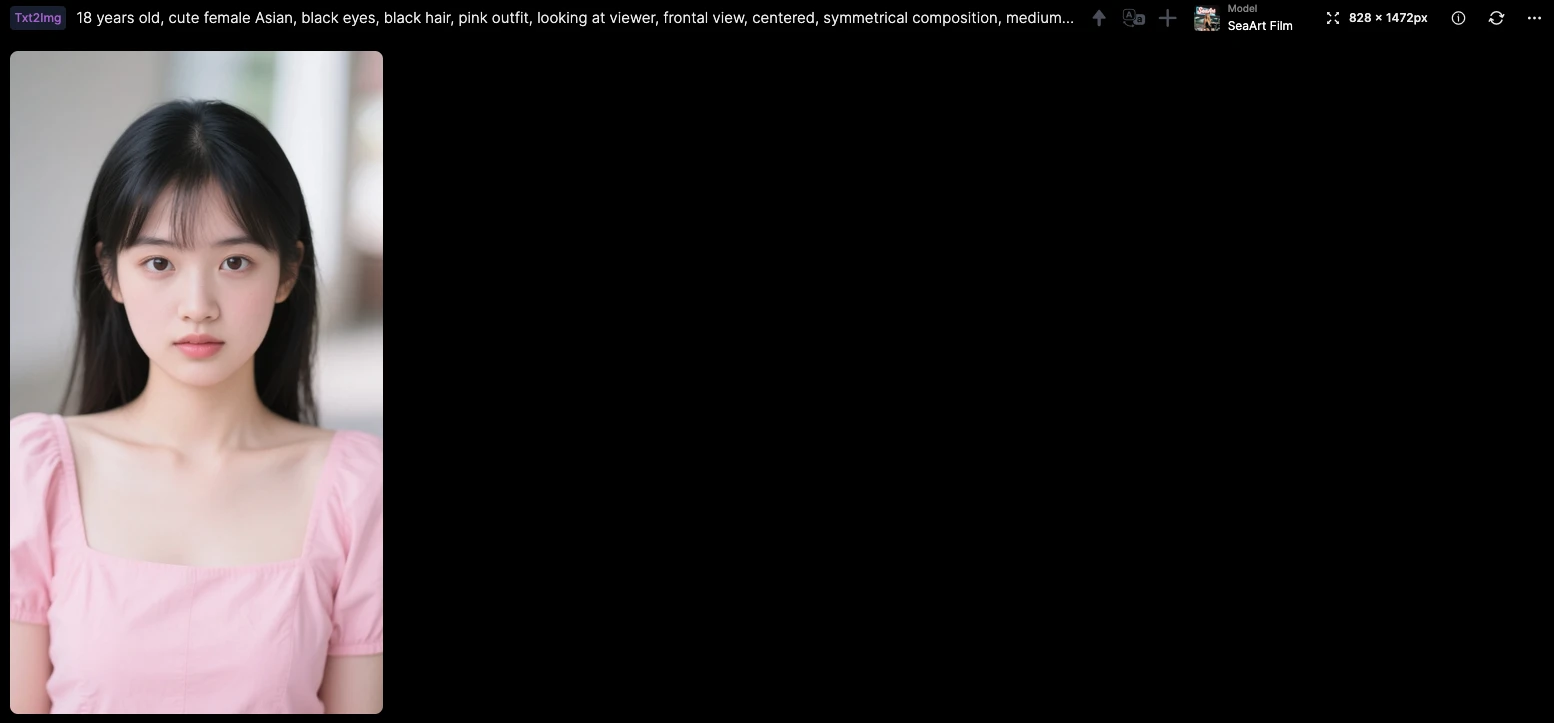
e. for under 18 years old, you can use this kind of prompt :
1girl, cute female Asian, black eyes, black hair, pink outfit, looking at viewer, frontal view, medium close up, blurry background, shallow depth of field.
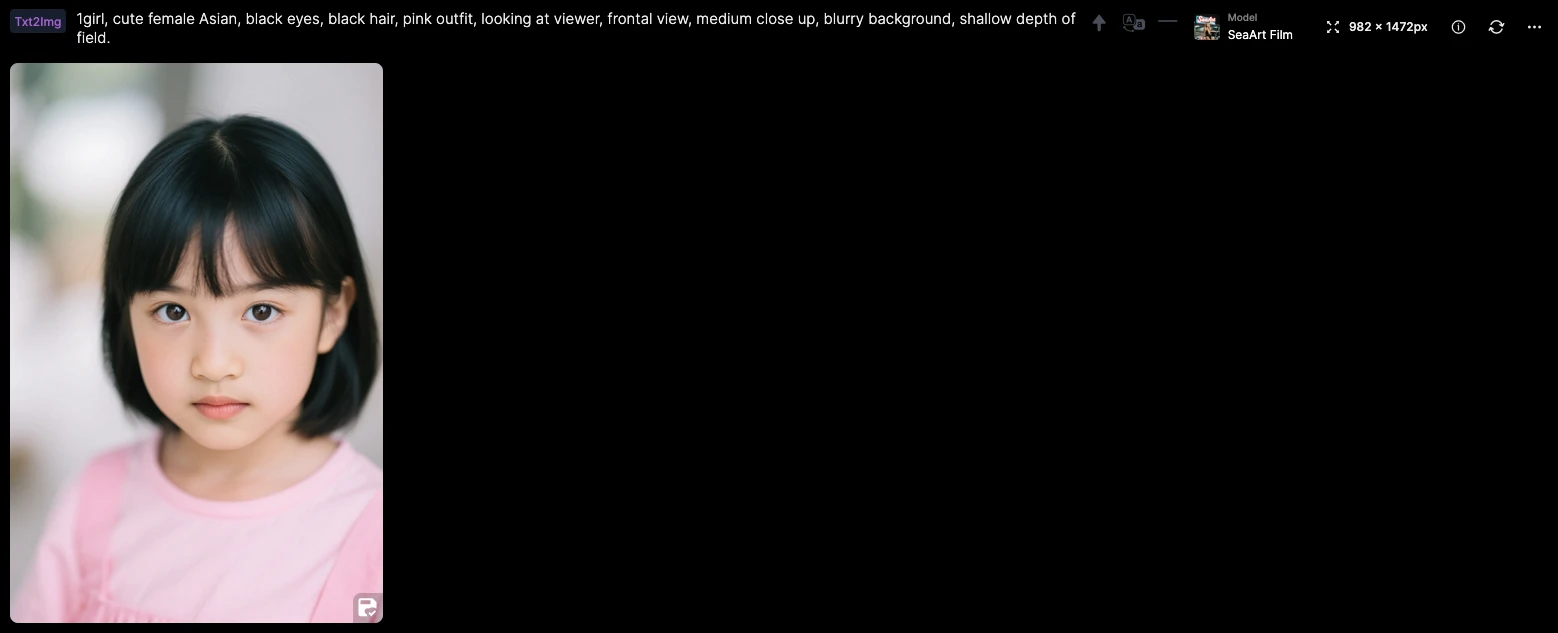
or like this :
1girl, Asian, black eyes, black hair, pink outfit, looking at viewer, frontal view, centered, symmetrical composition, medium close up, blurry background, shallow depth of field.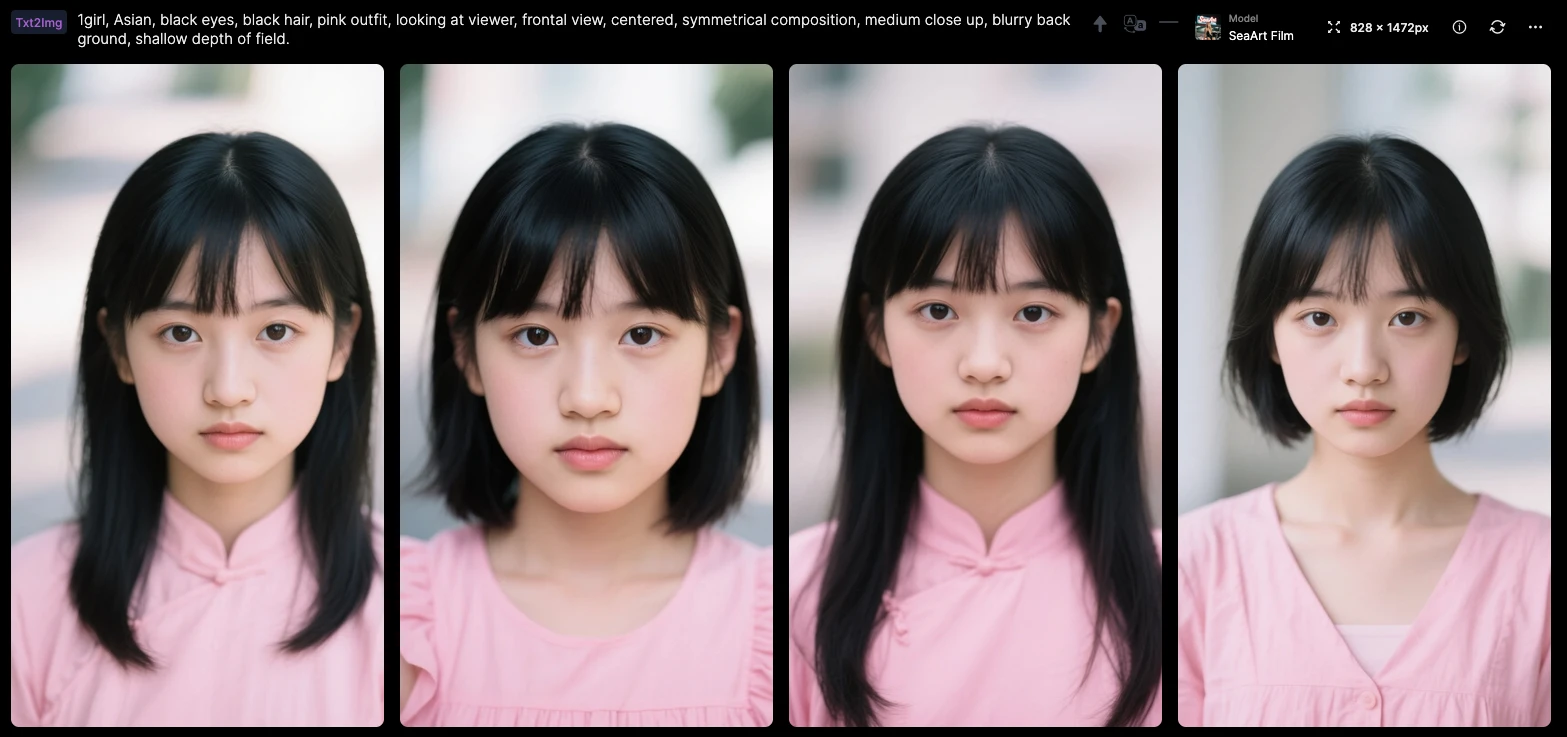
f. for older age you can repeat step (d) with tweak the age into older age you want, and change cute into beauty or pretty.
HERE ARE SAMPLE, MY BASE IMAGES :
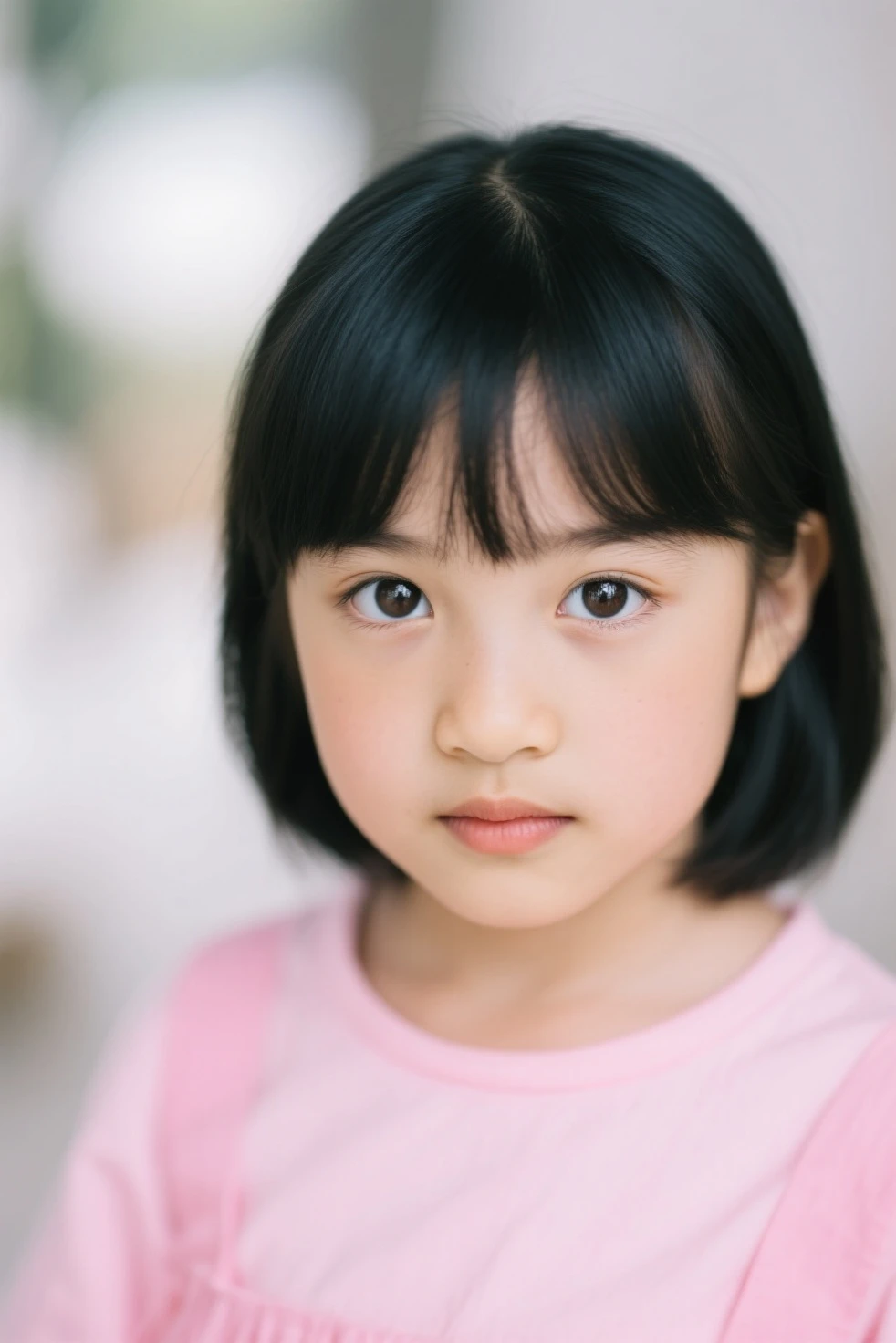
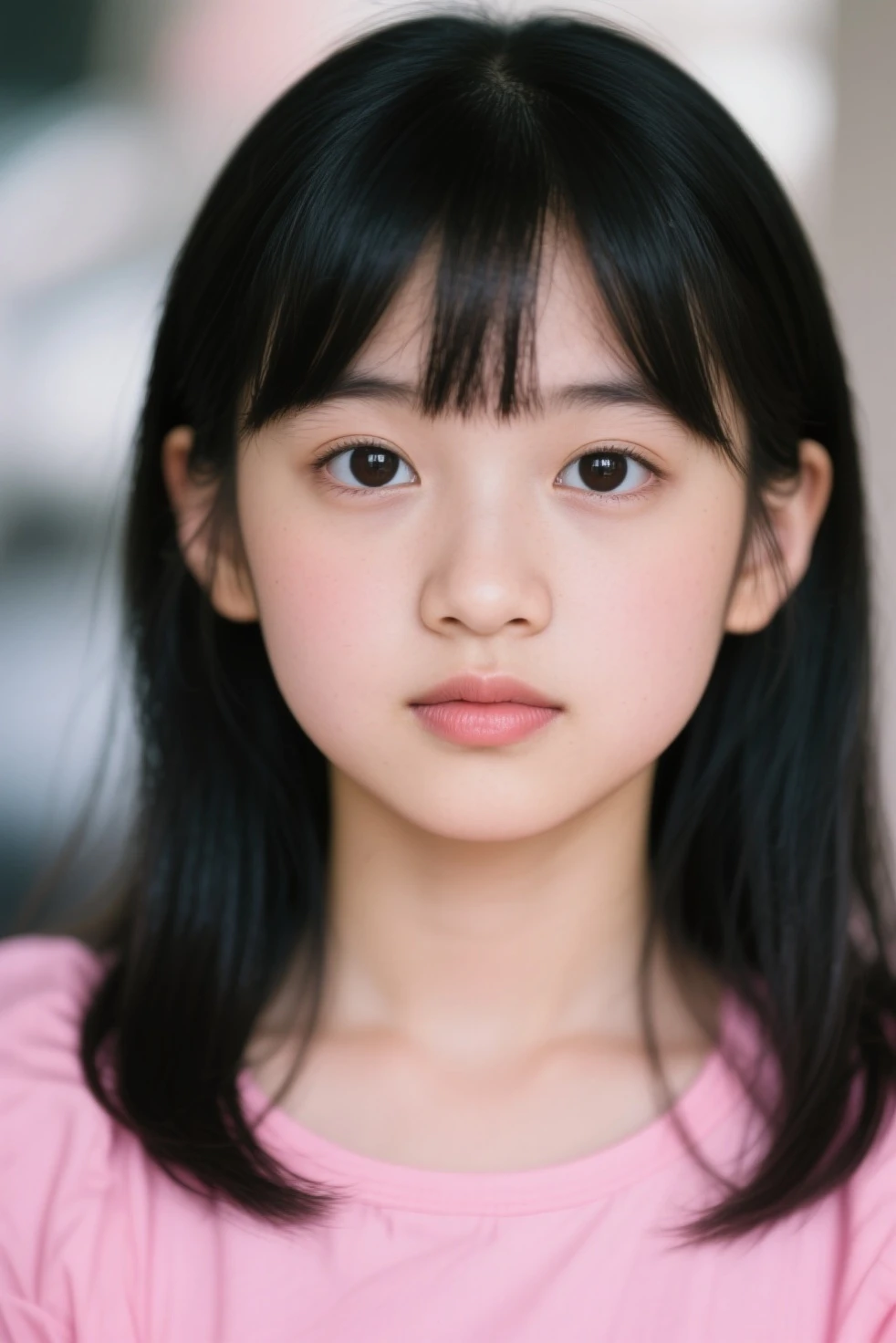
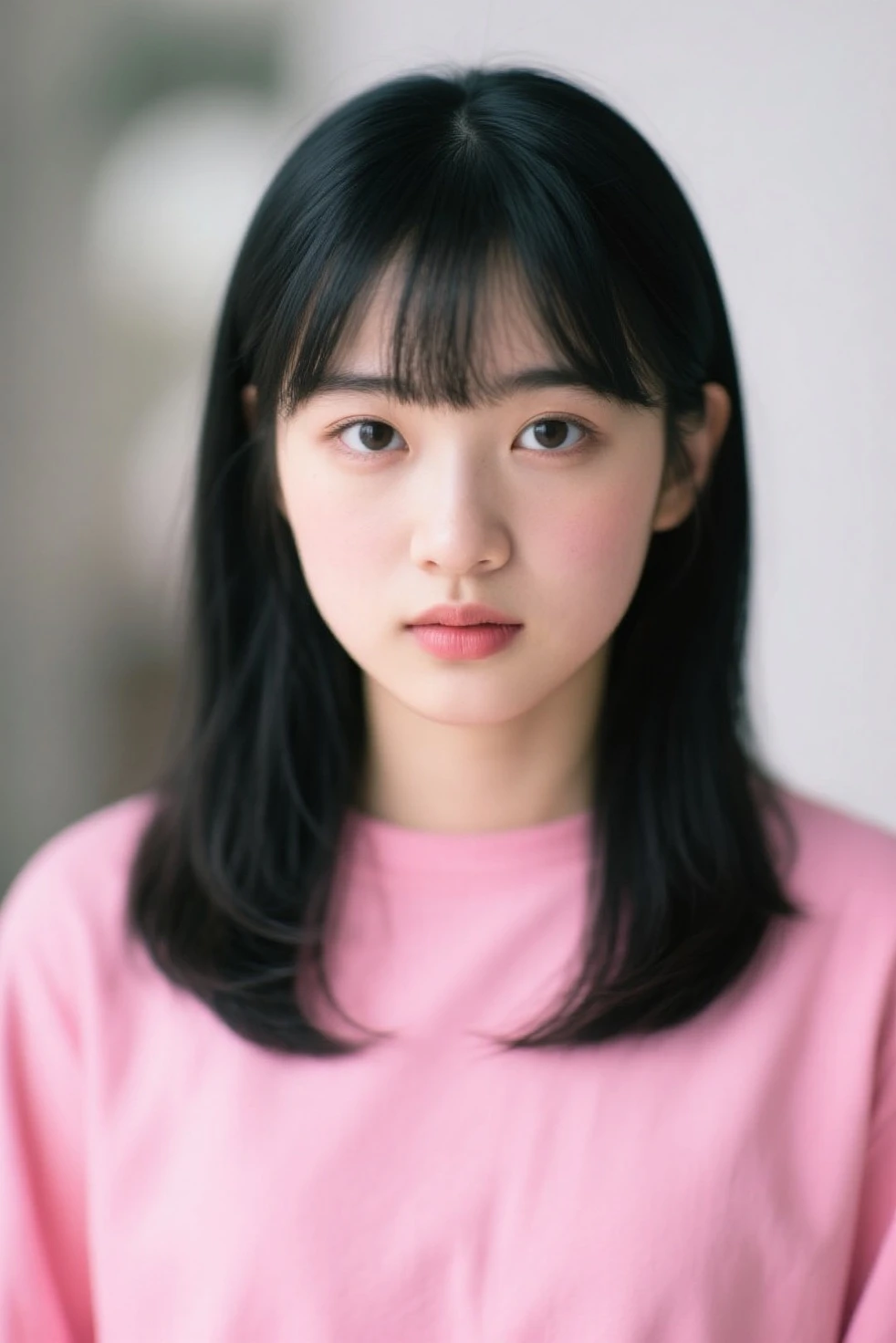
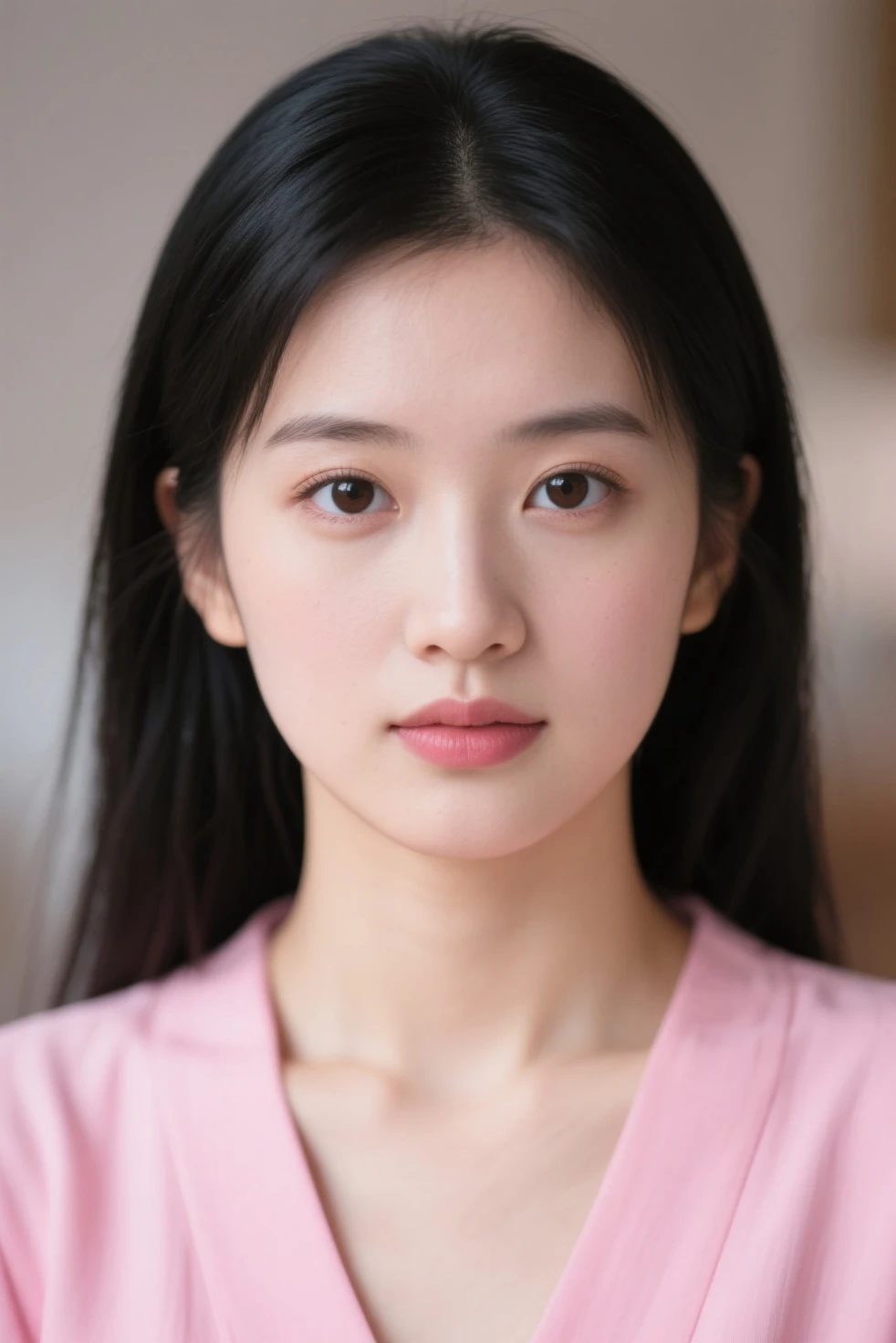
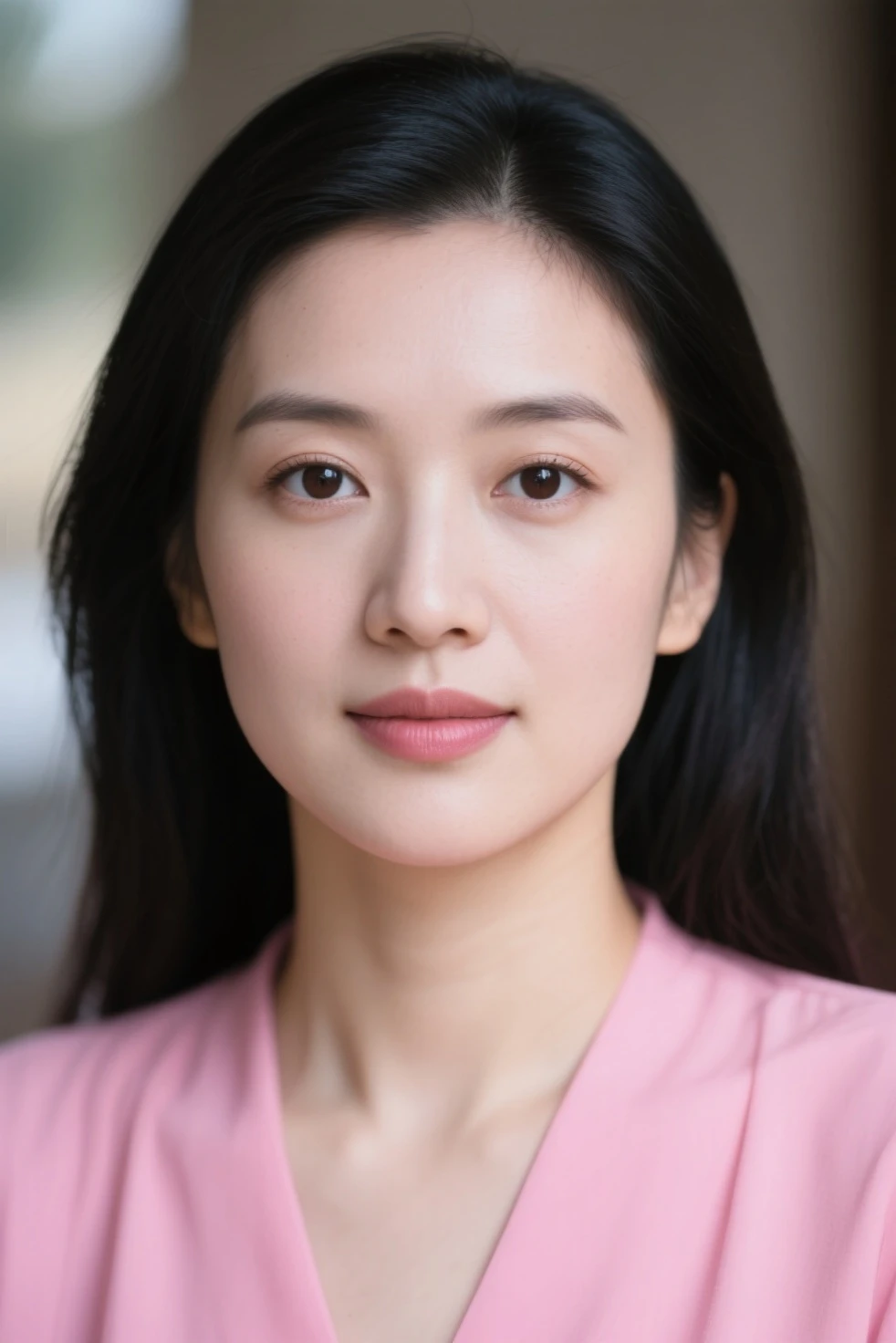
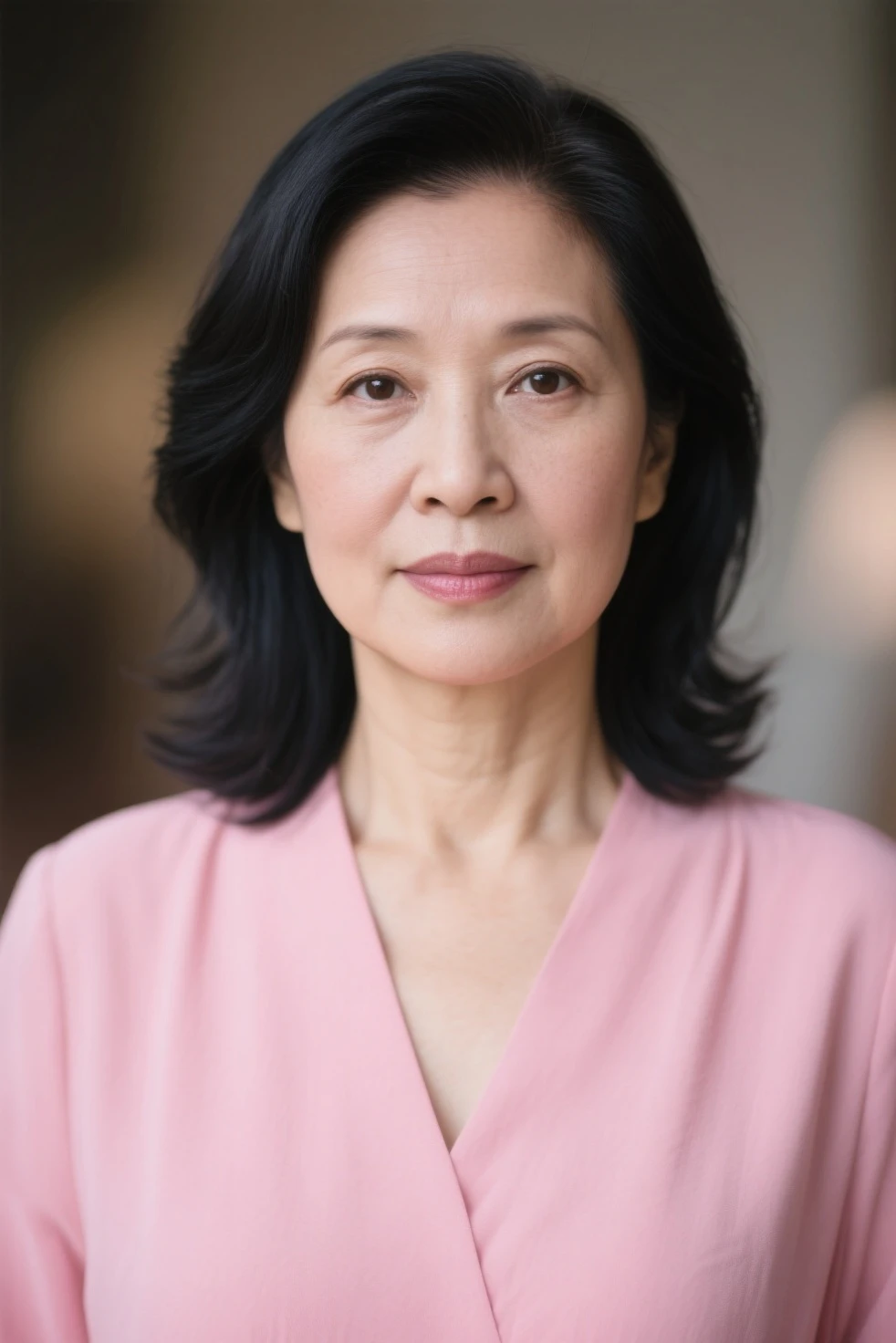
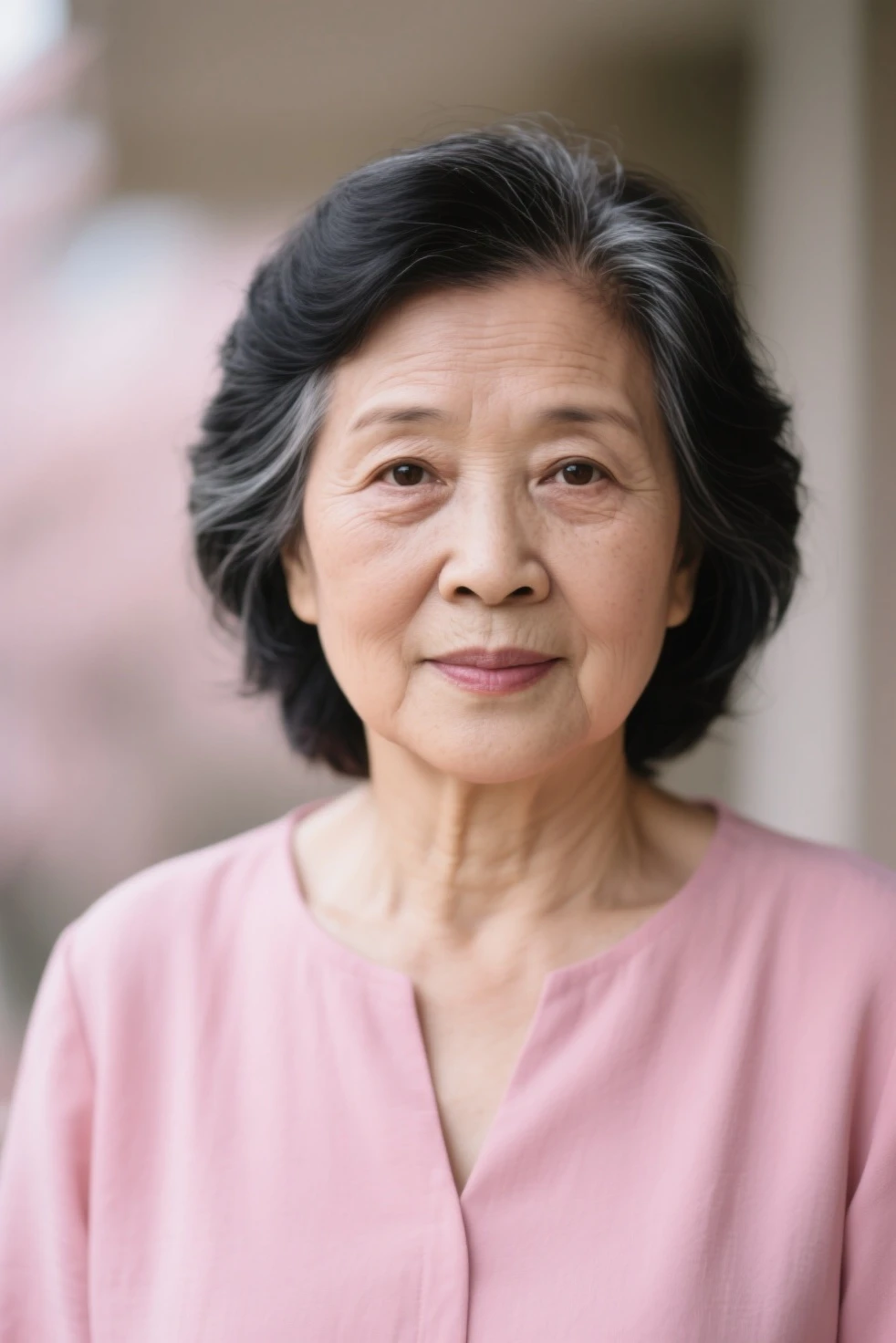
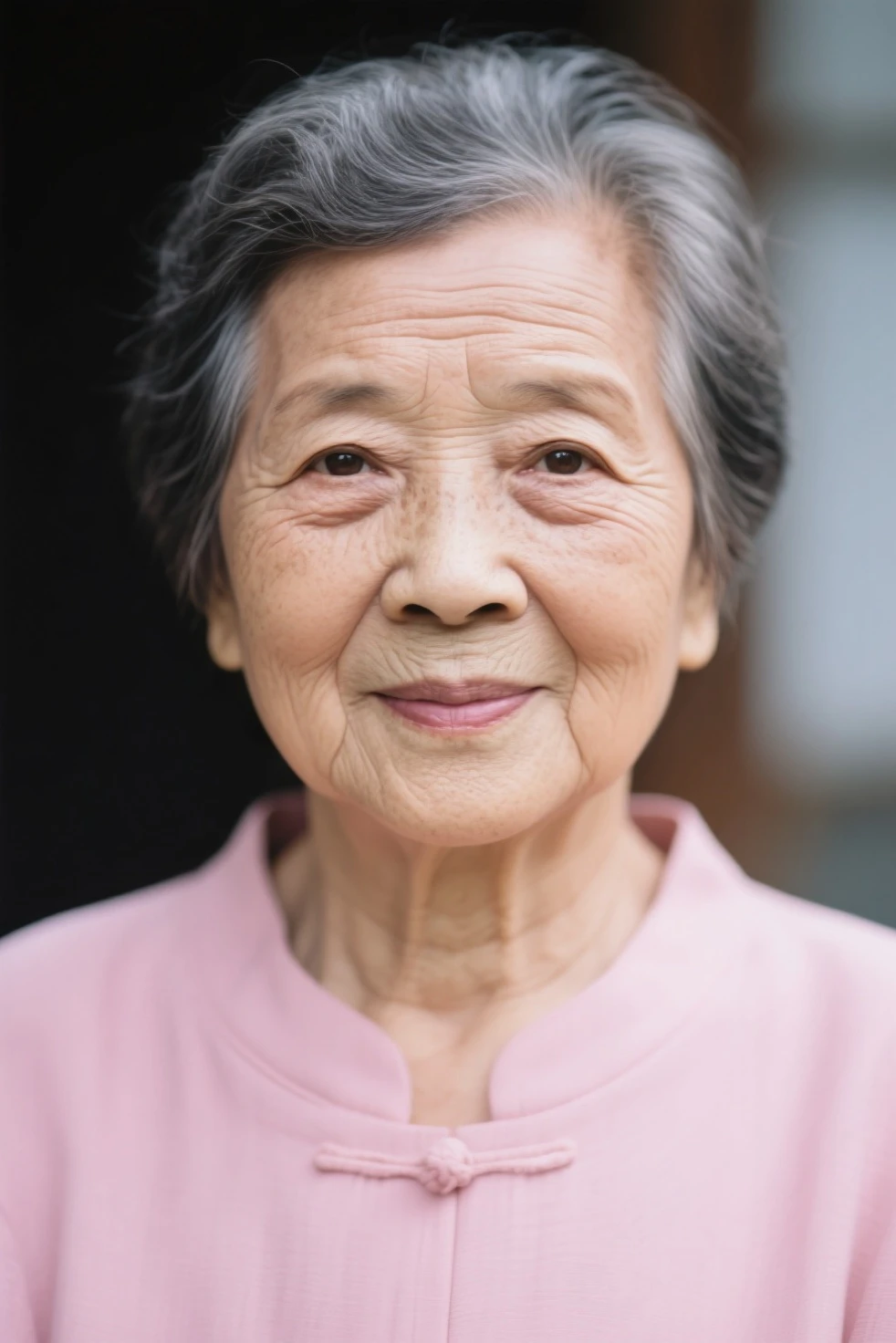
2. GENERATE THE IMAGE INTO VIDEO CLIPS
if you are already satisfied with the images, then you need to save it to your works gallery (recommended) , after that you can start generate the video with start frame and end frame method,
to understanding seamless transformation/transition you must see this GUIDE
TIPS : if you have credit limit, i suggest to use Seaart Lite. at least you can generate 1 video per day, and you can post the final result on 7th day (this is what i did to participate in asian beauty event).
use this positive prompt :
create a smooth and delicate face transformation from first image to second image, camera following the face position, photorealistic style
with warm and inviting ambiance.
use this negative prompt :
ugly transformation, bad quality, worst quality
add image from your saved works as start frame and end frame : 1-2 , 2-3 , 3-4 , etc.
why ? because if you download image to your local computer, it will be compressed even only a tiny bit of data, but if you generate video directly from your gallery, you can get a better result (this is based on my experiment)
you will get results like these :
1-2 2-3 clip cannot be uploaded (idk),
3-4 4-5
4-5
5-6 6-7
6-7
7-8
then edit them, combine them, add back sound, add speed ramp, no need to add transition effect, because each clips are already back to back, and the sample video result you can check in this POST
3. QUESTION & CONCLUSION
CAN WE USE IMAGES FROM LOCAL STORAGE TO CREATE THIS KIND OF VIDEO?
yes you can, as long as they have the same size resolution
CAN WE USE THIS METHOD TO MAKE TRANSFORMATION HUMAN TO ANIMAL?
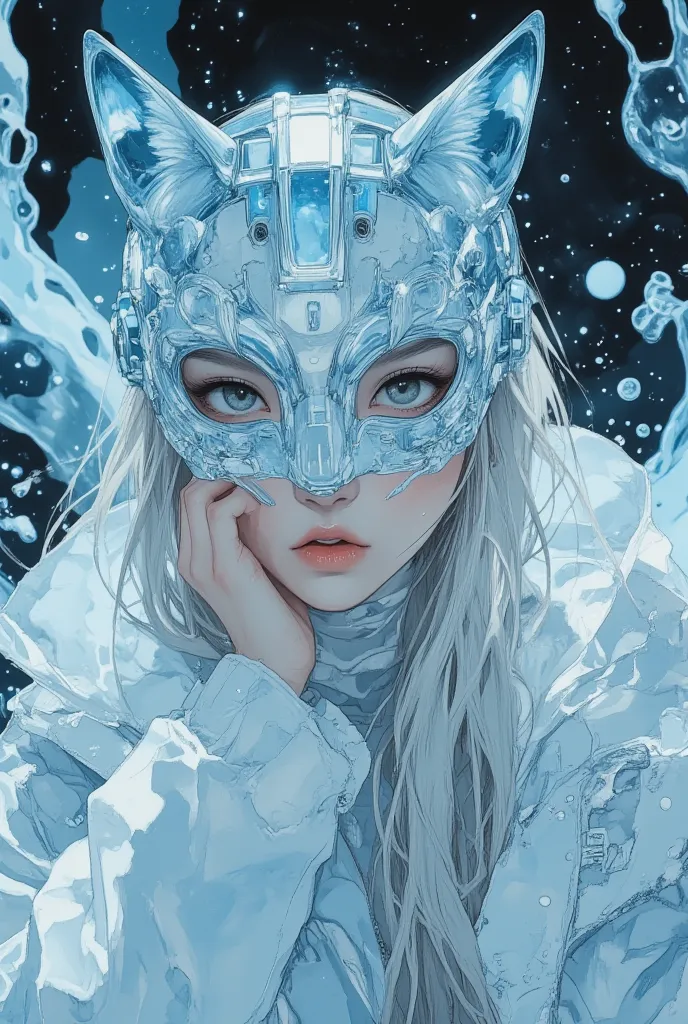
yes, like this :


but its hard to keep the size, so the video generator needs to make the subject out frame first, but it still good. (this is done in Seaart Ultra, Seaart Lite always say "Canceled by the System"), with editing you can create a perfect loop like this :

CONDITIONS THAT MUST BE MET
- Solo subject
- same size images : 16:9 - 16:9 , 9:16 - 9:16 , etc
- same camera angle is not a must, but its better to have this
- blurry background is not a must, but its better to have this
- hands pose holding something is not recommended
PRO TIPS (RESUME) :
- Face Consistency: Go beyond just the Seed value—unlock advanced Prompt techniques to refine facial stability. Experiment with precise descriptive keywords or leverage Lora models (if supported by your platform) to maintain facial features with absolute accuracy.
- Eliminating Visual Glitches: AI-generated videos can sometimes suffer from minor jumps, blurring, or distortions. Offer powerful post-processing strategies—local blurring, noise reduction, or precise speed adjustments in video editing software—to enhance visual fluidity.
- Emotions & Expressions: Show how to preserve or subtly shift a character’s emotions as they age, ensuring their expressions evolve naturally and authentically, deepening the narrative impact.
- Age-Specific Aesthetics: Master the art of fine-tuning age cues in Prompts. Whether aiming for "cute," "elegant," "mature," or "wise," learn how to craft descriptions that shape the perfect age progression.
- Creative Expansions: Breaking Beyond Just Aging, Think beyond the typical aging effect—push the boundaries of AI-driven transformations with these visionary applications:
- Seasonal Evolution: Seamlessly transition a single scene from spring’s bloom to winter’s frost—or vice versa.
- Fashion Through Time: Watch a character’s wardrobe evolve across decades, reflecting changing trends and personal growth.
- Emotion as a Story Arc: Transform subtle emotional shifts—watch sadness gradually morph into joy, giving depth to personal journeys.
- Storytelling Power: Encourage readers to use these video effects to craft compelling stories about time’s passage, personal transformation, nostalgia, or a character’s defining journey.
- Integrating AI Tools for Ultimate Creativity: Supercharge your workflow by pairing aging effects with complementary AI tools—background generators, AI-driven audio enhancements, or even AI-powered scene transitions—to construct a polished, cinematic experience.
That's All, i hope this article can help you guys to painting your creativity using Seaart image and video tools.
See You on my next articles.