
The Art of Movement in Seaart Film Video
In the ever-evolving world of digital storytelling, camera movement plays a crucial role in shaping visual narratives. Mastering camera movement in AI video isn't just about adding motion—it's about unlocking cinematic magic with precision and creativity. With AI-powered tools, anyone can command sweeping dolly shots, dramatic zooms, and seamless tracking that elevate storytelling to the next level. No expensive rigs, no technical barriers—just pure innovation at your fingertips.
and this new model of Seaart Film Video, supports your needs without having to use a lot of credit. This model has advantages and disadvantages. more or less like this:
Advantages (Updated):
- has a good understanding of camera movement, with long duration, it can digests complex prompts
- can maintain good detail in the subject,
- good at creating normal speed and slow motion effects,
- does not distort or deform objects, smooth for hand movements as well (note: this is depends on your prompts),
- good at creating subject movement,
- very suitable with the image results from seaart film (most models are suit)
- does not change contrast/color like other models
- quite fast time in generating video to get the results
Disadvantages (Updated):
- no negative prompts options,
- output less than HD, only max length size 1248 (but can be increased with upscaled video up to 2K)
The Best Format for this Model
to ensures clear storytelling, cinematic depth, and AI-generated accuracy. the best structure is like this :
1. Subject – The main focus of the scene (e.g., “A lone traveler” or “A futuristic city”).
2. Action or Emotion – What’s happening or the mood (e.g., “walking through a neon-lit street” or “experiencing awe and wonder”).
3. Environment/Setting – The location or atmosphere (e.g., “deep in an ancient forest” or “floating above a cyberpunk skyline”).
4. Camera Movement – The specific motion (e.g., “tracking shot following the traveler” or “dolly zoom for a dramatic effect”).
5. Image Style & Lighting – The visual tone and ambiance (e.g., “cinematic lighting with deep shadows” or “soft, ethereal glow with warm tones”).
now, Are you Ready to push the boundaries and craft AI-generated visuals that feel like Hollywood? Let’s dive into the art of dynamic movement?
2 Main types of Camera movement
In AI-generated video creation, camera movement is the key to bringing static visuals to life. It defines how scenes flow, how emotions are conveyed, and how the viewer engages with the story. Whether it's a subtle pan, a dramatic tracking shot, or a complex cinematic maneuver, each movement serves a purpose. To better understand this, we can categorize camera movements into two main types: Basic and Advanced Camera Movements—each offering different levels of control and impact. Let’s break them down!



I use this image as the base image :
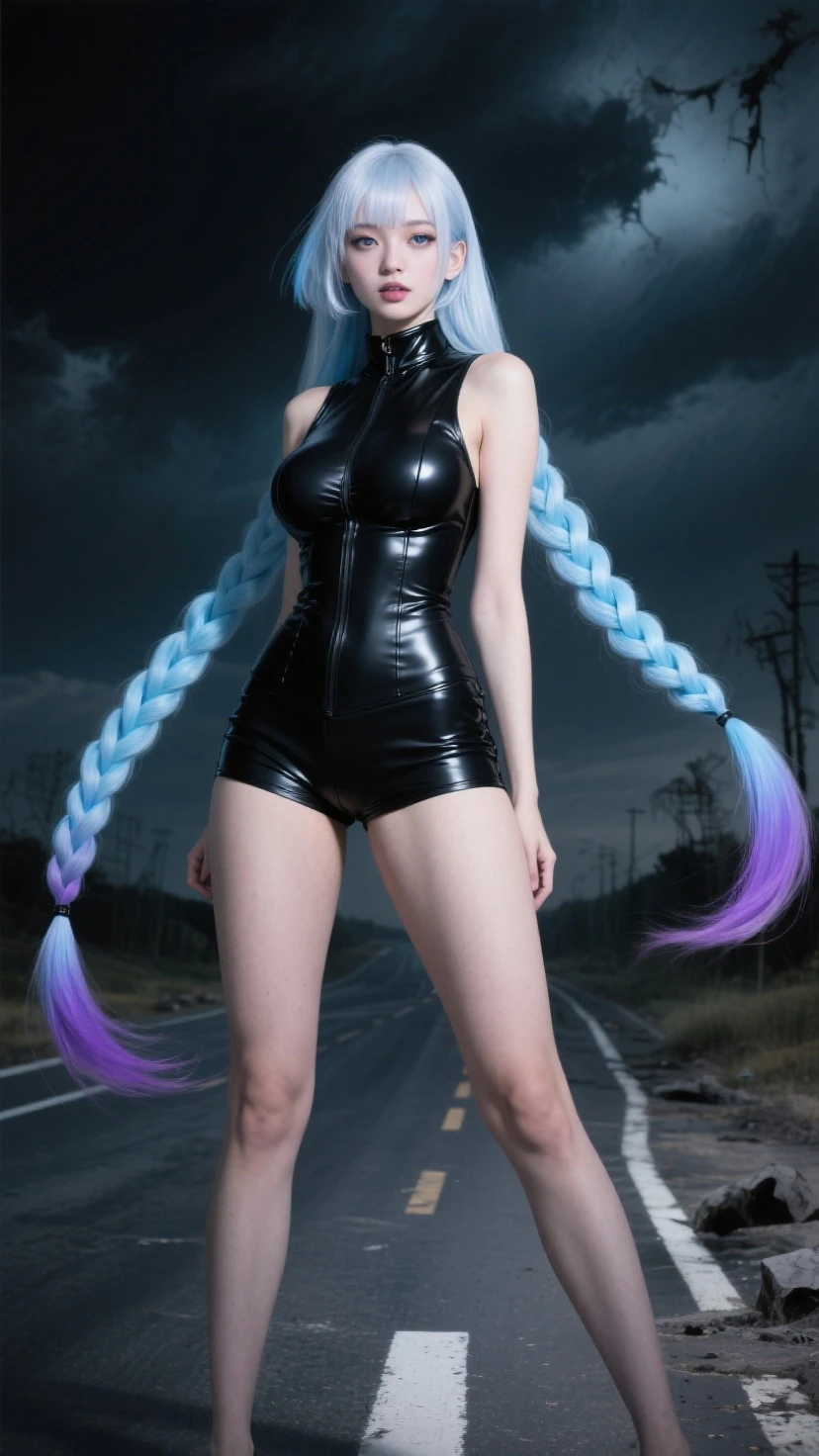
i use this prompts :





A woman in a sleek black dress, she puts her hands to her waists and pose like a model, she is on a road with dark sky behind her, static camera captures her movement, photorealistic style with dramatic lighting. (for the other samples, i tweak the action, and of course the camera movement)
Basic Camera Movements
at least there are 6 prompts for this basic camera movements
A. similar but not the same :
static camera (still camera) -- steady floating camera (with wiggle effect)


Zoom in camera (changing the lens size) -- Dolly in camera (without changing the lens size)


Zoom Out camera (changing the lens size) -- Dolly out camera (without changing the lens size)
B. for transition or revealing something
Pan camera left -- pan camera right (note: if you want to reveal something, use other model, additional visual created by this model is not really good)

tilt up camera -- tilt down camera (note: if you want to reveal something, use other model, additional visual created by this model is not really good)
Advanced Camera Movements
The Advance Camera movement is needed when you want to combine basic camera movement and camera effect, or if you want to make more dynamic video using your image.
A. Follow shot :
these are types where you want to create a moving camera while maintain the proportion or composition of the moving subject.
Tracking camera / Gliding camera -- this is used when you want to follow the subject movement, such as walking, running, or riding, etc.

Handheld camera -- this is multi functional type that you can use to follow anything, and to set focus on the part of the object

B. Dynamic Movement
to create a cinematic effect, expensive shot, or to express the mood, you can use this type of movement :
orbit / circling -- orbit / circling 360 (you need 10s duration for this one)


crash zoom / rapid zoom to select focus -- crash zoom to extreme close up


roll camera with following subject prompts -- roll camera with selecting the focus (ah sorry if i put ? on this :p)


crane to bird's eye view -- gliding forward and tilt up

C. Additional Treatments
still camera to show time lapse -- drone shot camera (to reveal with more dynamic movement than crane of dolly, but not recommended since the additional visual is not that good, better to use other model that has option start-end frame)
Camera Movements That can not be achieved
- VERTIGO SHOT (DOLLY ZOOM CAMERA)
- FREEZING SUBJECT WITH FAST MOTION CAMERA (the matrix style)
Can be Achieved with 2 Subject on the image
image sample
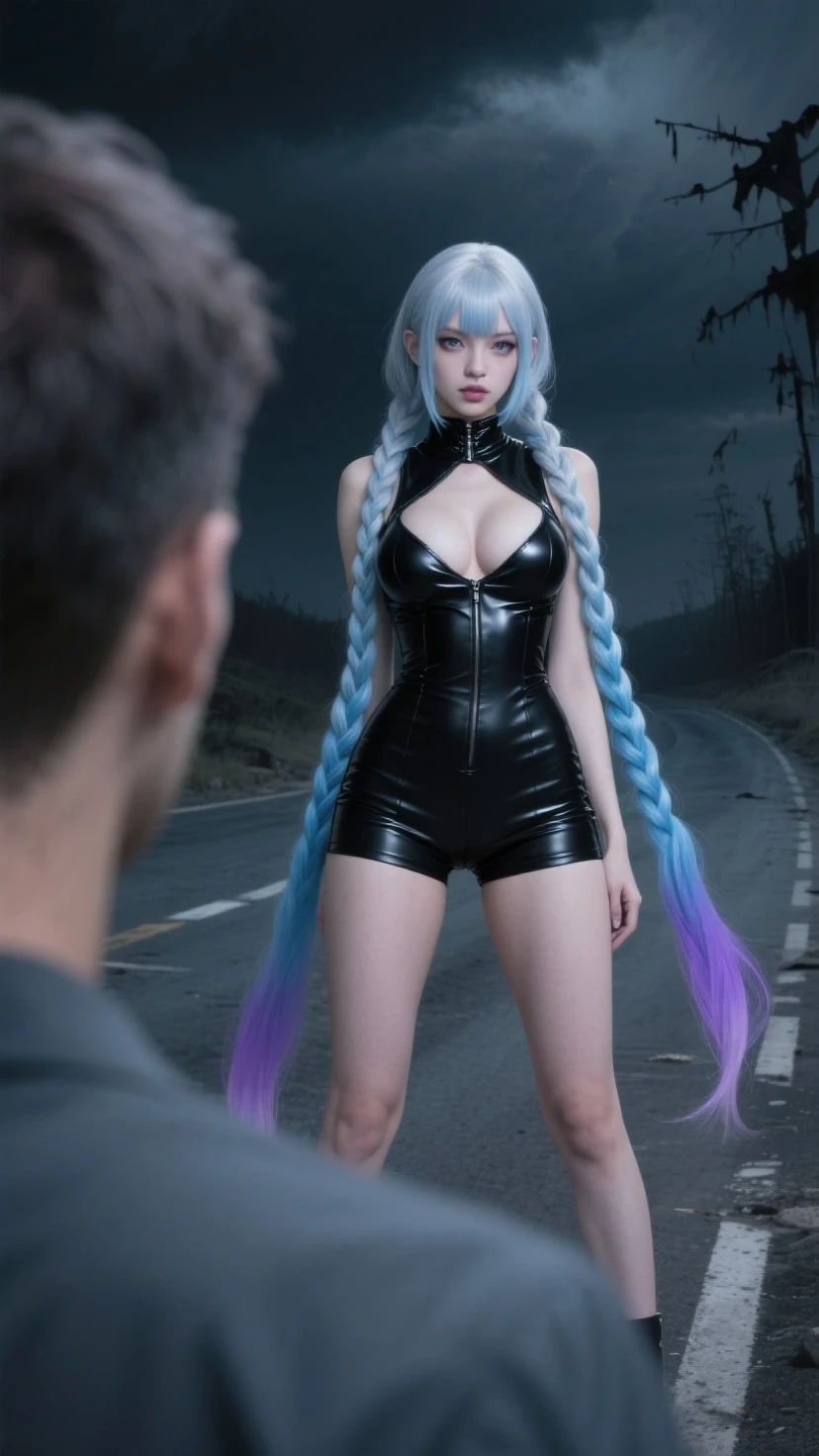
change focus
Sample prompts : A woman in a sleek black dress in the background, a man in the foreground turn around and smile, on the post apocalypse road with dark sky, smooth delicate camera movement with change focus from the woman to a smiling man on the foreground. photorealistic style with dramatic lighting.
why i put smooth delicate ? so the model won't create a cut. (yeah i forgot to mention , this model can create cut!)

cut to (not recommended, since the model will generate the visual that hard to control - means the man face will has different style with original image)
sample prompts : from over shoulder, camera zoom in to the face of a woman in a sleek black dress, camera cut to the man's face on the foreground, he is crying, on the post apocalypse road with dark sky, photorealistic style with dramatic lighting.


zoom in and rotates
sample prompts : from over shoulder, camera zoom in to the face of a woman in a sleek black dress, she is smiling, then camera rotates to show the
man's face on the foreground, he is crying, on the post apocalypse road with dark sky, photorealistic style with dramatic lighting.
tracking camera with illustrious base image :
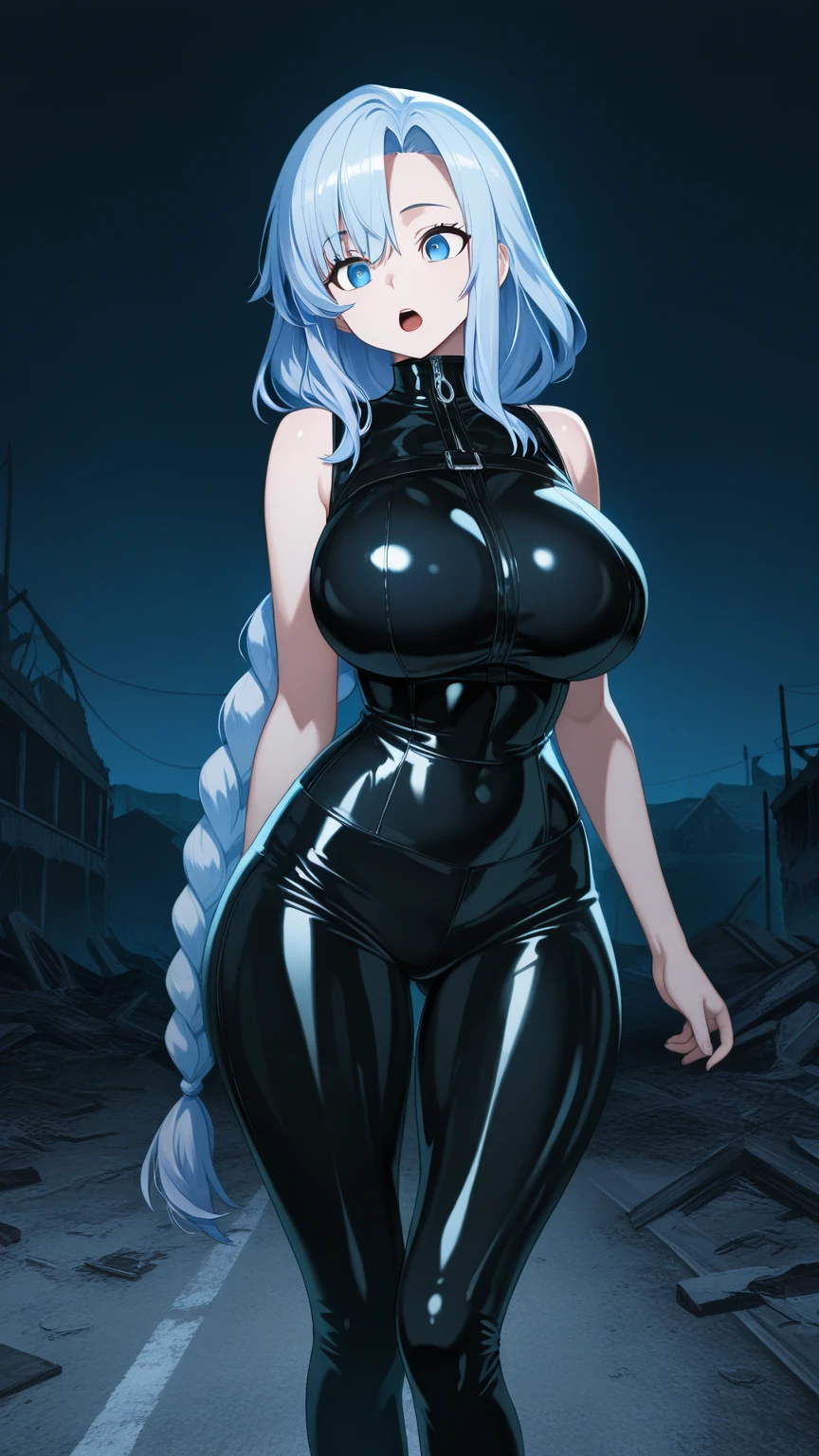

the result is stiff (but with complex prompts it might generate more smooth result)
zoom in camera with painting style image
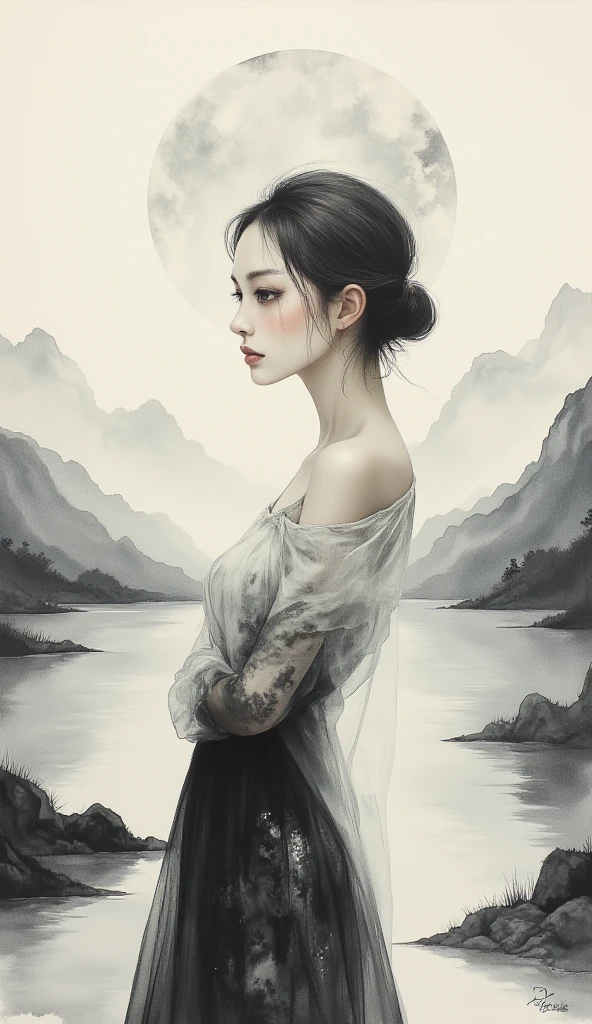

the result is transforming into realistic face, need to add image control, such as : painting style or same style as the image
orbit camera with semi realistic anime style image
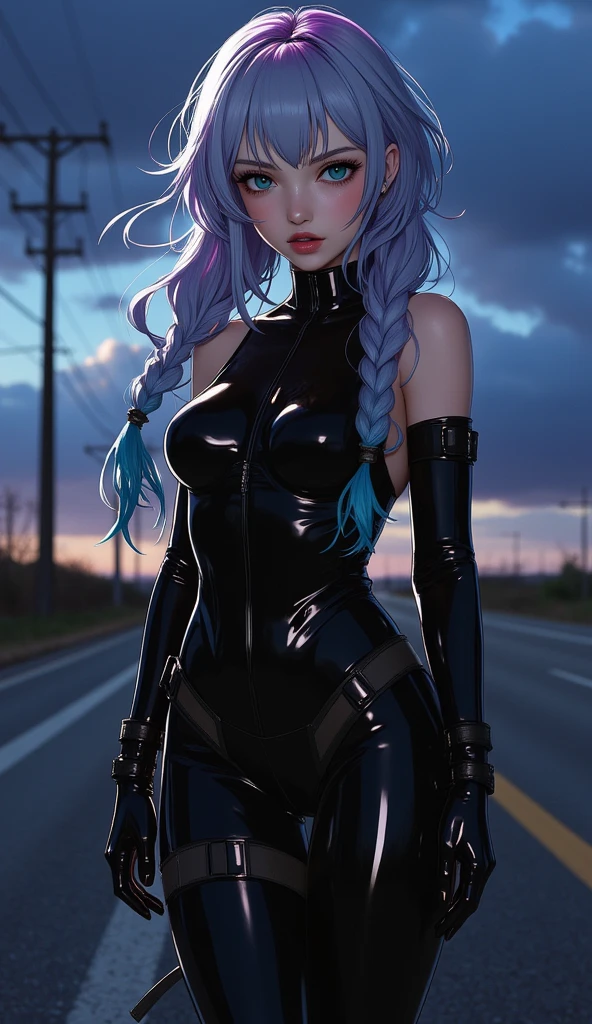

the result is good, so image with realistic touch in it (even it is semi realistic) , will get a good result
Conclusion
- if you are using the Seaart Film model, and want to make a motion clip, I recommend using this model.
- cinematic / photography / realistic / semi realistic / photo realistic images are recommended, this model is not very good for 2D such as : illustrations / paintings / anime / cartoon (but maybe 3D cartoon can have good result).
- this article is made to show camera movements only.
- if you have difficulty in making a prompt, please write in the comments, I will help you experiment with what you want to make.
- action / emotion subject prompts, and some experimental results with movements in the environment, maybe I will show in the next article.
SEE YOU
NOTE : Getting likes or favorites or winning a challenge is a matter of luck