
类型
LORA
发布时间
2024-01-02
基础模型
SD 1.5
触发词
cumfacial55
cum on face
cumshot
cum
cumfacial
facial
复制
版本介绍
more ???, more training images, better with dark skin
Use V1.0 if you want it more controlled and subtle.


Suggested Sampler: DPM++ 2M Karras
Weight: 0.2-1
Further down is a guide on how to use and control it and also an example on how to use it in combination with inpaint or img2img.
More subtle, better to control.
More ???, works a bit better with dark skin. Experiment with different weights of the lora and use ADetailer to improve quality.
If you want to have some control over it, you can play around with the weight of the LoRA itself or with the weight of the prompt. In these cases I recommend to use only the cumfacial55 prompt.
Prompt weight
I got the best results when playing around with the prompt weight and leave the weight of the LoRA. Here is an example using the prompt:
<lora:cumfacial55:1>, woman, face, close-up, cumfacial55:1.0
The LoRA weight stays at 1. The prompt weight for cumfacial55 changes from 1.0 to 0.6 and then to 0.2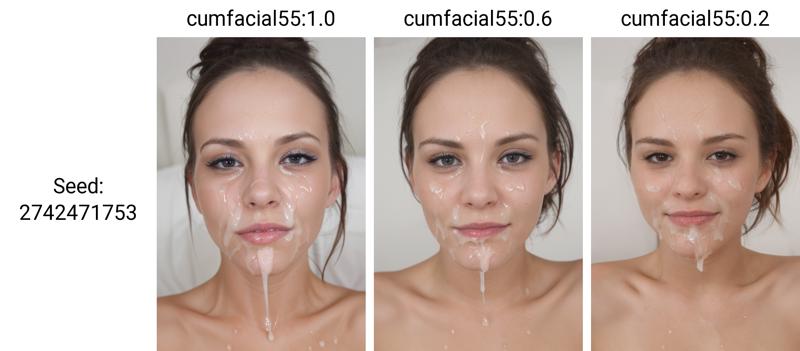
LoRA weight
You can also use the LoRA weight to get the desired effect. Here is an example using the prompt:
<lora:cumfacial55:1.0>, woman, face, close-up, cumfacial55
Here the LoRA weight is changed from 1.0 to 0.6 and finally 0.2: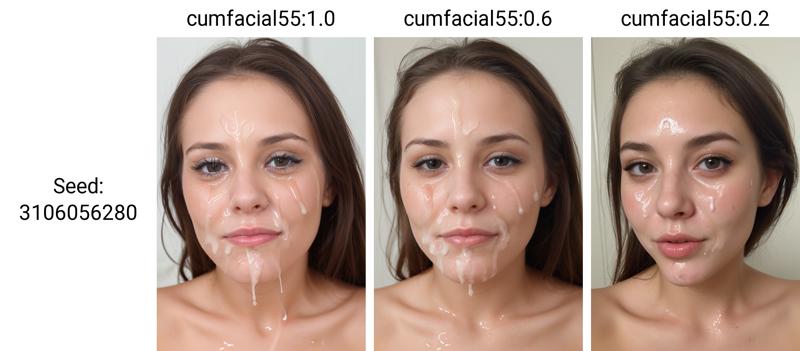
LoRA and Prompt weight
If you want even more control, you can modify both weights to get a very subtle effect.
Here the LoRA weight is locked at 0.5, while the prompt weight changes from 1.0 to 0.6 and finally to 0.2: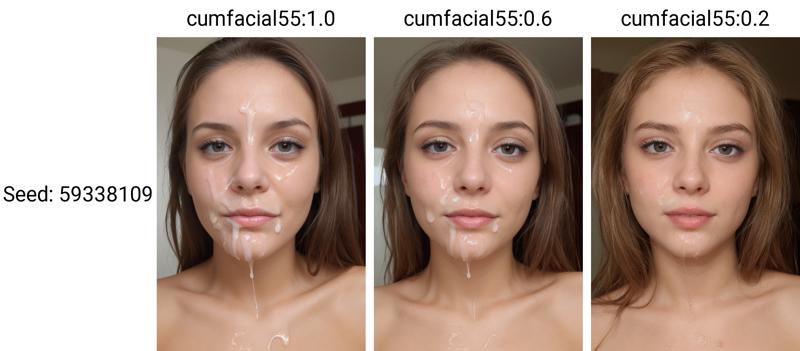
And here the Prompt weight is locked at 0.5 and the LoRA weight changes from 1.0 to 0.6 and 0.2: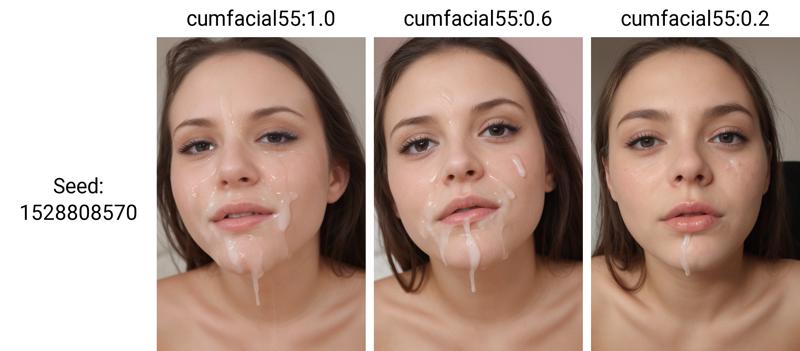
as usual, there are multiple way. As an example, let's use an image from my fictional model stella here
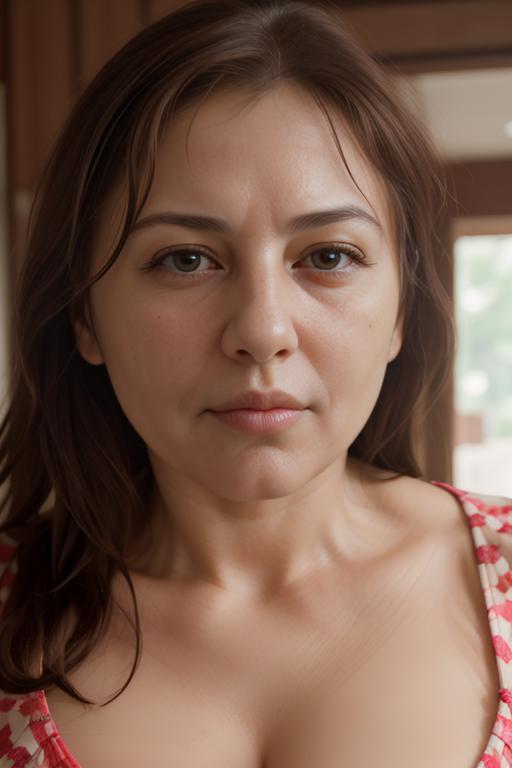
The lazy way
Use img2img and go with a simple prompt and a very low denoising strength!
load the image and keep the prompt very simple:
<lora:cumfacial55_v2:0.8> cumfacial55
Sampler: Euler,
Resize by: 1
CFG Scale: 7
Denoising strength: 0,1
You end up with something like this:
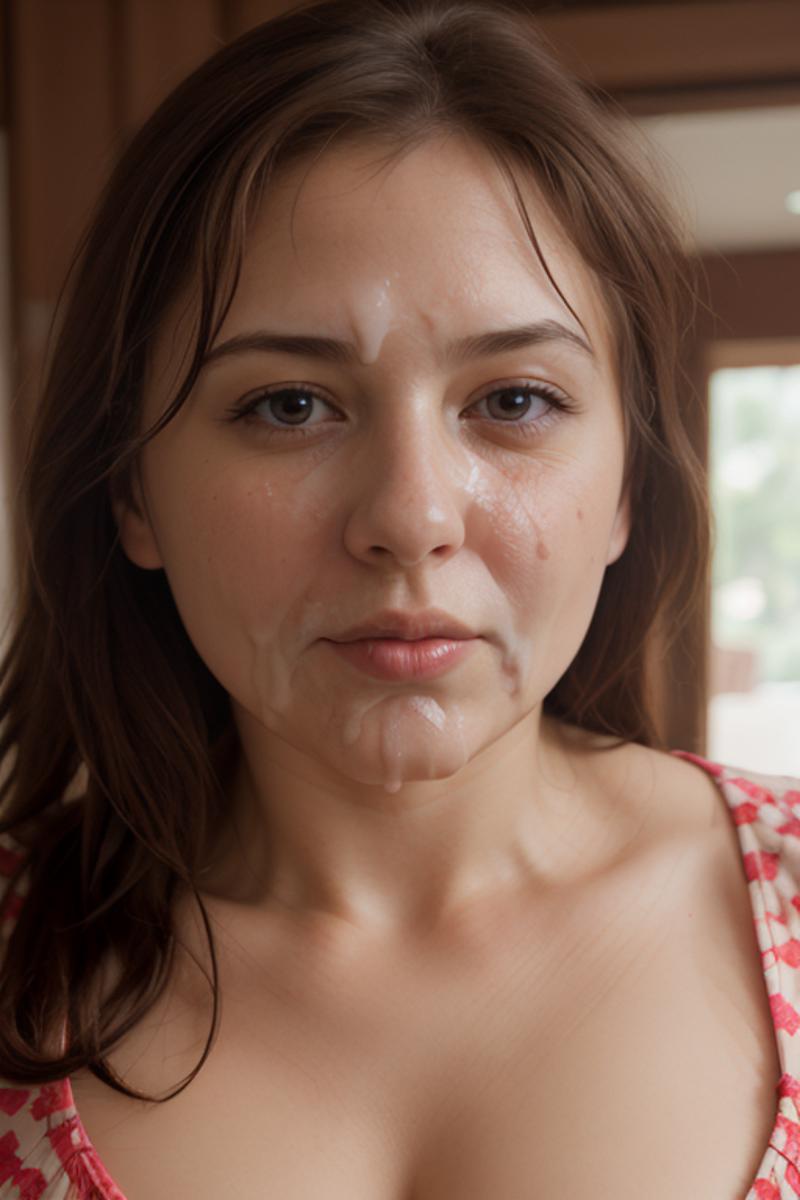
Not that bad, considering we put almost no effort into it. In most cases it modifies the mouth and the chin a bit, but all in all it's acceptable.
Inpaint
If you have a more complex image and/or just want certain parts of the image to change, you need to use Inpaint.
Load the picture, paint in the area that you want to change. Prompt is very simple:
<lora:cumfacial55_v2:0.8> cumfacial55
Mask mode: Inpaint masked
Masked content: original
Inpaint area: Only masked
Use a higher Denoising strength, you need to experiment a bit: 0.25-0.4 worked fairly well for me, but it depends on your image.
In this example I only painted in one side of her face and the ????? area. You end up with something like this: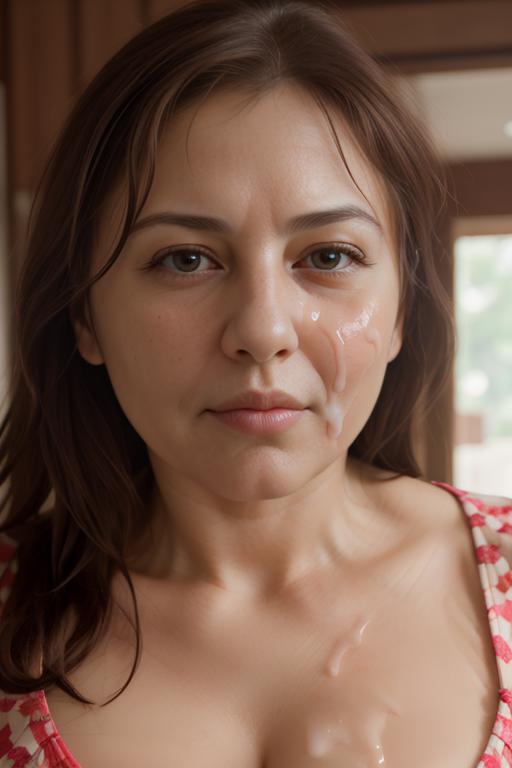
If you want to target only the face, the easiest way is to have normal prompt and then use ADetailer with a face model and have a dedicated prompt like <lora:cumfacial55_v2:0.8> cumfacial55 only for ADetailer.
That will give you something like this:
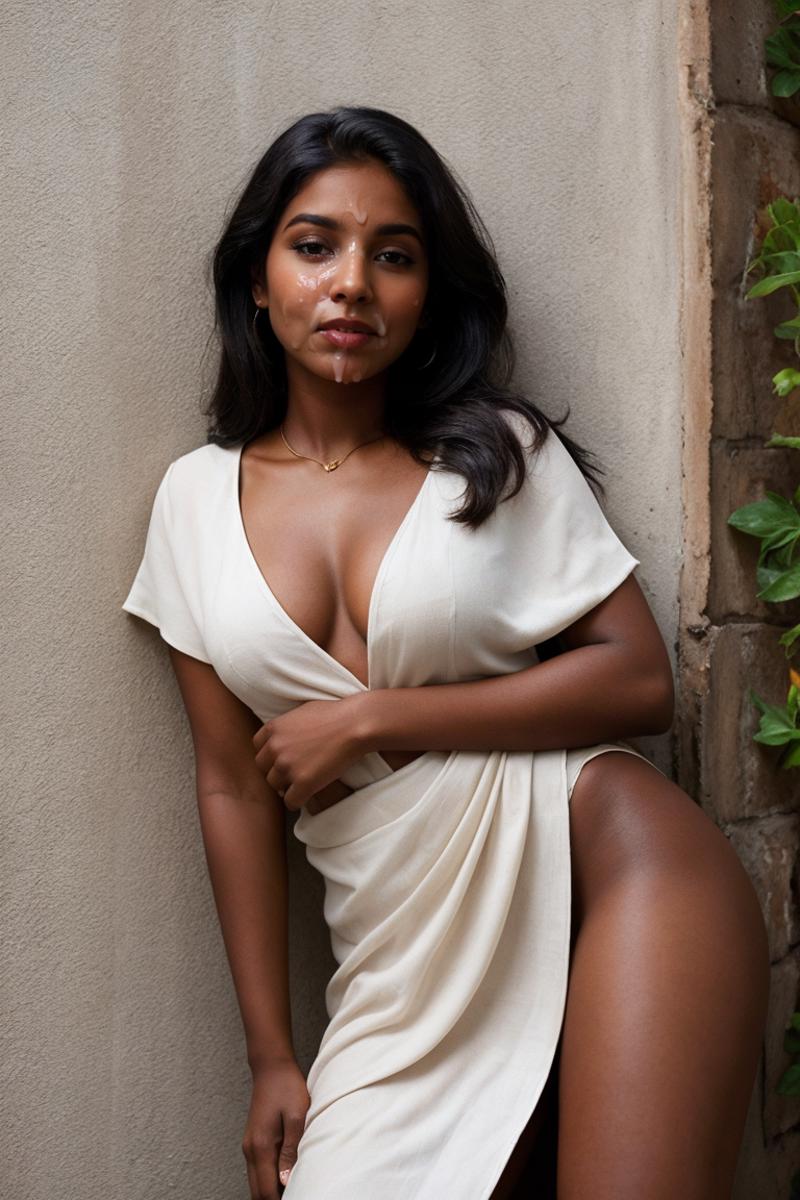
As an alternative you can use Inpaint yourself, but ADetailer pretty much does that for you in a faster and easier way.
more ???, more training images, better with dark skin
Use V1.0 if you want it more controlled and subtle.
1. 转载模型仅供学习与交流分享,其版权及最终解释权归原作者。
2. 模型原作者如需认领模型,请通过官方渠道联系海艺AI工作人员进行认证。我们致力于保护每一位创作者的权益。 点击去认领
