V2.0 specific notes:
See "About This Version" for more details, but I'll note here V2 is NOT a continuation of or in any way to related to V1, rather I retrained everything from scratch against base Illustrious to make V2.
V2 is also happier with a broader CFG range than V1, anything from 4.5 up to about 7.0 can give good results depending on the particular prompt and what exactly you're going for.
Lastly, here is an unordered list of tags (apart from screencap, which as I said it would be is now an independent-from-quality-tags additional control for the default style) that can be useful in any combination for generalist "style tweaking", in the positive or negative prompt:
realistic, photorealistic, photo \(medium\), 3d, cgi, 2d, traditional media
All other advice WRT prompting is the same as for V1, as in the general notes below, including all the info about balancing artists tags if using them with quality tags.
General Notes:
This is Illustrious XL 0.1 "Raw" with the following changes:
further trained on an additional dataset of 2000+ hand-selected and well-captioned images for roughly 80 epochs or so, as of V1
DPO Lora injected @ 0.25 strength
SPO Lora injected @ 0.75 strength
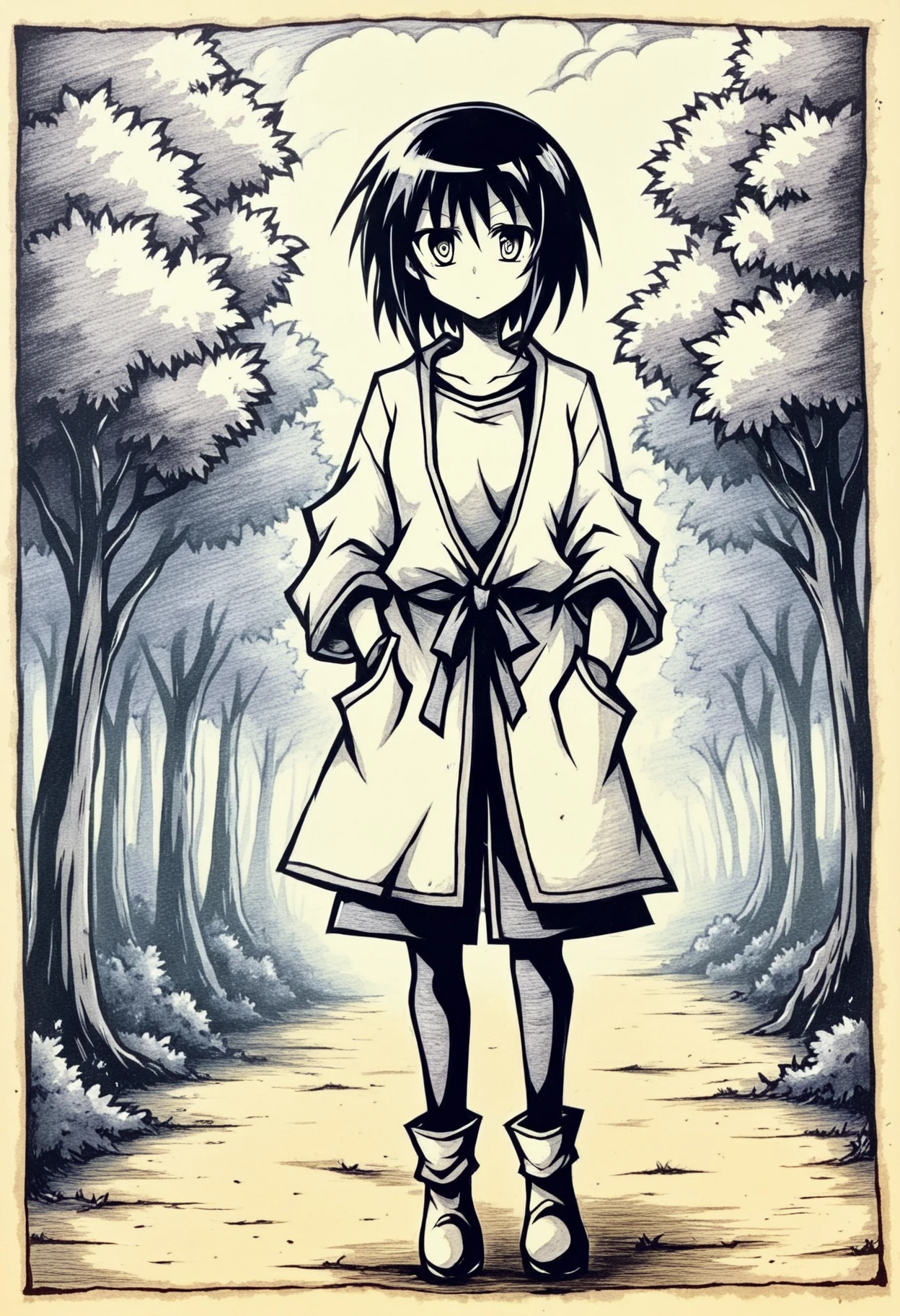
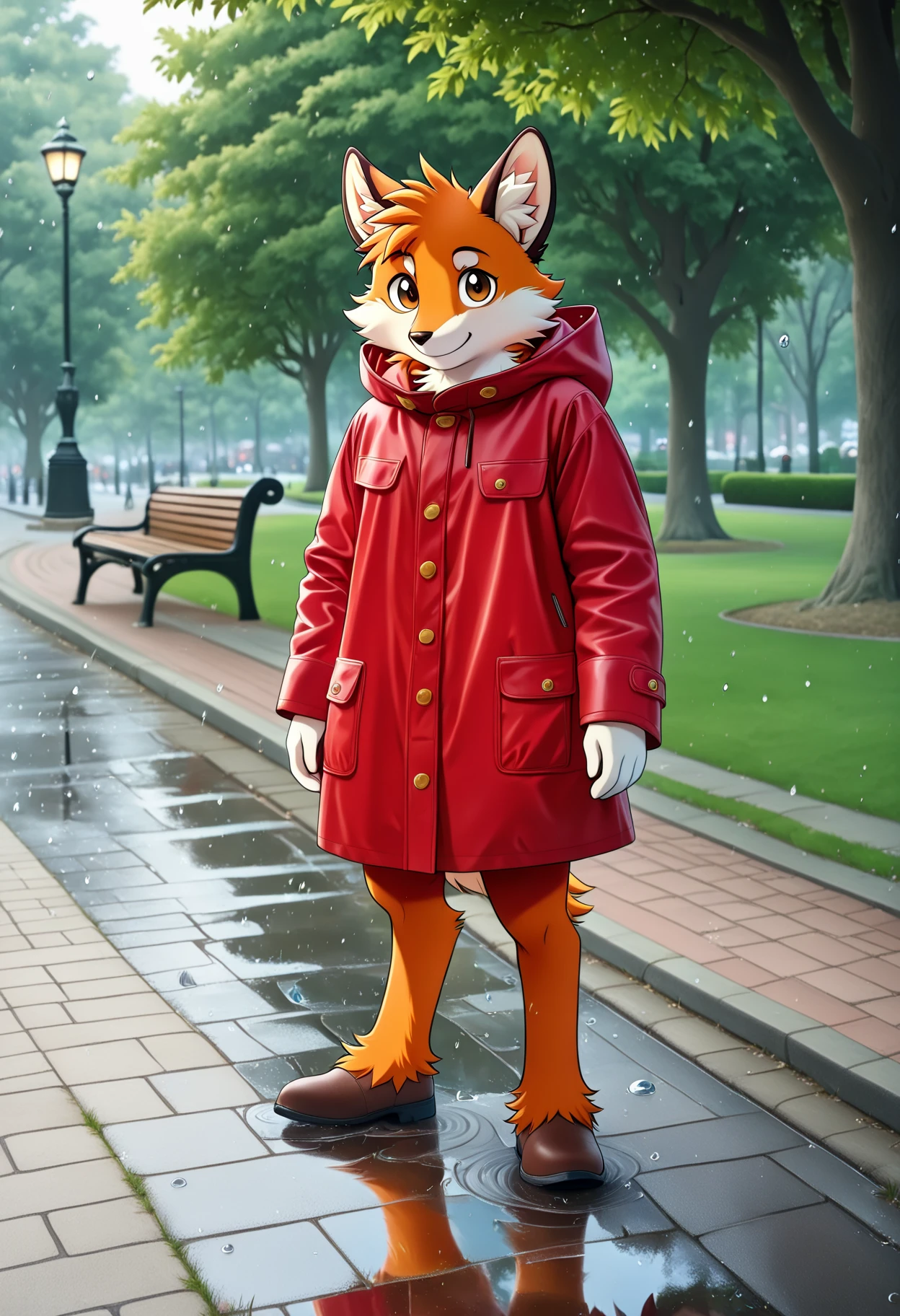
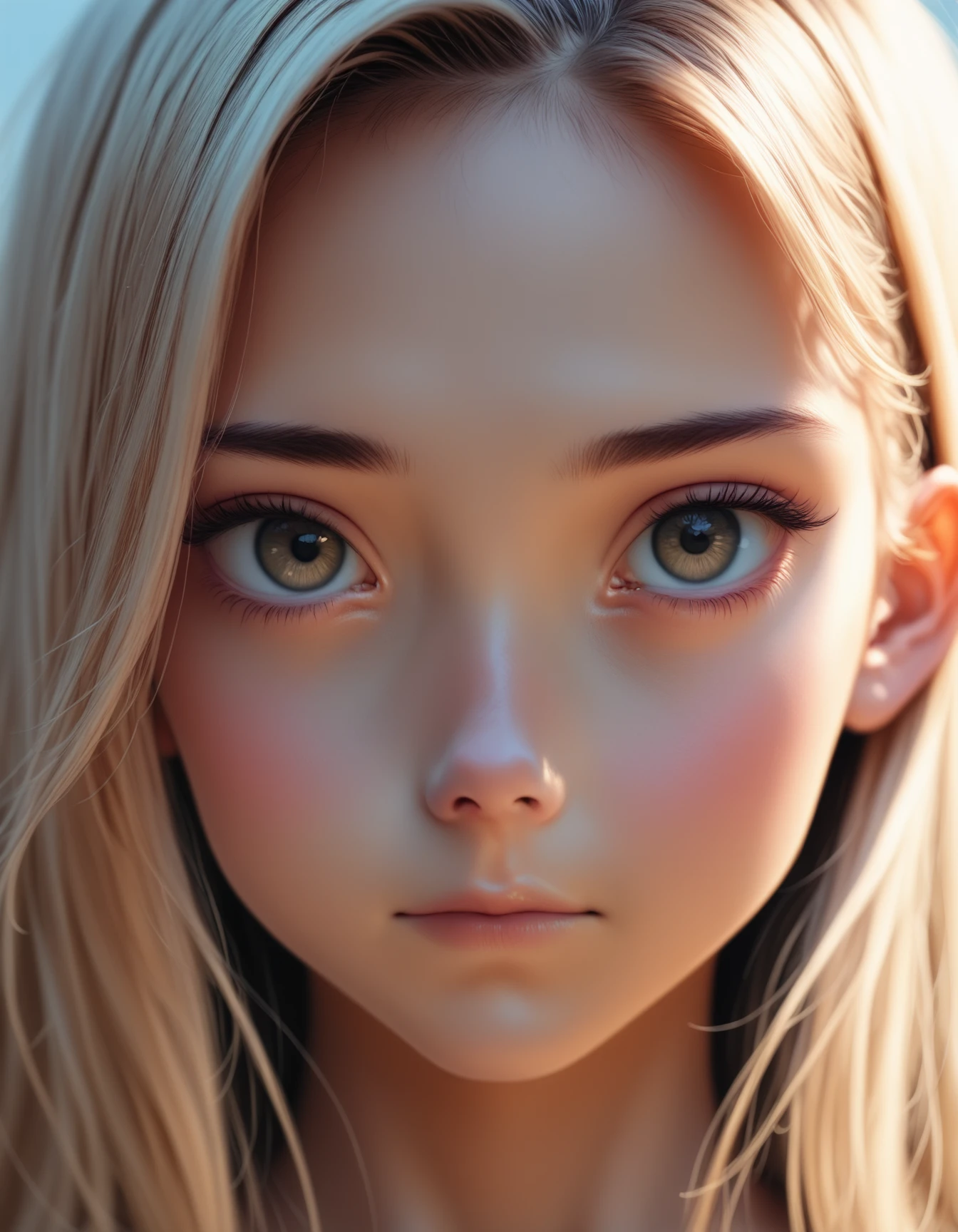
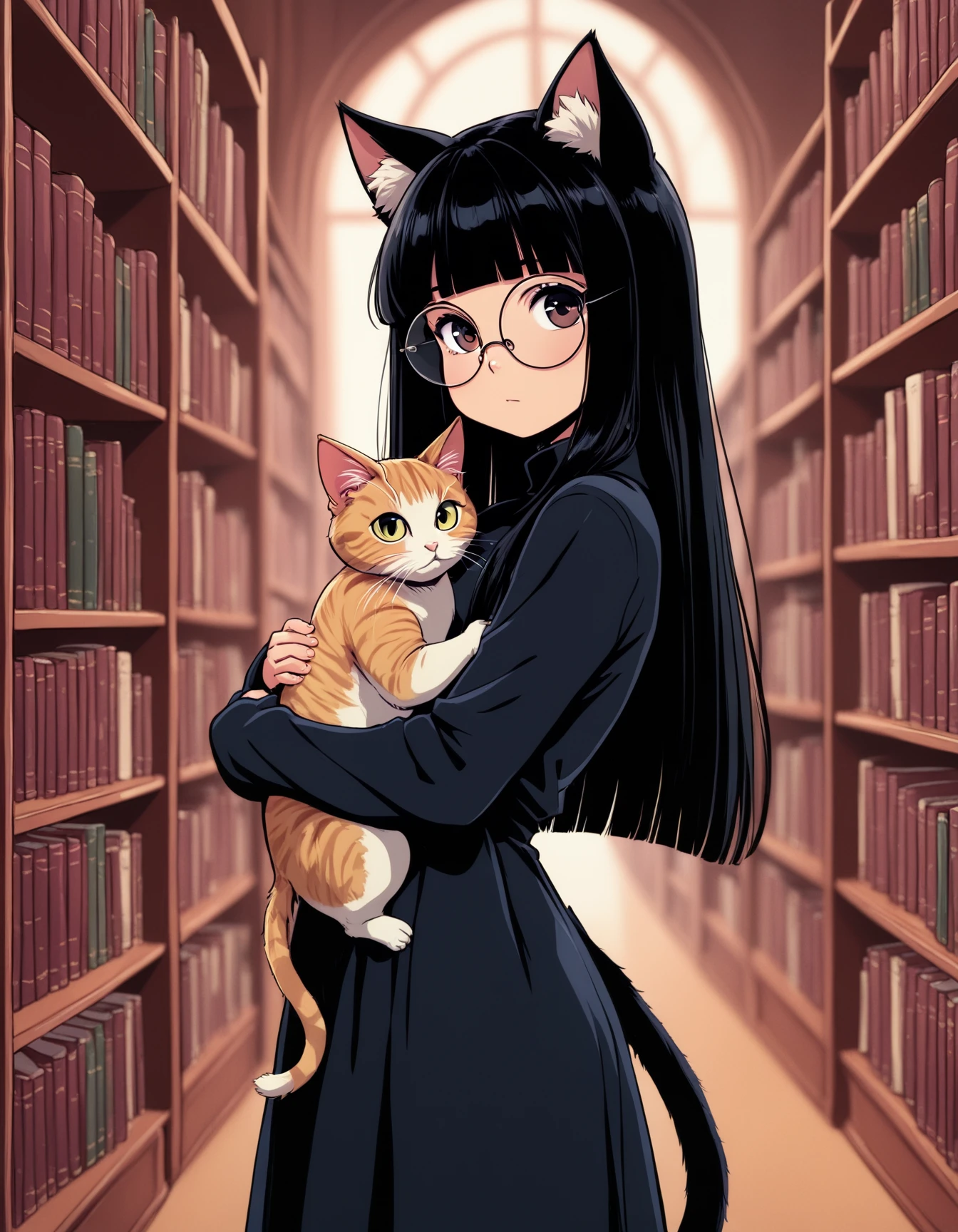
This checkpoint aims to make the default output style of the model more consistently clean and coherent based on standard anime model quality tags (e.g. masterpiece, best quality, high quality, absurdres and so on), without actively degrading or "erasing" any of the base knowledge of Illustrious.
Lower CFG tends to give better results, I recommend anywhere from 4.0 to 5.0ish with Euler Ancestral Normal or sometimes Euler Ancestral Karras.
If you're choosing to use named artist tags such as e.g. hungry clicker or cutesexyrobutts in your positive prompt, using negative quality tags along with them in the negative prompt (such as e.g. worst quality, low quality, normal quality, lowres) is generally still beneficial and tends to improve the accuracy of any given named style, however you don't necessarily always need (or want) to still use positive quality tags at the same time as named artist ones.
Do not use the DPO or SPO loras again on top of this checkpoint, they are both already injected at carefully chosen strengths, running them again on top will almost certainly make your outputs worse.
For "hi-res-fix" upscaling with this checkpoint, I personally recommend using either 4x Foolhardy Remacri or 4x FaceUp DAT as the upscale model.




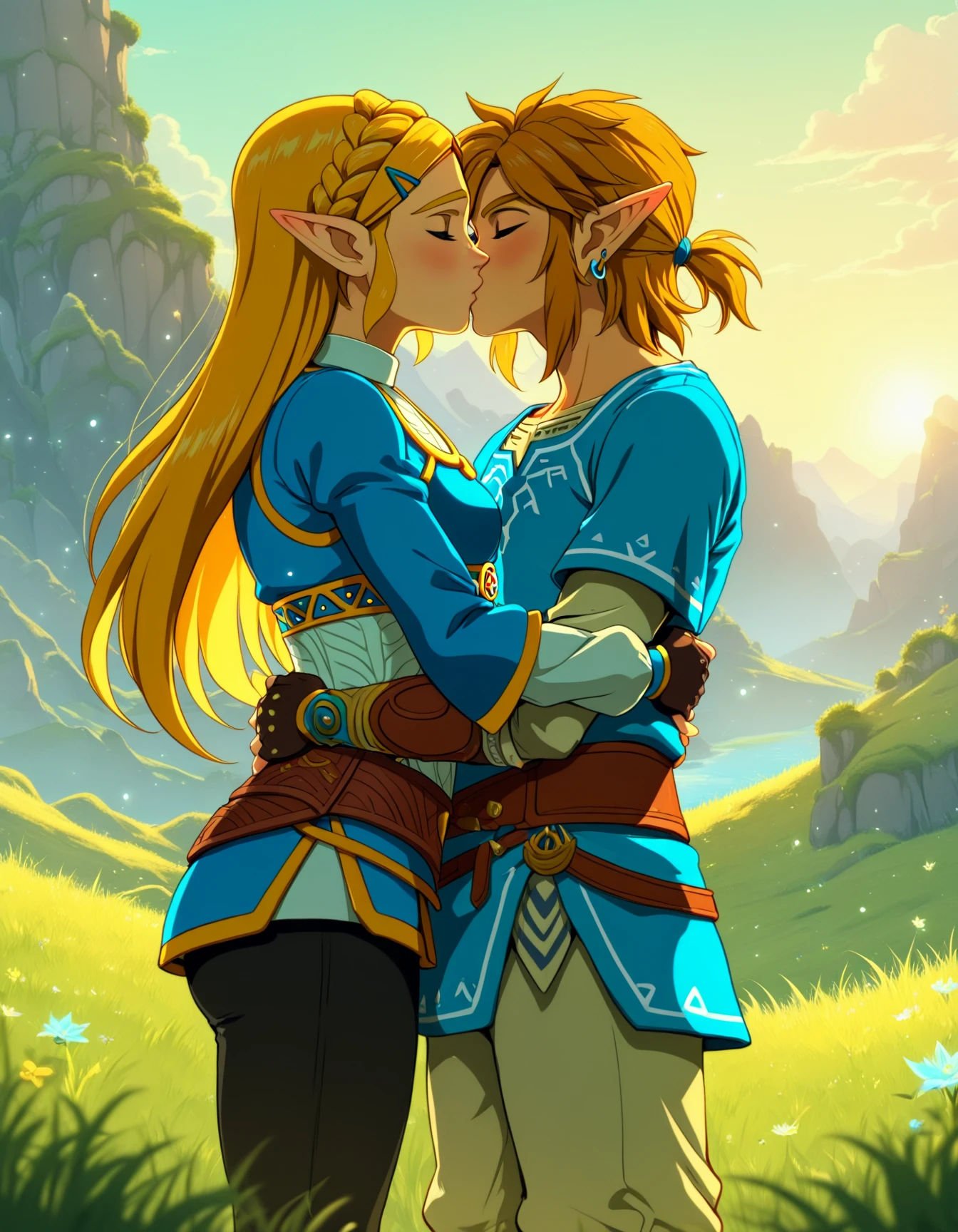
![Zootlustrious [Aesthetic Illustrious XL Refinement]](https://image.cdn2.seaart.me/temp-convert-webp/highwebp/static/images/20241201/58e528245f3dfbb535f20f4485a070cc_low.webp)
