类型
LORA
发布时间
2025-08-13
基础模型
Flux.1 D

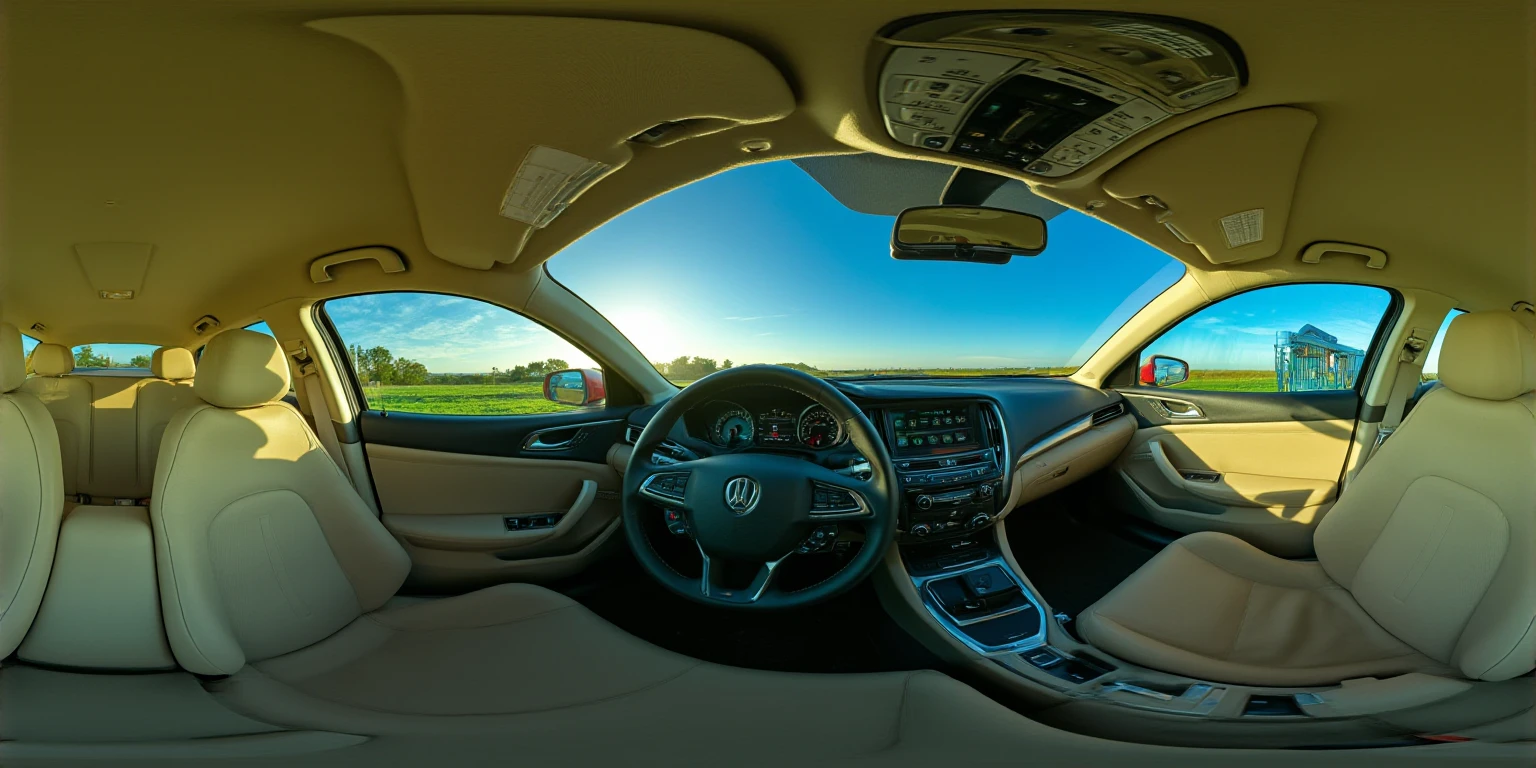
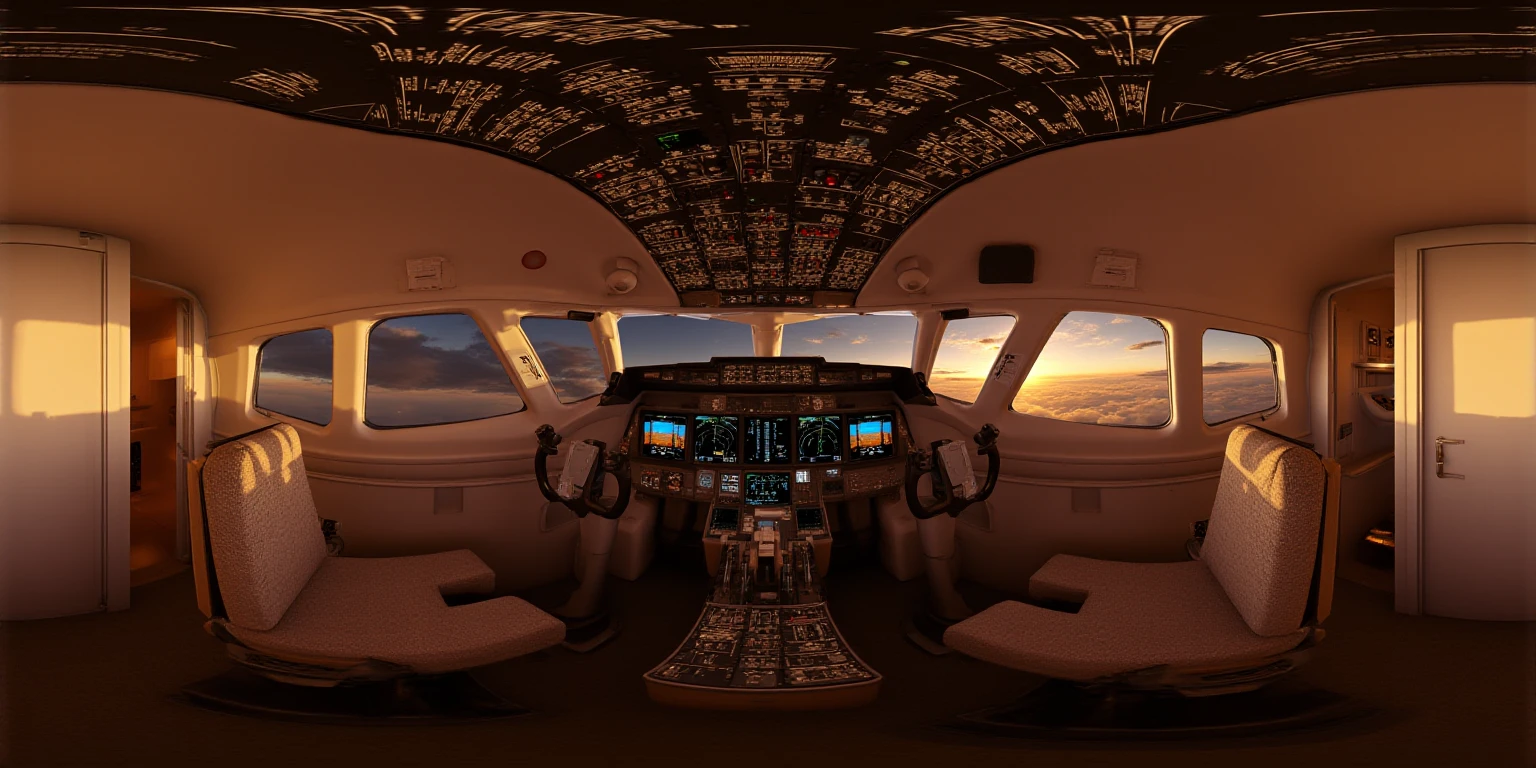
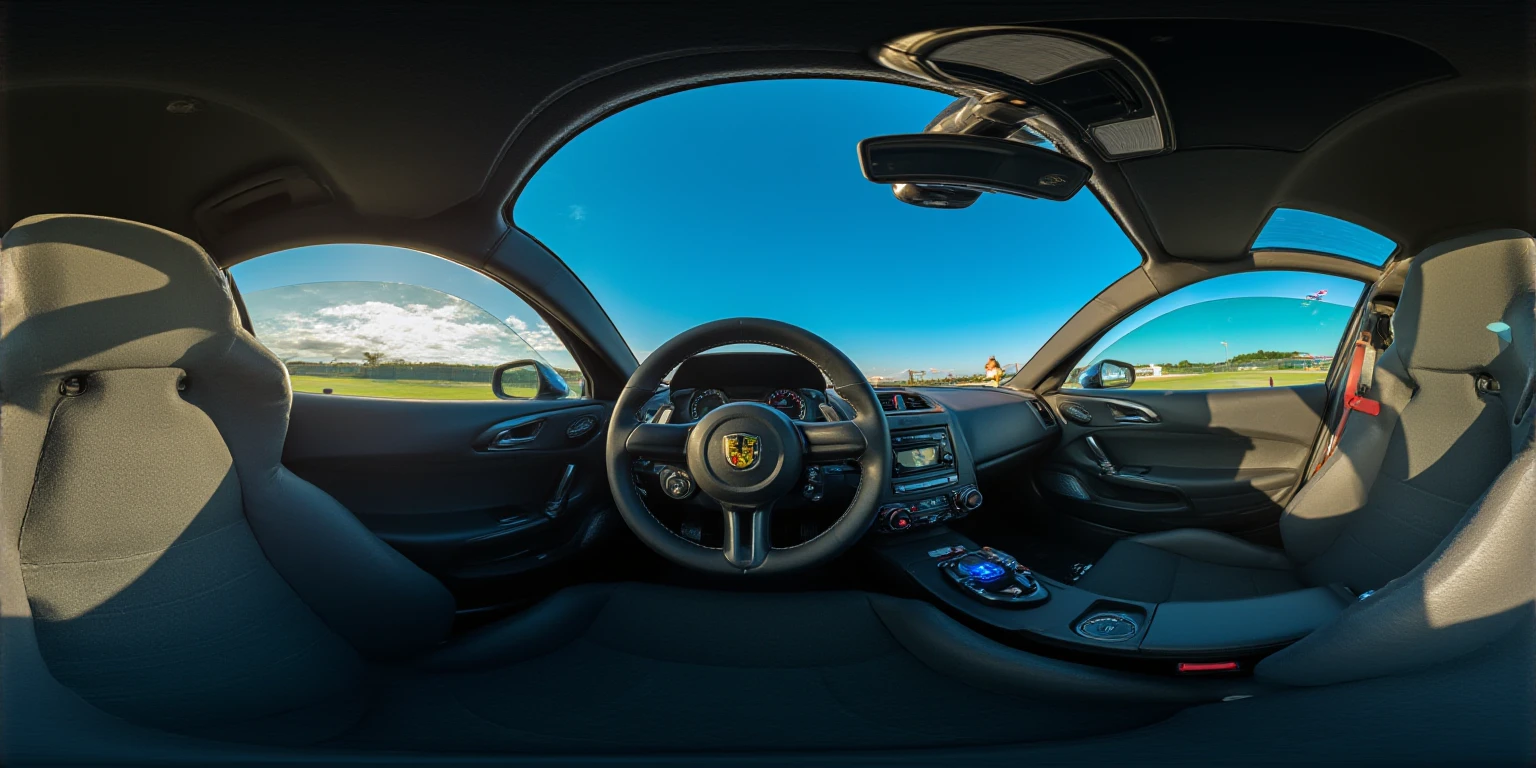
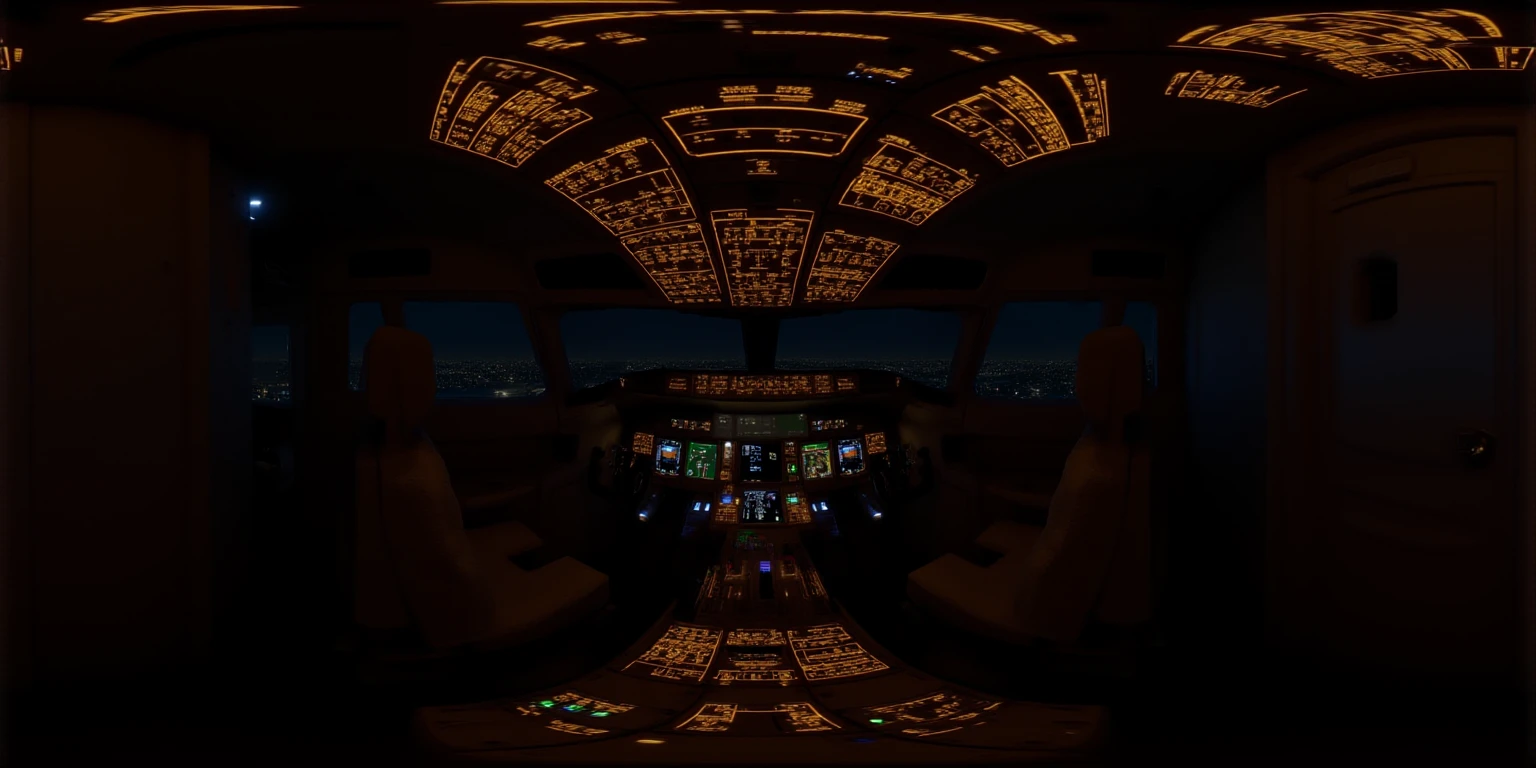
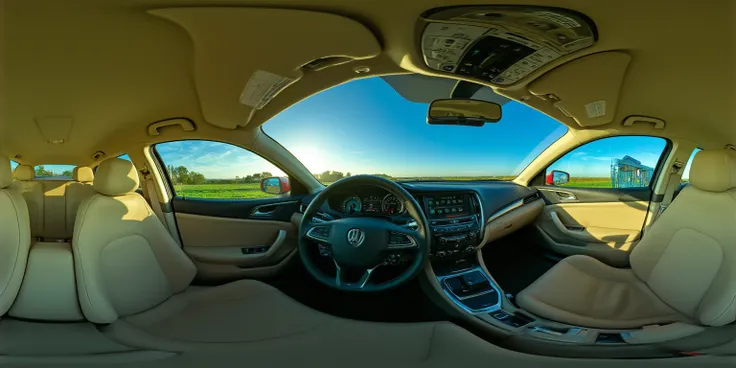
This LoRA was trained for 27,250 iterations with rank 64 on a diverse dataset of around 300 images, for the purpose of creating 360 degree panorama images of cockpits and vehicle interiors.
The seam and polar distortion artifacts should be minimal, but some careful editing or in-painting may be required to make the image appear seamless.
There is no trigger phrase, but as with all 360° Flux LoRAs, you should include some variation of '360 degree equirectangular view' in your prompt to improve output quality.
Generally the word 'cockpit' and 'pilot's seat' can be used for aircraft, including planes & helicopters.
Terms like 'driver's seat' can be useful for creating views from inside cars, trucks, buses, and trains.
When rendering images, it's recommended that you choose a 2:1 aspect ratio, like 1024x512, 1536x768, or 2048x1024. Afterwards, you can use an upscaler of your choosing to make the resolution high enough for skyboxes, VR, and 2D/3D environments.
To make the viewing and sharing of 360 images & video easier, I built a web browser based HTML 360 viewer that runs locally on your device.
You can try it out here on Github Pages: https://progamergov.github.io/html-360-viewer/
Github source code: https://github.com/ProGamerGov/html-360-viewer
You can append ?url=' followed by a link to your image in order to automatically load it into the 360 viewer, making sharing your 360 creations extremely easy.
ComfyUI_preview360panorama
For viewing 360 images & video inside of ComfyUI (may be slower than my web browser viewer).
Link: https://github.com/ProGamerGov/ComfyUI_preview360panorama
ComfyUI_pytorch360convert
For editing 360s and for applying circular padding to models in order to improve output quality.
Link: https://github.com/ProGamerGov/ComfyUI_pytorch360convert
The dataset was weighted towards aircraft cockpits and the front seats of cars.


1. 转载模型仅供学习与交流分享,其版权及最终解释权归原作者。
2. 模型原作者如需认领模型,请通过官方渠道联系海艺AI工作人员进行认证。我们致力于保护每一位创作者的权益。 点击去认领
