类型
Checkpoint
发布时间
2024-08-07
基础模型
Flux.1 D






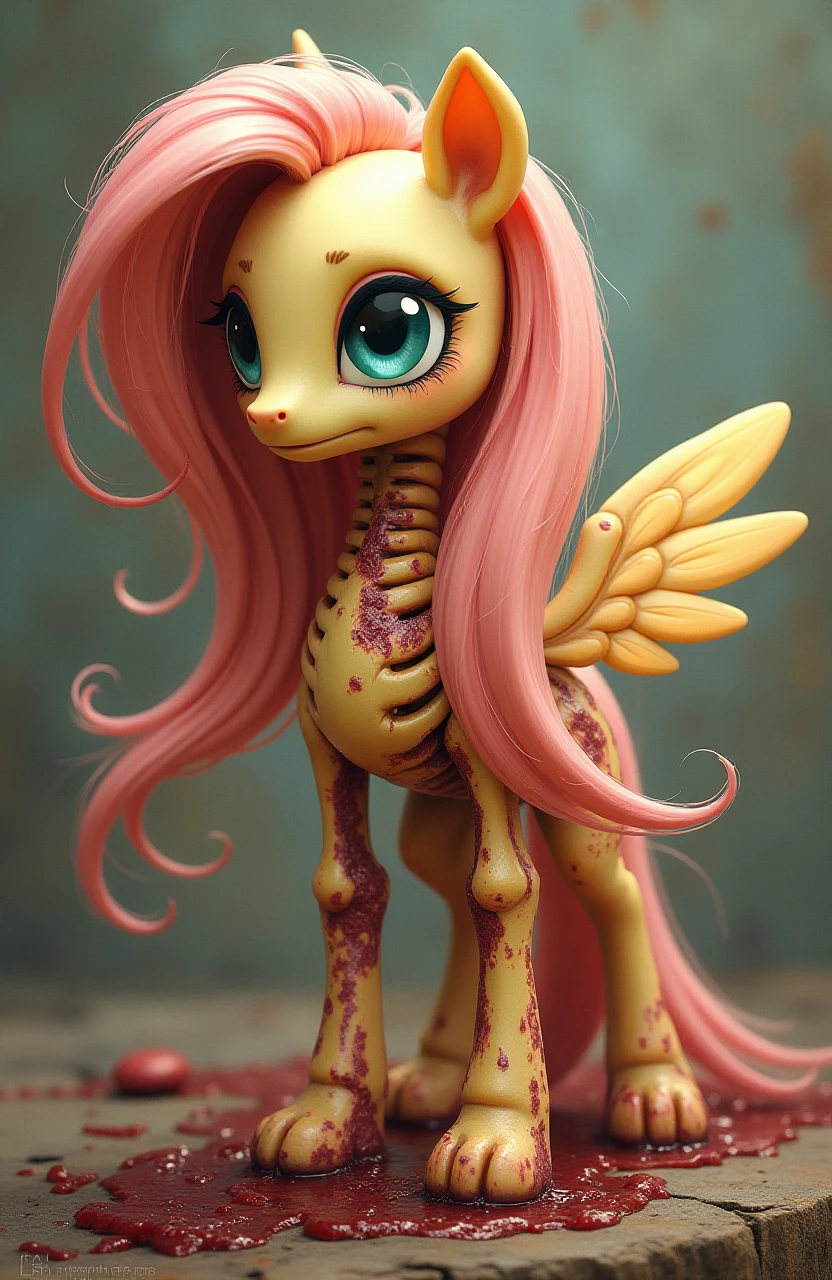
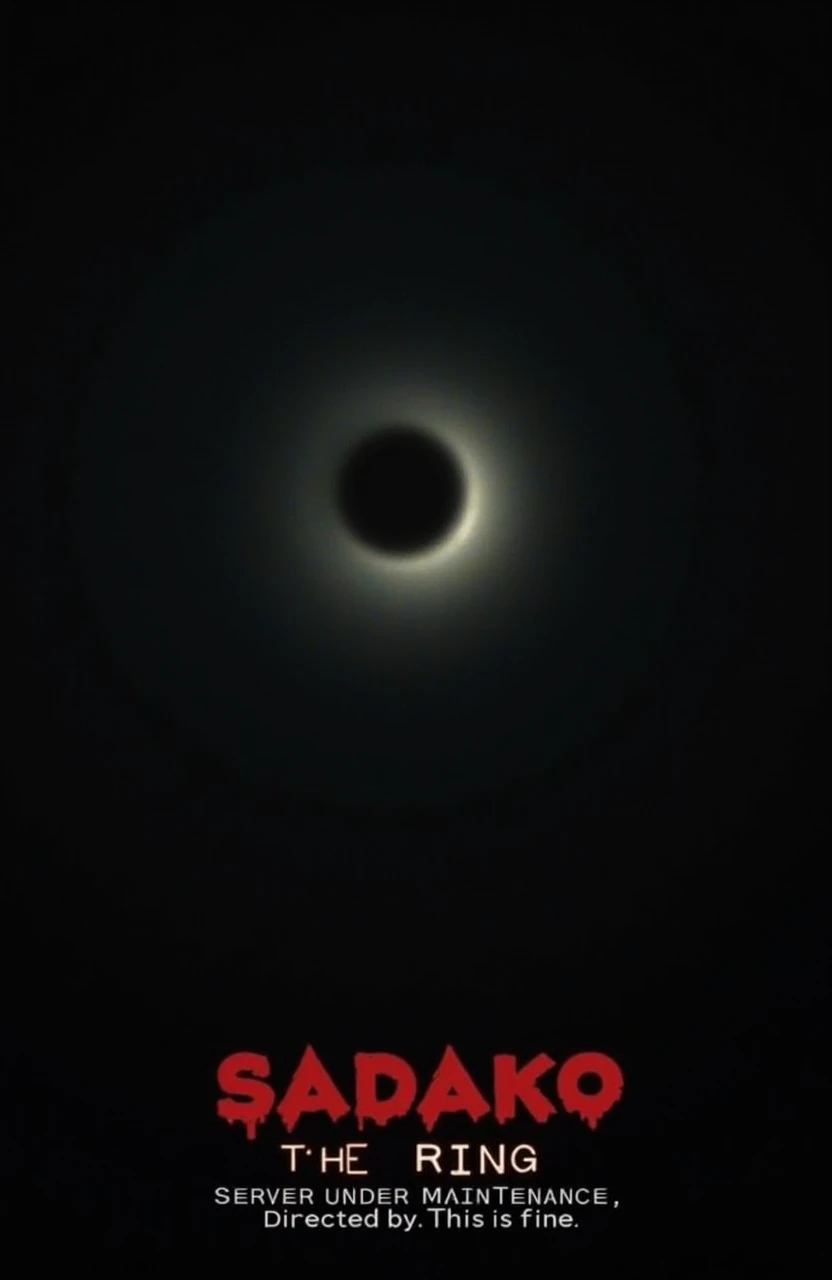


Flux version can add negative prompt and work as normal checkpoint without downloading additional VAE and UNET on ComfyUI.
Because you can do it yourself without downloading 20GB more to your computer.
Check out more detailed instructions here: https://maitruclam.com/flux-ai-la-gi/
The story is that in an attempt to make Flux run on A1111 failed, I accidentally made it run as normal checkpoint.
The method is:
1. Upgrade Comfy UI to the latest version, there is a new node called ModelMergeFlux1.
2. Create a node called ModelMergeFlux1, you select VAE, UNET and Flux as usual like in the picture or download this: https://civitai.com/models/629039?modelVersionId=703269
3. Click create and wait for it to merge into a .safetensors model.
4. Load the normal workflow and start enjoying :3
Negative prompt: like SD, sometimes it works, sometimes it doesn't, in my test, keywords like: watermark, text, logo, color,... work 50/50. Some more specific things like the Disney logo can be recognized and removed (I think so because when I tried it, the logo was lost and replaced with something else or nothing).
A1111: I tried it but it's still a little or I haven't configured it correctly so it can run, I really hope you guys try it and share it (sincerely thank you).
Some one can slove problem by download CLIP V:
Location: ComfyUI/models/clip/
Link: https://huggingface.co/comfyanonymous/flux_text_encoders/tree/main
Number of steps: 6 - 20 (15 works very well)
Sampling: euler - simple
CGF: 1 - 2.5 (most of the before and after are noisy or very blurry)
Size: larger than 256 and smaller than 2048 (other than this, sometimes they are quite deformed and take a lot of time).
I use VPS with configuration:
Nvidia G10 24 GB vRam
64GB ram
800GB memory
Average creation time:
1024x1024 x20steps: 31s
832x1280 x15steps: 21s
- Weak devices under 12GB vRam are not recommended to test to avoid problems.
- I also don't know why it works so I don't know how to explain it. (It seems to be the process of switching from Unet to safetensor I guess :V)
Contact me in Facebook: @maitruclam4real
Discord: @maitruclam
Disclaimer: I will not be responsible for any problems that occur.
Useful and FREE resources:
❤️Free server to make art with Flux: Shakker and Tensor Art and Sea Art
✨ More FLUX LORA? List and detailed description of each LORA I implement here: https://maitruclam.com/lora📚
🆕 First time using FLUX? Explanation and tutorial with A1111 forge offline and Comfy UI here: https://maitruclam.com/flux-ai-la-gi/🌐
🛠️ How to train your LORA with Flux? My detailed instructions are here: https://maitruclam.com/training-flux/📚
❤️ Donate me (I would be really surprised if you did that! 😄): https://maitruclam.com/donate
Find me / Contact for work on:
📱 Facebook: @maitruclam4real
💬 Discord: @maitruclam
🌐 Web: maitruclam.com

1. 转载模型仅供学习与交流分享,其版权及最终解释权归原作者。
2. 模型原作者如需认领模型,请通过官方渠道联系海艺AI工作人员进行认证。我们致力于保护每一位创作者的权益。 点击去认领
