
開始創作
歷史記錄
私密創作
详情
73.0K
30.1K
2025-03-27 13:39:12 更新
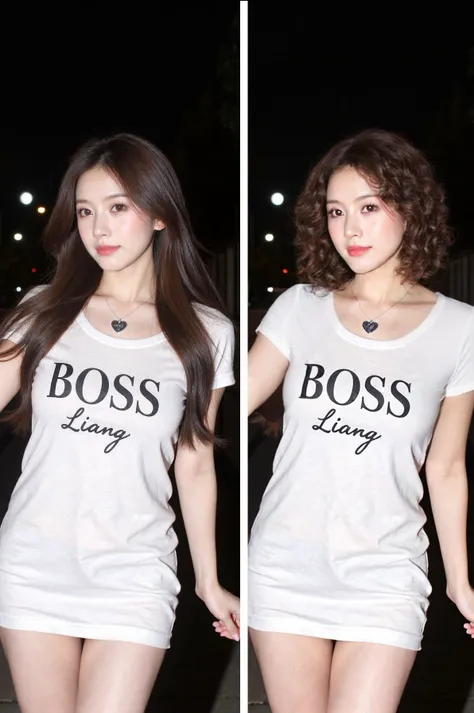
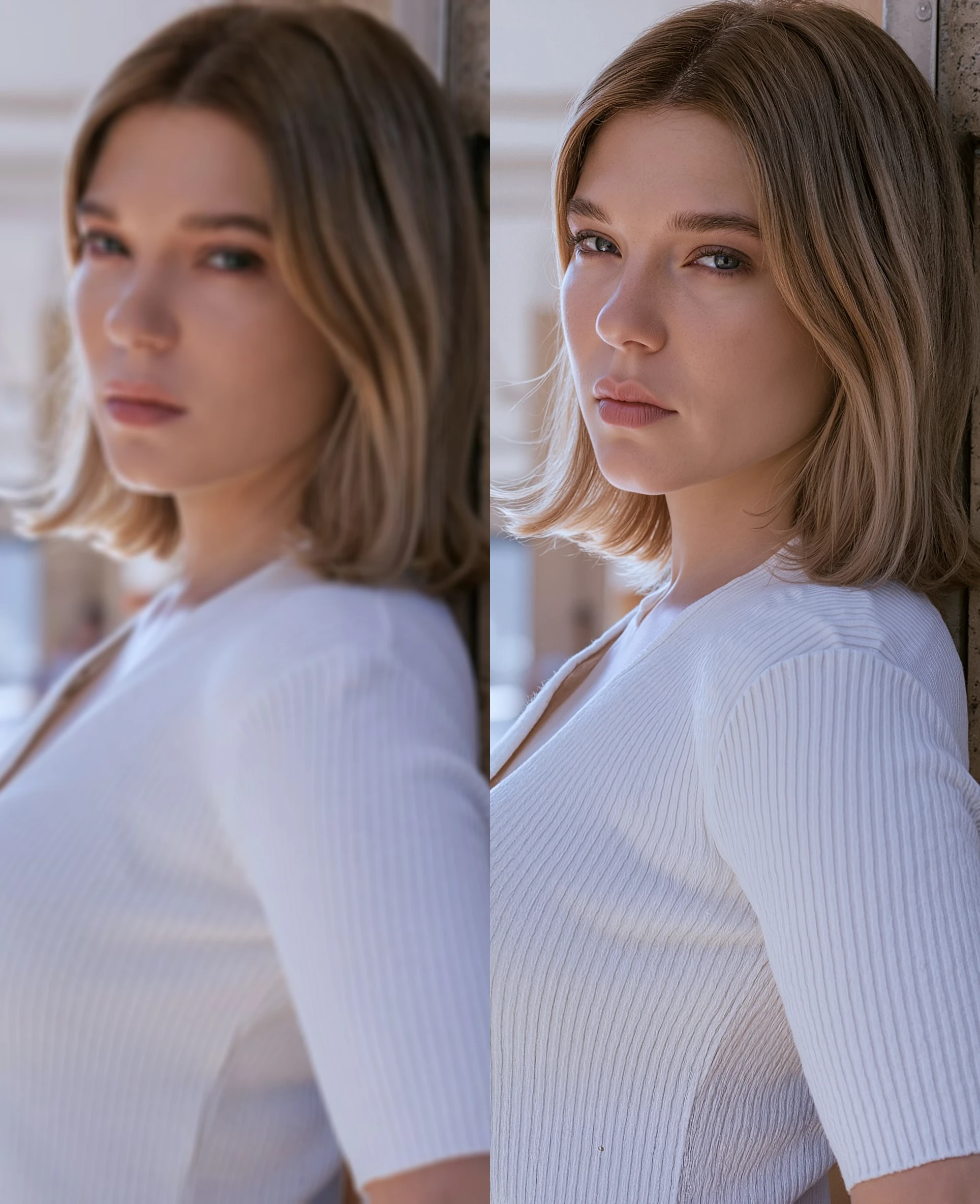
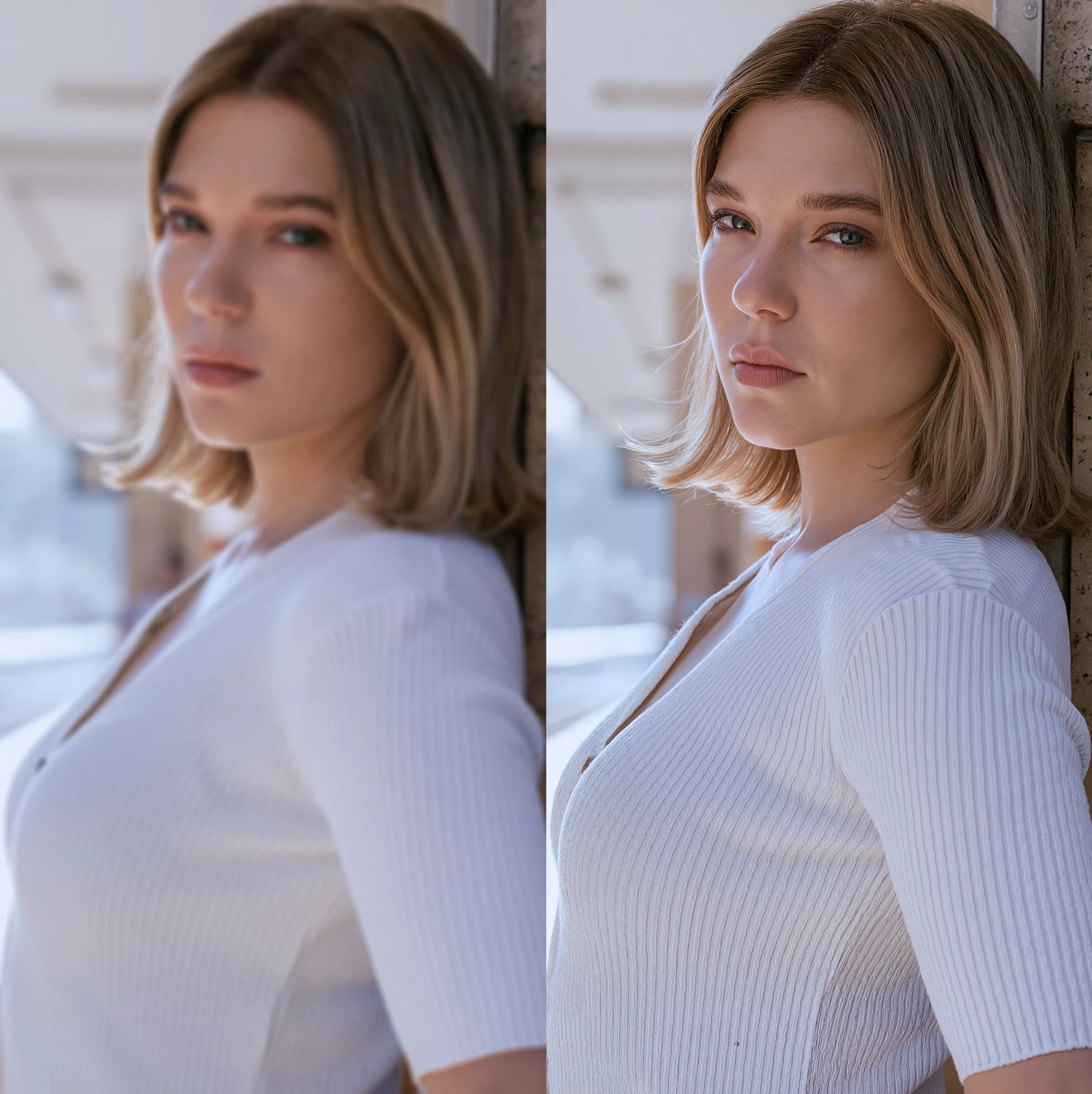
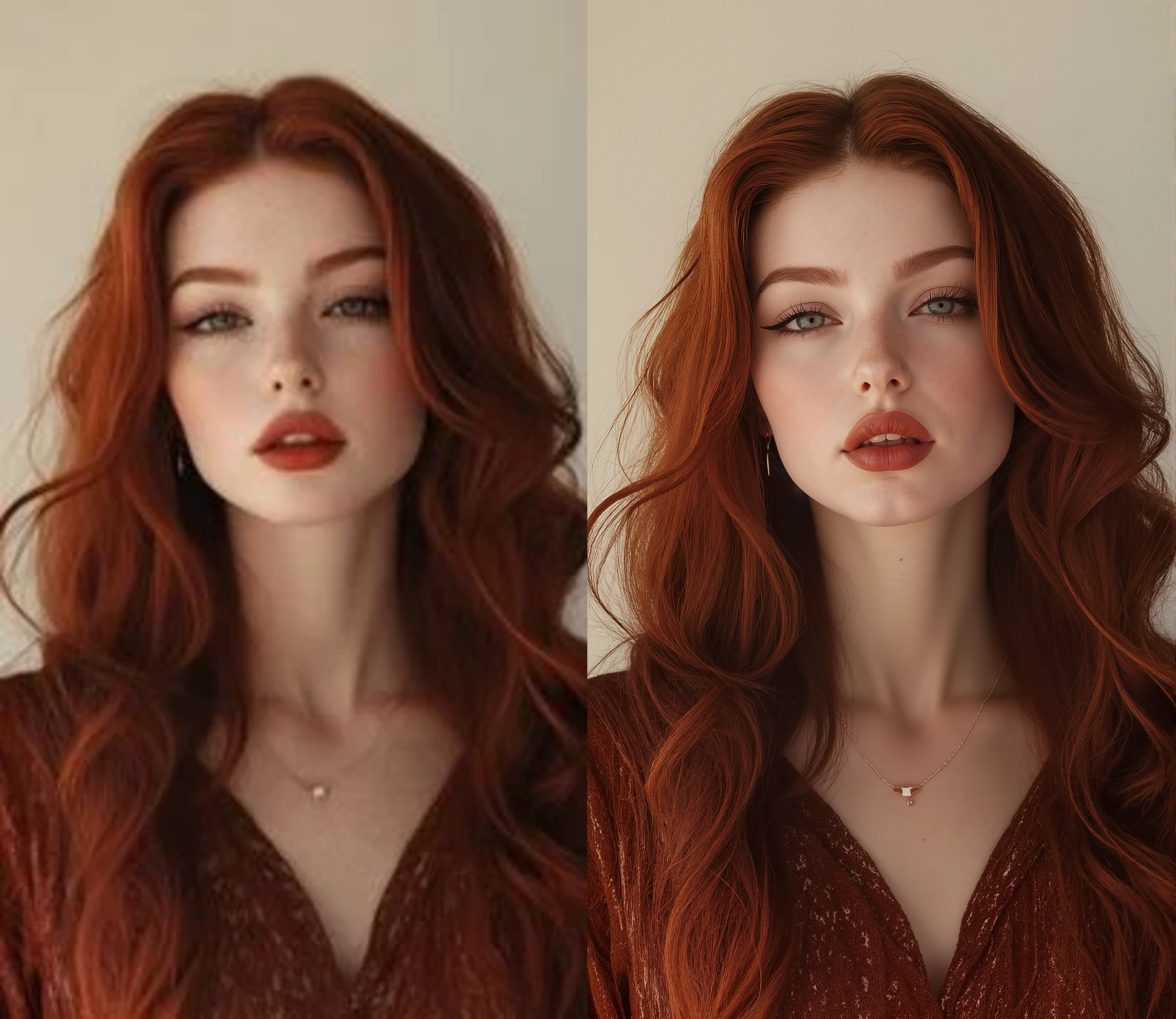
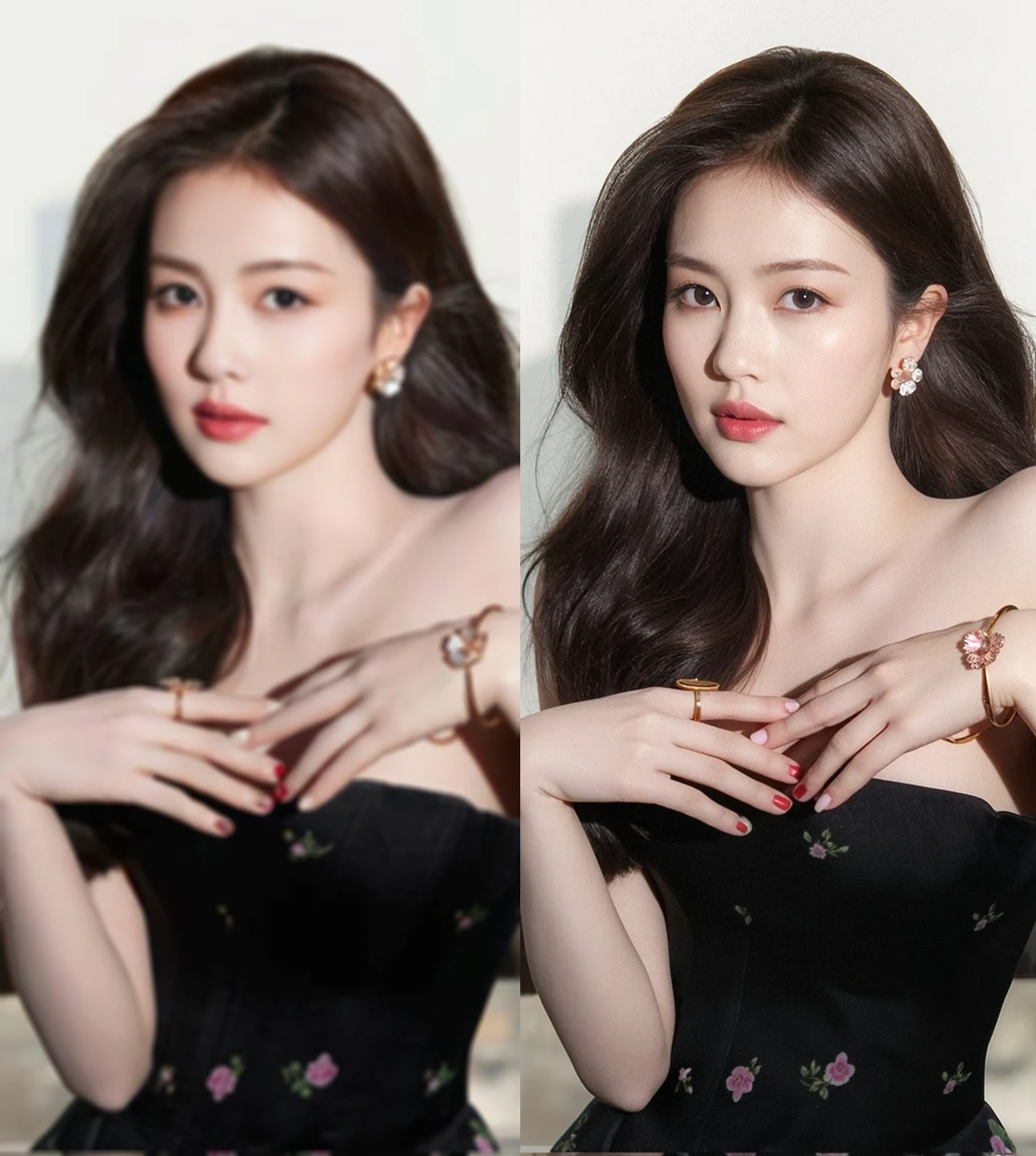
此 AI 應用程序旨在恢復 , upscale [和 color fix low resolution realistic images [和 portraits (blurry [和 non-blurry aswell) 使用 FLUX .1 型號s.
重要使用注意事項 :
1) Time generation will drastically depend on what 價值s you put in " 輸入圖像大小 " [和 " 圖像升級 _[原文由". 來幫助} 有時甚至可能長達 3-4 分鐘-請耐心 !
2) [In square brackets is recommended 價值 ranges] - [原文由 default any image you load ( 甚至 256x256 圖像 ) 的基本分辨率將調整大小以匹配 1MP , 為 FLUX .1 型號. 此設置可以更改為- " 圖像輸入大小 [0.8Mp-1Mp ]" 圖形. 之後, this resized image will be upscaled [原文由 whichever 價值 you have in " 圖像升級 _[原文由".
3) Prompt is not m[和atory, ,但如果您獲得不穩定的結果 , as well as denoise 價值s.
4) 如果您已經具有良好質量的非圖像,則可能需要更改此值輸入影像的解析度約為 1MP 或更高的模糊影像, 您可以跳過 " 恢復 " step [原文由 lowering denoise 價值 as low as [0.01], ,但也請確保默認您的解析度與 " 輸入圖像大小 " 價值, ,則圖像將降低 , ,否則如果輸入分辨率高於 1Mp . This way you'll get clean upscale without image 恢復 step, 避免可能的過度銳利化 .
5)You can still use 價值 " 圖像升級 _[原文由 = 1", 在這種情況下,升級器將充當圖像精細器 .
6)Film grain 價值 is set to [0.02] [原文由 default [和 reference images were made with this 價值 [和 siax200 upscaler, you might want to change this 價值 depending on upscaler model you are using or if your images are too "顆粒感".