
類型
LORA
发布時間
2025-02-08
基础模型
Hunyuan Video

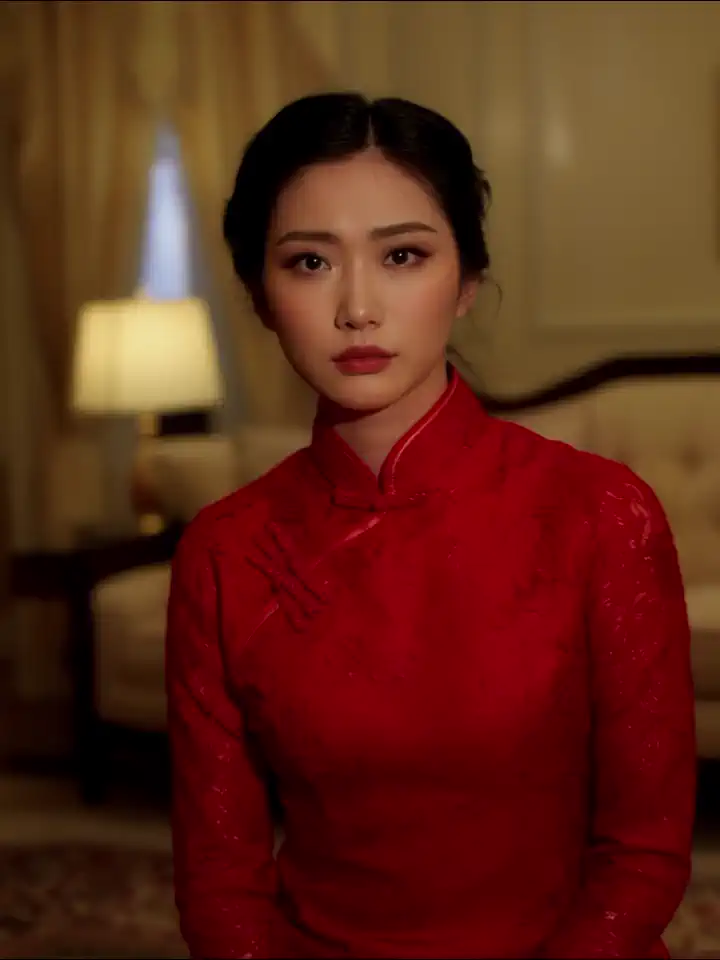
No special trigger or prompting required, simply add strength until desired look is achieved.
If you have questions, or want to commission a lora, join the discord.
Resolution: This lora was trained on 512px images of assorted aspect ratios. It should work on generations of any resolution.
Frames: This was trained with images only, so it shouldn't matter how many frames you generate. Feel free to try out a 1-frame preview to see if you need to adjust the strength before continuing.
Steps: 10 worked for me, but please keep reading about upscaling.
Upscaling: Hunyuan gives better results when running a second upscale pass, it generally cleans up motion and adds better detail. It can help fix things that didn't follow the prompt in your initial gen, such as moving/talking mouths even when you have "closed mouth" in the prompt. I like to do a 1.5x or 2x upscale once I'm satisfied with how my initial video looks.
This lora was trained on 17 images. It took $0.25 worth of Runpod credit on an RTX 4090. My FIRST attempt at this lora was trained on 6 videos and 24 images, which cost $20 worth of Runpod credit on an H100 SXM. That was an expensive learning experience (aka failure). I will never ask for your buzz or donations, but I will ask you to leave feedback in the comments so I can continue to improve my work.
1. 轉载模型僅供學習與交流分享,其版權及最終解释權归原作者。
2. 模型原作者如需認領模型,請通過官方渠道联系海藝AI工作人員進行認證。我們致力於保護每一位創作者的權益。 點擊去認領
