類型
Wildcards
发布時間
2023-07-03
基础模型
Other

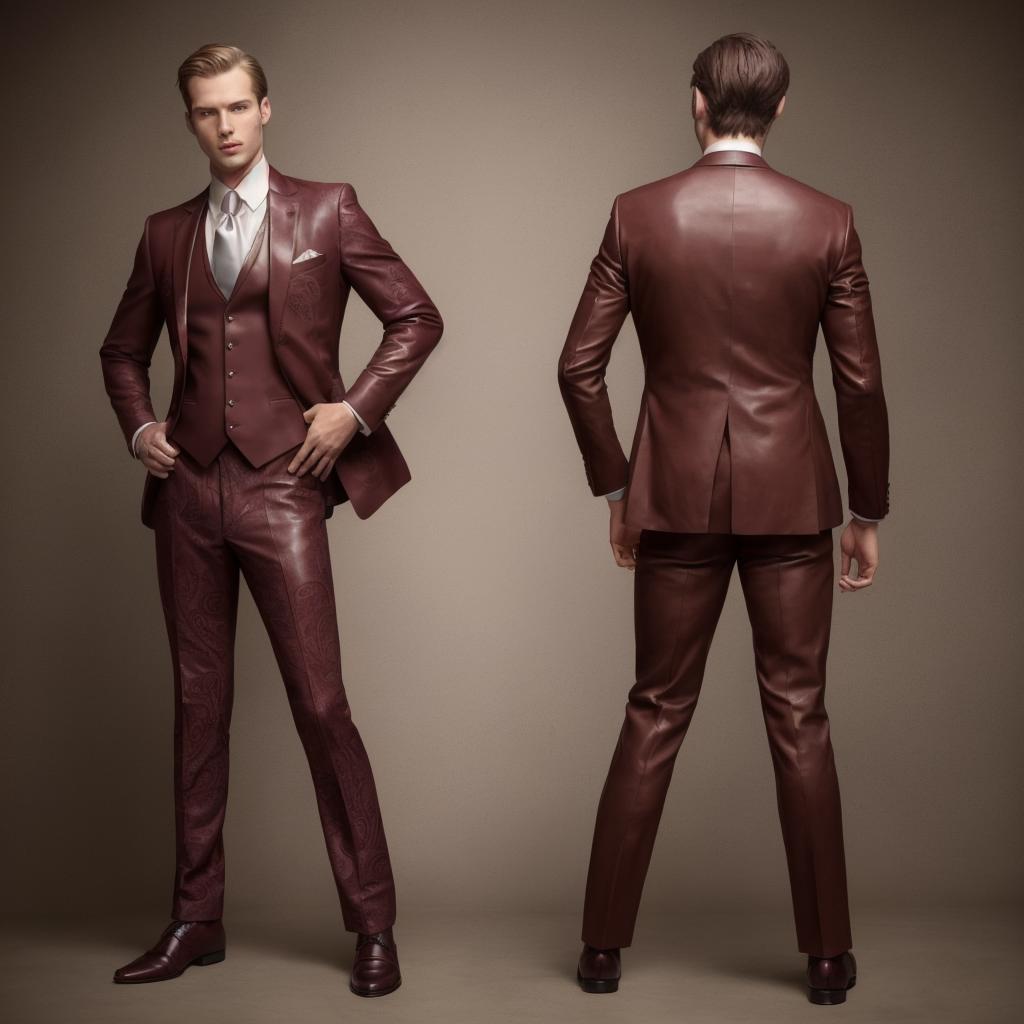
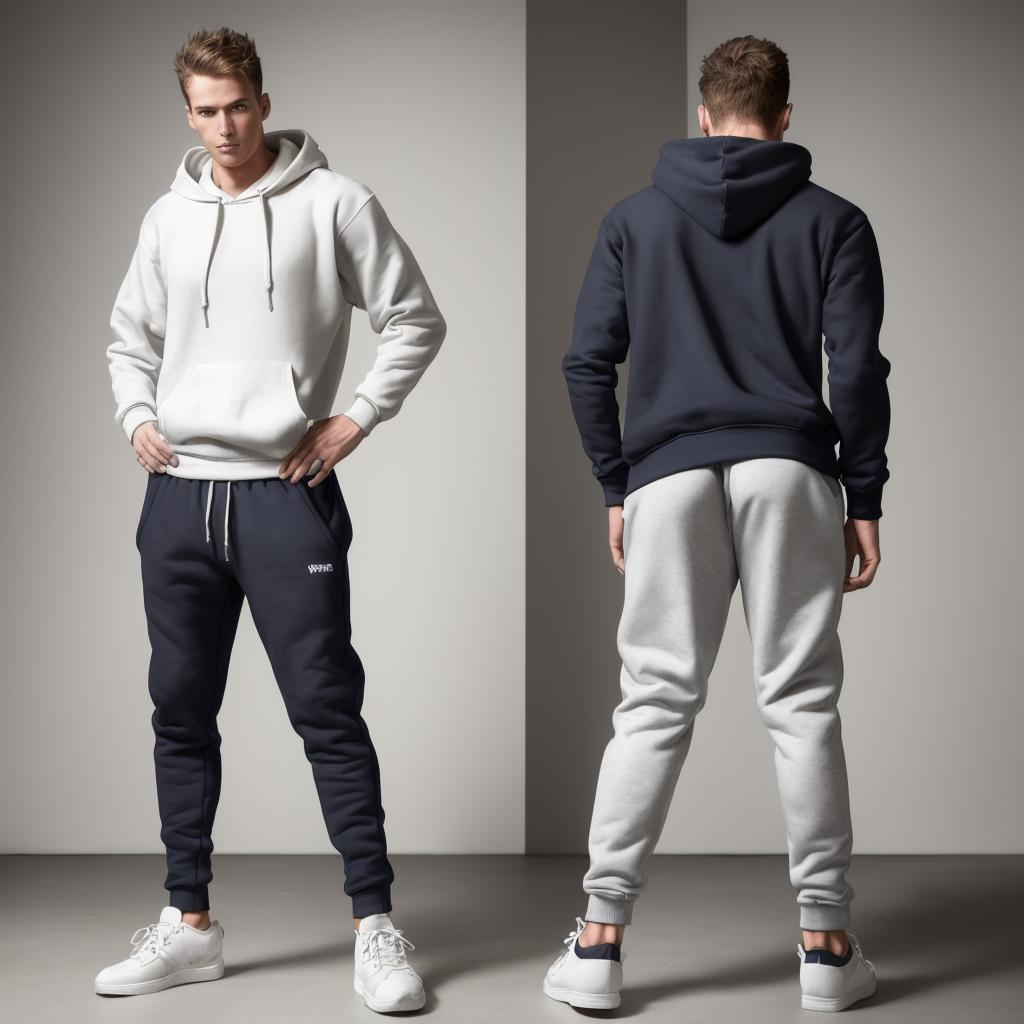


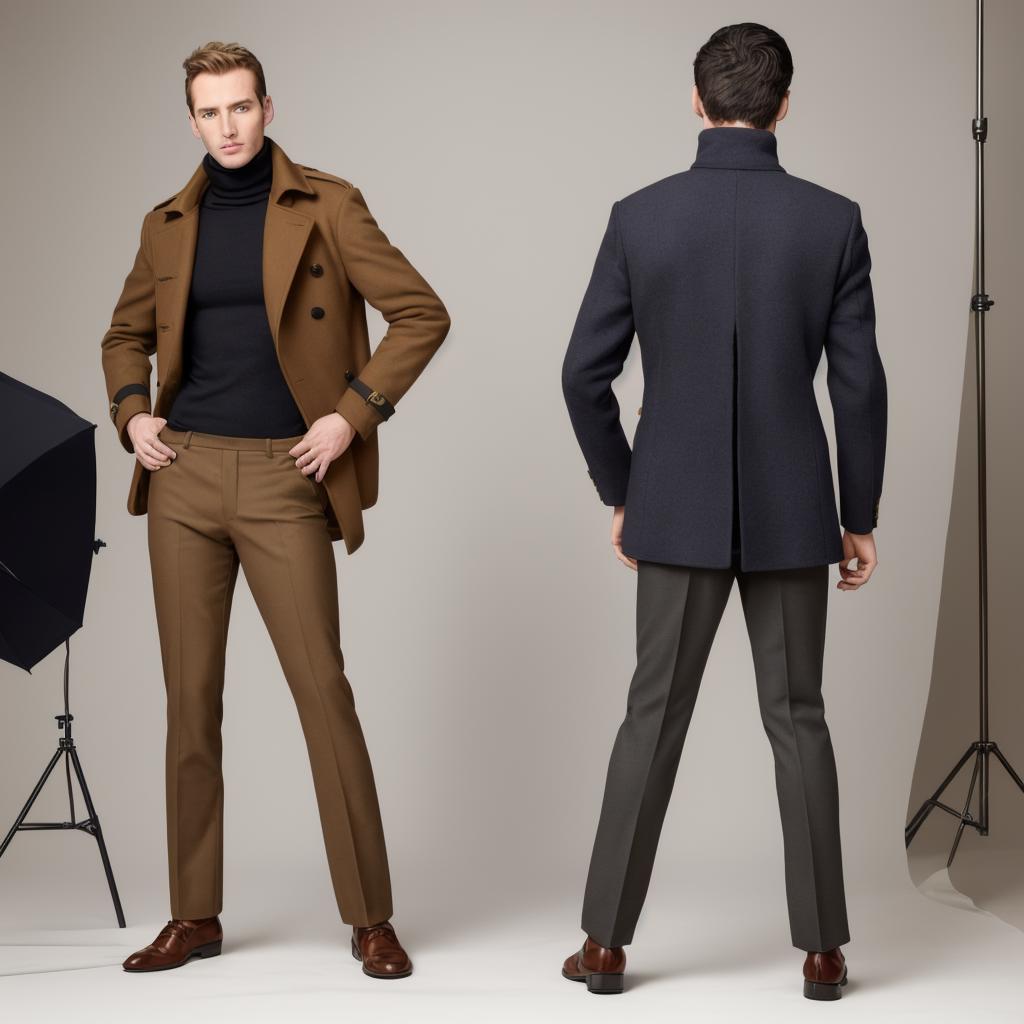
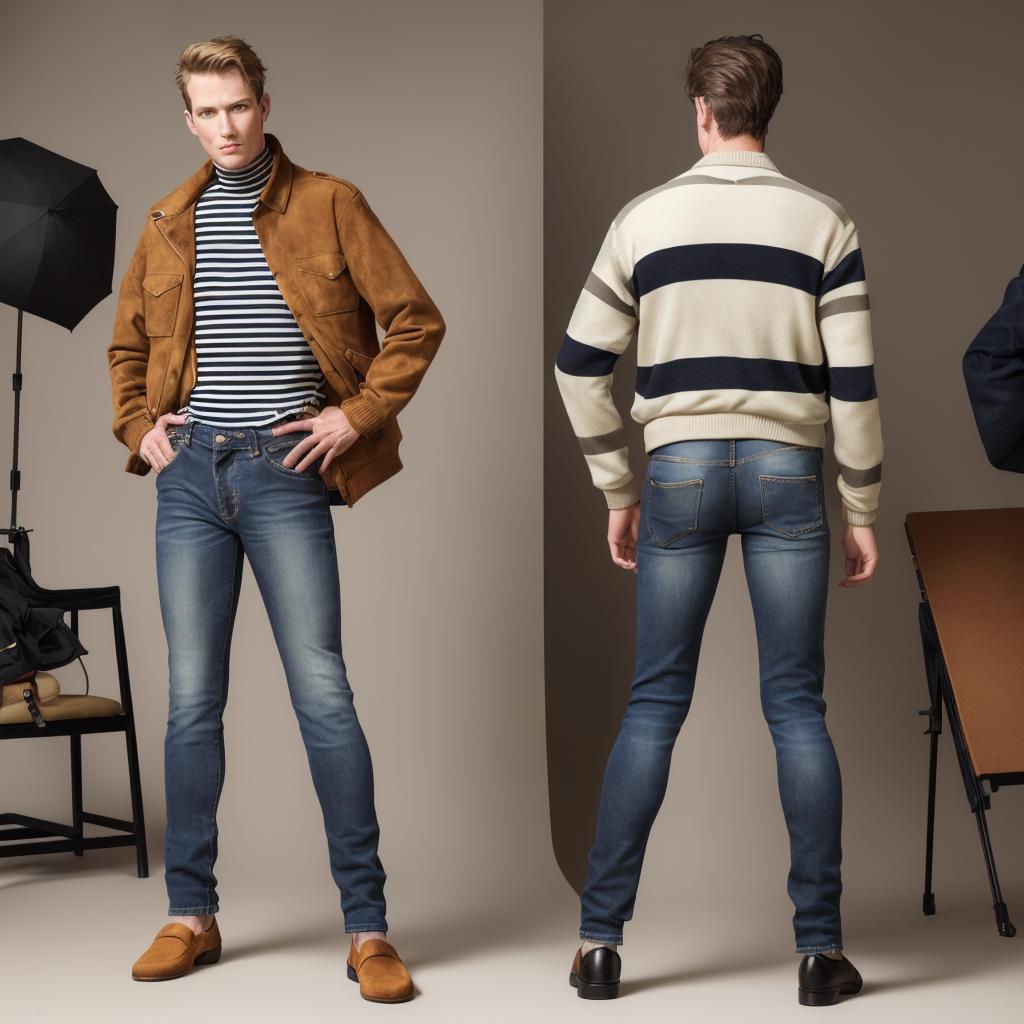
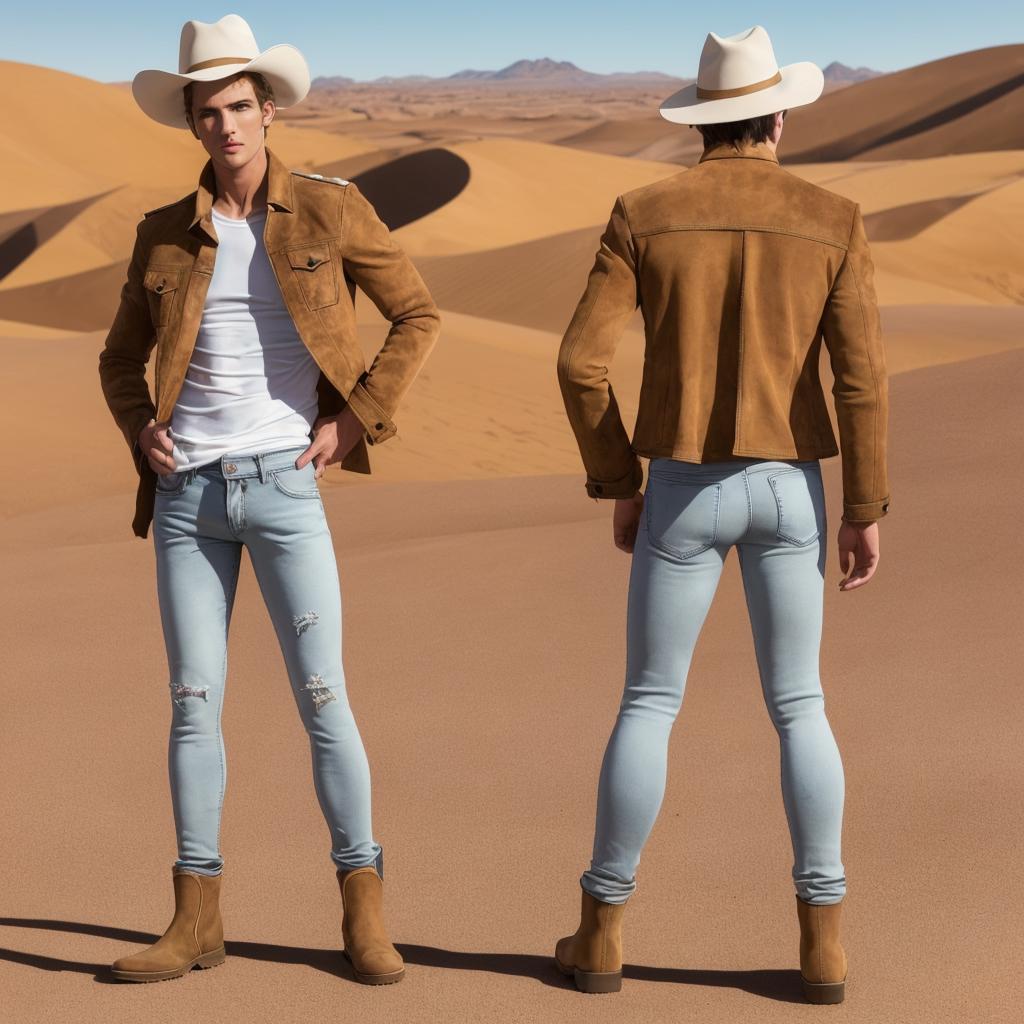
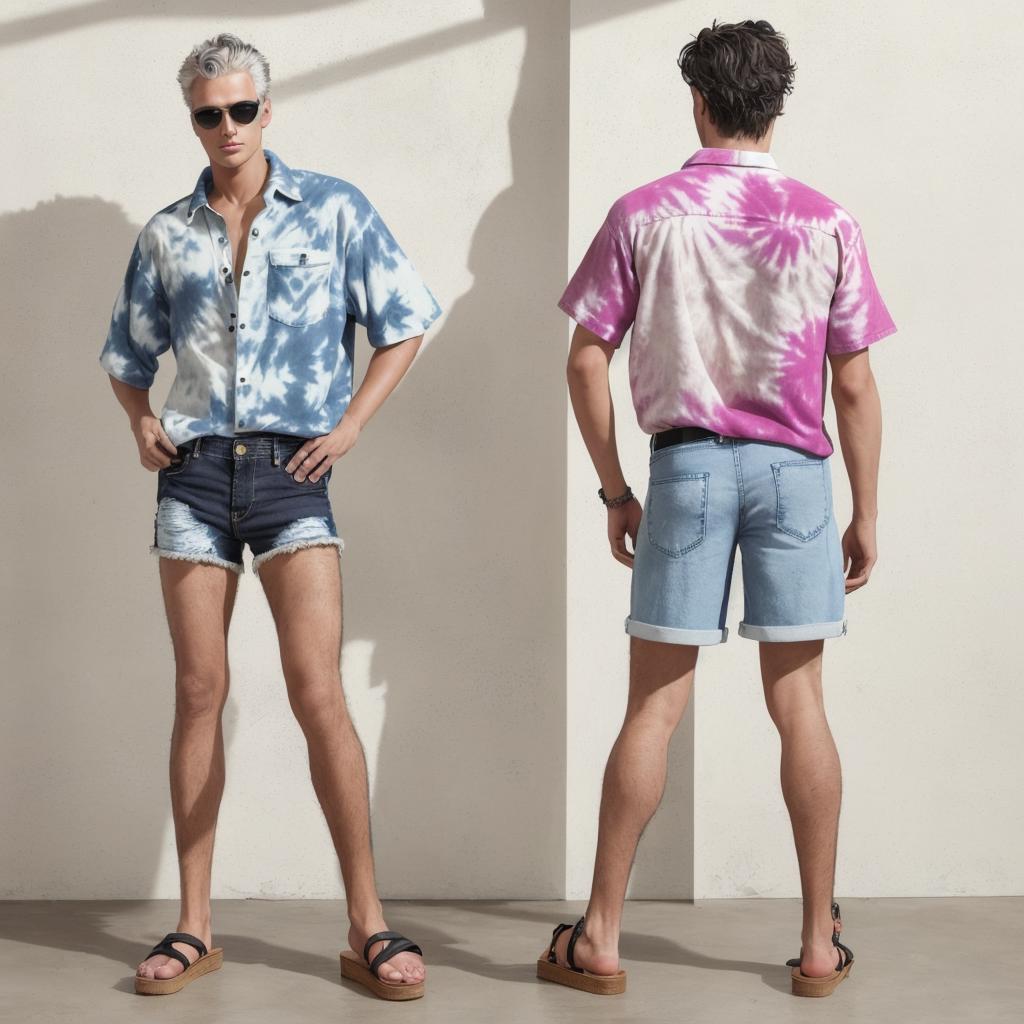
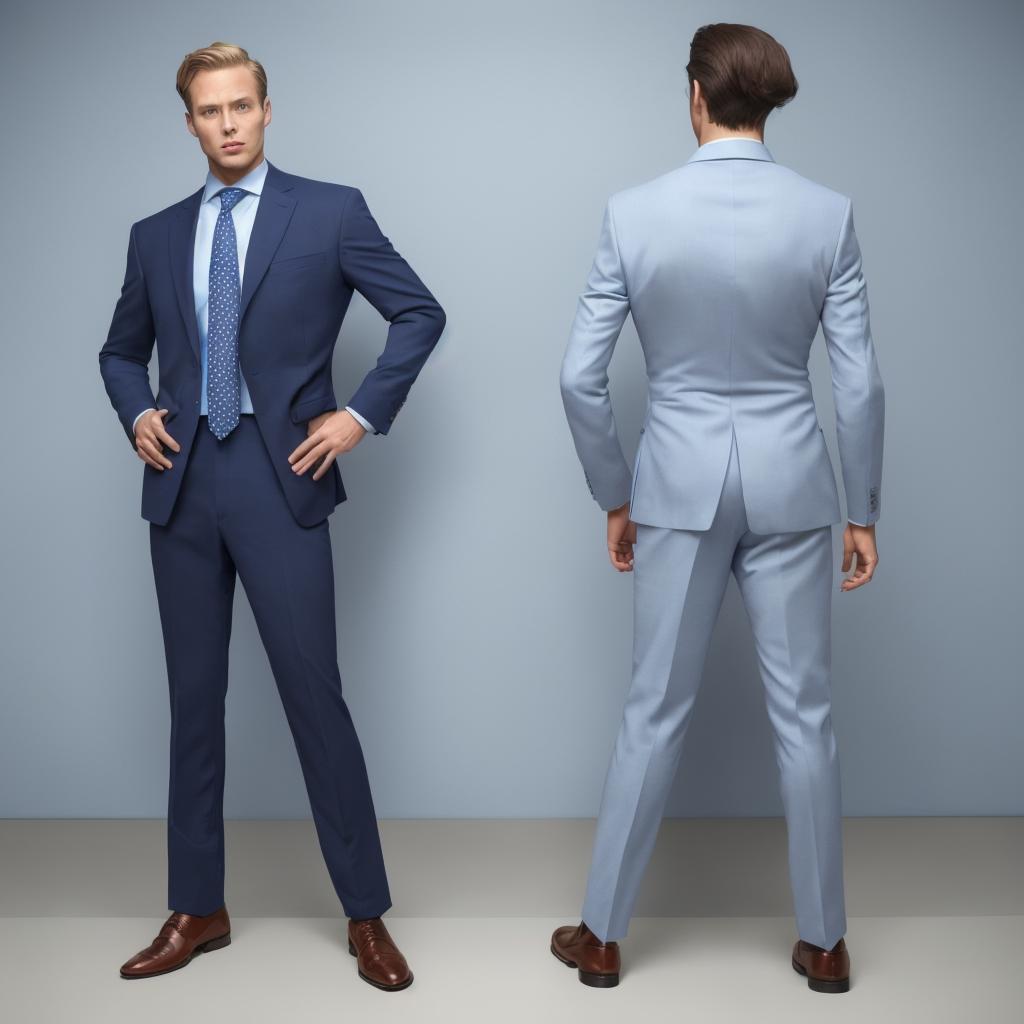
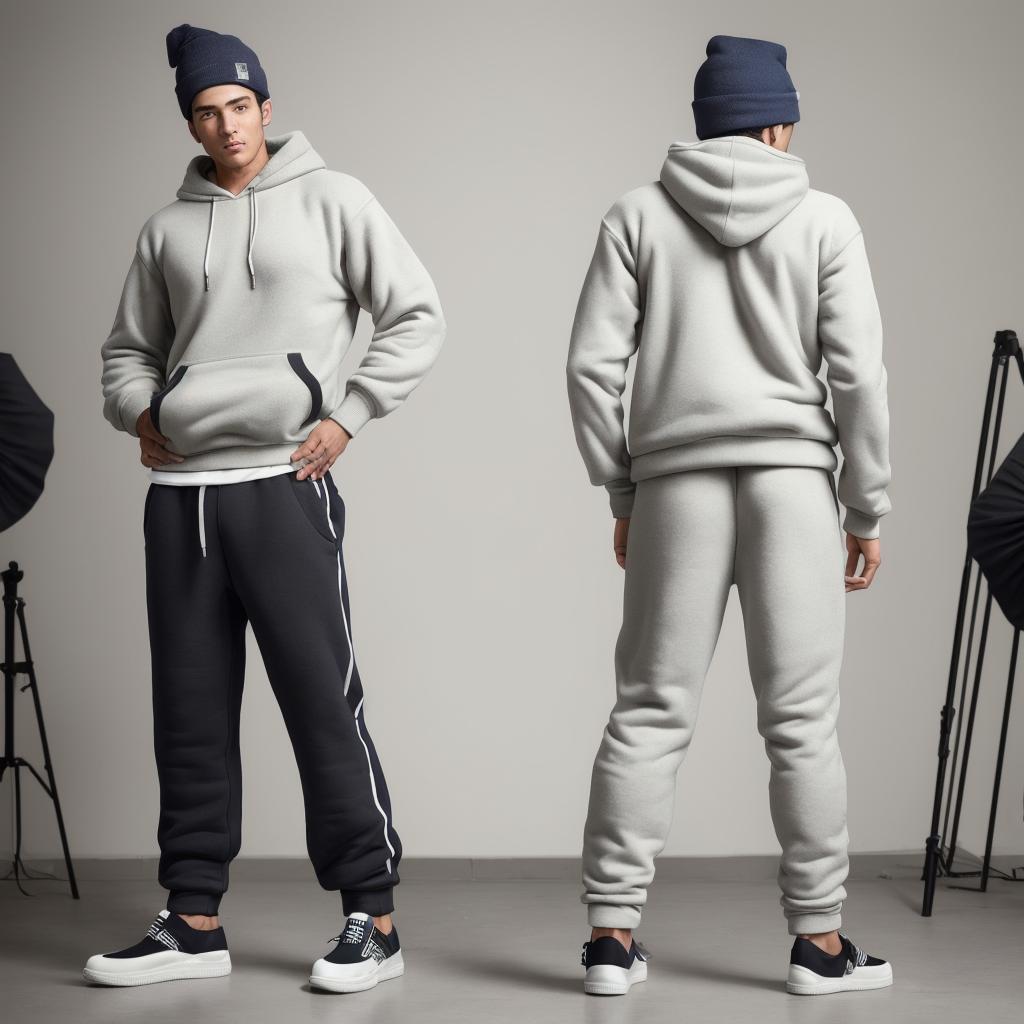
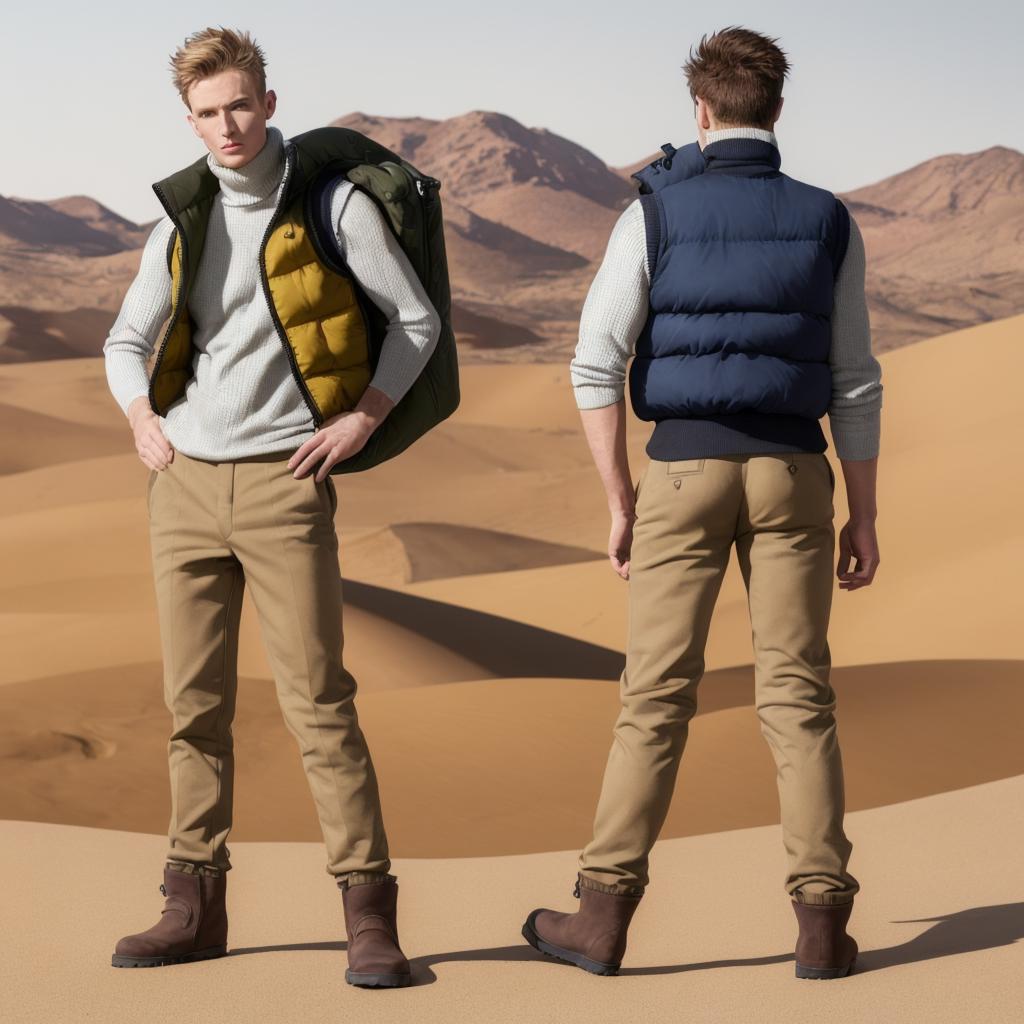
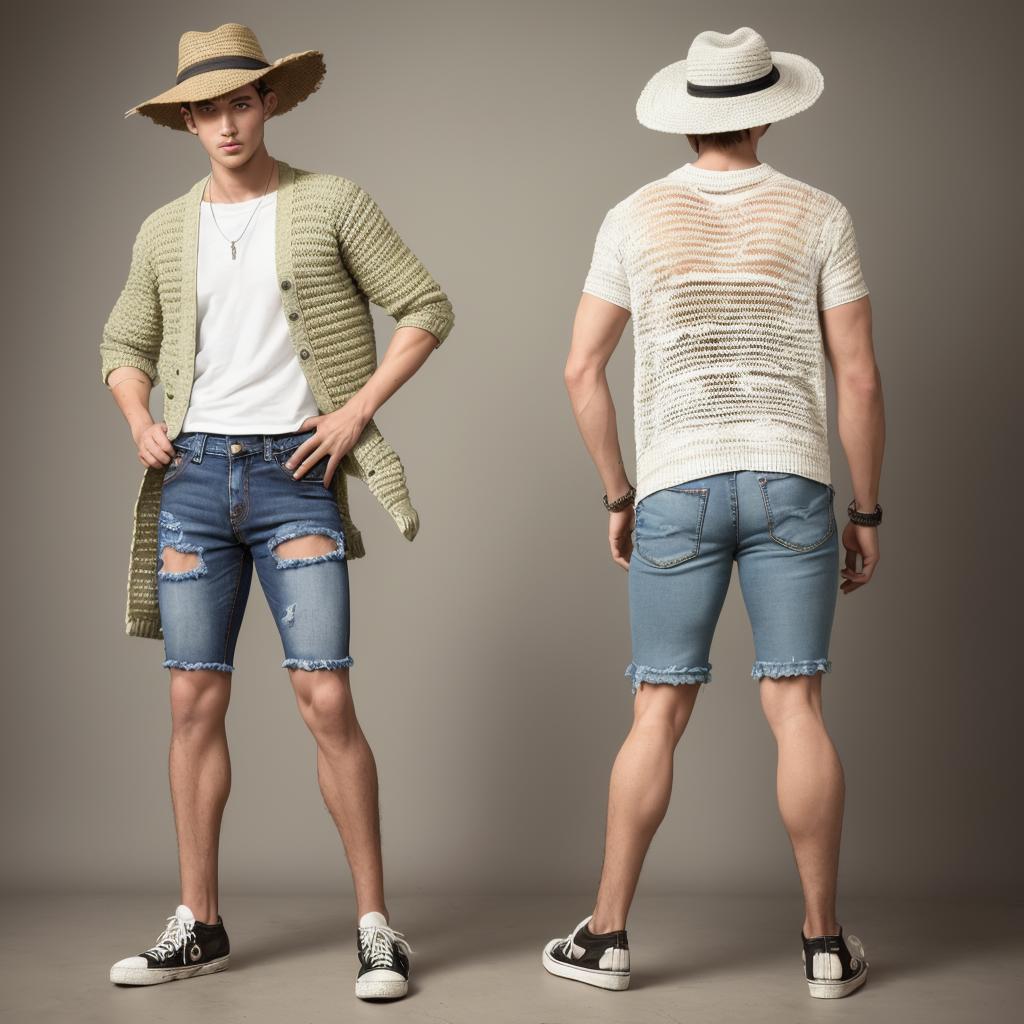
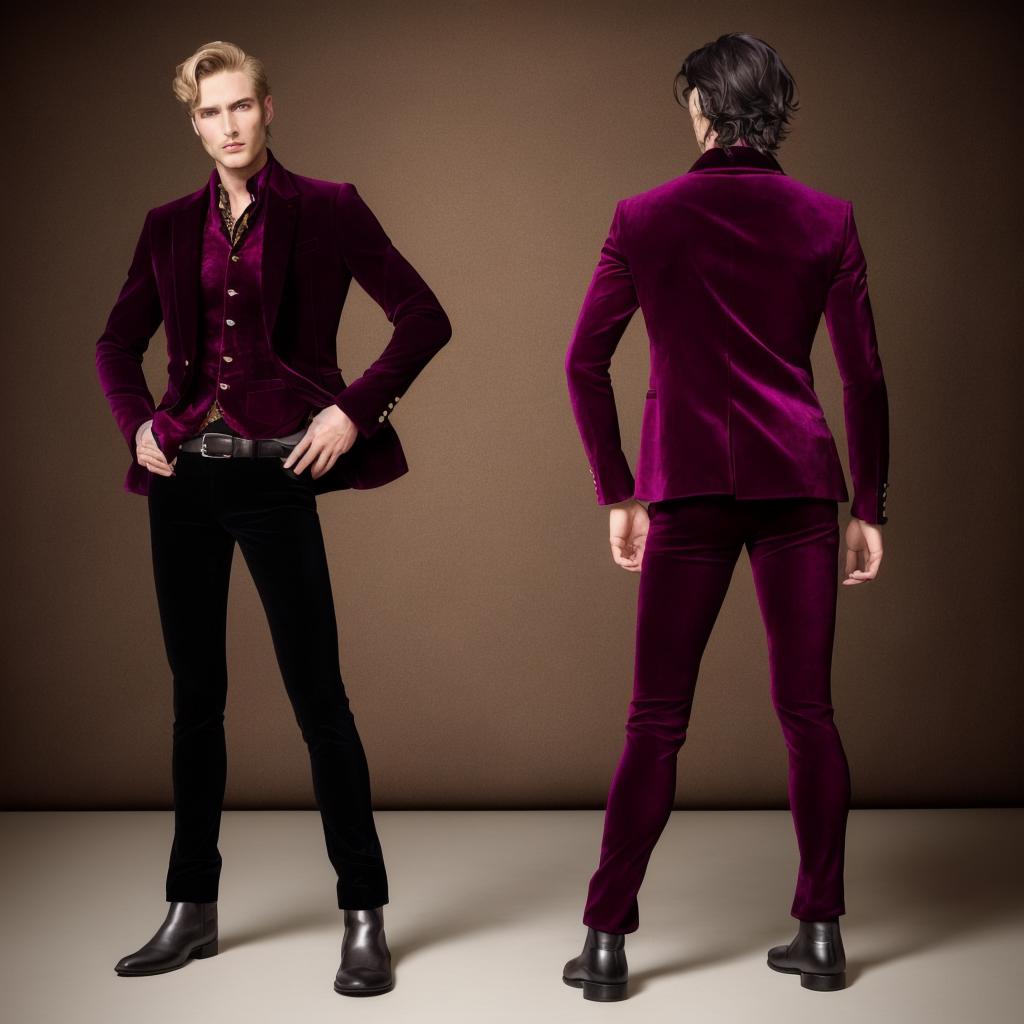
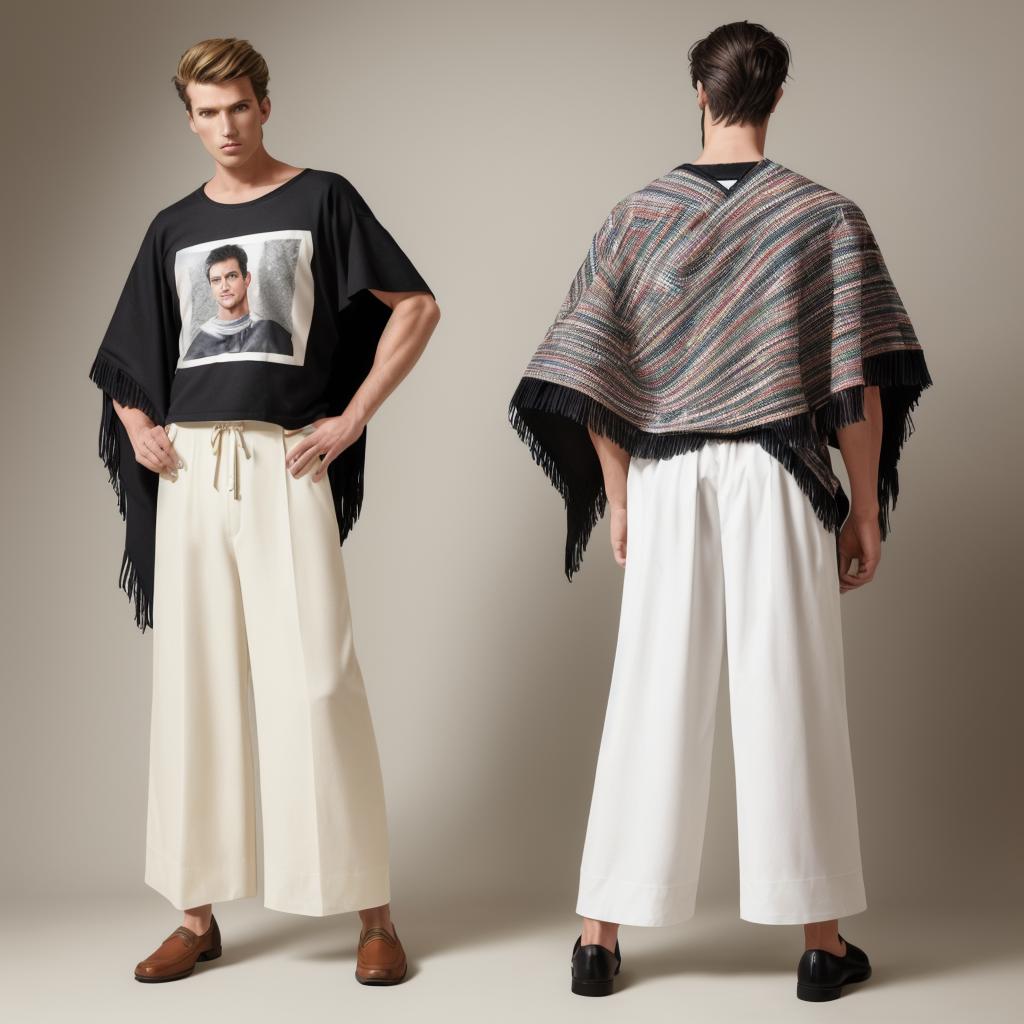

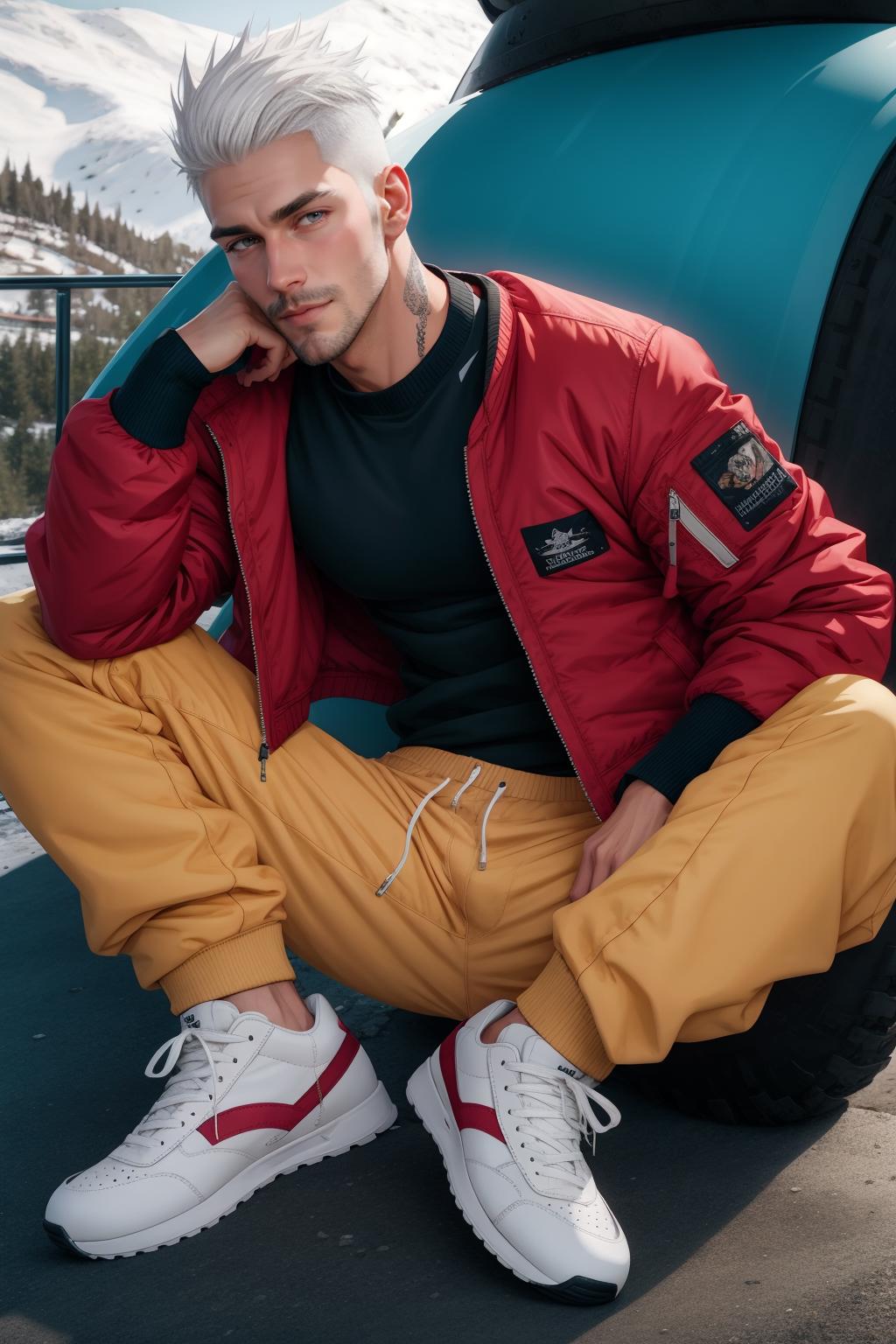
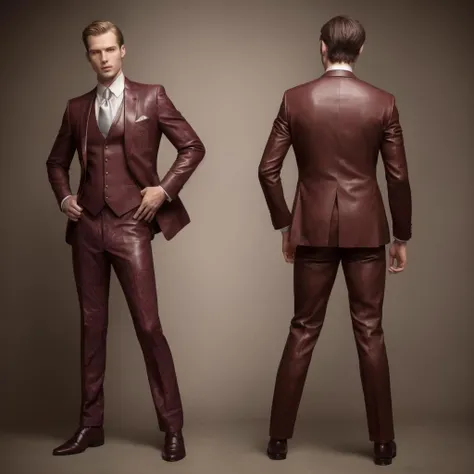
This is a collection of wildcards for modern men's clothing for use with the Dynamic Prompts extension, which you can install from the extensions tab in Automatic1111. Tested with Muses: Erato. Results with other models may vary, depending on the model's knowledge of clothing.
Download the file
Unzip the contents
place in the folder: stable-diffusion-webui\extensions\sd-dynamic-prompts\wildcards
In webui, go to the Wildcards Manager tab and click on the Refresh Wildcards button
The items should now be listed under the men_fashions folder. To use them, click on the option you want to use and copy the Wildcards file field, then paste it into your prompt.
Note that not all checkpoints will have knowledge of all clothing items, some items may look similar to others on the list.
