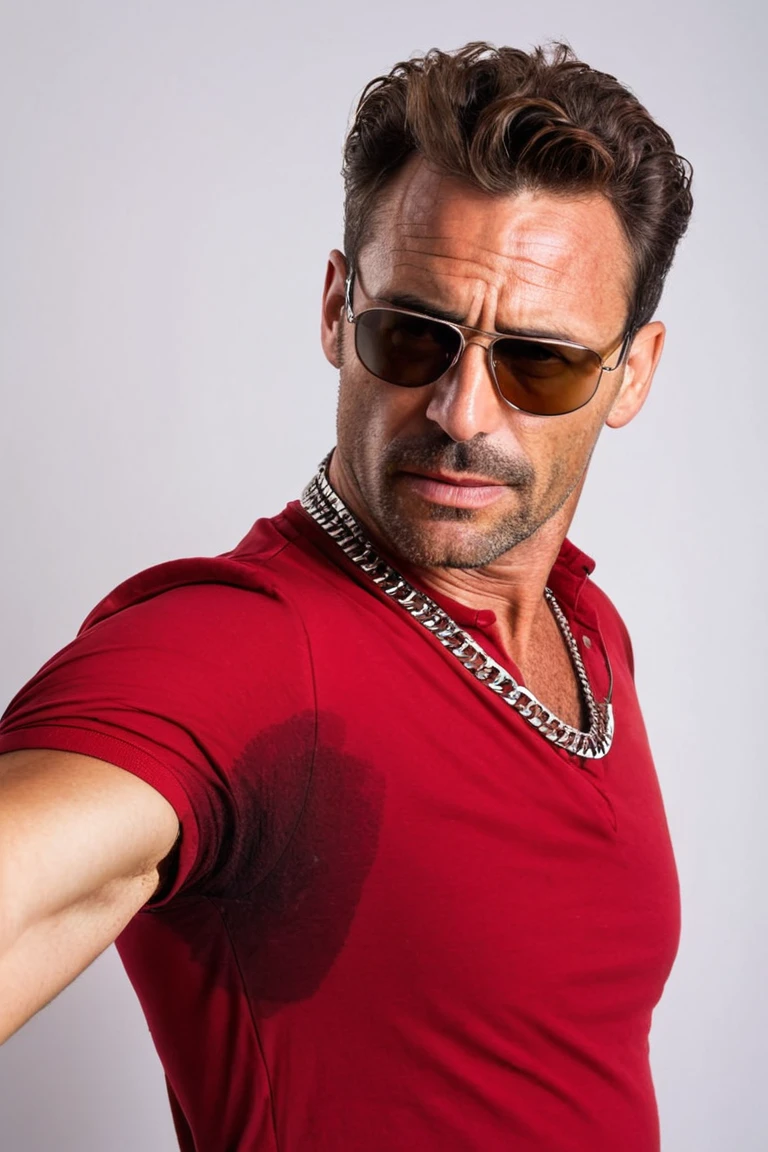
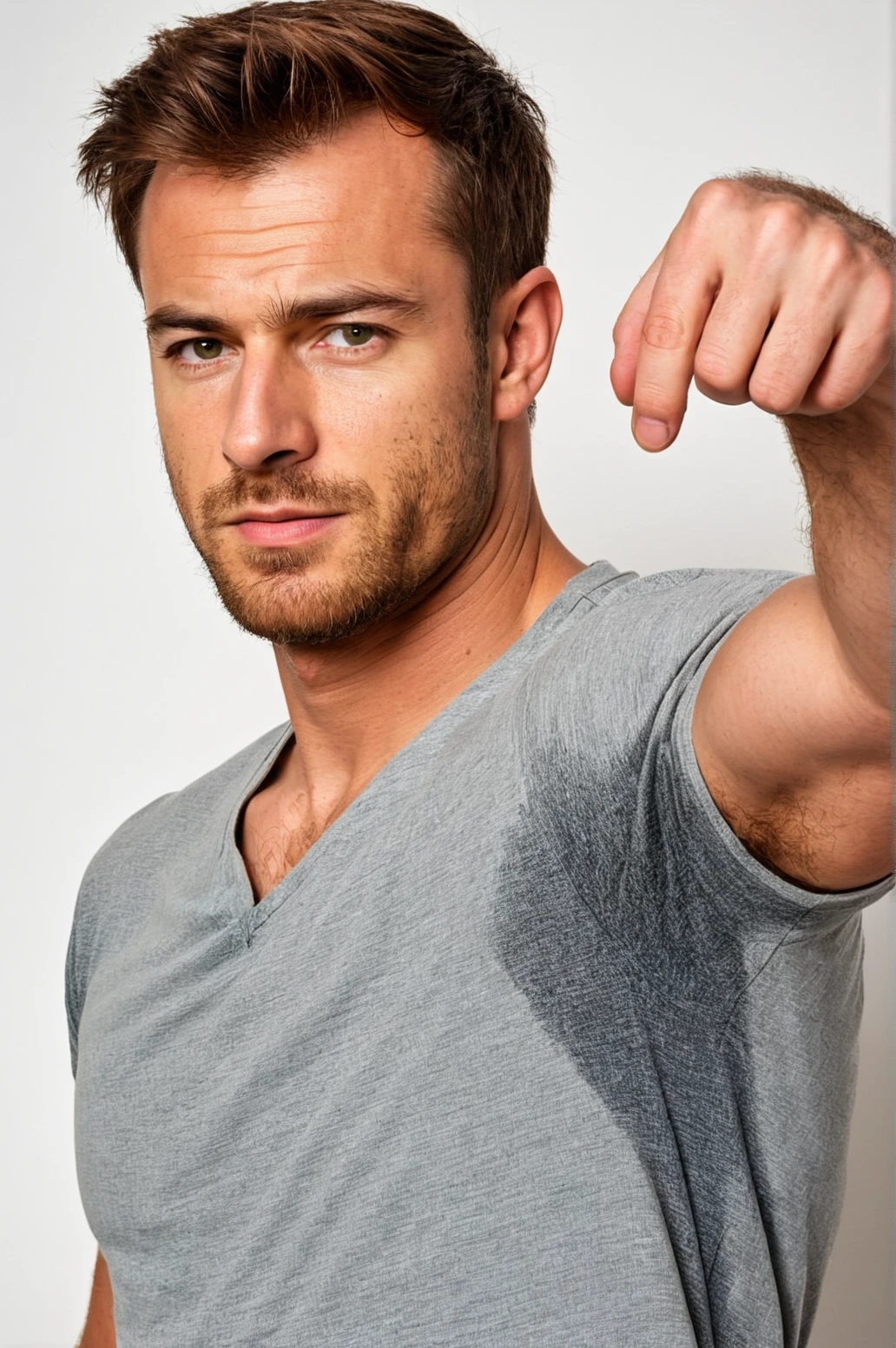
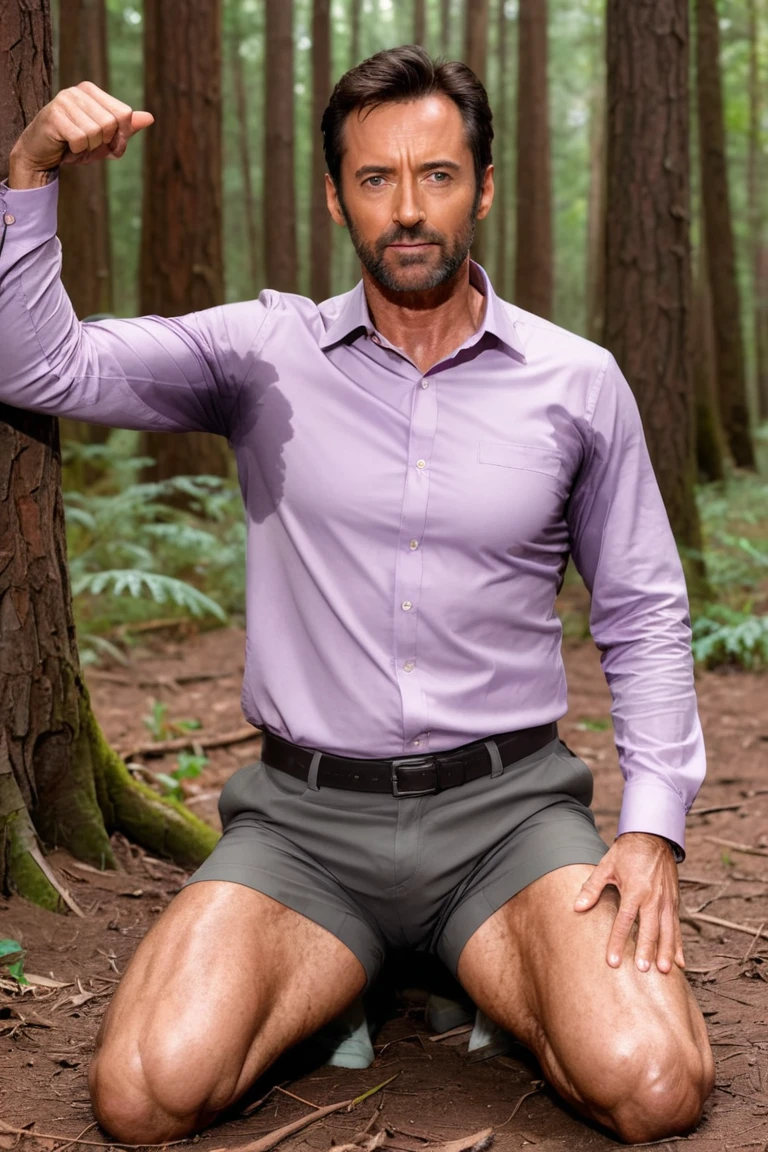
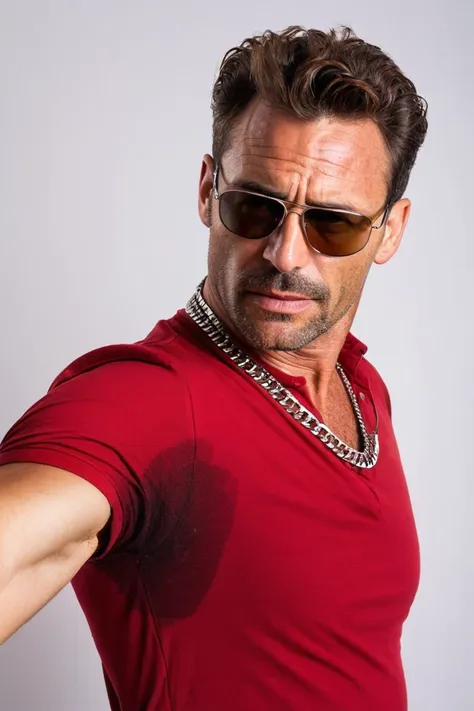
SDXL can’t do armpit sweat pitstains or any sweat on shirt properly. This will fix it. It’s trained towards armpit stains, with less focus on ?????, belly and back.
It had a lot of women on the trained data, it works regardless of gender.
This one took quite a lot of work even though it was a simple concept (low rank, low size). That is because I did an extensive epoch and block analysis. This one (and most non-pose LoRAs) benefits from a lower Text Encoder (base) weight and zeroing INS and MID blocks.
Recommended weight is 1.
Good from 0.8 up to 1.5 or further
I’m publishing this modified remerged LoRA as the main and not the full block one because people won’t f# read the best settings and Civitai generations don’t have these settings either way.
So, this is a remerge with these block weights: lbw=0.25,0,0,0,0,0,0.6,1,1,0,0,1 and also a re-scale from 1.2 to 0.8 using Ostris tool.
It should not change your original character or composition even at high weight. But you can lower the TE even further or even do a 0 weight TE if you want <lora:name:0.2:1>
This LoRA works at high weights. That is why I rescaled it. It has a low effect at 0.8, medium at 1.0 and high at 1.15. But you can go to 1.5 or more.
I only used trigger keywords to see if I could control the stains’ location, it doesn’t need them! They were not the first tag on the caption, but it helps to use.
I trained two LoRas and after block analysis they are both good. V5 uses “s3t”. Version 2 uses “sweat-spots-smudges”. I decided on V5 but sometimes V2 is better, especially with eyes.
Trigger Keyword:
V5: s3t on armpit, s3t on ?????, s3t on belly, s3t on back
V2: sweat-spots-smudges on armpit, sweat-spots-smudges on ?????, sweat-spots-smudges on belly, sweat-spots-smudges on back
Supporting prompts:
Shirt; (shirt with sweat:1.3); wearing clothes; sweat-spots-smudges (can help V5 sometimes)
Negative supporting prompts:
Black dye, black paint, black smudges, blue paint, yellow paint, worst quality, jpeg artifacts, low-res
DON’T use the word “wet” as this token concept bleeds heavily in any model. You’ll get rain and water everywhere. This is not my LoRA problem, you should just not use this word unless that is what you want.
Before doing this LoRA, I did an extensive word analysis and the best words for the non-Lora model to do something close to sweat on armpit was the term “sweat-spots-smudges on armpit”. I trained with these trigger words, and after block analysis it performs pretty much the same as the unique token one “s3t”.
V2 with full blocks (the original one), introduces some interference, dots, and dirt to the image, probably from concept bleeding of smudges and spots. But with appropriate blocks, it is kind of the same as V5. Sometimes V5 at high weight fails with eyes and V2 will do it better.
You can combine this with Loractl to make sure you’ll get your composition. Set the Lora to start with low weight at 0.33%, increase it after.
<LoraName:[email protected],[email protected]>
The base checkpoint is the “sdXL_v10VAEFix” 6.7GB. So, it should be very flexible with any checkpoint.
As of right now, I recommend juggernautXL_v9Rundiffusion and juggerxlInpaint_juggerInpaintV8 for inpaiting.
Lighting models works great! I recommend Dreamshaper SDXL Lightining
I prefer 6 steps with DPM++ 2S a Karras CFG 2.2 and high-res for 5 steps 0.38 denoise and 1.35x res. But the default is DPM++ SDE Karras, CFG 2, 4 steps.
The new Juggernaut lighting is excellent too.
For standard generation
Lower CFG works better specially is you use the lora at high weight: 4.5
DPM++ 3M Exponential (50 steps or more)
DPM++ 2M Karras (25 Steps or more)
DPM++ SDE Karras
DPM++ 2S a Karras
Want to have some “fun”? Install wildcards dynamic prompts extension: https://github.com/adieyal/sd-dynamic-prompts . And wildcard manager. Here is a prompt I made for testing. Paste on prompt:
{side view|front} view of {Harrison Ford|Leonardo DiCaprio|Brad Pitt|Chris Hemsworth|Hugh Jackman} on his {shorts|suit pants|jeans:1)} wearing a {long sleeves|tank top|button|vneck|high crewneck} {light|dark}-__YetAnotherWildcardCollection-main/Colors/Basic__ (shirt with sweat:1.3) {sitting on the floor|running|lying resting on the ground} in a {forest|road|street|distant planet moon surface|marathon} alone, dynamic pose, {his arms are fully extended and he is posing for the camera|his arms are on his hips|his arms are pointing to {his armpits|the camera}|his arms are behind his head}, large (s3t on armpit:1.2), natural lighting, 4k uhd, dslr, high quality, Fujifilm XT3
Problems with the current Lora:
V5 will produce slightly worse eyes at higher weight (1.2 or above) than V2
White shirts are a BIG challenge. Use “Black dye, black paint, black smudges” on the negative. It helps a lot.
Sometimes they might “????” themselves. Or, well, groin sweat. That’s a benefit in my book.
Underwear sweat is not well trained, but might work.
Some settings: Trained 1024 res. 190 images. Epoch 28 from 44. now prodigy 1.0. 2 steps folder. constant BATCH 6, rank 8/1,Scale weight norms 1, snr gamma 5, Noise offset 0.0357, no regularization image, Max Token Length 225
Hopefully you can leave some results and some comments. Any idea is appreciated. Thank you.