類型
Checkpoint
发布時間
2023-05-29
基础模型
SD 1.5
触发词
SeeDescription!
復制


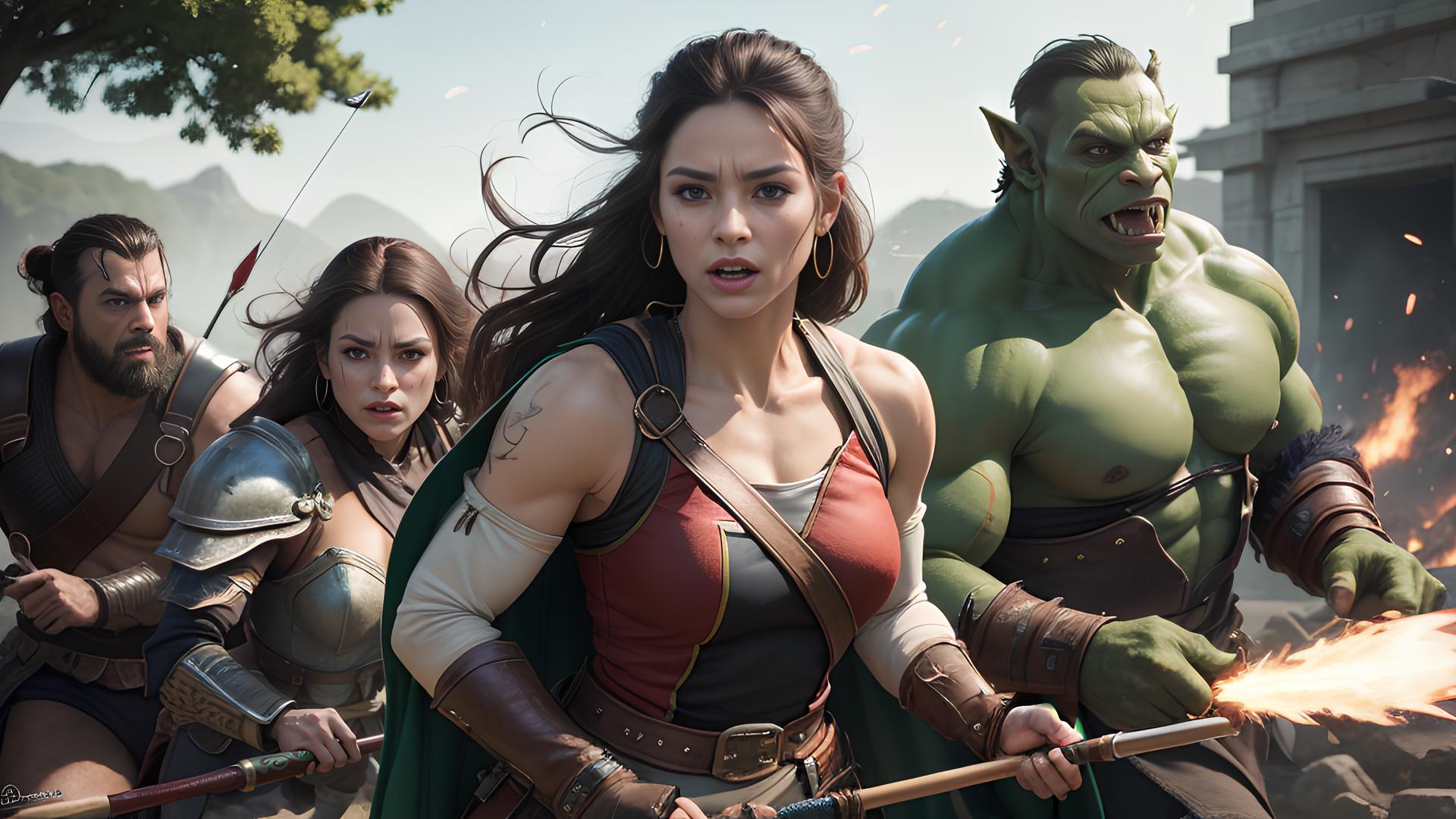
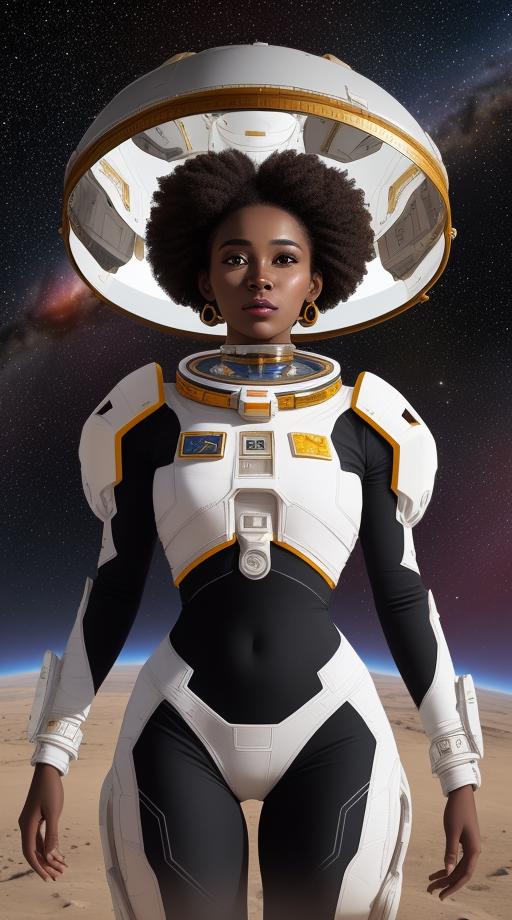
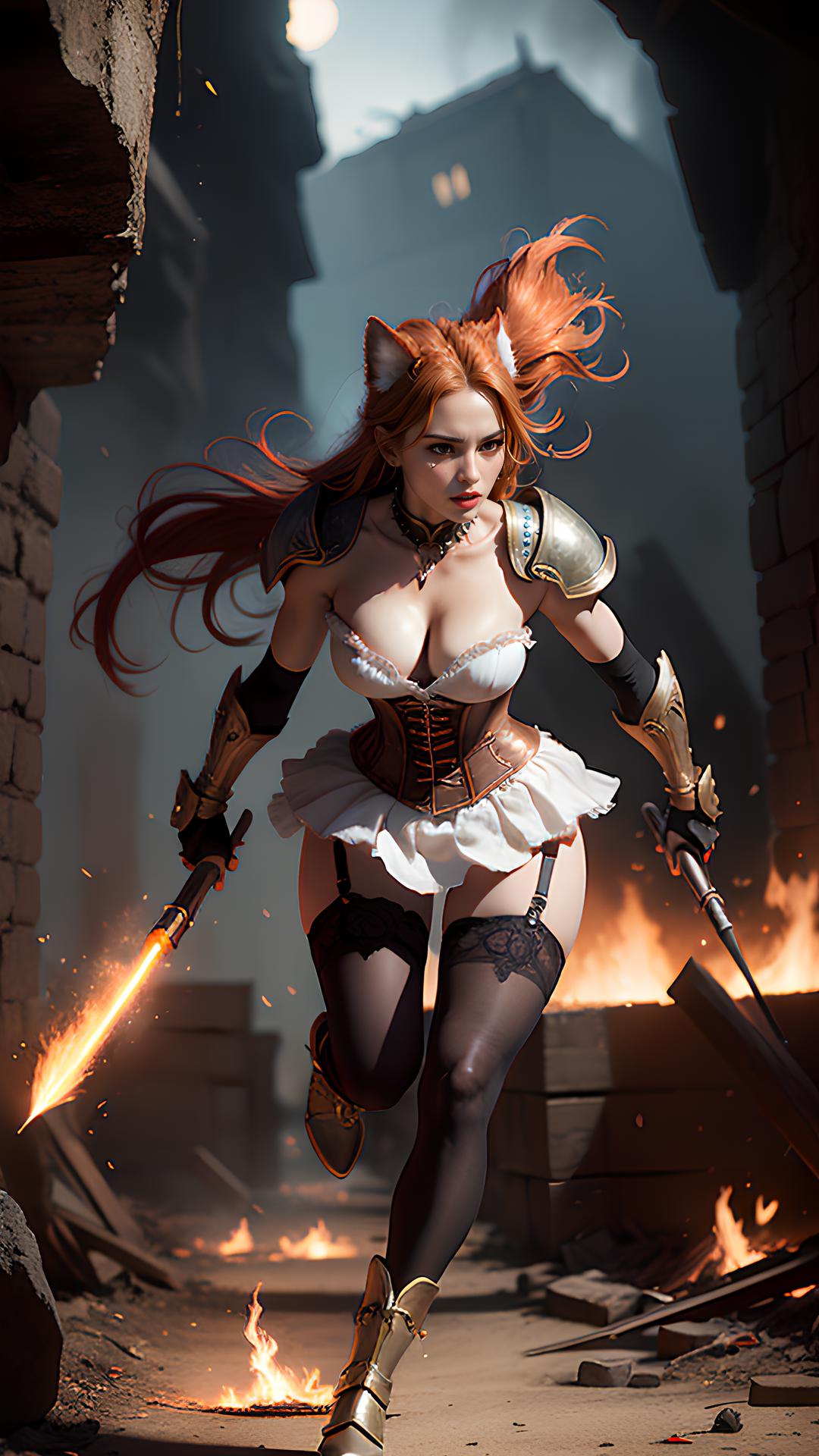
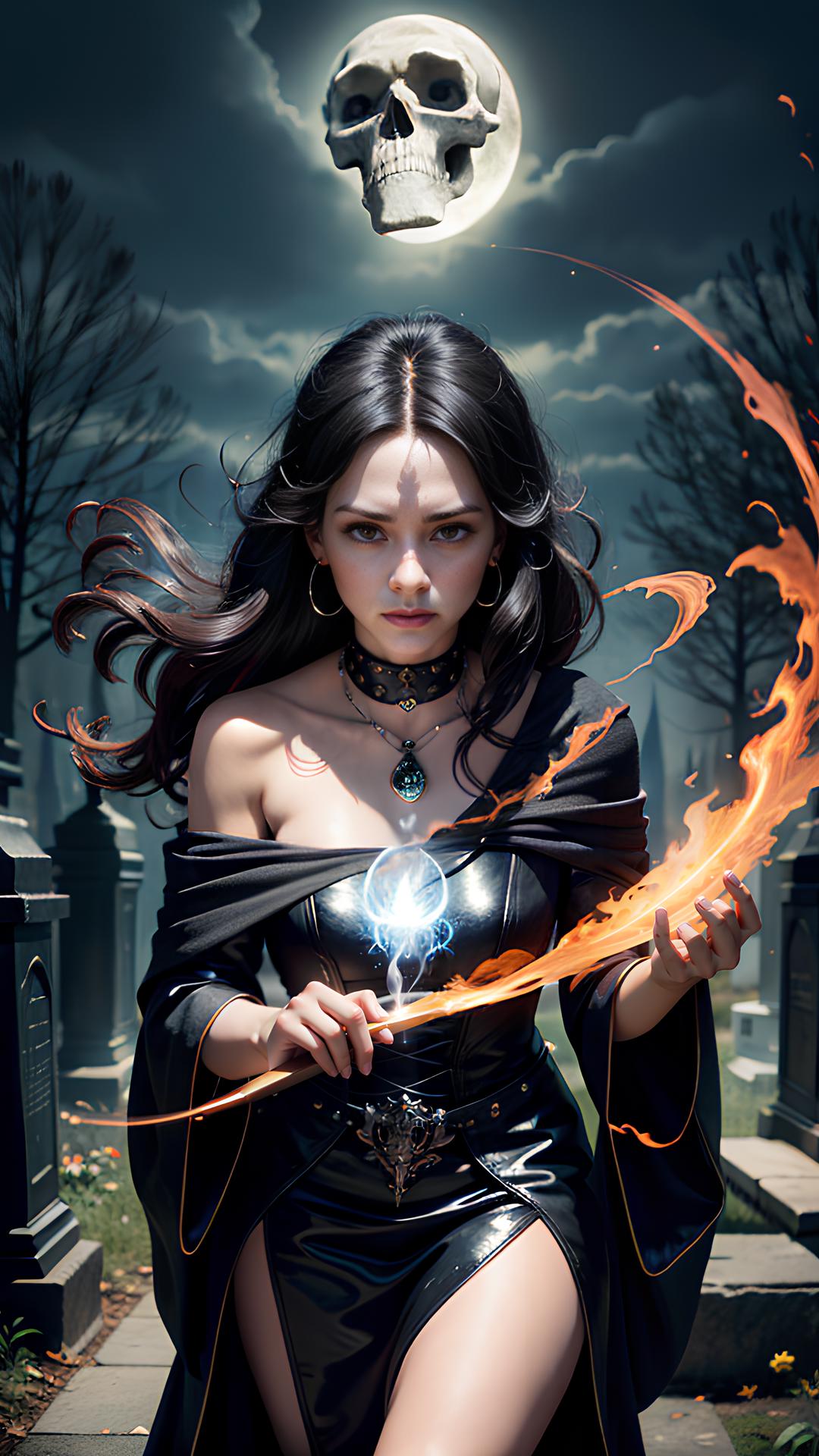
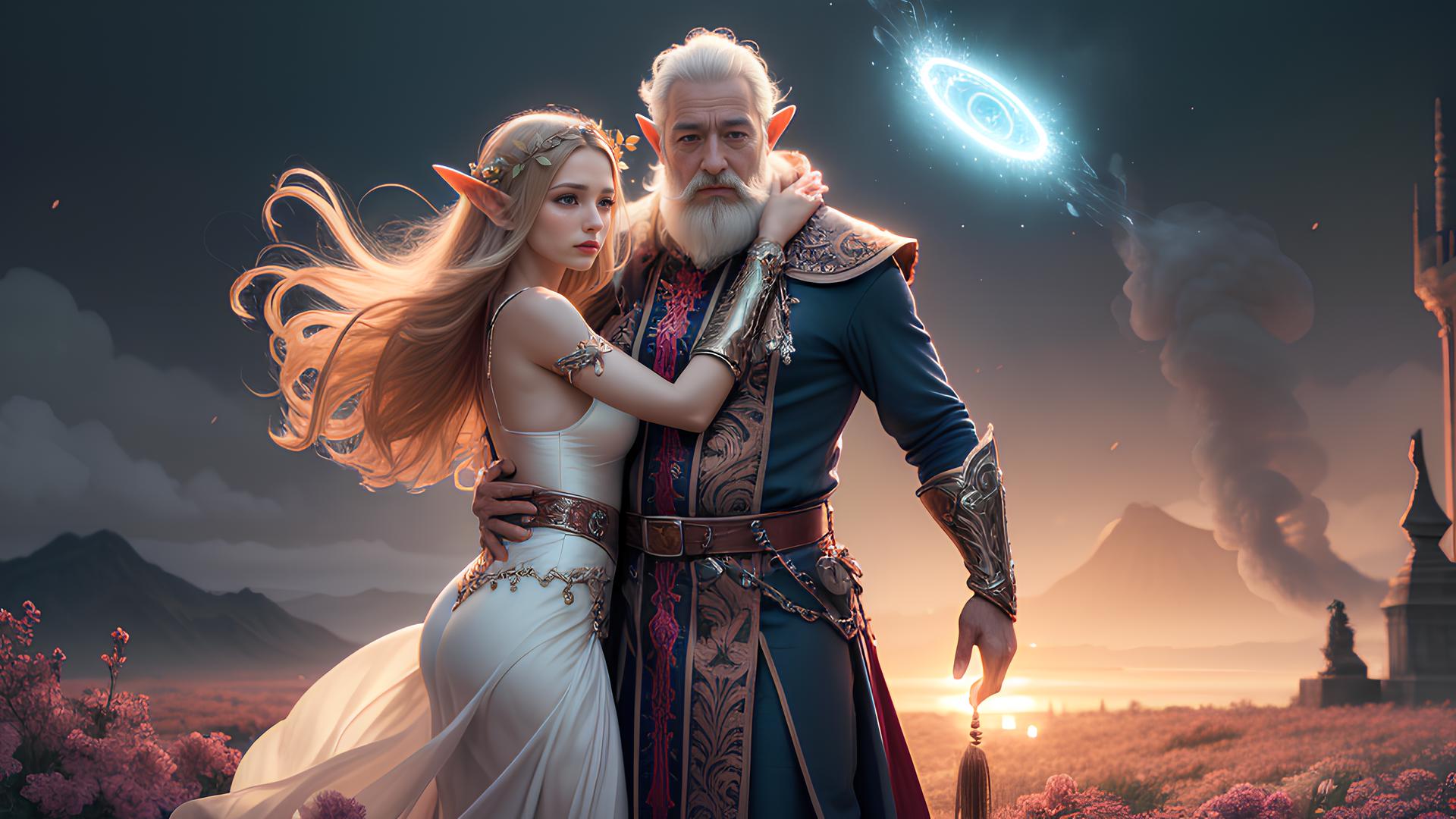
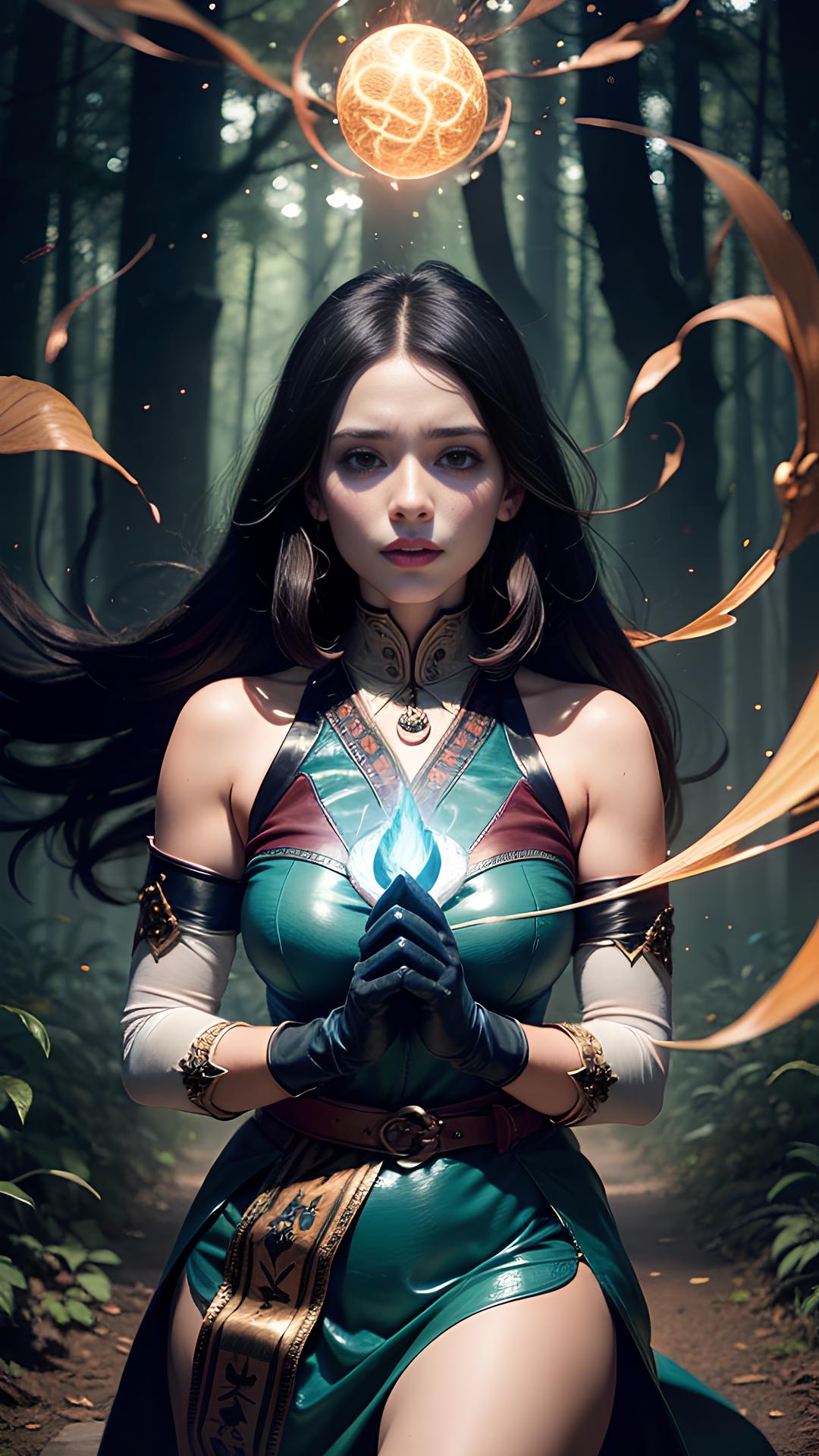
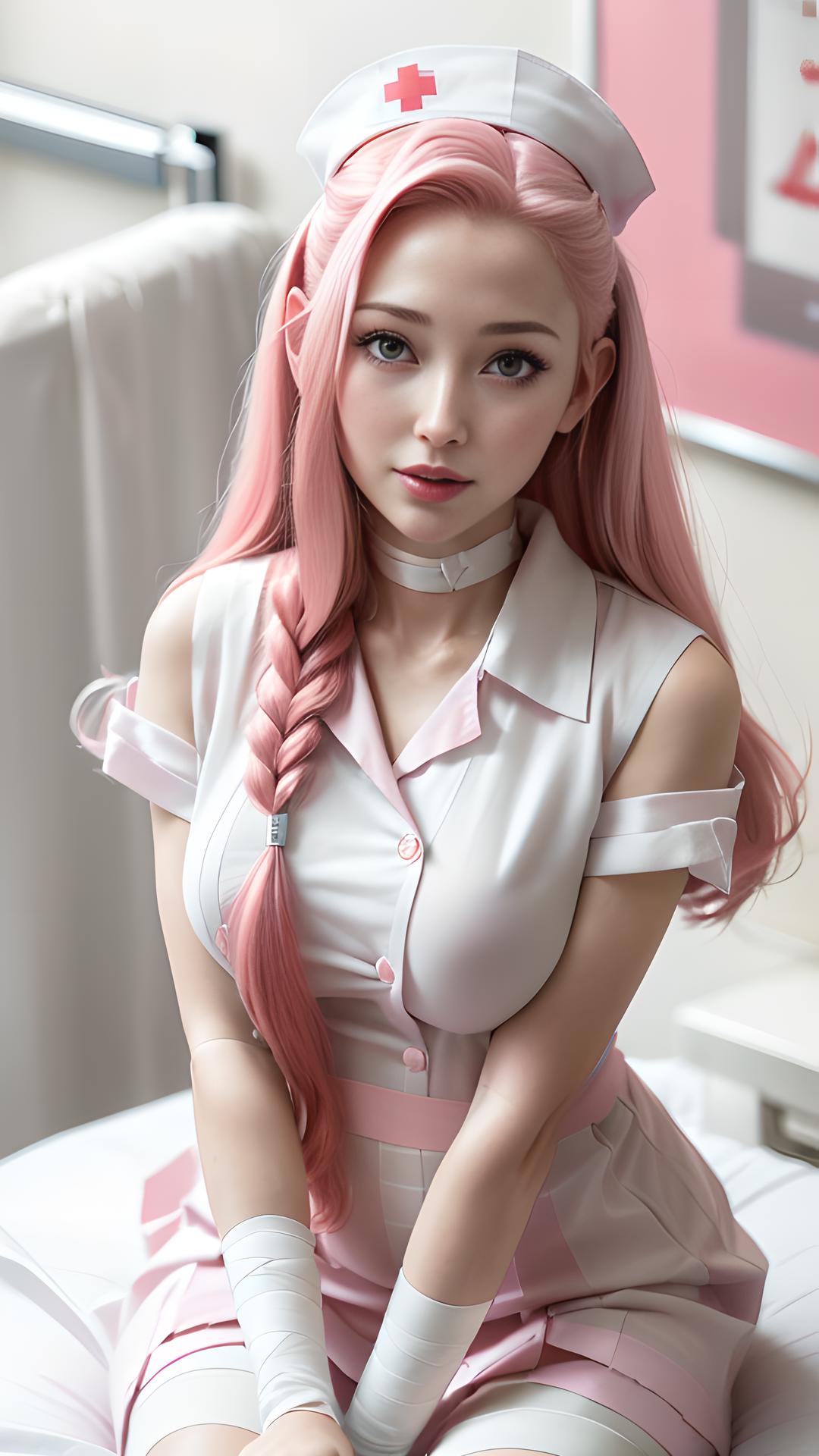
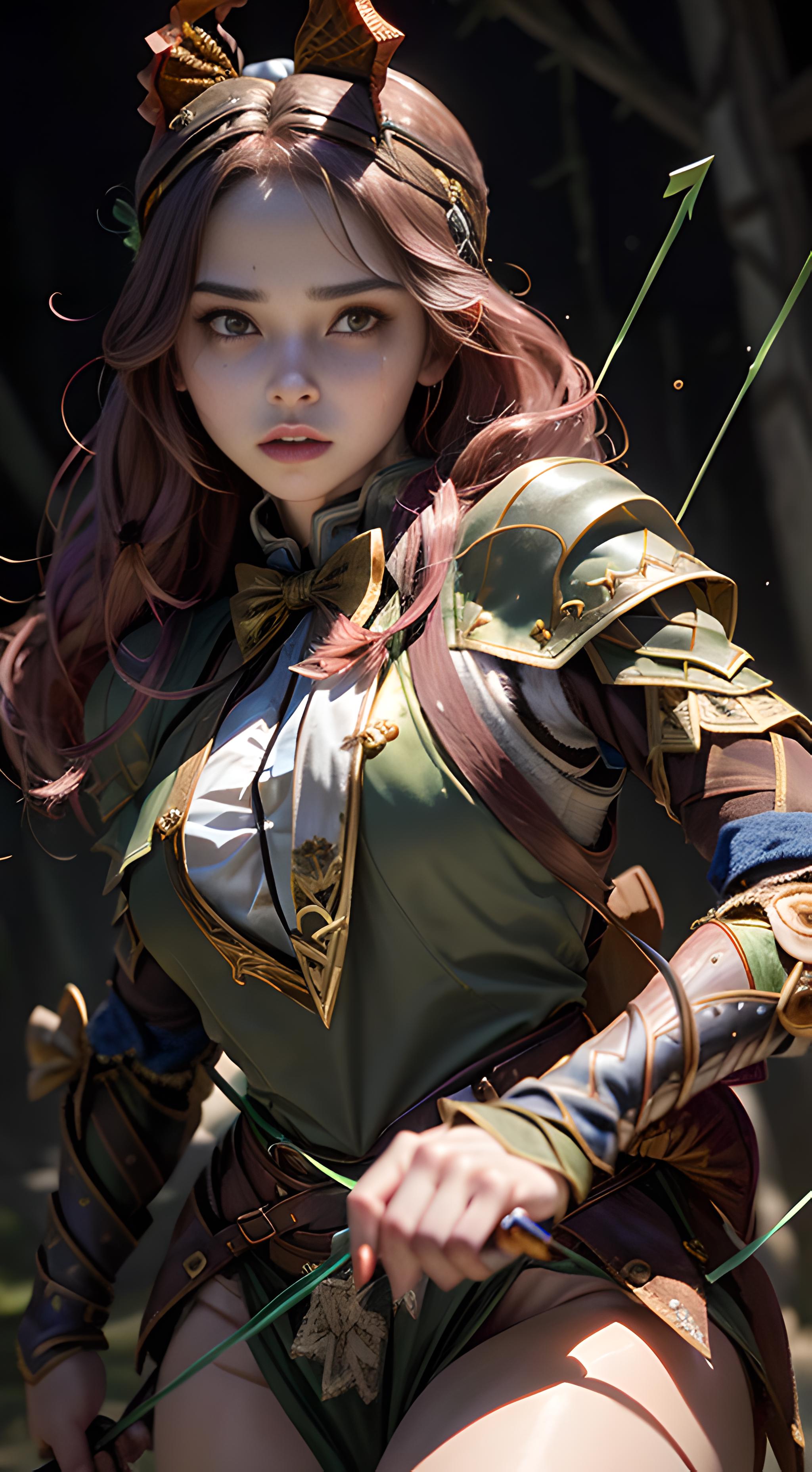
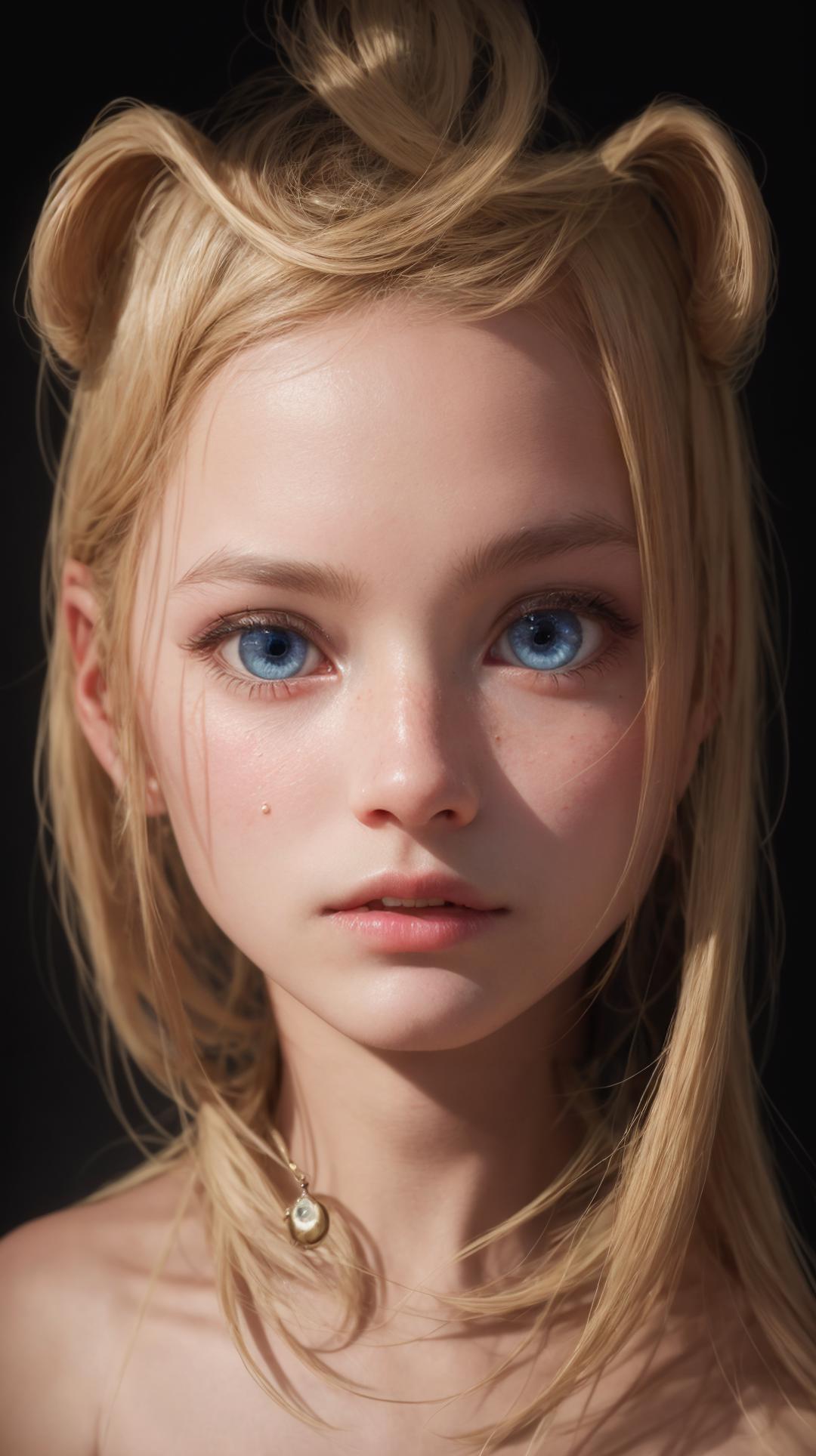
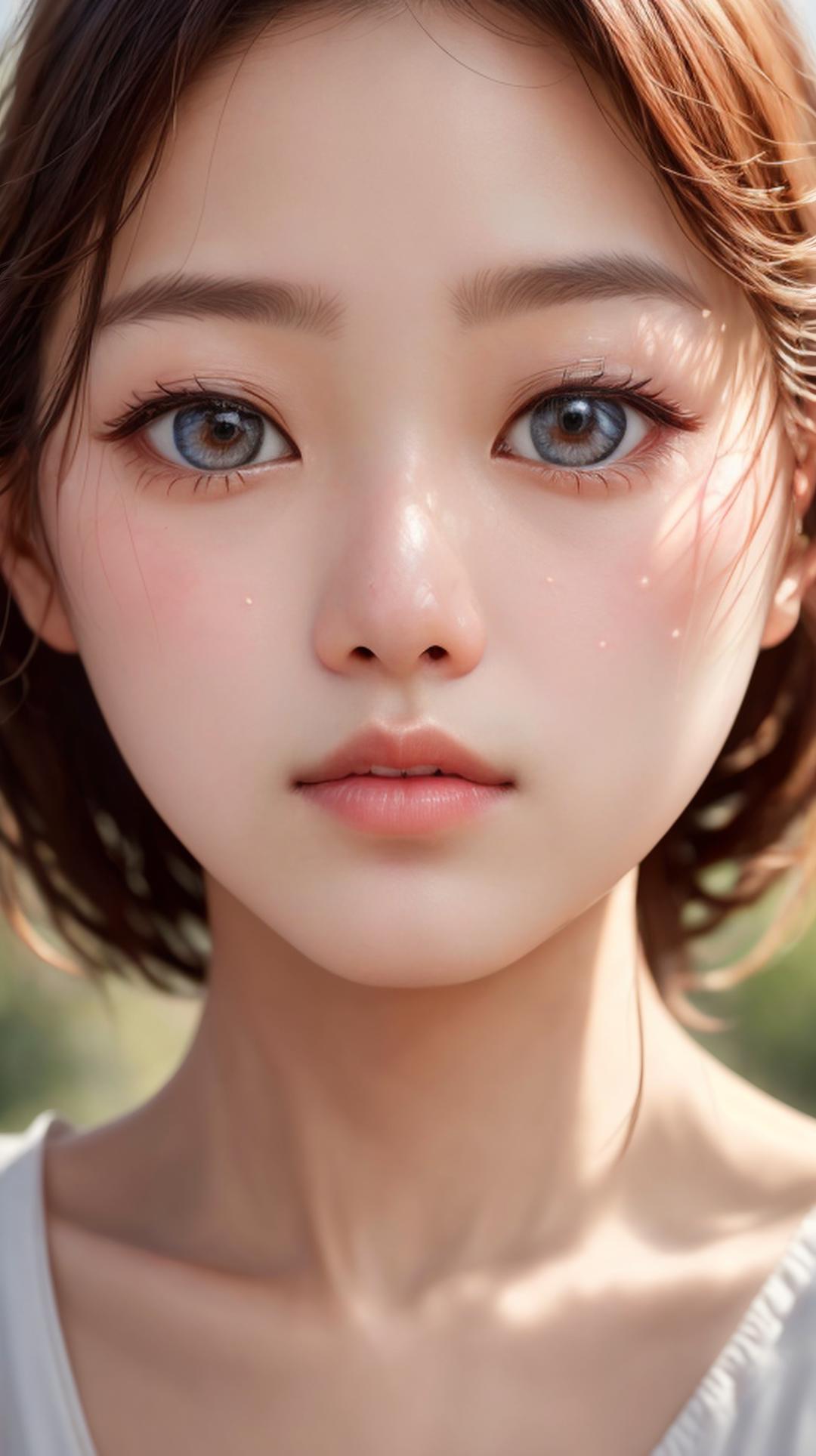
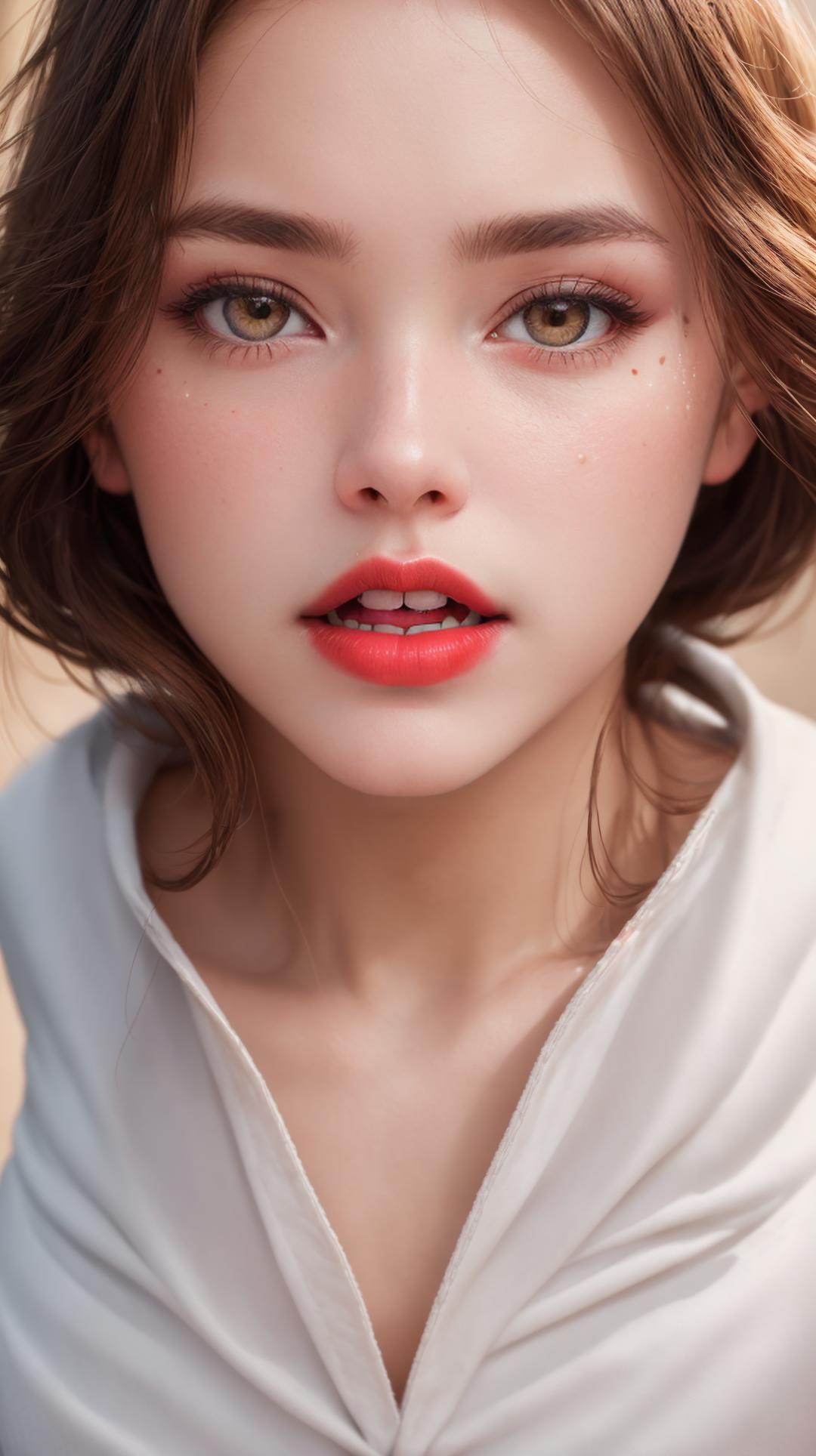
The goal of StoryMix is where the boundaries between fantasy and reality merge. With a humble start by discovering its current capabilities and flaws. Future updates will be focusing on improve the model and make it easier to use.
Positive Prompt: best quality, masterpiece, ultra high res, (photorealistic:1.4), raw photo, sharp focus, HDR, detailed skin
Negative Prompt: Anime, cartoon, ng_deepnegative_v1_75t, (badhandv4:1.2), (worst quality:2), (low quality:2), (normal quality:2), lowres, bad ???????, bad hands, normal quality, (monochrome), (grayscale) watermark.
Merge Based On:
(Optional) Recommended VAE
to get a better high quality result, please use this VAE:
(Optional) Recommended Textual-inversion
to prevent bad hands and ugly results please use these textual-inversions:
Steps used when I generate images using this model
Start prompt engineering
Using 'txt-2-img',
or 'img-2-img' using existing images & prompts if you want
Start simple without After Detailer Extension
Settings:
Sampling method = Euler a / DPM++2MKarras
Sampling steps = 20-60
CFG = 5-7 for more creativity, 10-15 to be strict
Size: 920 x 512 px (portrait)
- Or 512x920 landscape mode that tend to generate more characters
- Or 512x512 if you prefer to use the result for training
Start with batch count = 1-4
Edit the prompts until reaching the intended results
(Recommended) Ask chatGPT to generate text-to-image prompts suitable for Stable Diffusion according your requirements
Polish the Details (if needed)
Keep using 'txt-2-img' with the config in step 1
or choose the image you like and 'Send to ImgToImg' if you want it to be very similar
Reuse seed from the previous image
(Useful when we want to keep some major details like faces)
Use the After Detailer Extension
ADetailer Model = yolov_8n
For most cases, first detailer is for face
Second detailer is for hands
Set Confidence = above 65 to avoid false detection
Settings:
Sampling method = Euler a / DPM++2MKarras
Sampling steps = 40-100 for a better quality
(optional) Use DeepBoru to improve prompts but be careful to also check missing prompts not covered by DeepBoru
(optional) Fix minor flaws with inpainting/sketch/control-net or other tools
Inpainting:
Erase area to improve
Then generate with high resolution
Sketch/Control-net: rarely used, but can be useful to improve minor flaws:
Bad hands can be fixed with control-net depth map
Bad pose with control-net OpenPose
When prompt is hard, minor tweaks can be improved with sketch, e.g. adding missing legs or characters
Send to Extras
Scale to = 1080 x 1920 / 1920x1080
Upscaler1 = SwinIR_4x or other 4X scaler
GFPGAN visibility = 0.95
(If it needs cropping) Crop to fit = checked
1. 轉载模型僅供學習與交流分享,其版權及最終解释權归原作者。
2. 模型原作者如需認領模型,請通過官方渠道联系海藝AI工作人員進行認證。我們致力於保護每一位創作者的權益。 點擊去認領
