
類型
LORA
发布時間
2024-05-06
基础模型
SD 1.5
触发词
zzxxzz
復制
版本介绍
v1.0

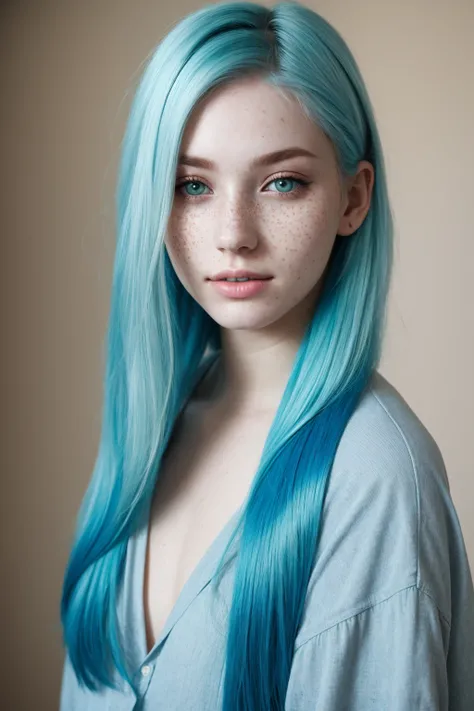
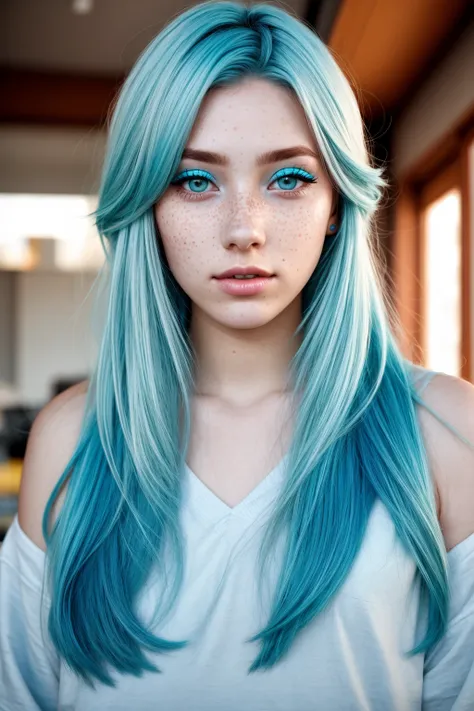

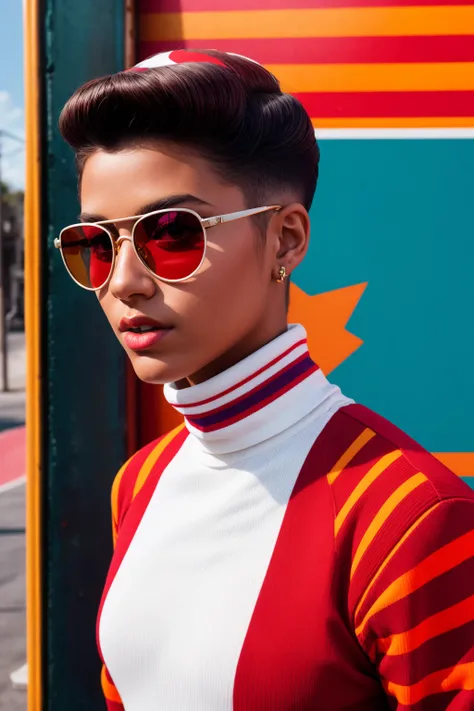
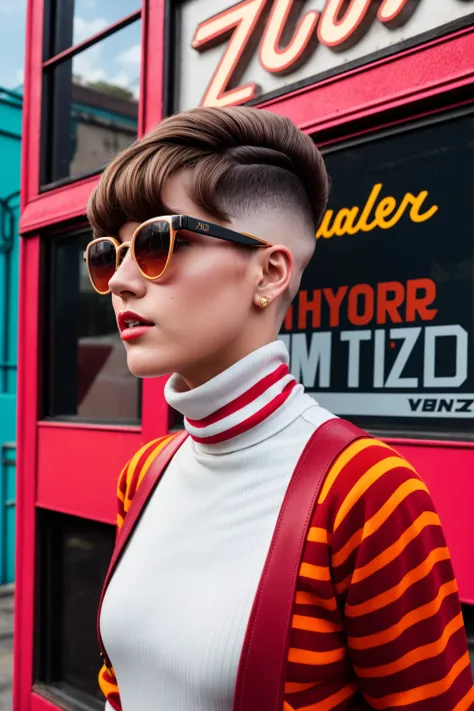
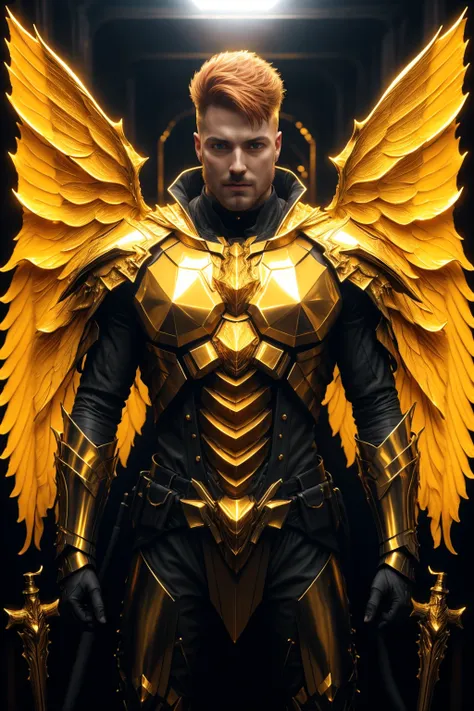
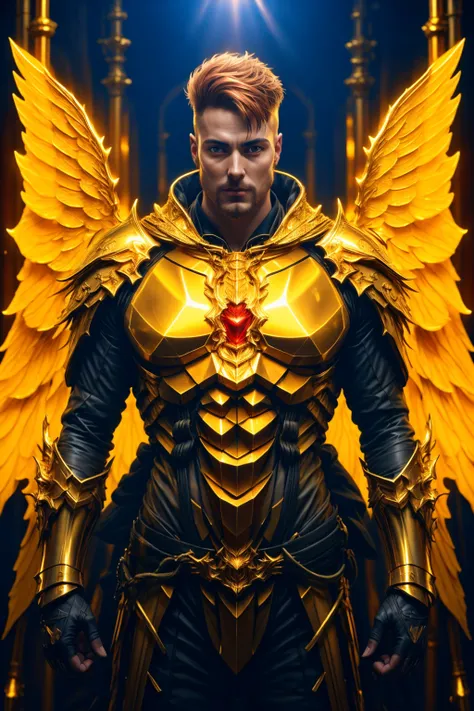

If you like what I do, leave me a ❤️ to receive notifications of future updates and follow me here on Civitai. Remember that it is a hobby for me and it costs a lot of time and everything is shared entirely for free, I appreciate that you make a review and share your creations on this wall.
Image Enhancer Fine Tuning Slider improves the details and quality of pictures to a lesser or greater extent, depending on the strength used. It also adds a second variable as a keyword, which allows us to control the amount of details we want to add to the picture. Depending on the type of image and what we want to improve, we can play with the strength of the LoRa and the strength of the keyword at the same time or separately. Of course the use of the keyword is not mandatory, and Image Enhancer can be used like any other improvement tool or LoRa.
Image Enhancer Fine Tuning Slider v1 was going to be v2 of Image enhancer extreme, but while I was testing the LoRa, I realized that I didn't have much control over the result. I then looked for a way to minimize the frustration I feel when "almost" getting the perfect picture. Obviously it's not a panacea, but once I finished training this LoRa, I was grateful to have a little more control over the final result (still wishing I could control it completely without having to go to inpainting).
This consists of two parts, the basic one that we all know (or not):
I select the picture I want to improve, I select this LoRa and I click generate. That's it, the instructions are over, everyone is happy.
I can also play a little with the strength of the LoRa by lowering its values as follows:
Example:
<lora:Image Enhancer Finetune Slider v1:1> to <lora:Image Enhancer Finetune Slider v1:0.5>
The second part, which is totally optional, introduces the following keyword: zzxxzz.
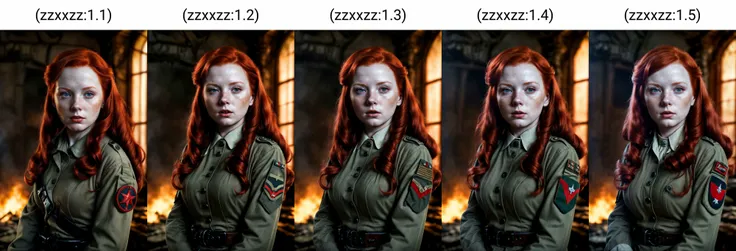
If we write the keyword as follows in our prompt: (zzxxzz:1), we will have a new variable that we can modify to have a little more control over the final result.
The value of "1" can be raised up to 1.9 in most cases, it will add more detail until it saturates at higher values and creates meaningless or oversaturated images. This value can also be lowered. Personally, I have not tested it with values less than 0.1 since I have not had the need. Maybe it works and surprises me and maybe it doesn't.
Example:
a beautiful cat, (zzxxzz:1.3) <lora:Image Enhancer Finetune Slider v1:1>
For more information, in case the instructions are not completely clear, take a look at the sample images that may help you more by reproducing them yourself on your machines.
 (How the keyword controls the flames of the fire by increasing the strength).
Nothing more to add, I just hope that it is useful to you, that you like it and that you enjoy creating beautiful things. I really appreciate it if you post the results on this wall, the likes, the reviews, the critical comments that help me train a better v2 with much more control over the pictures.
I'll see you again maybe in v2.

v1.0
