banner_image ×
SeaArt AI 企業版

Background: background-image: Use an image that refers to the history of aviati

Background:

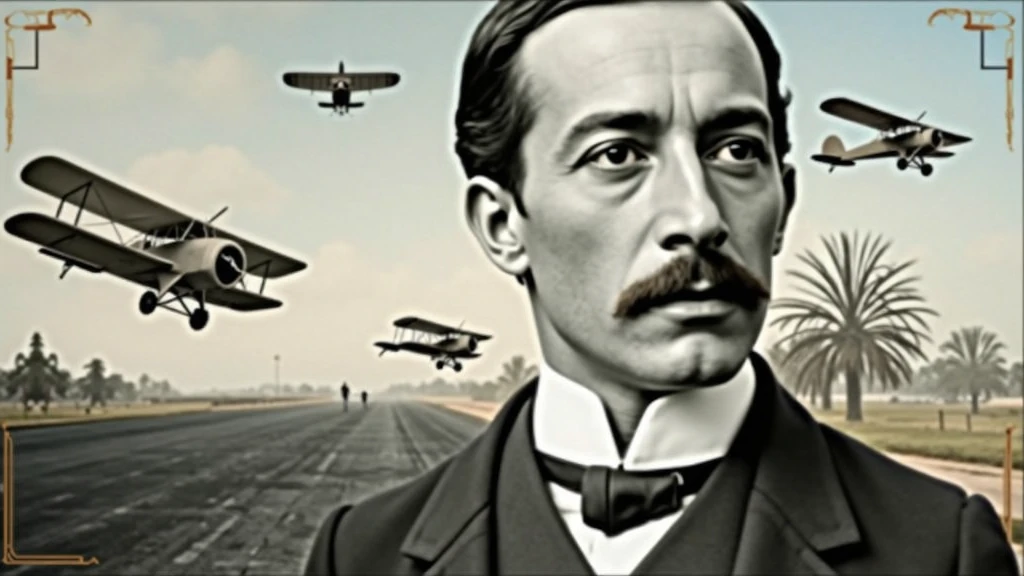
background-image: Use an image that refers to the history of aviation. It could be a photo of an old runway, a blue sky or a montage with vintage aviation elements. Another option is a background that matches Santos Dumont's era., as an early 20th century setting.
Color Effect: Consider a sepia tone or a slight texture to give the background a historic, vintage feel..
main image:

Portrait of Santos Dumont: Place a central image of Santos Dumont. It could be a classic photo of him or a stylized illustration.. If you use an illustration, make sure it captures the essence of Dumont's pioneering spirit and personality.
Historical Aircraft: Include images of your most famous inventions, like the 14-Bis or the Demoiselle, somewhere on the cover. These planes can be in the background or as part of the design..
Leading text:

Video Title: Add a big, eye-catching title, as “Santos Dumont: Aviation Pioneer and His Technological Vision”. Use an elegant, easy-to-read font, like “Garamond” or “Montserrat”.
Color and Effect: Use colors that contrast with the background, like white or gold. Consider adding a light shadow or outline to improve readability..
Additional Text:

Subtitle or Short Description: Include shorter text that provides more context, as “Exploring the History and Innovations of the Father of Aviation”. Use a smaller font and keep the color consistent with the title, but a little less prominent.
Position and Colors: Position the subtitle below the main title, ensuring that it does not overlap the main image. Use a complementary color to the main text.
Graphic elements:

Icons and Symbols: Add subtle aviation-related graphics, like stylized wings, old planes or aircraft parts. Position them to complement the main image and text., without overloading the cover.
Borders and Dividers: Use discreet borders or dividers to separate text from images, if necessary.
Logo and B
image
avatar
S
SOFT BYTE
創作信息
同款
記錄
提示詞
Background: background-image: Use an image that refers to the history of aviation . It could be a photo of an old runway , a blue sky or a montage with vintage aviation elements . Another option is a background that matches Santos Dumont&#39 ; s era ., as an early 20th century setting . Color Effect: Consider a sepia tone or a slight texture to give the background a historic , vintage feel .. main image: Portrait of Santos Dumont: Place a central image of Santos Dumont . It could be a classic photo of him or a stylized illustration .. If you use an illustration , make sure it captures the essence of Dumont&#39 ; s pioneering spirit and personality . Historical Aircraft: Include images of your most famous inventions , like the 14-Bis or the Demoiselle , somewhere on the cover . These planes can be in the background or as part of the design .. Leading text: Video Title: Add a big , eye-catching title , as “Santos Dumont: Aviation Pioneer and His Technological Vision” . Use an elegant , easy-to-read font , like “Garamond” or “Montserrat” . Color and Effect: Use colors that contrast with the background , like white or gold . Consider adding a light shadow or outline to improve readability .. Additional Text: Subtitle or Short Description: Include shorter text that provides more context , as “Exploring the History and Innovations of the Father of Aviation” . Use a smaller font and keep the color consistent with the title , but a little less prominent . Position and Colors: Position the subtitle below the main title , ensuring that it does not overlap the main image . Use a complementary color to the main text . Graphic elements: Icons and Symbols: Add subtle aviation-related graphics , like stylized wings , old planes or aircraft parts . Position them to complement the main image and text ., without overloading the cover . Borders and Dividers: Use discreet borders or dividers to separate text from images , if necessary . Logo and B
尺寸
1024X576
日期
Aug 25, 2024
模式
實驗室
類型
cell
模型 & 風格
SeaArt Infinity
模型
SeaArt Infinity
共 0 条评論
0
1
0
0/400
SeaArt快捷AI應用

ai_video_generationimg
AI視頻生成

释放您的想象力,AI為您成就視觉奇迹

face_swap_titleimg
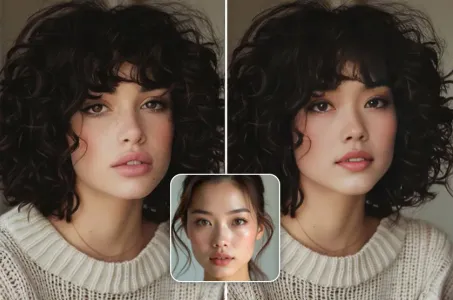
免費線上換臉

快速製作有趣逼真的換臉影片和照片

changePersonimg
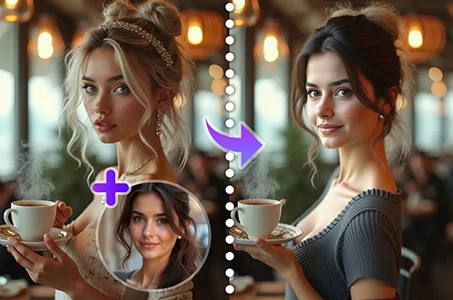
更換照片中的人物

輕鬆使用AI替換照片中的人物。

anime2realityimg
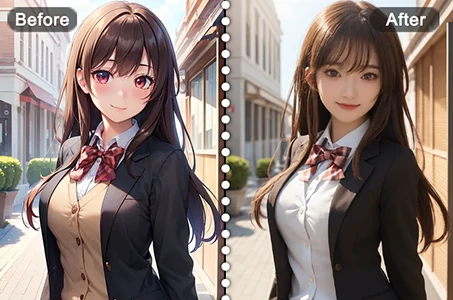
從動漫到現實

瞬間讓您喜愛的動漫角色活靈活現。

gender_swapimg
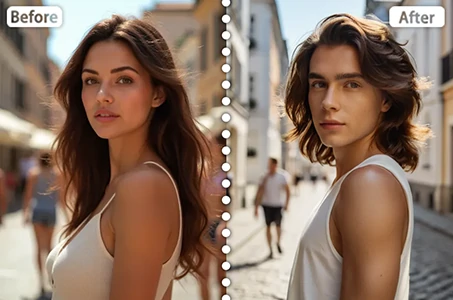
性別轉換

使用 SeaArt 的 AI 性別轉換器在照片和影片中交換性別。輕鬆享受有趣且真實的轉換,免費在線使用!

ghibli_filter_h1img
吉卜力濾鏡

將任何照片一鍵轉換為獨特的吉卜力風格藝術。

探索更多AI應用 

相關推薦

控製網
logo
中文-繁體
應用
創作圖像 數字人 快捷AI 模型训练 画板模式 AI應用 工作流
關於
實驗室 排行榜 AI聊天 AI博客 AI新闻
帮助
教程 客服
獲取應用
icon
Download on the
APP Store
icon
GET IT ON
Google Play
關注我們
iconiconiconiconiconiconiconicon
© 2025 SeaArt, Inc.
版权政策
《條款》
《隱私政策》 特定商取引法 資金決済法に基づく表示
更多