類型
TextualInversion
发布時間
2024-08-24
基础模型
SDXL 1.0
触发词
S_PixelArt
復制


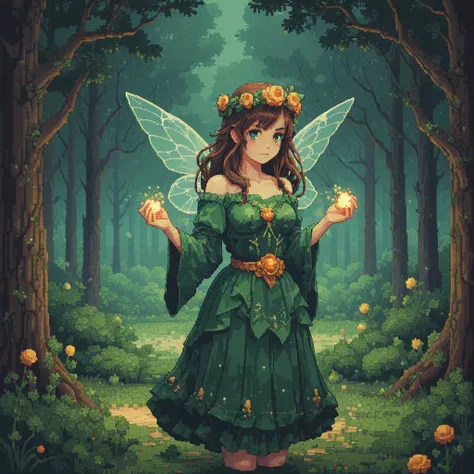
This is an embedding merge of the line: <'pixel art style'0.2595 + 'tapestry 8bit'0.0146 + '16bit'0.0812 + 'dithering contrast'0.0851 + 'pixel cross stitch'0.0377 + 'bead embroidery mosaic'0.127ointillism'0.1429 + 'nostalgic arcade game'0.0436 + 'indie retro game'0.0657 + 'spritesheet'0.0319 + 'impressionist landscape render'0.1104 + 'jpg compression artifact'-0.0227 + 'highly detailed noise'-0.1154 + 'sloppy messy blurry'-0.0458 + 'modern television system'-0.0633 + 'scifi techno display'-0.0527>
Produced via hand pseudo-training. IE, automatically produce large numbers of variants, generate images, choose the images I like and use that as the seed for the next generation, repeat.
It combines a number of concepts related to images being produced via lots of semi-large spots, to hopefully produce images that look good when downscaled. Also designed with an eye towards posterizing (limiting the pallet to say, 16 colors)
A note on Gimp: when downscaling, don't use LoHalo, or anything, just use None. If you want to pixelize ahead of time, it's often a good idea to go with circle instead of square, then remove the alpha later using standard transfer alpha to layer mask, delete layer mask. A light unsharp mask can somtimes help after you've downscaled.

1. 轉载模型僅供學習與交流分享,其版權及最終解释權归原作者。
2. 模型原作者如需認領模型,請通過官方渠道联系海藝AI工作人員進行認證。我們致力於保護每一位創作者的權益。 點擊去認領
