
類型
LORA
发布時間
2023-09-21
基础模型
SD 1.5
触发词
3d_lettering
復制
版本介绍
best with controlnet text method : preprocessor: invert model: depth

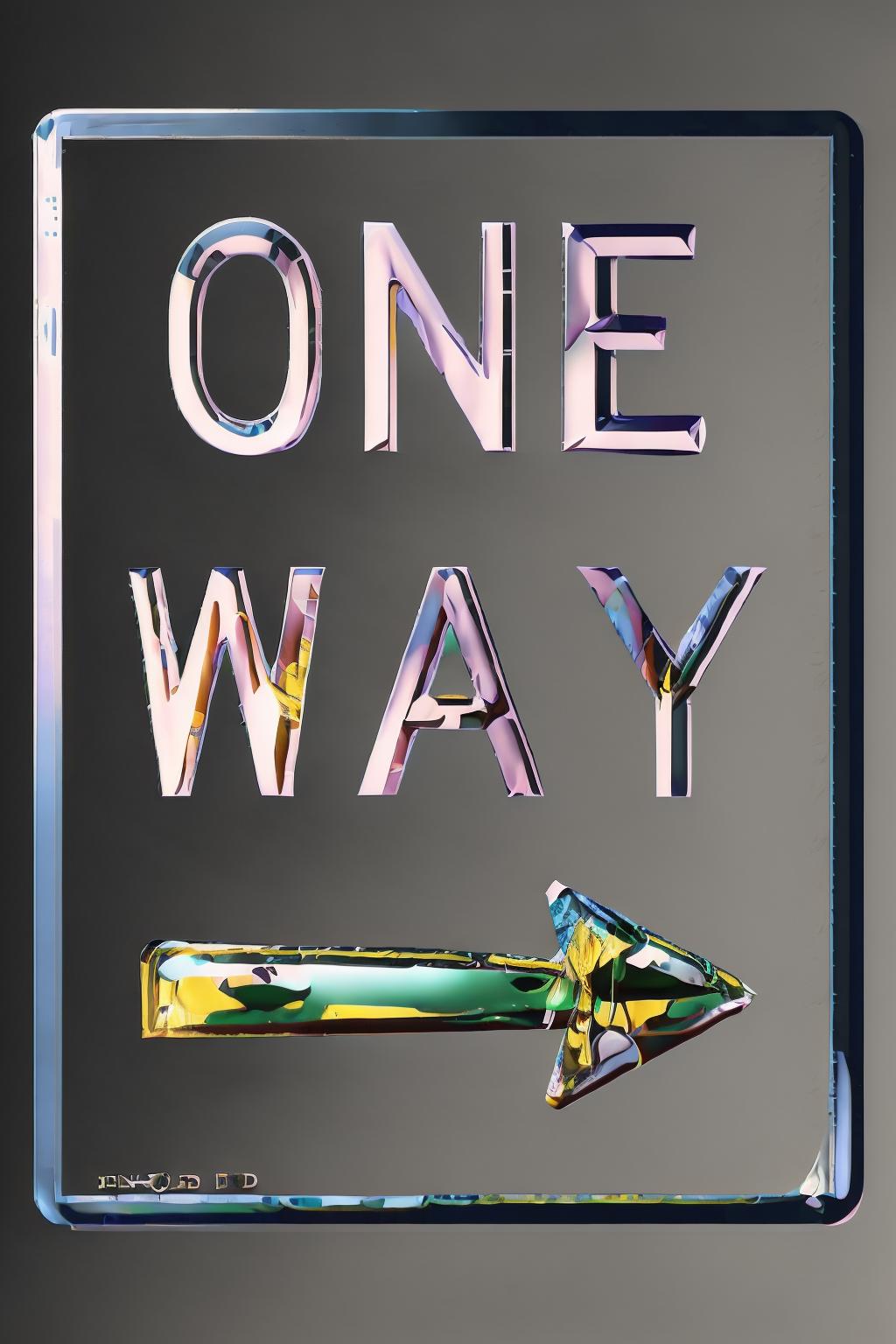

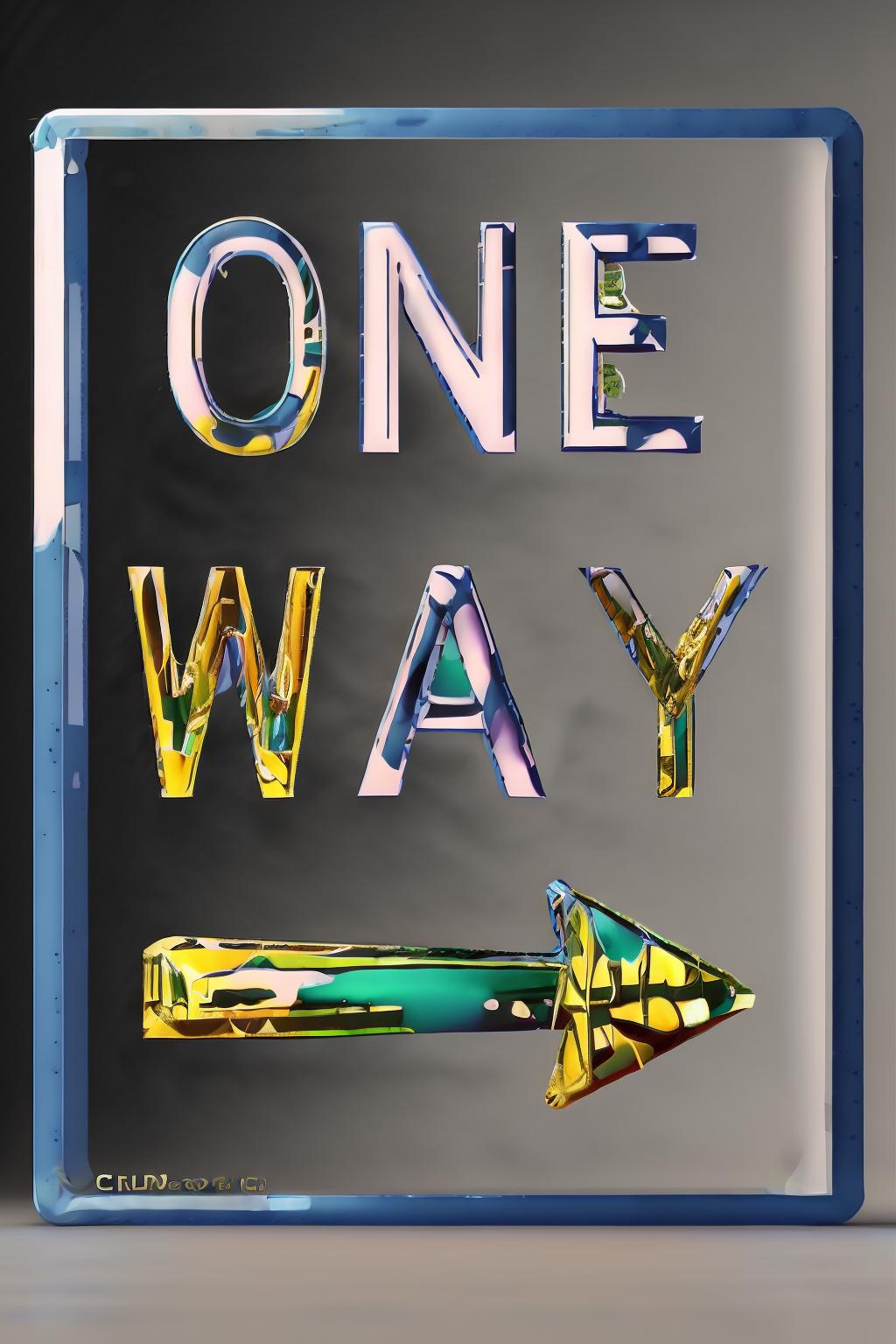



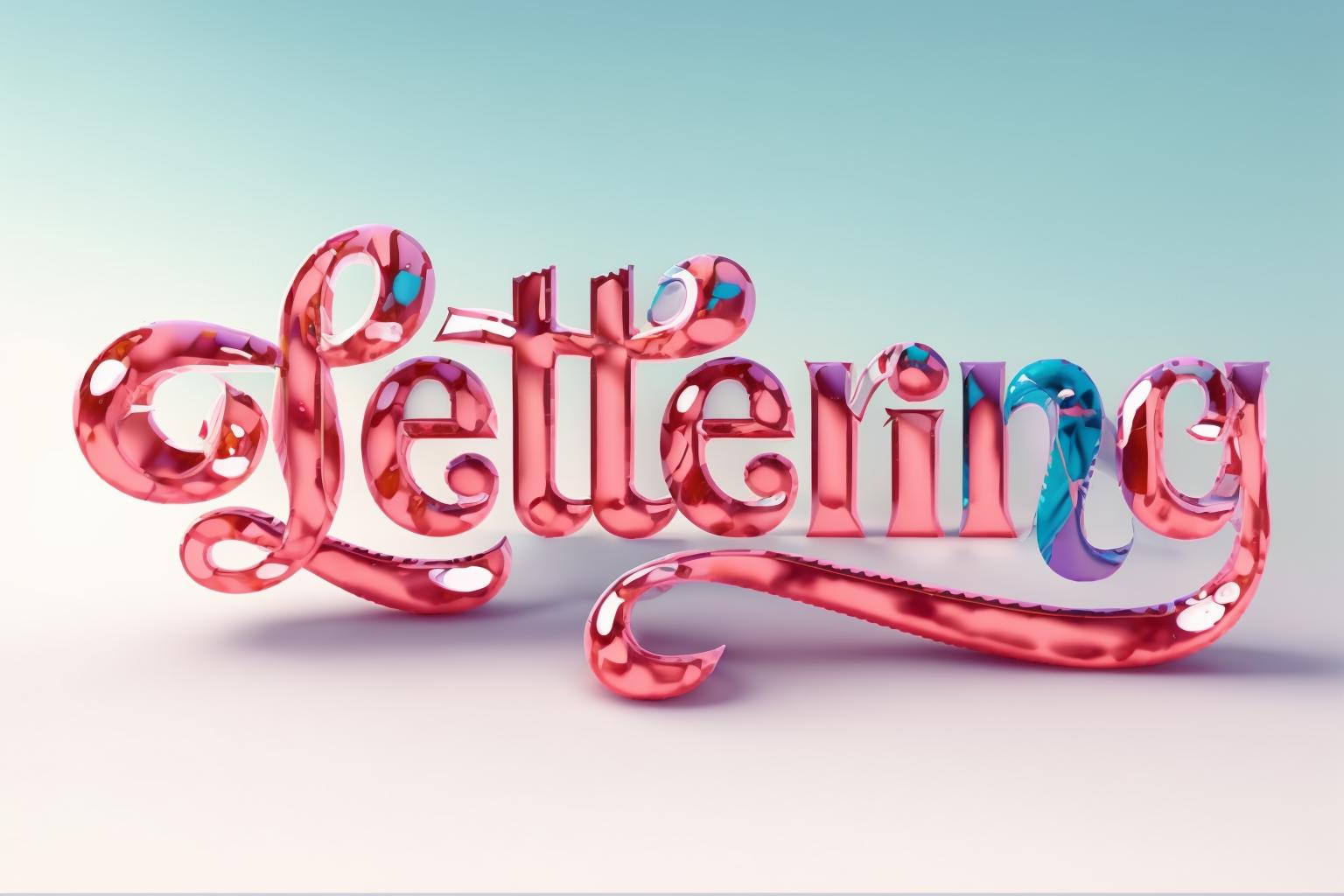




use it with controlnet
preprocessor: invert
model: depth
or use a simple canny
Enable: Set to "Yes" to activate ControlNet functionality.
Pixel Perfect: Set to "Yes" for precise rendering.
Preprocessor: Use "invert" to ensure the foreground (text) appears correctly.
Model: Select the desired ControlNet model (e.g., control_xxxxx_depth).
Prompt: Input a description of the desired visual effect.
Image Size: Ensure the aspect ratio matches the text image (e.g., Width: 768, Height: 512).
Stable Diffusion Checkpoint: Choose a checkpoint for generating the effect.
Enable: Activate ControlNet for multiple units.
Preprocessor: Use "invert" to adjust the background's appearance.
Model: Choose the ControlNet model for controlling the background.
Control Weight: Adjust to balance the effects of both units.
Ending Control Step: Optionally reduce to introduce more variations.
Enable: Activate ControlNet for the background image.
Preprocessor: Utilize "depth_zoe" for extracting depth information.
Model: Select the ControlNet model for the background.
Control Weight: Adjust to control the influence of the background.
Ending Control Step: Optionally reduce for varied text-background blending.
These configurations allow for precise control over the ControlNet functionality, enabling manipulation of text and background elements to generate diverse text effect images using Stable Diffusion techniques.

best with controlnet text method : preprocessor: invert model: depth
1. 轉载模型僅供學習與交流分享,其版權及最終解释權归原作者。
2. 模型原作者如需認領模型,請通過官方渠道联系海藝AI工作人員進行認證。我們致力於保護每一位創作者的權益。 點擊去認領
