
類型
LORA
发布時間
2025-07-19
基础模型
Flux.1 D
触发词
PorcelainChains
復制

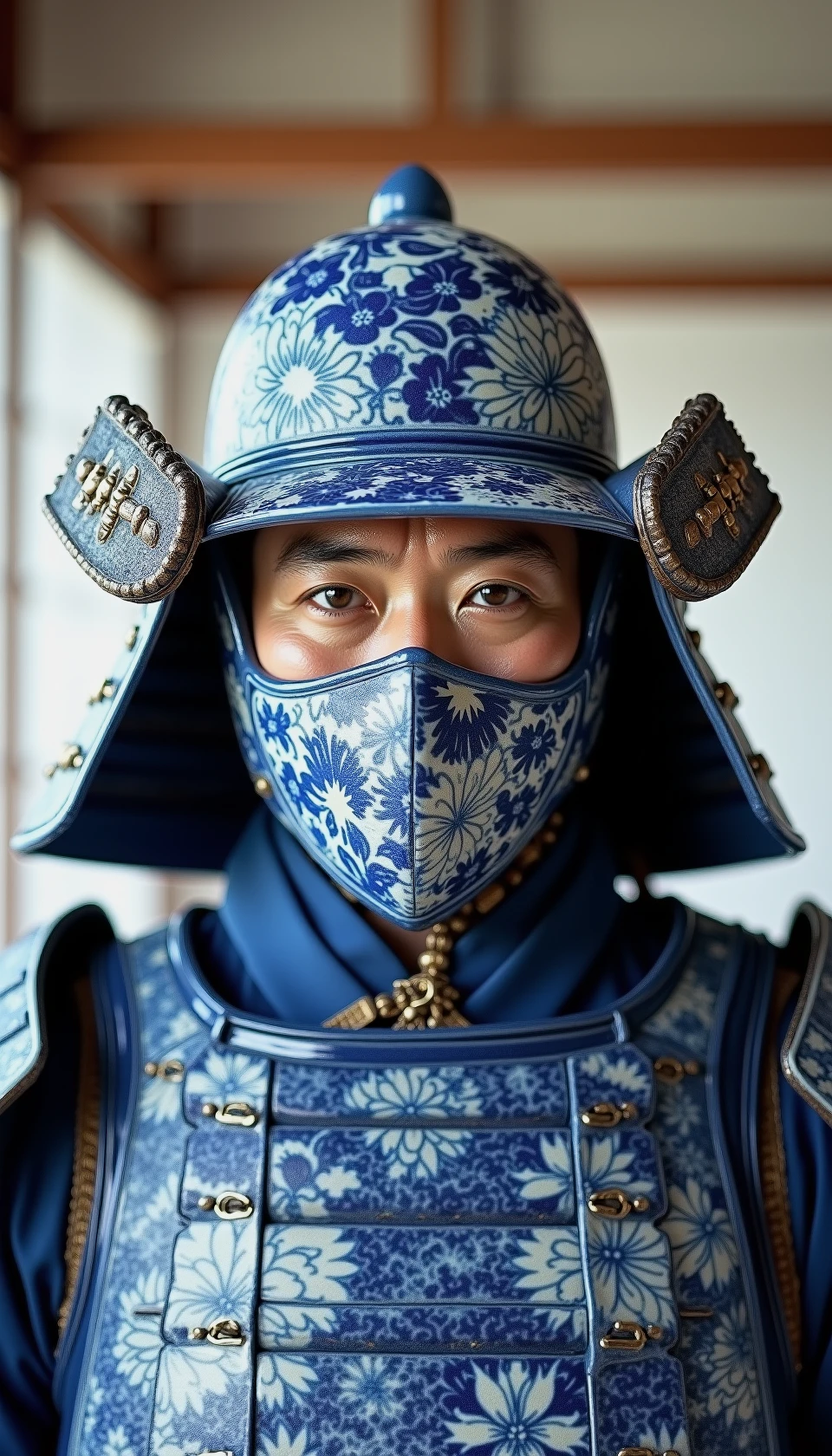
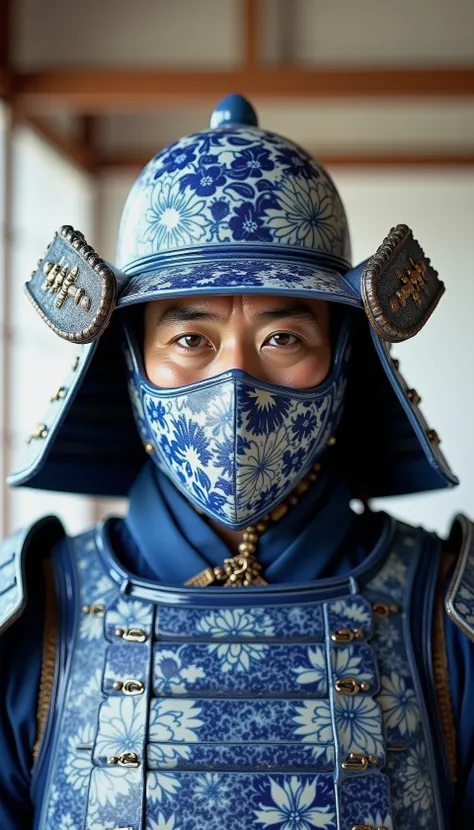
Usage Tips:
For optimal results, use this LoRA with the Flux-TrueVision - 77® base model. You can often get the exact prompts and workflow directly! Just drag any generated image from this LoRA (or my examples on Civitai) into ComfyUI, and you'll find the full metadata and workflow embedded.
Experiment with keywords like:
"blue and white porcelain," "Qinghua style," "Chinese ceramic."
Specify motifs: "intricate floral patterns," "dragon motif," "landscape painting style."
Material qualities: "porcelain texture," "glazed finish," "delicate brushwork."
Apply to subjects: "Iron Man made of porcelain," "porcelain sculpture," "figure in blue and white porcelain," "blue and white vase."
Adjust the LoRA weight to fine-tune the intensity and integration of the porcelain style into your images.

1. 轉载模型僅供學習與交流分享,其版權及最終解释權归原作者。
2. 模型原作者如需認領模型,請通過官方渠道联系海藝AI工作人員進行認證。我們致力於保護每一位創作者的權益。 點擊去認領
