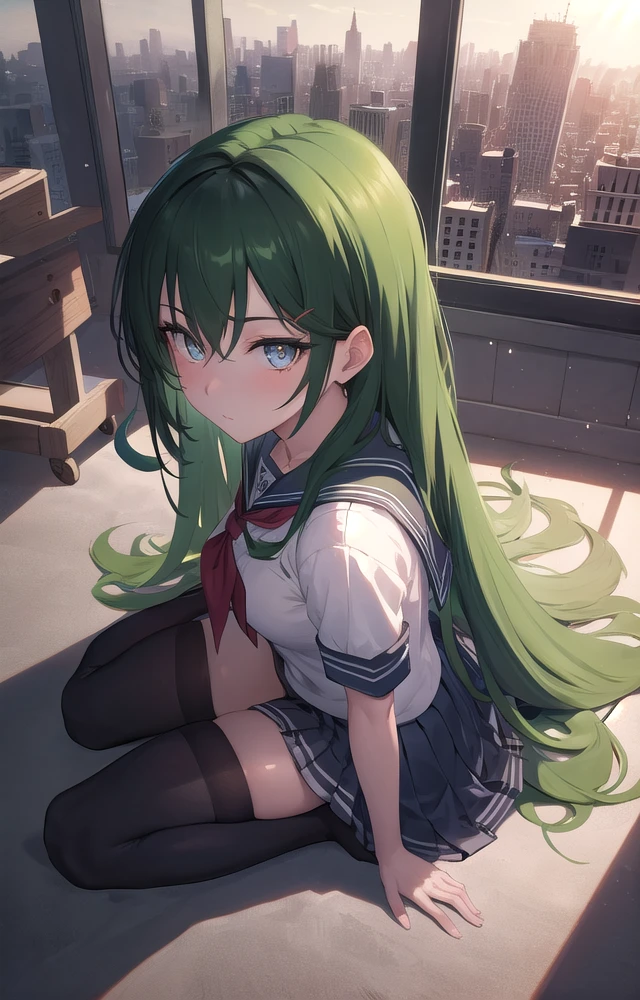
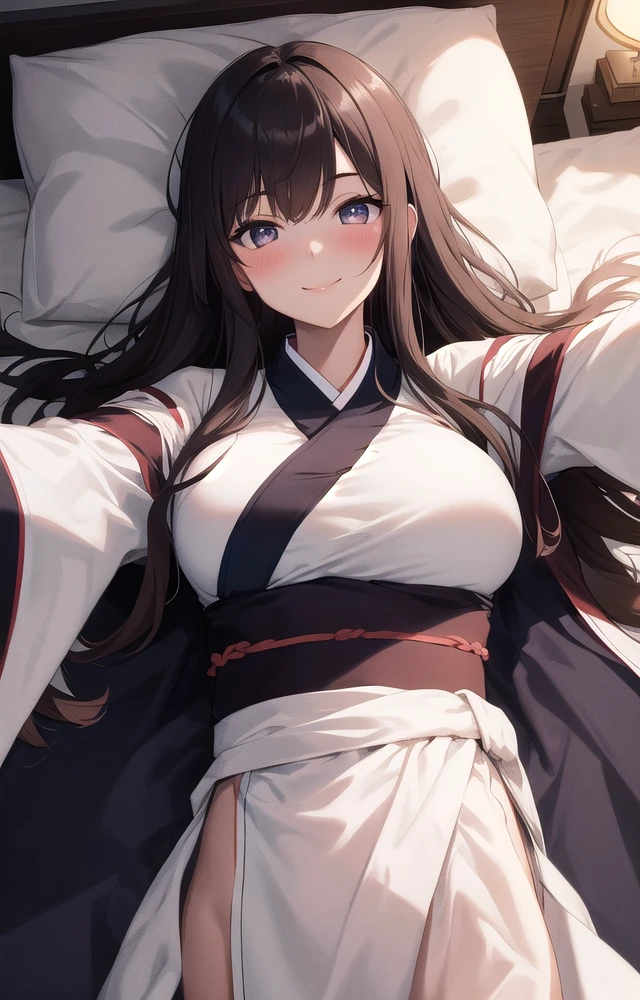
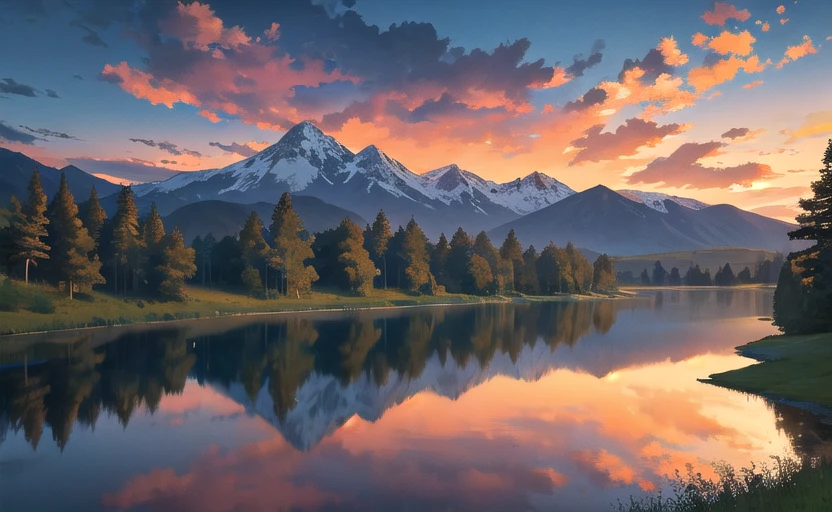
Eleet model is a block-weighted merged stable diffusion model aiming at generating good quality 2D anime style images that satisfy my personal taste and, hopefully, your taste.
The model name ELEET commemorates the wide use of its numerical spelling (31337) to set the Eta Noise Seed Delta (ENSD) parameter when using stable diffusion models.
About samples
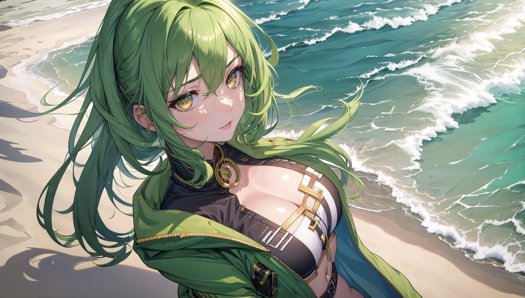
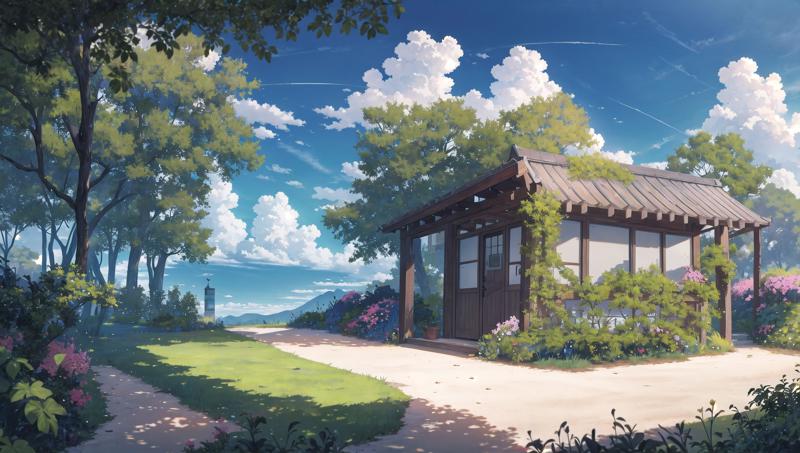
During my latest test, I found ClipSkip=1 can provide possibly better images quality than ClipSkip=2. Try it out! See my other posts for more samples of ClipSkip 1:
Notes: I don't know why, but Civitai automatically appends these samples to the Eleet model showcases. These samples are generated with high resolution (roughly 1080p) and I also used LoRA. These samples are generated with ClipSkip=1.
The model is tested on anime girls and scenery outputs. Almost all samples are made of pure txt2img or txt2img+highres fix, while one or two samples may be generated with an style-transfer extension called Dynamic Thresholding. No controlnet are used for generating the samples. No any LoRA or embeddings. No any regional control extensions.
Due to my GPU limitation, I couldn't generate ultra-high resolution images. Therefore, none of my sample images of this model are of high resolution (at most ~1000 pixels on the long side). But these images are still able to show the model style and basic prompt use cases, so it's probably enough… I guess?
Suggested settings
For users who know little about stable diffusion settings, I recommend:
Prompt: Start with masterpiece, best qualityand optionally aesthetic. Personally I also like to append photography phrases to the end of prompt, such as cinematic lighting, professional shadow , etc.
Negative prompt:
A basic example for negative prompt:
(worst quality, low quality:1.4), lowres, bad ???????, (blurry), (text, logo, watermark, signature, username)
Black bar/black frame: To avoid black bars at image boundary, add (letterboxed, pillarboxed) to the negative prompt. This is usually needed on low-end GPU under --lowvram WebUI mode for middle-large size landscape-style images (for example, 960x544).
Depth of field (DoF): If you prefer a style similar with large depth of field, which means "being sharp & clear everywhere from near to far", you may also add (depth of field, bokeh) to negative prompt. However, real-world portrait photos often have small DoF.
Most negative embeddings (for example, EasyNegative) will change the quality and the composition of the outputs. I don't use any embedding for either daily use or testing the model, so use them at your own risk.
Sampler: DPM++ 2M Karras for stable and fast generation. DPM++ 2S a Karras is slower, but in my opinion with a higher performance and creativity ceiling.
CFG Scale: 6~9
Steps: 16~30
Highres Fix (optional): Latent sampler; 0.55~0.7 denoise strength; 16~25 Highres steps. When use low denoise, increase the Highres steps accordingly.
Clip skip: 1 or 2. For ClipSkip=1 samples, see Eleet v2 - 16:9 samples with ClipSkip=1 and Eleet v2 - 16:9 scenery samples.
LoRA (optional): Suggest using Vibrance (v1) LoRA with weight 0.15~0.20.
No external VAE file required
Change logs
2023/07/12: Add ClipSkip=1 samples. Add negative prompt suggestions to avoid black bars.
2023/07/08 [v2.0 release]: Modify negative prompt suggestions. Add Highres Fix suggestions.
2023/05/29: (1) Update sample images using the latest WebUI version (v1.3) and its new DPM++ 2M SDE Karras sampler; (2) Replace the previous model cover image with a portrait one, as the site doesn't seem to be friendly for displaying landscape cover images.