



详情
推薦
v2.1 Turbo DPM++ SDE
Lightning DPM++ SDE
SFW v2 Turbo DPM++ SDE
SFW Lightning DPM++ SDE
v2 Turbo DPM++ SDE
Turbo DPM++ SDE
SFW Turbo DPM++ SDE
alpha2 (xl1.0)
alpha1 (xl0.9)
DreamShaper XL

DreamShaper XL

2.3M
4.4K
32.3K
#動畫
#藝術
#基礎模型
#藝術風格
#攝影
#寫實
#dreamshaper
#turbo
#xl
#SDXL
#動畫
#藝術
#基礎模型
#藝術風格
#攝影
#寫實
#dreamshaper
#turbo
#xl
#SDXL

DreamShaper XL - Now Turbo!

Also check out the 1.5 DreamShaper page

Check the version description below (bottom right) for more info and add a ❤️ to receive future updates.
Do you like what I do? Consider supporting me on Patreon 🅿️ to get exclusive tips and tutorials, or feel free to buy me a coffee

Join my Discord Server

Alpha2 is a bit old now. I suggest you switch to the Turbo or Lightning version.
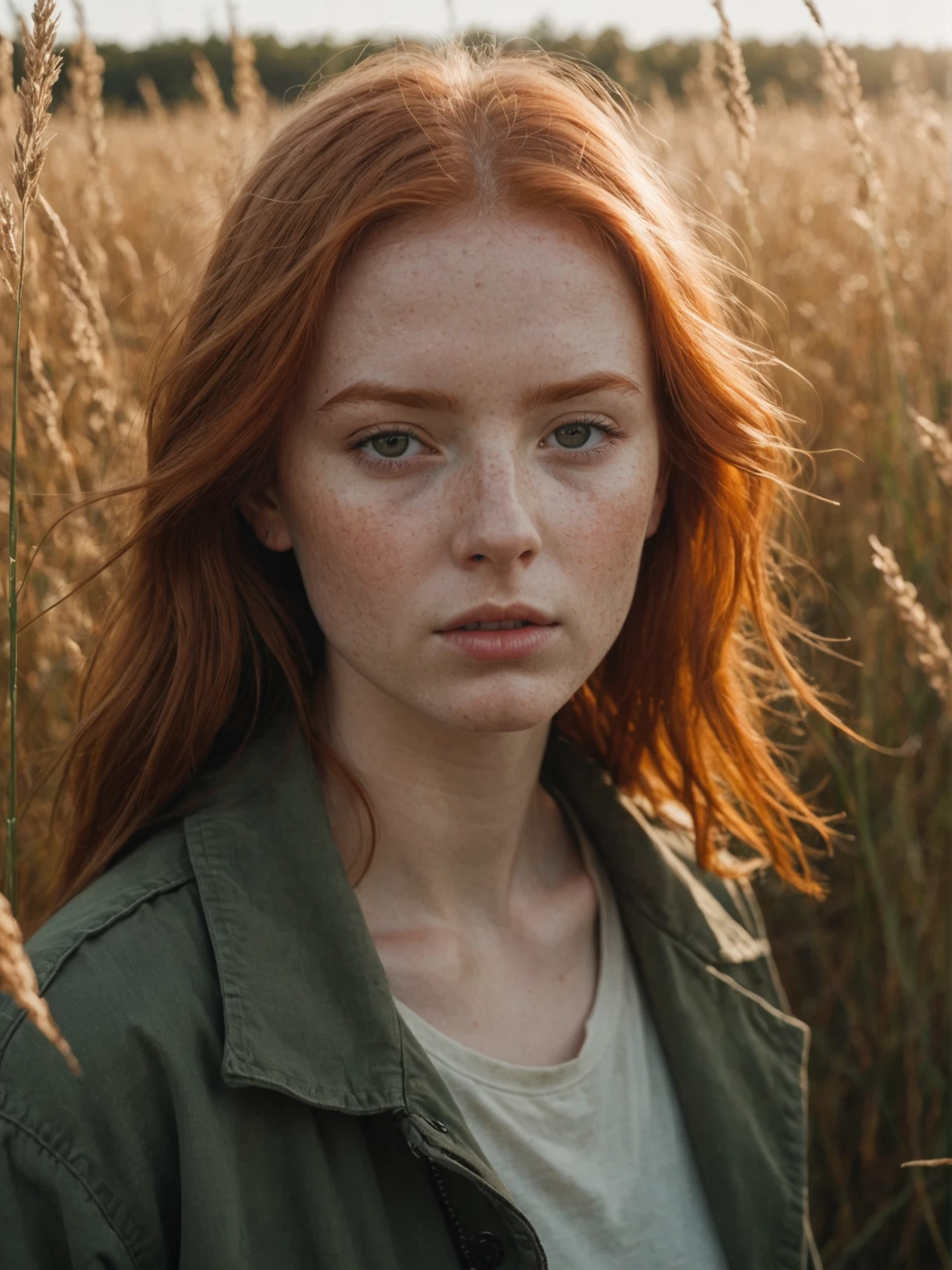
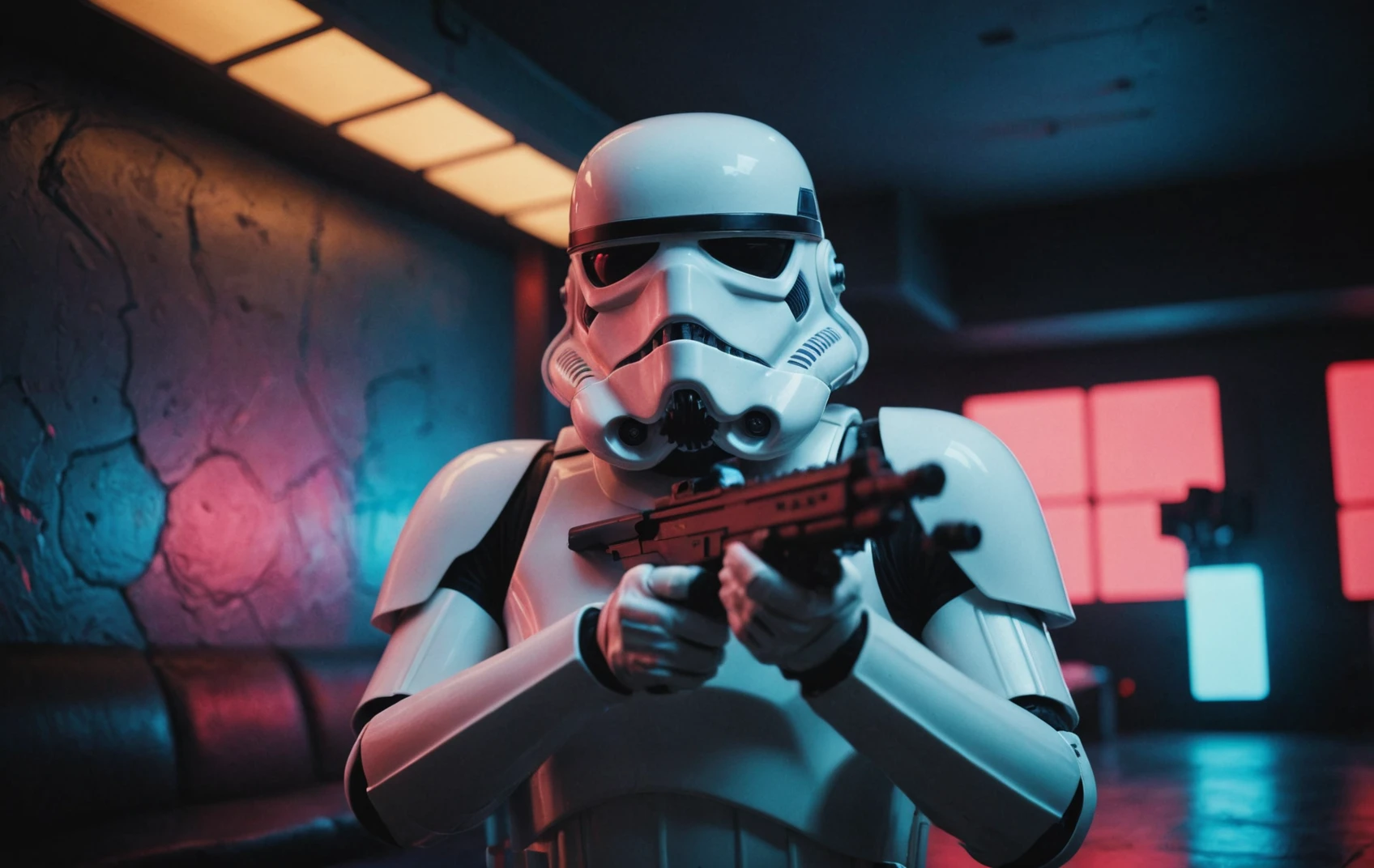
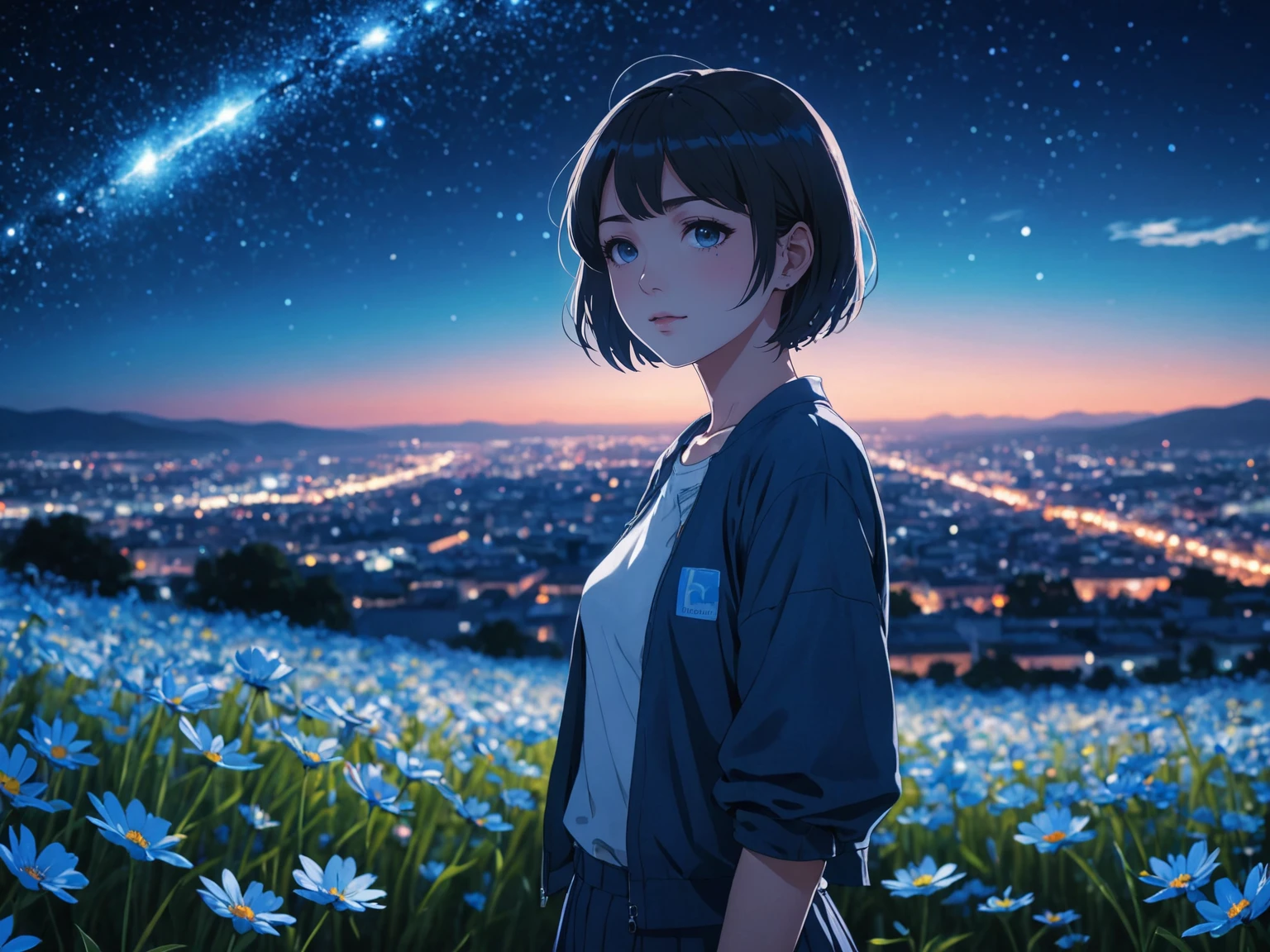
DreamShaper is a general purpose SD model that aims at doing everything well, photos, art, anime, manga. It's designed to go against other general purpose models and pipelines like Midjourney and DALL-E.

"It's Turbotime"

Turbo version should be used at CFG scale 2 and with around 4-8 sampling steps. This should work only with DPM++ SDE Karras (NOT 2M). You can use this with LCM sampler, but don't do it unless you need speed vs quality.
Sampler comparison at 8 steps: https://civitai.com/posts/951781
UPDATE: Lightning version targets 3-6 sampling steps at CFG scale 2 and should also work only with DPM++ SDE Karras. Avoid going too far above 1024 in either direction for the 1st step.

No need to use refiner and this model itself can be used for highres fix and tiled upscaling.
Examples have been generated using Auto1111, but you can achieve similar results with this ComfyUI Workflow: https://pastebin.com/79XN01xs

Basic style comparison: https://civitai.com/images/4427452

If you train on this, make sure to use DPM++ SDE sampler and appropriate steps/cfg.

Keep in mind Turbo currently cannot be used commercially unless you get permission from StabilityAI. Get a membership here: https://stability.ai/membership

You can use the Turbo version (not Lightning) as a non-Turbo model with DPM++ 2M SDE Karras / Euler at cfg 6 and 20-40 steps. Here is a comparison I made with some of the best non-Turbo XL models (with regular settings and turbo settings): https://civitai.com/posts/1414848
I have no idea why anyone would prefer 40 steps over 8, but you have the option.

Old description referring to Alpha 2 and before

Finetuned over SDXL1.0.
Even if this is still an alpha version, I think it's already much better compared to the first alpha based on xl0.9.
For the workflows you need Math plugins for comfy (or to reimplement some parts manually).
Basically I do the first gen with DreamShaperXL, then I upscale to 2x and finally a do a img2img steo with either DreamShaperXL itself, or a 1.5 model that i find suited, such as DreamShaper7 or AbsoluteReality.

What does it do better than SDXL1.0?

  • No need for refiner. Just do highres fix (upscale+i2i)

  • Better looking people

  • Less blurry edges

  • 75% better dragons 🐉

  • Better

Old DreamShaper XL 0.9 Alpha Description

Finally got permission to share this. It's based on SDXL0.9, so it's just a training test. It definitely has room for improvement.

Workflow for this one is a bit more complicated than usual, as it's using AbsoluteReality or DreamShaper7 as "refiner" (meaning I'm generating with DreamShaperXL and then doing "highres fix" with AR or DS7).

Results are quite nice for such an early stage.

I might disable the comment section as I'm sure some people will judge this even if it's early stage. I also don't think this is on par with SD1.5 DreamShaper yet, but it's useless to pour resources into this as SDXL1.0 is about to be released.

Have fun and make sure to add a ❤️ to receive future updates.

Non commercial license is forced by Stability at the moment.

查看译文

評分與評論

4.9 /5
0 個評分

尚未收到足夠的評分或評論

no-data
暫無數據
avatar
Lykon
6.5K
82.4K
與模型對話
公告
2023-07-20
发布模型
2024-02-22
更新模型資訊
模型详情
類型
Checkpoint
发布時間
2024-02-19
基础模型
SDXL Turbo
版本介绍

DreamShaper XL - Now Turbo!

Also check out the 1.5 DreamShaper page

Check the version description below (bottom right) for more info and add a ❤️ to receive future updates.
Do you like what I do? Consider supporting me on Patreon 🅿️ to get exclusive tips and tutorials, or feel free to buy me a coffee

Join my Discord Server

Alpha2 is a bit old now. I suggest you switch to the Turbo or Lightning version.
DreamShaper is a general purpose SD model that aims at doing everything well, photos, art, anime, manga. It's designed to go against other general purpose models and pipelines like Midjourney and DALL-E.

"It's Turbotime"

Turbo version should be used at CFG scale 2 and with around 4-8 sampling steps. This should work only with DPM++ SDE Karras (NOT 2M). You can use this with LCM sampler, but don't do it unless you need speed vs quality.
Sampler comparison at 8 steps: https://civitai.com/posts/951781
UPDATE: Lightning version targets 3-6 sampling steps at CFG scale 2 and should also work only with DPM++ SDE Karras. Avoid going too far above 1024 in either direction for the 1st step.

No need to use refiner and this model itself can be used for highres fix and tiled upscaling.
Examples have been generated using Auto1111, but you can achieve similar results with this ComfyUI Workflow: https://pastebin.com/79XN01xs

Basic style comparison: https://civitai.com/images/4427452

If you train on this, make sure to use DPM++ SDE sampler and appropriate steps/cfg.

Keep in mind Turbo currently cannot be used commercially unless you get permission from StabilityAI. Get a membership here: https://stability.ai/membership

You can use the Turbo version (not Lightning) as a non-Turbo model with DPM++ 2M SDE Karras / Euler at cfg 6 and 20-40 steps. Here is a comparison I made with some of the best non-Turbo XL models (with regular settings and turbo settings): https://civitai.com/posts/1414848
I have no idea why anyone would prefer 40 steps over 8, but you have the option.

Old description referring to Alpha 2 and before

Finetuned over SDXL1.0.
Even if this is still an alpha version, I think it's already much better compared to the first alpha based on xl0.9.
For the workflows you need Math plugins for comfy (or to reimplement some parts manually).
Basically I do the first gen with DreamShaperXL, then I upscale to 2x and finally a do a img2img steo with either DreamShaperXL itself, or a 1.5 model that i find suited, such as DreamShaper7 or AbsoluteReality.

What does it do better than SDXL1.0?

  • No need for refiner. Just do highres fix (upscale+i2i)

  • Better looking people

  • Less blurry edges

  • 75% better dragons 🐉

  • Better

Old DreamShaper XL 0.9 Alpha Description

Finally got permission to share this. It's based on SDXL0.9, so it's just a training test. It definitely has room for improvement.

Workflow for this one is a bit more complicated than usual, as it's using AbsoluteReality or DreamShaper7 as "refiner" (meaning I'm generating with DreamShaperXL and then doing "highres fix" with AR or DS7).

Results are quite nice for such an early stage.

I might disable the comment section as I'm sure some people will judge this even if it's early stage. I also don't think this is on par with SD1.5 DreamShaper yet, but it's useless to pour resources into this as SDXL1.0 is about to be released.

Have fun and make sure to add a ❤️ to receive future updates.

Non commercial license is forced by Stability at the moment.

许可范围
來源: civitai

1. 轉载模型僅供學習與交流分享,其版權及最終解释權归原作者。

2. 模型原作者如需認領模型,請通過官方渠道联系海藝AI工作人員進行認證。我們致力於保護每一位創作者的權益。 點擊去認領

創作许可范围
在線生圖
進行融合
允许下载
商業许可范围
生成圖片可出售或用於商業目的
允许模型轉售或融合后出售
QR Code
下載SeaArt App
在移動端继續你的AI創作之旅