



详情
推薦
Illustrious
FLUX Dev
Pony v4
PonyXLV6 Edition v1.3
Pony XL V6 Edition v1.2
Pony XL V6 Edition
AngXL (SDXL)
AngOne (SD 1.5)
Angelica Pickles (Rugrats)

Angelica Pickles (Rugrats)

1.5K
50
210
#角色
#尼克兒童頻道
#卡通
#western animation
#cartoons
#小矮人
#Illustrious

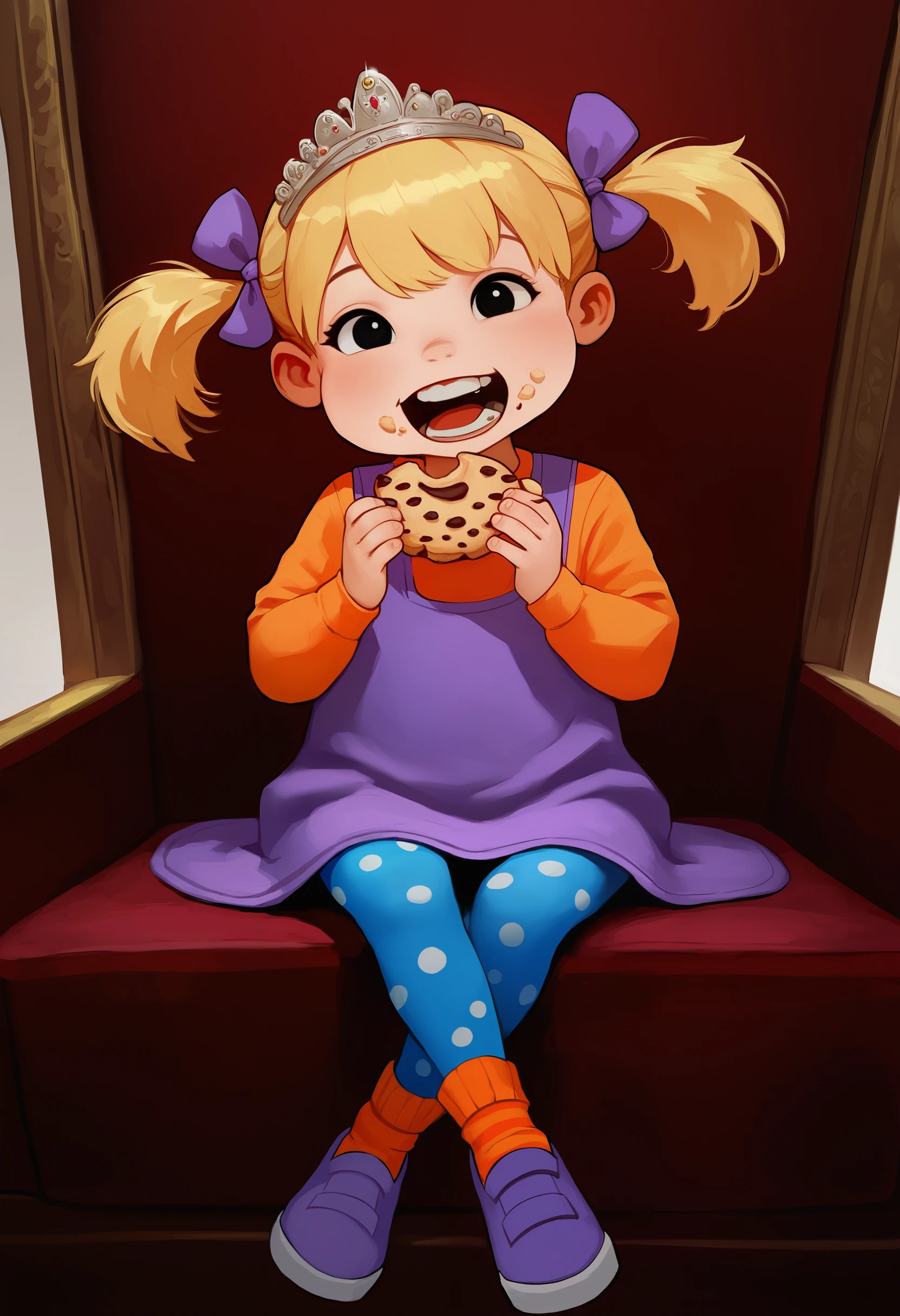
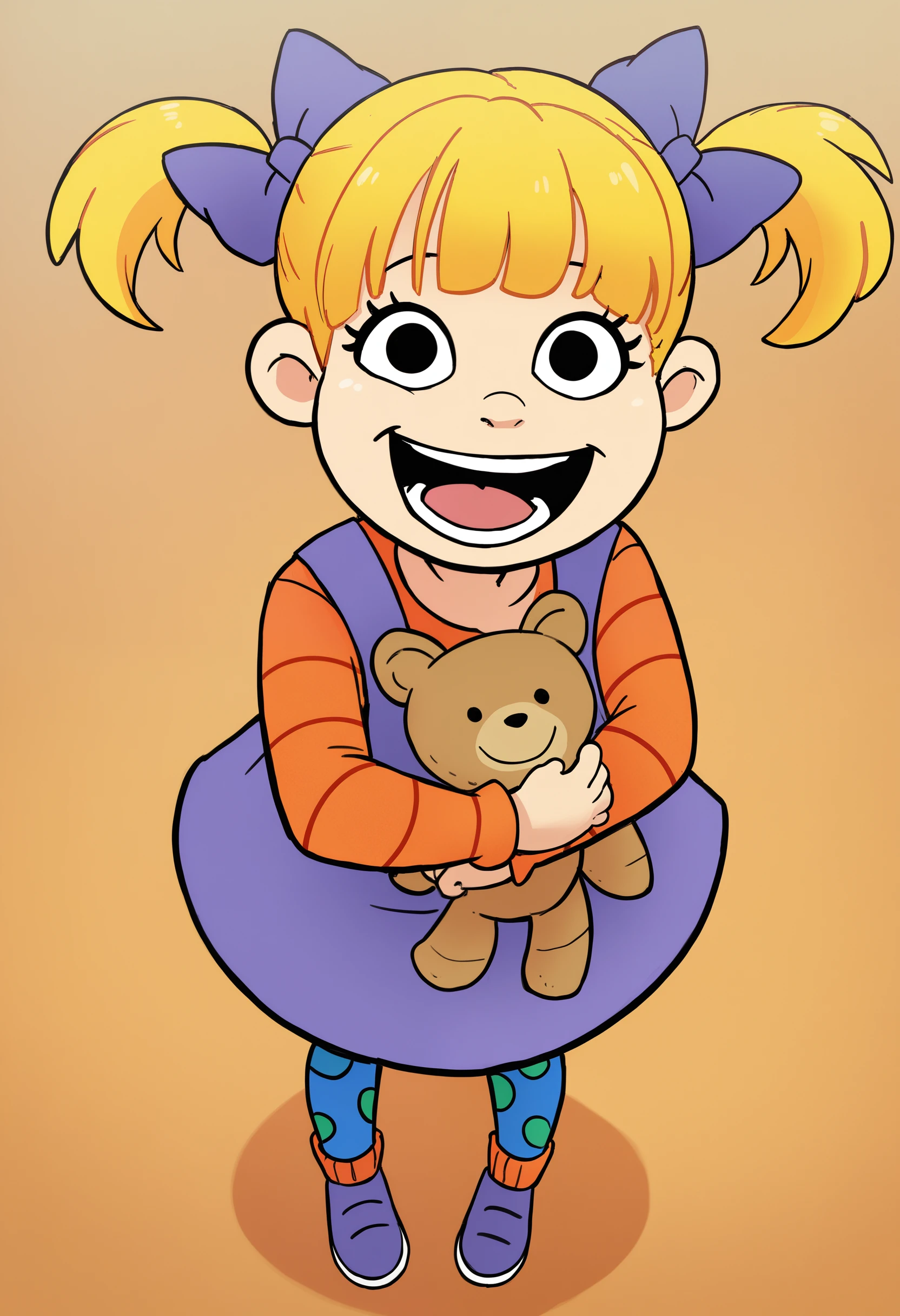
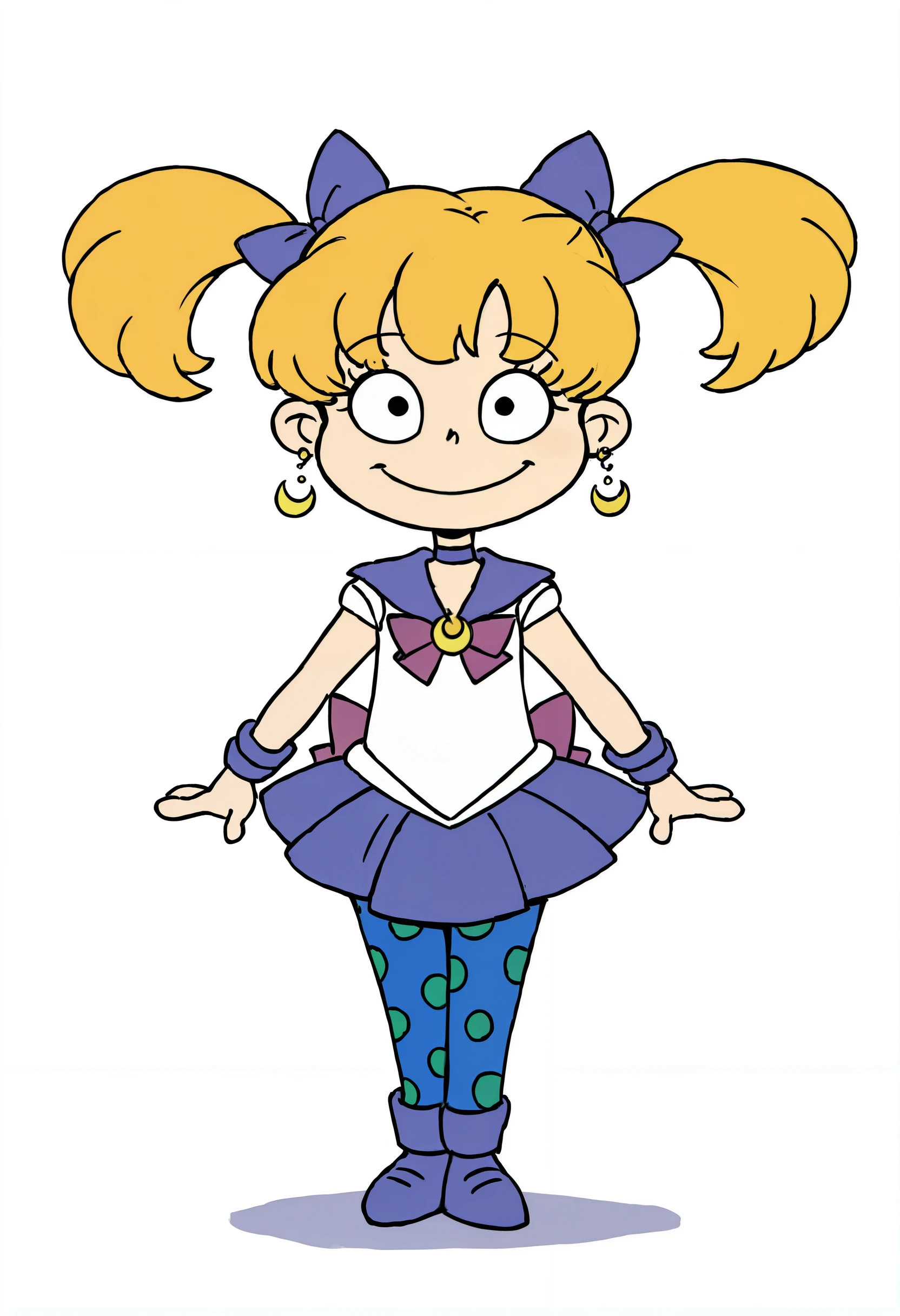
Available in FLUX (NEW!!!), Illustrious(NEW!!!), Pony XL V6, SDXL AND SD 1.5 versions!!!!

I looked far and wide for Rugrats LoRa's. While I found some, they were not what I was looking for. So, I went ahead and said "Fine, I'll do it myself" and made my own.

All these LoRas were trained with just 20 images. The XL and Pony XL V6 versions were trained with 1024x1024 images using their respective base models. The "AngOne" SD 1.5 version was trained with 512x512 images downscaled from 1024x1024 (the same images used in my "AngXL" Lora) and the Revanimated SD 1.5 model. Every image used is based on official art of the character. Most available images of Angelica online are in poor quality, so I redrew every single image I could find to 300 dpi quality in Procreate by hand. Let's say, the results speak for themselves.

This LoRa is based on the original version of Angelica that debuted in the animated series "Rugrats" in 1991. No fan artwork was used, nor were images based on the character in the spin offs such as "Preschool Daze", "All Grown Up" or the 2021 reboot. I hope to eventually do all of the major Rugrats character in LoRa's one day, so I'm starting out with Angelica as she is my favorite.

For best results

FLUX

  • Prompt should have angflx in the form of natural language. Example "A angflx little girl with blonde hair..."

  • 1024x1024, 832x1152 works well.

  • Natural language is key getting good results. Danbooru-style tags won't cut it.

  • Prompt should follow like this structure: "Description of style, angflx a little girl with blonde hair and blue eyes wearing a purple dress, orange sleeves, blue leggings with green dots, orange socks and purple sneakers. Her hair is tied up in two pigtails with purple bows. Action and description of scene." An actual prompt example would be "A 3d, cgi, detailed rendering in the style of Disney Animation. angflx a little girl with blonde hair and black eyes wearing a purple dress, orange sleeves, blue leggings with green dots, orange socks and purple sneakers. Her hair is tied up in two pigtails with purple bows. She is sitting on the ground while eating chocolate. Chocolate is on her face and clothing. "

  • I find describing the style at first tends to yield good results.

  • Strength model from .60 and up and strength clip 2 in ComfyUI will tend to create a more show-accurate render.

  • Tested with the base FLUX.1 Dev model and fp8 variant. It should work with quantized models, but I haven't done too much testing. Not much testing with Schnell.

Illustrious

  • Prompt should have an3x1

  • Tested with ComfyUI exclusively. I have not tested this in Forge/A1111 and I don't think it will work there anyway.

  • 1024x1024 and 832x1216 works well.

  • For best results, prompt should have "an3x1, 1girl, solo, open mouth, pinafore dress, hair bow, full body, blue leggings, polka dot, long sleeves, purple footwear, orange socks, short twintails, blonde hair, black eyes," I find this will adhere mostly to the style of the checkpoint at around .50 strength. At .70 it will kinda get near show-accurate, but not like other models such as Pony or FLUX.

  • Adding "masterpiece, best quality, detailed" at the start of the positive prompt tends to yield good results.

  • Upscaling using the "Ultimate SD Upscale" node works great with 4xUltraSharp. I haven't tested with many of the other upscale models.

  • Tested with the base Illustrious and NoobAI vPred10 models. It should work with other models, but I haven't tested those out.

AngXL (Pony XL V6)

  • Prompt should have AngXL.

  • Tested with ComfyUI exclusively, so your results may vary with Automatic 1111. 1024x1024 and 896x1152 resolution works best.

  • Adding "score_9, score_8_up, score_7_up, score_6_up, score_5_up, score_4_up, source_cartoon, BREAK, rating_safe, BREAK", is crucial to getting good results due to the nature of how the models were trained. Natural prompting appears to work well.

  • If you want to keep the generations close to show accurate, DO NOT add "1girl, solo, human, female, child" to the prompt. This prompt example below will help keep it accurate as possible. Adding it right BEFORE "AngXL" may give more detailed results.

  • Example prompt: "score_9, score_8_up, score_7_up, score_6_up, score_5_up, score_4_up, source_cartoon, BREAK, rating_safe, BREAK, AngXL, a little girl with blonde hair styled in pigtails with bows, wearing a purple dress with orange sleeves, blue leggings with green dots and purple sneakers"

  • In "Load LoRA" (ComfyUI) for the Angelica Pony XL lora, I recommend a strength model of 0.70-1 and strength clip of 2. You can go as low as 1 for the clip to get more interesting results. If you're looking to make Angelica look older, I recommend pairing with another style LoRA such as Smooth Anime 2 Style and add "child, little girl" in the negative prompt.

  • Stick to Euler Karras with a cfg of 7-7.5 and 20 steps.

  • Tested with models Pony Diffusion V6 XL (V6 Start with this one) and AutismMix SDXL (AutismMix_confetti).

  • Use Confetti Pony autism mix for better results. While I trained with Pony Diffusion V6 XL, but I find better results come from the "autism mix" Checkpoint.

AngXL (SDXL)

  • Prompt should have AngXL

  • Use natural language in the prompt. (no danbooru tags).

  • A weight of 0.69-75 looks more show accurate. (Example, AngXL:0.75 in Automatic1111)

  • A weight around .60 and lower will fit closer to the model style.

  • To match how the character looks, it's best to start out a prompt with " a cartoon little girl with blonde hair, pigtails and dress"

  • Keep in mind, details such as her hair bows and polka dots on her tights may always not come out right and running several generations may be needed to get the desired result. Inpainting also helps.

AngOne (SD 1.5)

  • Prompt should have AngOne

  • Use Danbooru tags. (see examples)

  • Use a weight between 0.65 to 0.80. Higher the weight, the more closer it will look show accurate. A lower weight may be desired to reflect the model you're using. I would experiment.

  • I recommend generating images in 512x512 or 512x768. If you decide to use Hirez fix, I recommend lowering the denosing to around 0.40-60 and set upscaler to 4xAnimeSharp.

  • Adding to the prompt "bangs, blonde hair, pinafore dress, purple dress, orange long sleeves, bow, short twintails, hair bow, blue and green polka dot leggings, purple footwear" should get you an image that will have much of the core elements of the character.

  • Keep in mind, details such as her hair bows and polka dots on her tights may always not come out right and running several generations may be needed to get the desired result. Inpainting also helps.

Have fun and remember, please do not use this LoRa for unsavory purposes, you dumb babies!

Unfortunately, as I do not own the rights to this character, this LoRA will NOT be available on the Civitai generation service.

查看译文

評分與評論

5.0 /5
0 個評分

尚未收到足夠的評分或評論

no-data
暫無數據
與模型對話
公告
2023-12-16
发布模型
2025-01-12
更新模型資訊
模型详情
類型
LORA
发布時間
2025-01-12
基础模型
Illustrious
触发词
an3x1
復制
版本介绍

Now on the Illustrious bandwagon! This model works best with Danbooru-style tagging. This is what works best for me:

"an3x1, 1girl, solo, open mouth, purple pinafore dress, hair bow, upper body, blue leggings, polka dot, orange long sleeves, short twintails, blonde hair, black eyes". For best results, stick to a strength_model of 0.75 and clip_model of 2 in ComfyUI. It has NOT been tested in Forge.

许可范围
來源: civitai

1. 轉载模型僅供學習與交流分享,其版權及最終解释權归原作者。

2. 模型原作者如需認領模型,請通過官方渠道联系海藝AI工作人員進行認證。我們致力於保護每一位創作者的權益。 點擊去認領

創作许可范围
在線生圖
進行融合
允许下载
商業许可范围
生成圖片可出售或用於商業目的
允许模型轉售或融合后出售
QR Code
下載SeaArt App
在移動端继續你的AI創作之旅