
1. Effect Overview
This tutorial teaches you how to use ComfyUI nodes OpenSeaArtImageEditPro and SeaArtFilmVideoImage2Video to achieve one-click gender transformation of any portrait photo into video effects. Simply upload a portrait photo and AI will automatically generate a smooth "gender transformation" video. Core features: one-click operation, no complex parameter adjustments, minimal nodes required.
Suitable for social media and entertainment creation scenarios.
Case: One-click gender change video
Single image input, performs gender transformation then generates video.
- Experience portal:
https://www.seaart.ai/workFlowAppDetail/d1lr1pde878c73c3hpmg
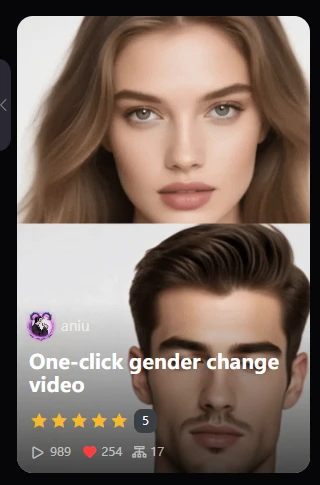
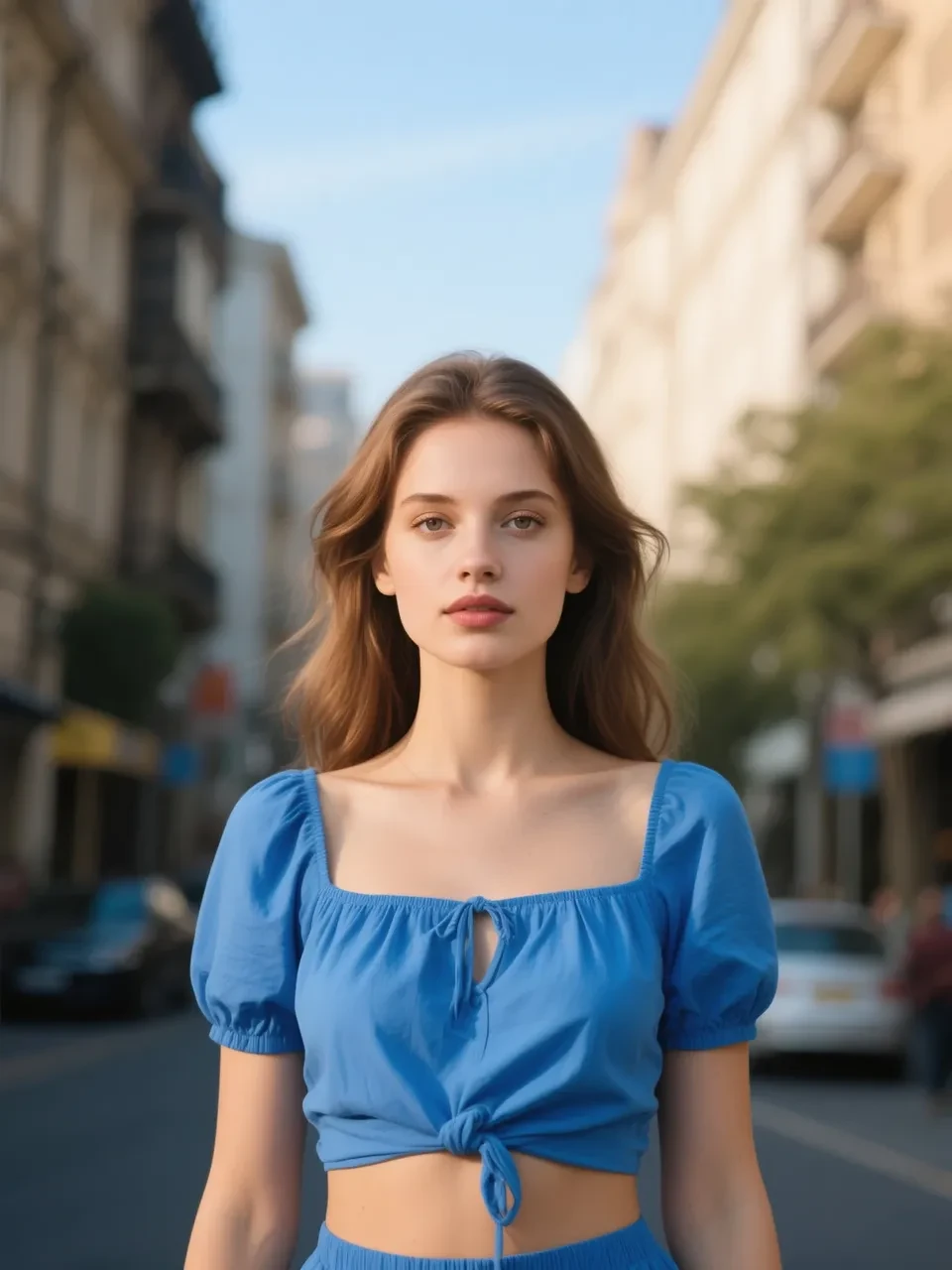

AI application effect demonstration:
input: output:
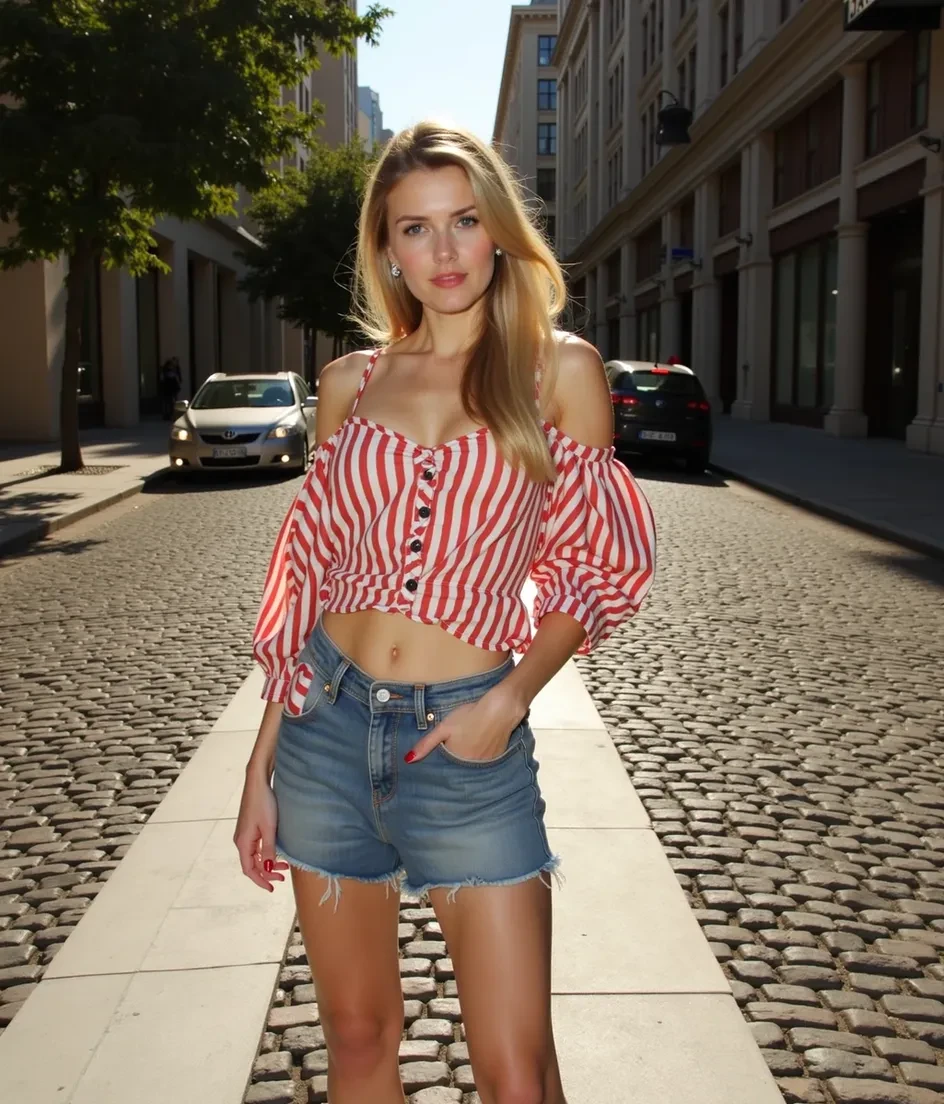

2. Workflow Setup Tutorial
Enter ComfyUI interface and clear the canvas
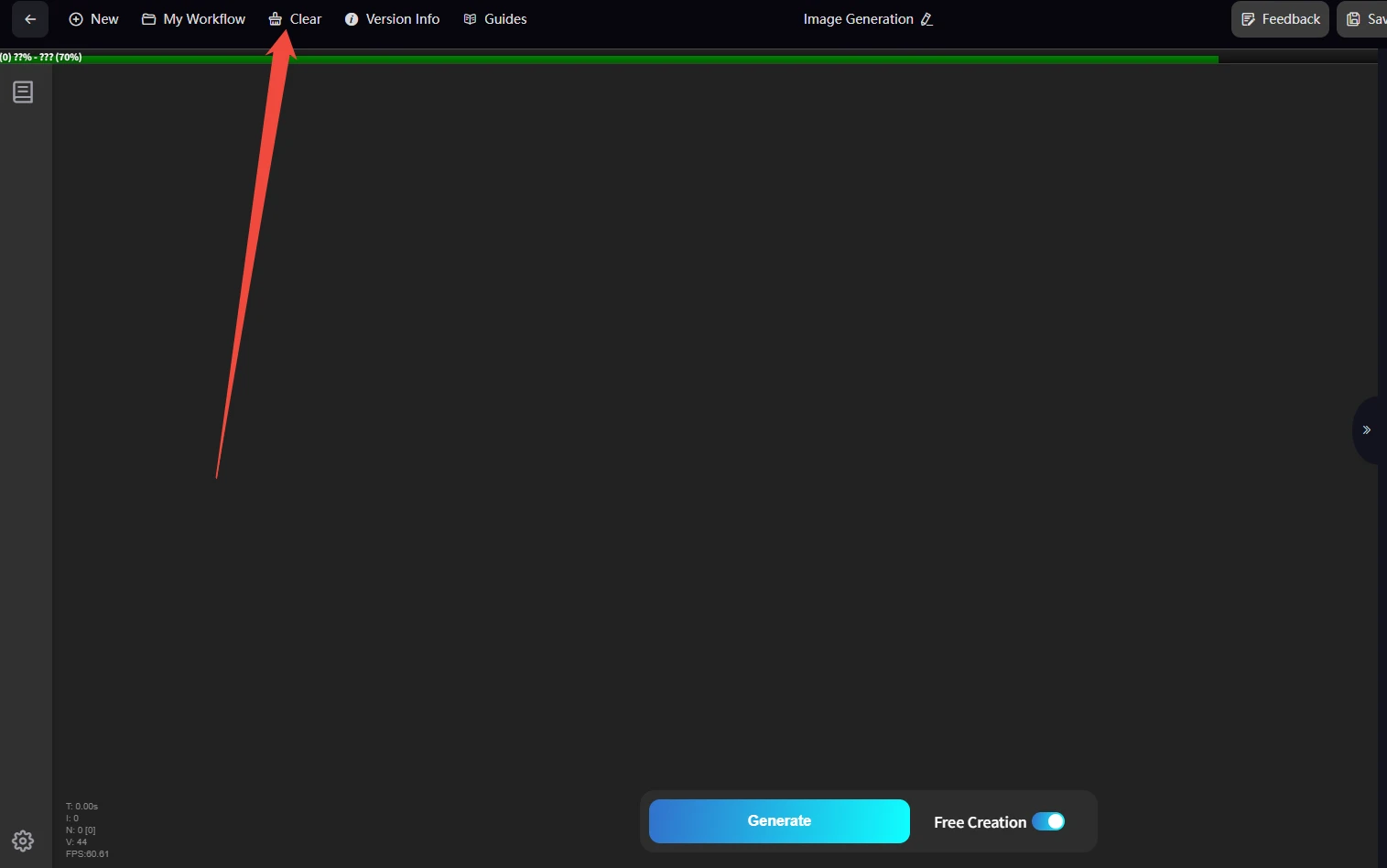
Using nodes OpenSeaArtImageEditPro and SeaArtFilmVideoImage2Video to reproduce the effect:
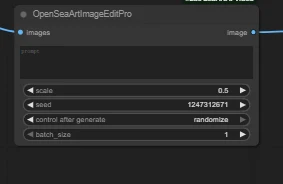
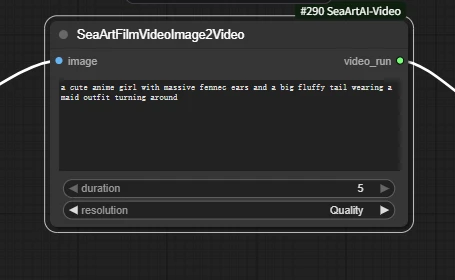
Setup steps (5 nodes required)
Search and add nodes (double-click canvas or press Tab to search):
- Load Image
- OpenSeaArtImageEditPro
- SeaArtFilmVideoImage2Video
- SeaArtVideoRun
- Video Combine 🎥🅥🅗🅢 (VHS)
Alternatively, enter the Film-Image to Video template in the only seaart section, then add one OpenSeaArtImageEditPro node to the workflow.
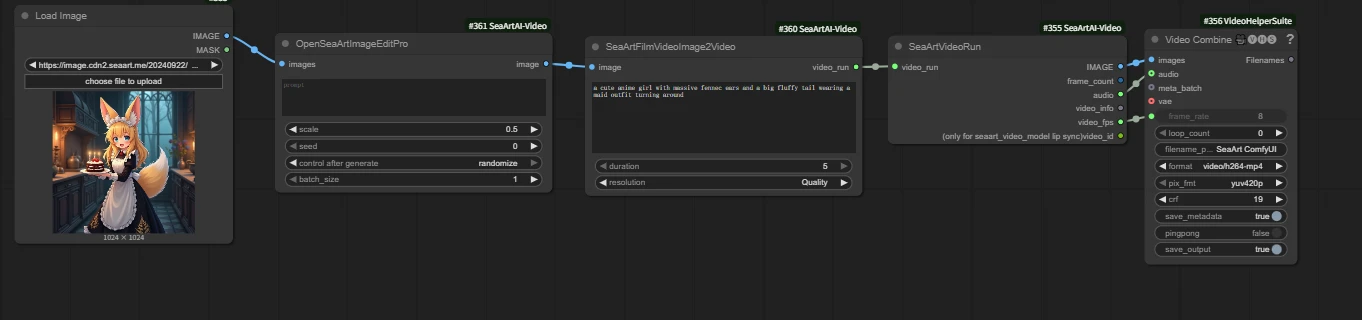
Complete workflow connection diagram
Load Image
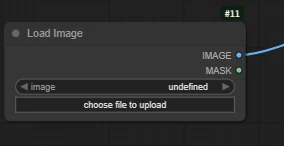
Upload a portrait photo for gender transformation
OpenSeaArtImageEditPro
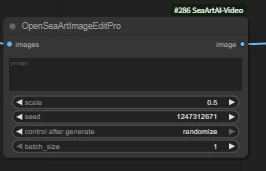
Edit image editing API node: used for intelligent image modification and optimization.
- scale: 0.5 (default value)
- seed: seed value
- control after generate: randomize (random seed)
- batch_size: edit image batch size is 1
Prompt examples: Turn the woman in the picture into a man/Turn the man in the picture into a woman
Q: Are there alternative methods for this step/Why use this node?
A: This step is the key to gender transformation. It can also be replaced with corresponding image editing models such as kontext, hidream and other image editing models.
Using edit is because it can achieve image editing more simply.
If you're interested in kontext basic tutorials, you can jump to my kontext basic tutorial:
https://www.seaart.ai/zhCN/articleDetail/d2a68j5e878c739o2re0
Corresponding workflow links:
https://www.seaart.ai/zhCN/workFlowDetail/d242hbde878c73aqrp60
https://www.seaart.ai/zhCN/workFlowDetail/d1f54vj7cpgc73a8fihg
SeaArtFilmVideoImage2Video
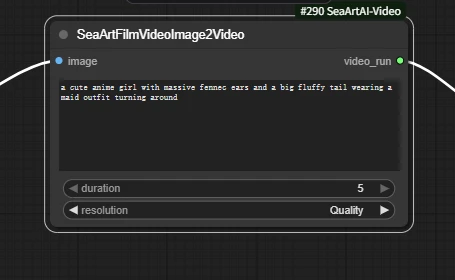
Film image-to-video node
- duration: video duration is five seconds
- resolution: video quality
Q: Are there alternative methods for this step/Why use this node?
A: This step is the key to image-to-video conversion. It can also be replaced with corresponding image-to-video workflows or nodes, such as wan, hunyvan and other workflows, nodes include flow, sparkle, magic, turbo pro and other nodes.
Using film is because it can achieve image-to-video more simply, and more importantly, it has low computational consumption, approximately 40-50 computational cost.
https://www.seaart.ai/zhCN/workFlowDetail/d25k98de878c73fvugtg
Since the edit node has completed the core gender transformation, we choose to simply make the image move into video.
Prompt example: Characters move
SeaArtVideoRun
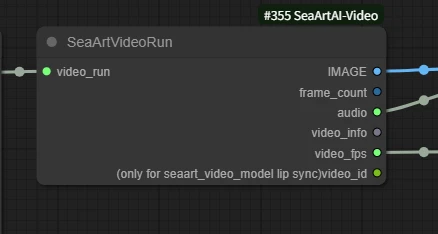
This is the executor node. It outputs the generated frame sequence, frame count, frame rate and other results to downstream nodes (such as Video Combine), retrieving the finished frame data for composition and export.
Video Combine 🎥🅥🅗🅢 (VHS)
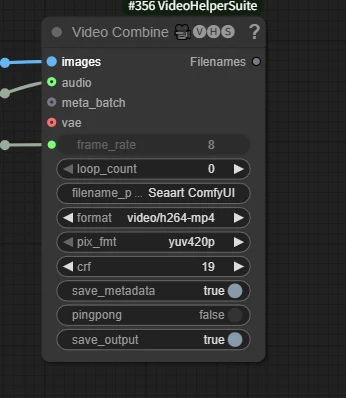
Combine into video
Input: Output: