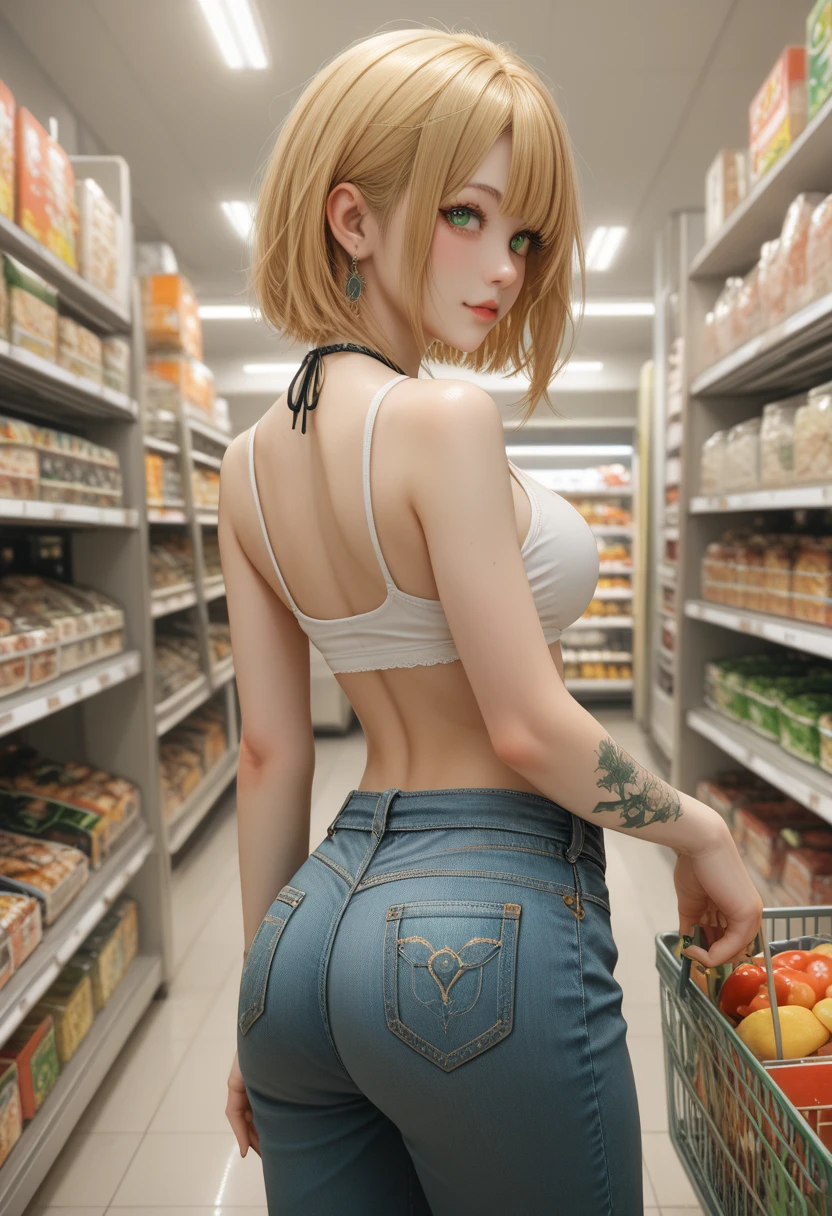


🧠 How to Generate a High-Quality, Beautiful & Realistic 3D Effect Character Image Using "Realistic_Beauty" LoRA
🔗 Model Used
Main LoRA: Realistic_Beauty SDXL v1 on SeaArt
This LoRA is specially trained to generate highly realistic, hot, stylized female characters with soft skin textures, natural lighting, and visually stunning 3D-like effects — perfect for scenes where beauty, detail, and emotion matter.
📸 Goal
Create a realistic, stylish character with a hot and elegant presence, 3D realism, soft details, and dynamic posing. Ideal for studio portraits or lifestyle-like action (e.g., shopping, walking, posing).
💡 Step-by-Step Guide
🧾 Prompt Example (Free to Use):
age girls shopping store. Athletic bodies slim big ? ? short yellow hair green eyes, gray denim mini fitted to the body marking top, green long nails, yellow tattoos all over the body.
This prompt covers key body structure, facial features, color highlights, and outfit detailing—ensuring better control and consistency in your generated output.
🧩 Recommended Settings
| Setting | Value |
|---|---|
| Image Size | 832x1216 |
| Model Type | Studio |
| Generation Mode | Cell |
| Style | Realistic, Hot Beauty |
| Quality | High (Denoise: 0.6–0.8, CFG: 7–10) |
🧱 LoRA Combinations
To achieve the maximum quality, beauty, and realism, combine Realistic_Beauty with other LoRAs for body shaping, texture, or fashion sense.
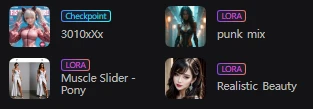
🆓 For Free Users (Max 3 LoRAs):
Checkpoint: 3010Xx
LoRA 1: Realistic_Beauty
LoRA 2: Punk Mix (for fashion details)
LoRA 3: Muscle Slider - Pony (for athletic body shaping)
These give you realism + body refinement + edgy fashion.
💎 For Paid Users (Up to 5 LoRAs):
- Realistic_Beauty (main visual style)
- Punk Mix (clothing / body accessories)
- Muscle Slider - Pony (slim yet athletic figure)
- Thick Thigh Model (enhanced proportions)
- Tattoo Art SDXL (for realistic tattoos)
- Face Sharpener (for photo-level beauty and detail)
💡 Use lower weight (0.4–0.6) for side LoRAs to avoid overpowering.
🖼 Sample Output
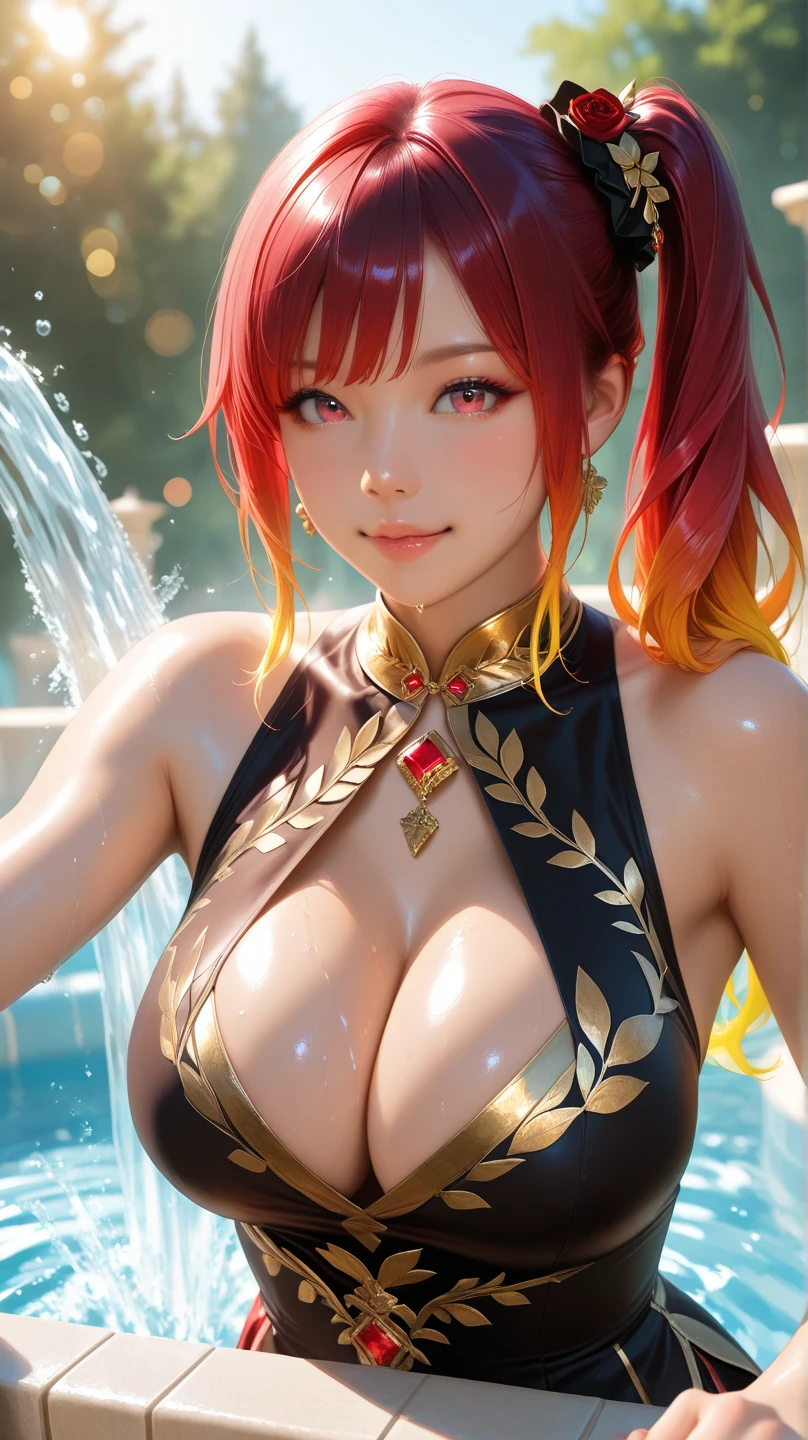
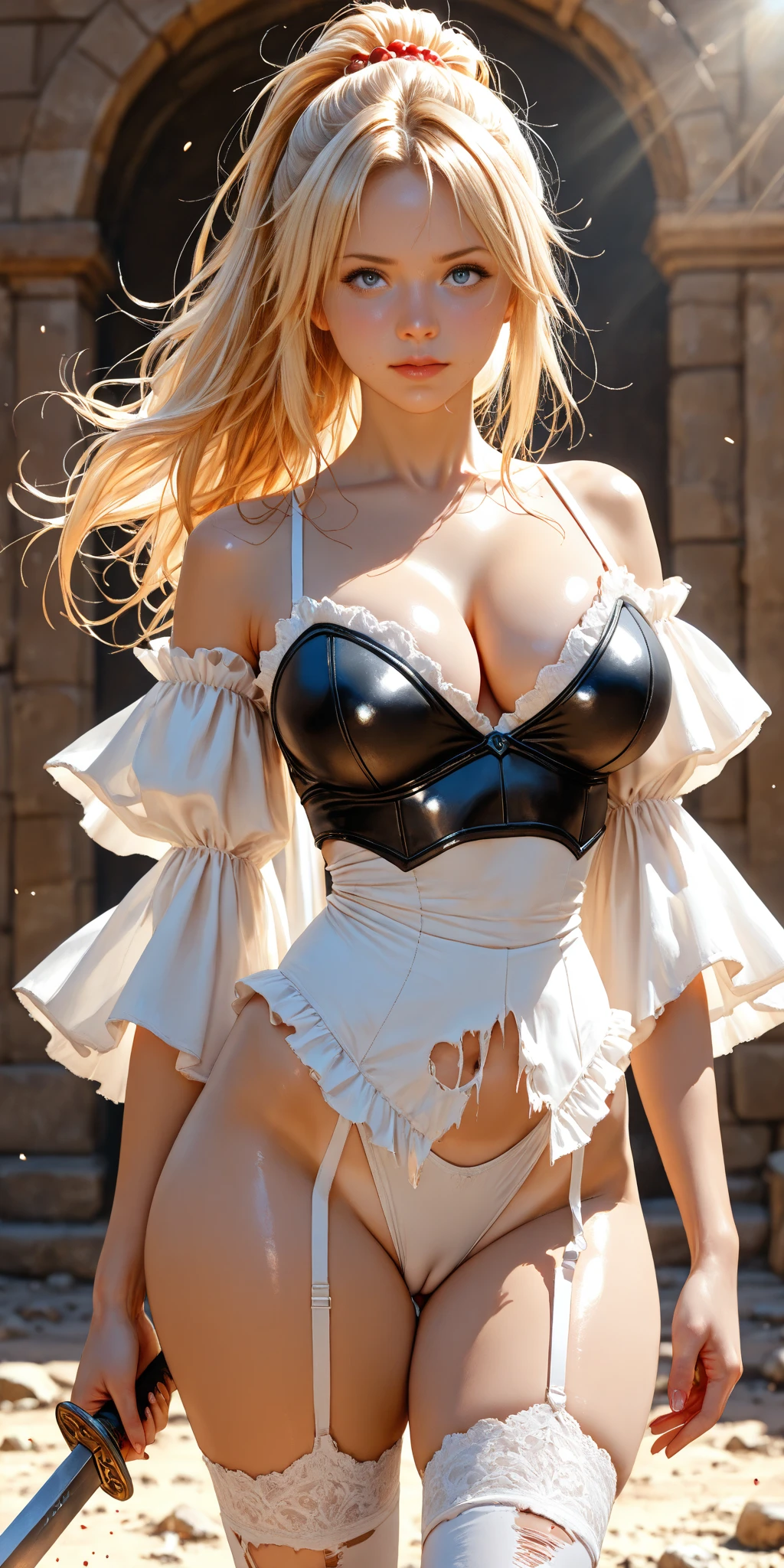
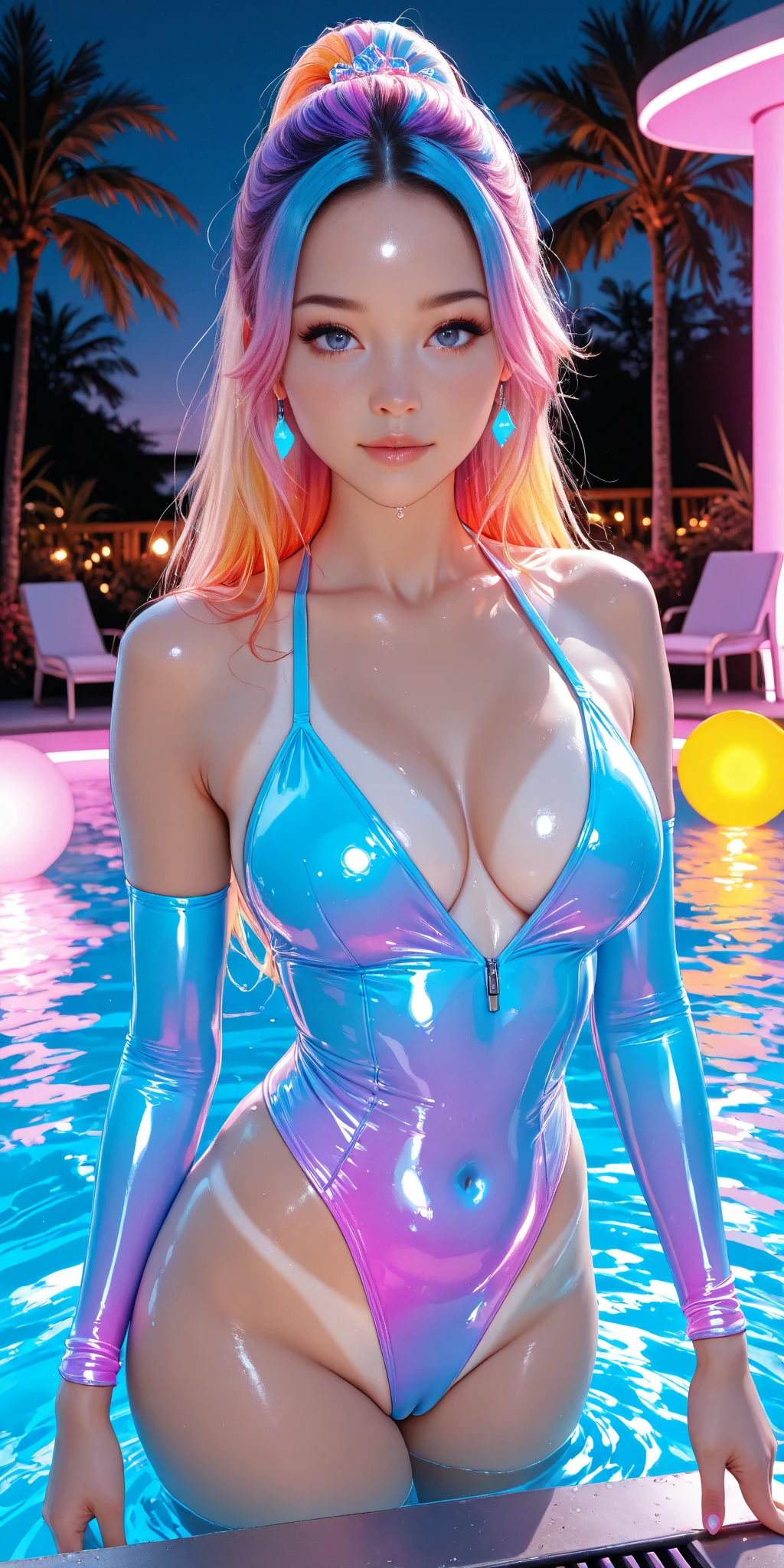
Here's an example image created using the Realistic_Beauty LoRA with the prompt above and recommended settings:
📅 Date: April 3, 2025
🖼 Style: Realistic, Soft 3D Look
📏 Size: 832x1216
The soft lighting, detailed shadows, realistic clothing textures, and elegant character design give it the perfect balance between realism and beauty.
🧬 Bonus Tips
- Add skin detail, soft light, or HDR photo in negative prompts for enhanced realism.
- Use depth-to-image mode for better 3D perspective if your platform supports it.
- Adjust LoRA weights to 0.6–0.8 for primary visual LoRAs and 0.3–0.5 for shaping/fashion LoRAs.
🔚 Conclusion
With the Realistic_Beauty LoRA and smart prompt + LoRA stacking, you can generate high-quality, realistic character art that is beautiful, hot (within guidelines), and professionally stylized.
🔥 Whether you are a free or paid user, you can achieve studio-level visuals — just combine the right tools with a precise prompt!
Example Images: