Crear flujo de trabajo
Construido sobre SeaArt ComfyUI
creation

Puede que te guste

Flujos de trabajo destacados

Wan Video

Nueva Selección

Campaña de recompensa
Básico
Generación de video
Generación de audio
Generación 3D
FLUX
Estilo
Diseño
Fotografía
Procesamiento de imágenes
Juegos creativos
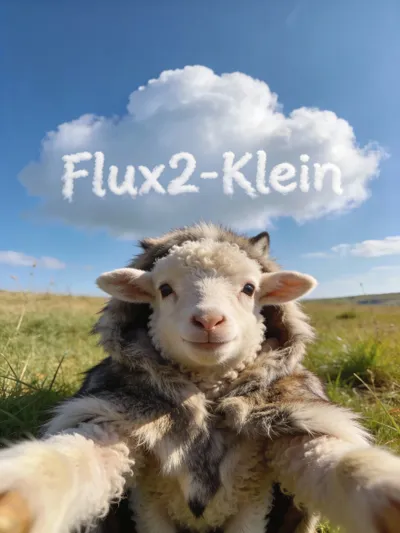
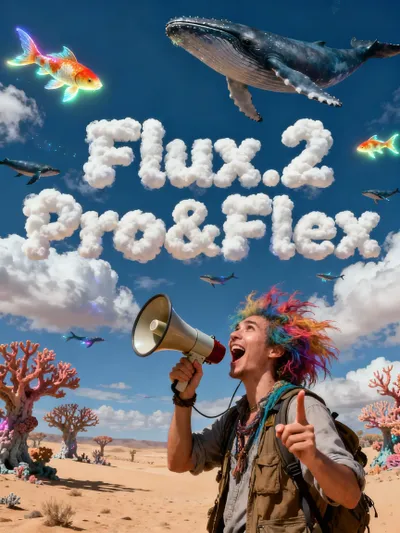
FLUX2 Klein T2I & I2I

--

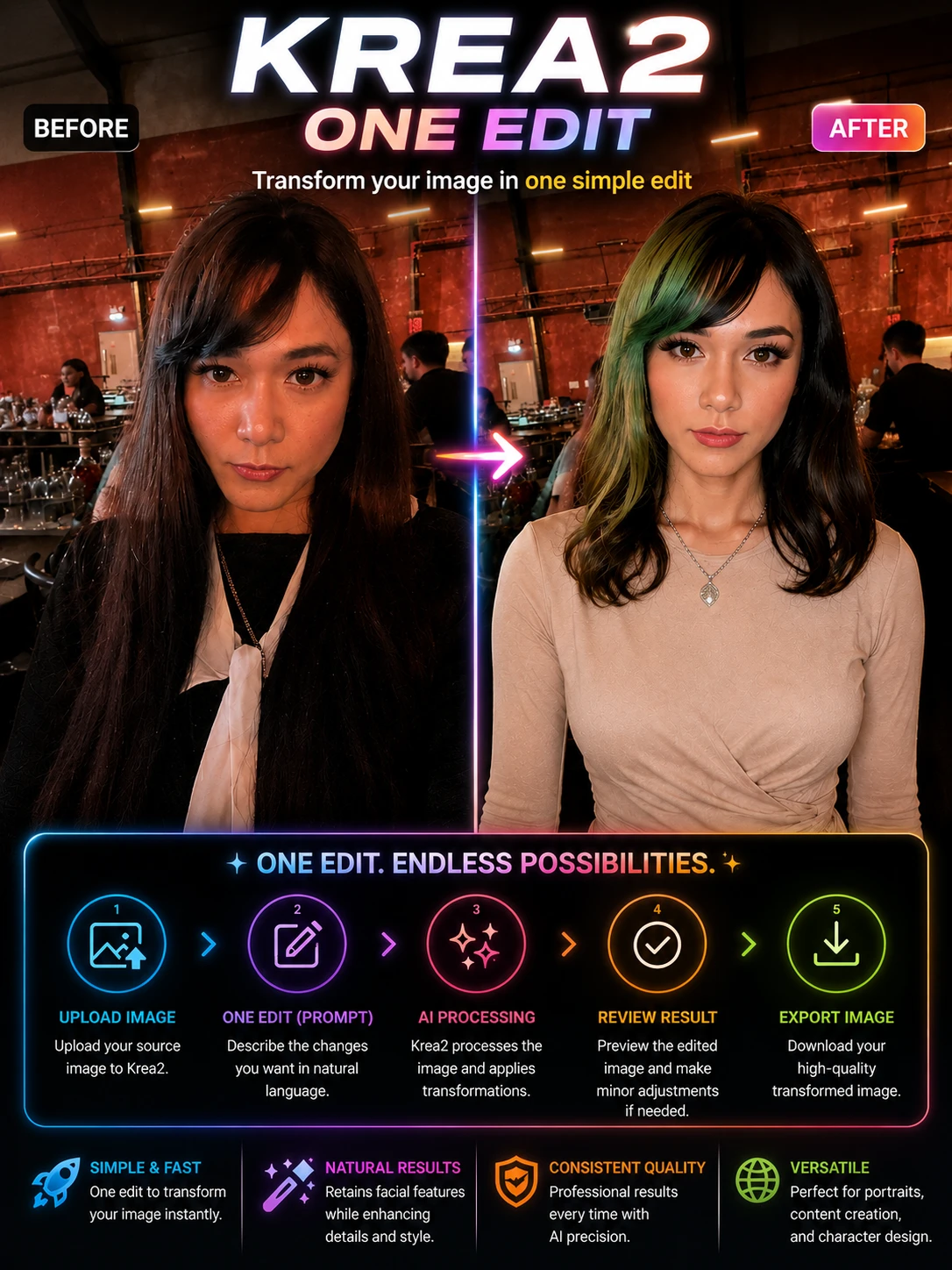
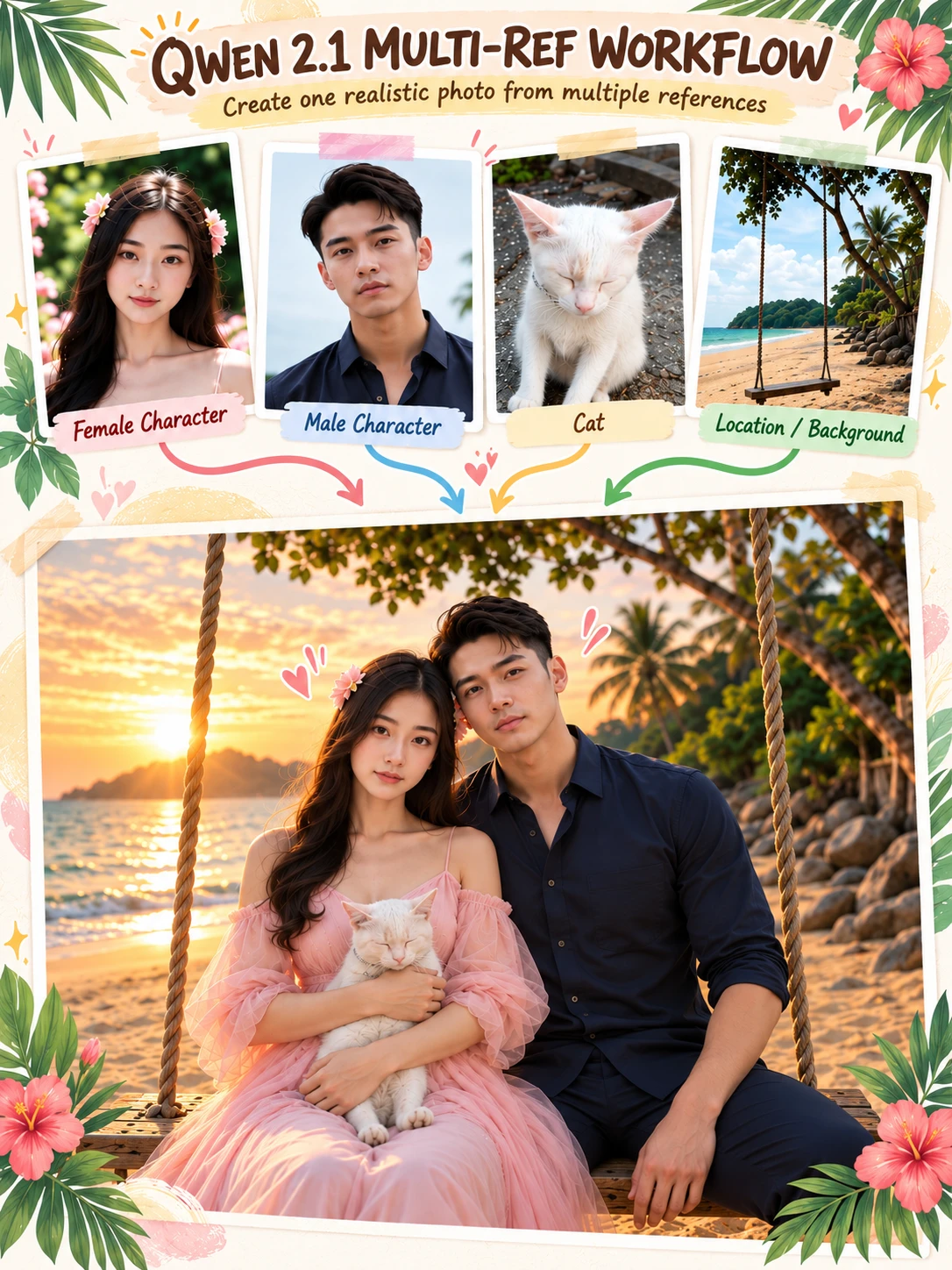
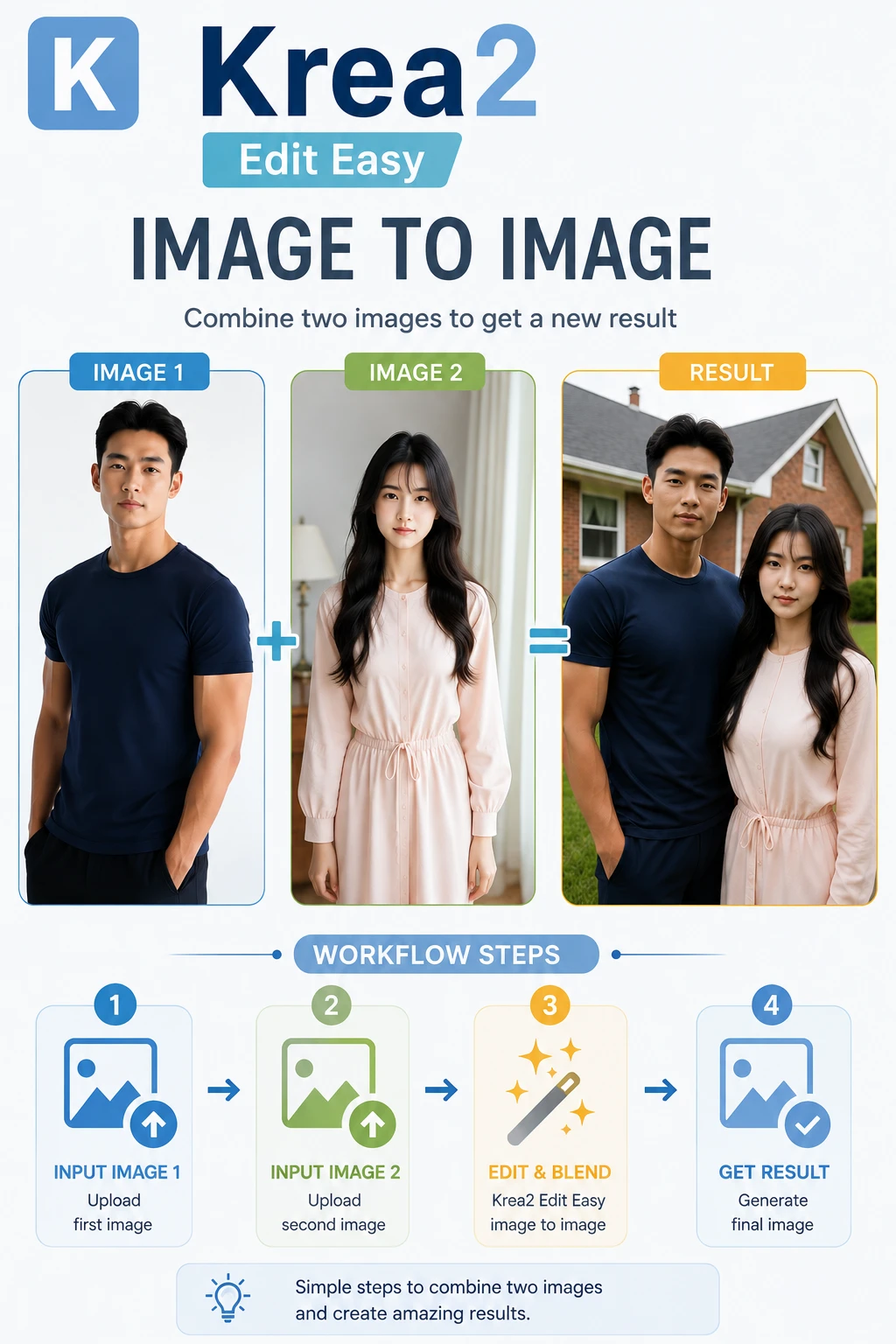
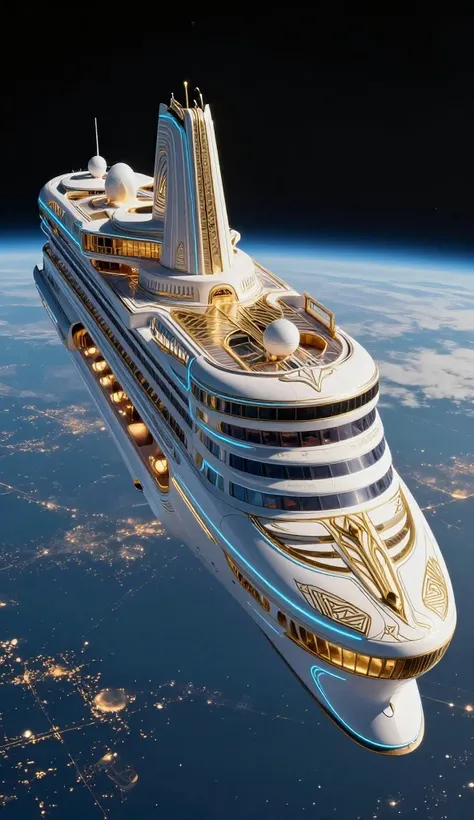
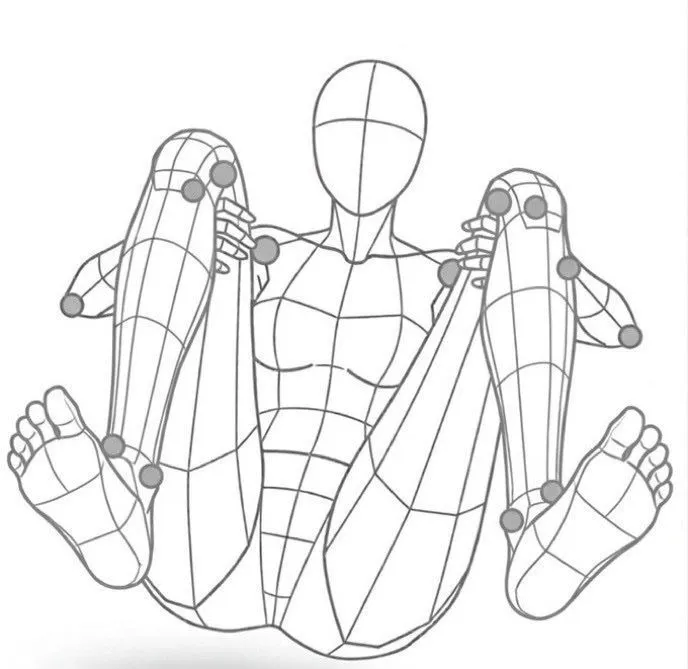
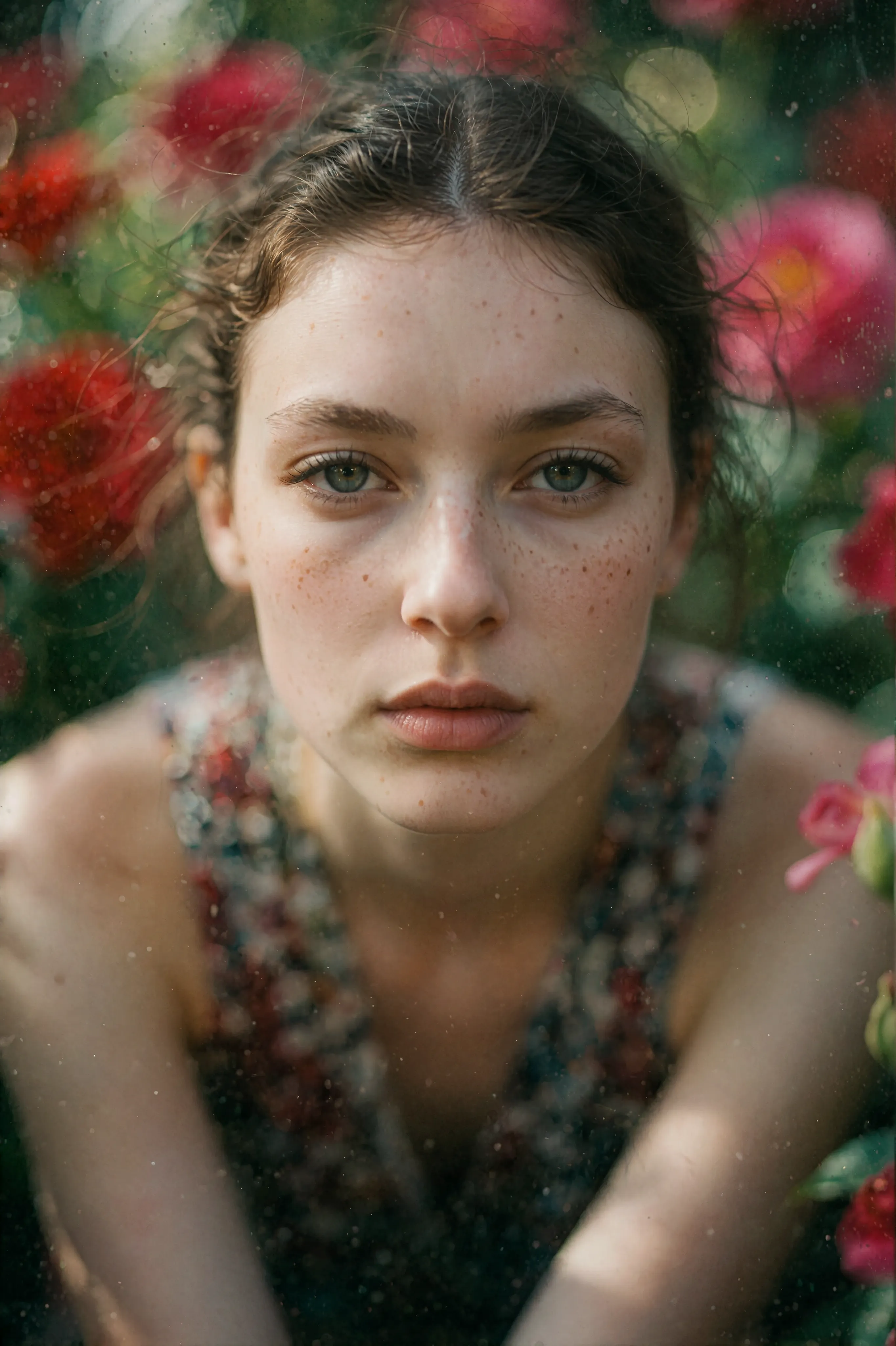
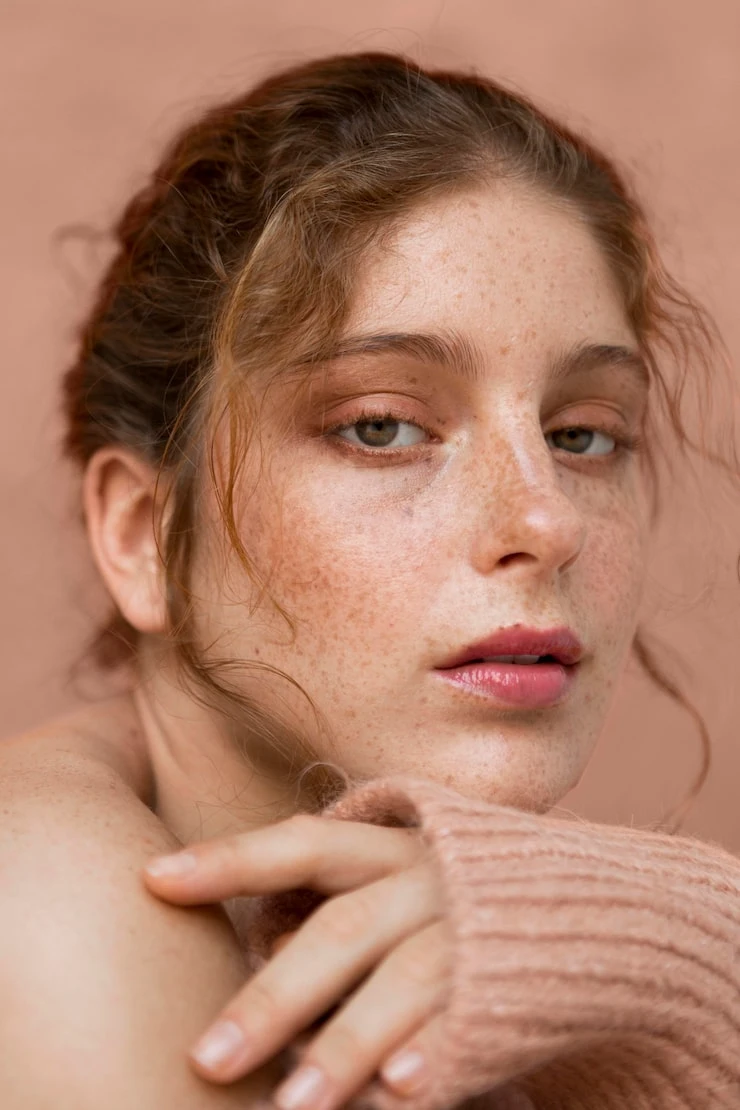
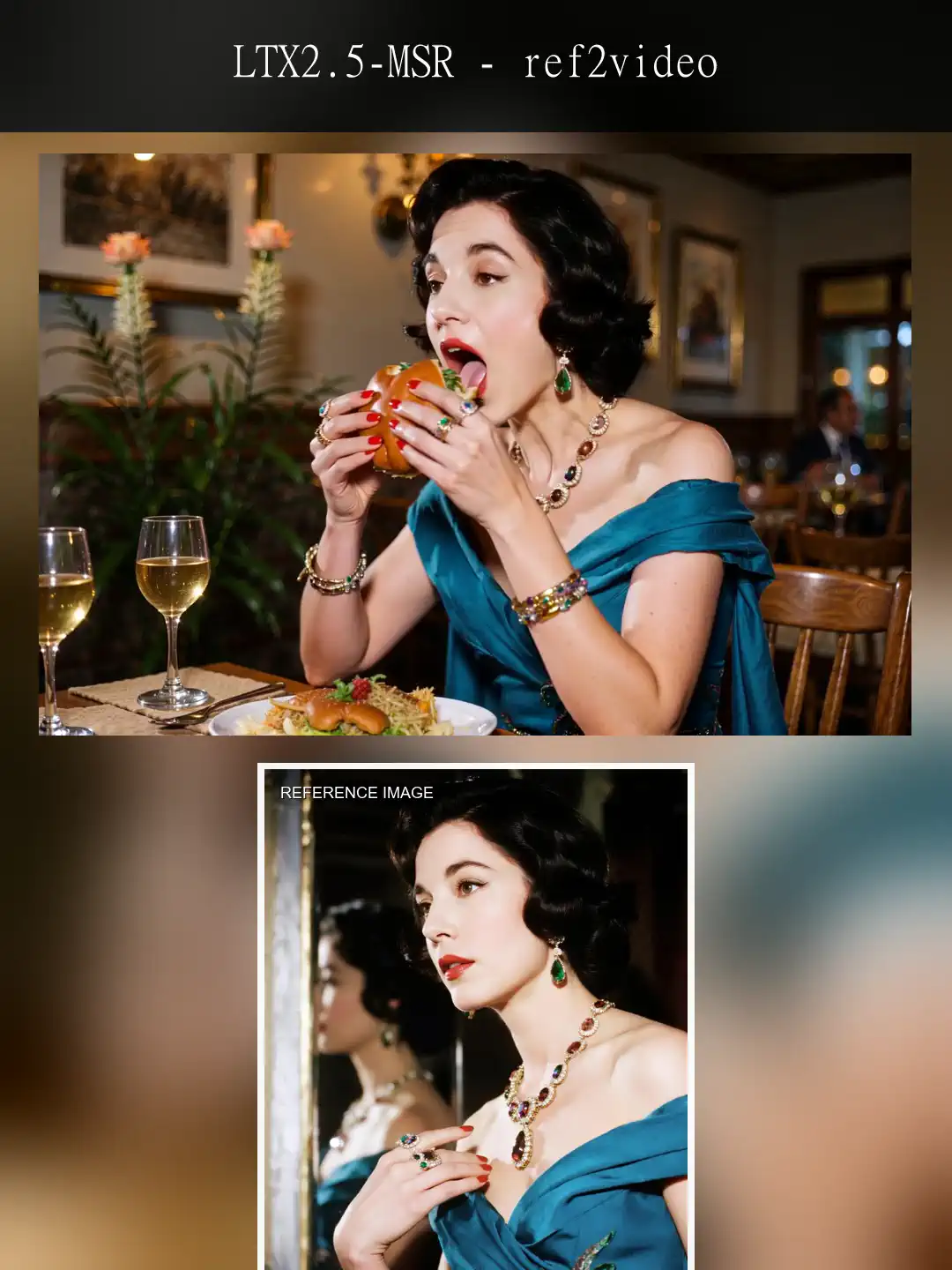
This is the Text 2 Image workflow for Flux2 Klein. In addition to Text to Image, which generates images based solely on prompts, it also features an Image to Image function that generates images based on uploaded images.Flux2’s Reference Image feature is extremely powerful. For example, you can easily generate images showing a person from a different angle or in a different pose based on an uploaded photo, or create images based on the pose or outfit in the uploaded image. Flux 2 Klein allows you to use up to four images simultaneously as references.HOW TO USESimply upload up to four reference images and enter your prompt.If needed, you can change the LoRA or checkpoints, or use the upscaling feature.It’s easy to use. The workflow starts with sample reference images and prompts.The reference images are labeled from left to right as Image 1, Image 2, Image 3, and Image 4 in the prompt.If you enter a prompt like the one below, it will generate an image based on the reference images."The woman in Image 1 is wearing the clothes in Image 2, striking the pose in Image 3, and standing in the location shown in Image 4. She is wearing running shoes.She has long hair, which she wears down. It is early in the morning, and the sky is tinged with the colors of sunrise."If you are not using reference images, or if you only want to use a single one, please disable the reference image feature. Click the area shown in the figure, and the node will turn purple, indicating that it has been disabled.Click the button again to re-enable the feature.The configuration of LoRA and other settings is the same as in the previously released SDXL and FLUX workflows, so if you are unsure how to use them, please refer to the instructions for those workflows.
Franklin
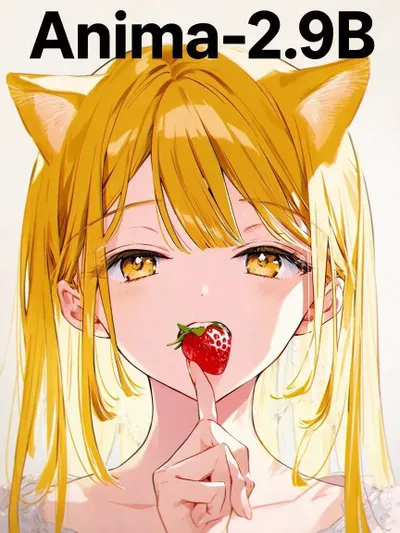
Anima T2I #02(Smart Prompt)

--

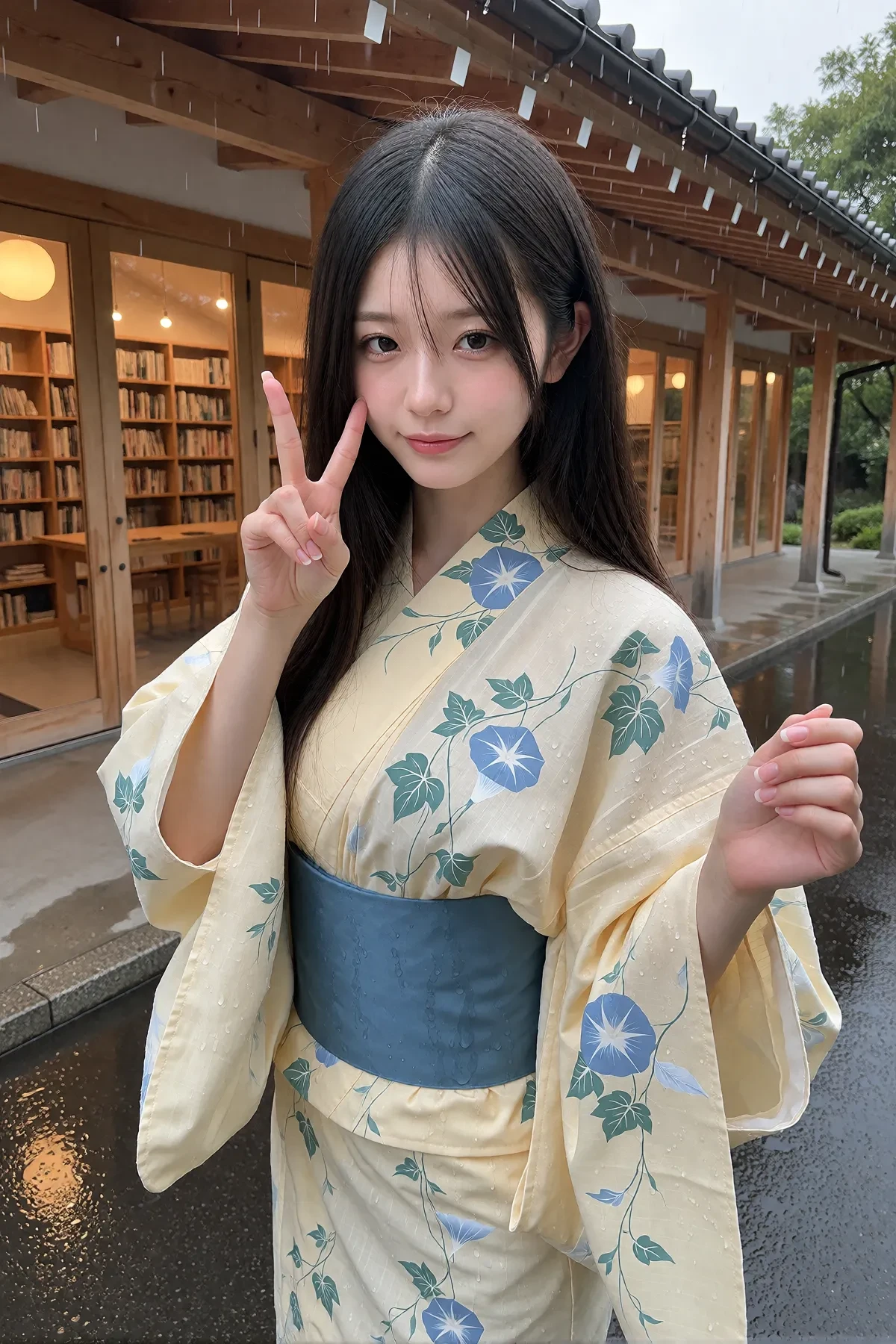
母国語でイメージを入力するだけ。スマートプロンプトが内容を理解し、Anima向けのDanbooruタグ形式の画像生成プロンプトを自動生成します。"プロンプトを書く"のではなく、"イメージを伝える"だけ。「夕暮れの港で本を読む魔女」、「近未来の喫茶店」、「猫が経営するラーメン屋」そんな一文を入力するだけで、スマートプロンプトがAnimaに最適化されたDanbooruタグ形式の画像生成プロンプトを自動生成します。もちろん、短い説明だけでなく、より詳しいイメージにも対応しています。例えば、「雨上がりの石畳を歩く赤いコートの女性。夕暮れの街並み。映画のワンシーンのような雰囲気。暖かい街灯の光。しっとりとした空気感。」のように、人物・背景・構図・雰囲気・ライティング・色合い・世界観・服装・表情などを自然な文章で入力すれば、その内容を理解し、画像生成に適したDanbooruタグ形式のプロンプトを作成します。難しいタグや英語のプロンプトを覚える必要はありません。生成結果では、画像と生成されたプロンプトの両方が表示されます。生成されたプロンプトは確認・コピー・再利用ができるため、プロンプト作成の参考として活用することもできます。思いついたアイデアを、そのまま言葉にするだけ。
auni
Ideogram 4

--

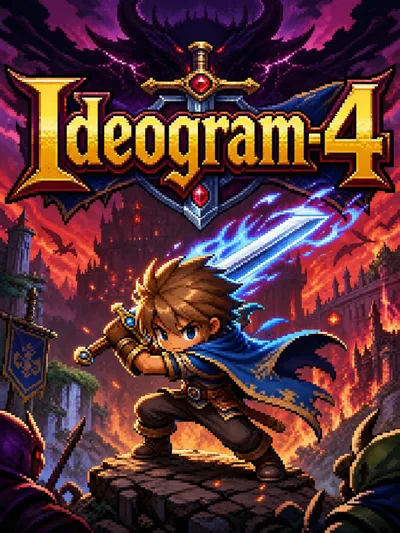
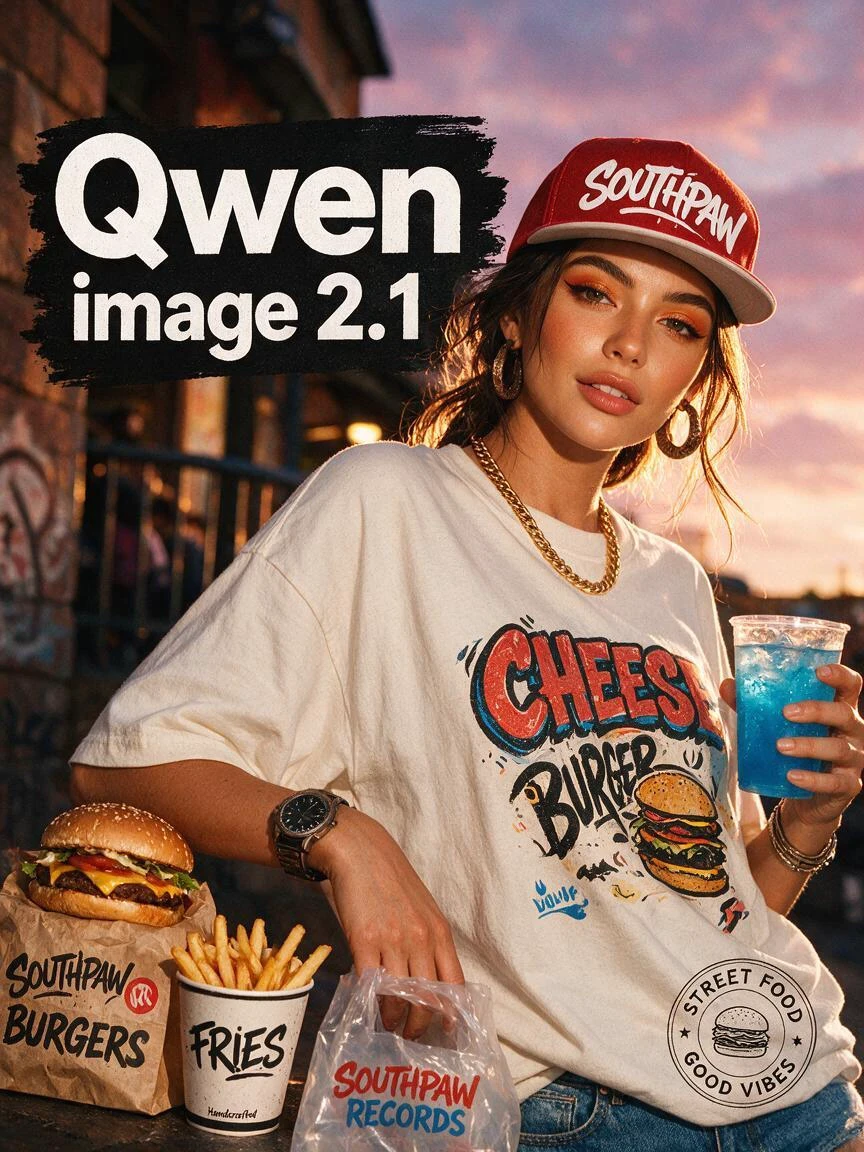
Ideogram 4.0 は、2026年6月3日にリリースされた最新の画像生成AIモデルです。これまでIdeogramは「画像の中に正確な文字(タイポグラフィ)を描き込めるAI」として非常に高い評価を得ていましたが、今回のバージョン4.0でシリーズ初の「オープンウェイト(モデルの重みデータを一般公開)」となり、AIコミュニティで大きな話題を呼んでいます。主な特徴や進化のポイントを分かりやすくまとめました。1. 最大の強み:圧倒的な「文字(テキスト)の再現力」従来の画像生成AI(Stable Diffusionの旧バージョンなど)は、画像の中に英単語などを入れようとすると文字が潰れたり、スペルが崩れたりするのが弱点でした。Ideogram 4.0はこのデザイン・タイポグラフィ分野に特化しており、看板、ポスター、商品のパッケージ、ロゴなどの文字を「正しいスペル」かつ「指定したフォントスタイル」で非常に美しく描写できます。英語だけでなく多言語のレンダリング精度も向上しています。2. 「JSONプロンプト」によるプロ仕様の配置コントロール技術的な最大の特徴が、通常の文章だけでなくJSON形式の構造化データで指示(プロンプト)を出せる点です。バウンディングボックス(位置指定): 「この座標の範囲にタイトル文字を入れる」「ここにメインの被写体を置く」といった画面レイアウトを数値で厳密に指定できます。カラーパレット制御: カラーコード(#FFFFFFなど)を最大16色まで指定し、生成される画像の配色をブランドカラーに完全に固定することができます。これにより、運任せの生成ではなく、デザイナーの「指示書(デザインブリーフ)」通りのレイアウトが可能になりました。3. 初のオープン化(商用利用ライセンス付き)パラメータ数は「93億(9.3B)」のミドルサイズでありながら、人間によるブラインドテスト(画質やデザインの評価)では、より巨大な他社のクローズド(非公開)モデルに匹敵する、あるいは上回るスコアを叩き出しています。オープンウェイト(商用ライセンスあり)として公開されたため、企業が自社のインフラに組み込んで独自の画像生成アプリを作ったり、特定のキャラクターや絵柄を学習(LoRA微調整)させたりすることが可能になりました。4. その他の進化点ネイティブ2K解像度: 生成後に無理やり引き伸ばす(アップスケールする)のではなく、最初から印刷にも耐えるクオリティの2K高解像度で出力できます。背景透過(アルファチャンネル)対応: 背景を自動で切り抜いた状態の画像を生成できるため、ECサイトの商品画像やマーケティング素材としてそのまま重ね合わせに利用できます。
mikoto

¿Por qué usar el ComfyUI Workflow en SeaArt AI?

Interfaz simple

SeaArt AI proporciona una interfaz intuitiva que hace que configurar los flujos de trabajo sea muy fácil. Todos los flujos de trabajo están construidos para todos, incluso si no tienes experiencia en codificación.

Flujos de trabajo personalizables

Diseña tu flujo de trabajo a tu manera. Desde entrenamiento avanzado LoRA hasta la compleja generación de texto-a-imagen, cada paso es ajustable para satisfacer tus necesidades.

Alta eficiencia

SeaArt optimiza los procesos de creación de arte AI. Disfruta de tiempos de renderizado más rápidos y menos obstáculos técnicos. Produce visuales impresionantes rápidamente.

Múltiples flujos de trabajo en SeaArt AI

Miles de flujos de trabajo para la creación de arte AI

Desbloquea tu visión artística con SeaArt Workflow. Accede a miles de flujos de trabajo preconfigurados para generar arte AI de manera sencilla en formatos como texto-a-imagen, imagen-a-imagen e imagen-a-video. Estos flujos de trabajo se integran con poderosos modelos AI como Flux, SD 3.5 y otras opciones populares, incluido ControlNet, dándote la flexibilidad de crear visuales impresionantes que se ajusten a tus preferencias.

Flujos de trabajo personalizables en SeaArt AI

Control total con flujos de trabajo personalizables

Con SeaArt Workflow, tienes control total sobre tu proceso de generación. Ofrecemos potentes opciones de personalización que te permiten adaptar los flujos de trabajo a tus necesidades específicas. Ajusta los parámetros, cambia los modelos AI y ajusta la configuración para asegurarte de que el resultado final cumpla con tu visión.

Preguntas frecuentes

collapse

¿Qué es el ComfyUI Workflow?

El Workflow de SeaArt AI es una herramienta innovadora que va más allá de los simples prompts de texto. A diferencia de los generadores tradicionales de arte AI, SeaArt ofrece un sistema de flujo de trabajo visual, donde puedes construir flujos de trabajo personalizados para controlar el proceso de generación de imágenes y videos con una precisión granular.

expand

¿Qué tipos de arte AI puedo generar con los flujos de trabajo?

Estos flujos de trabajo te permiten crear fácilmente una amplia gama de arte AI, incluyendo retratos realistas, paisajes fantásticos, personajes de anime y creaciones abstractas. Puedes crear sin esfuerzo texto-a-imagen, imagen-a-imagen e imagen-a-video, así como aplicar transferencias de estilo e incluso generar modelos 3D.

expand

¿Es adecuado el ComfyUI Workflow para principiantes?

¡Sí! Con nuestra interfaz fácil de usar de arrastrar y soltar y las vistas previas en tiempo real, el Workflow de SeaArt es accesible tanto para principiantes como para usuarios avanzados, haciendo que la creación de arte AI sea simple.

expand

¿Puedo personalizar mi flujo de trabajo?

Sí. SeaArt AI ofrece varias configuraciones personalizables que te permiten ajustar tu flujo de trabajo según las necesidades específicas de tu proyecto.