AI Image Enlarger
Quickly and easily enlarge images online with SeaArt AI. Increase resolution without losing clarity or details. Get high-quality results in one click!
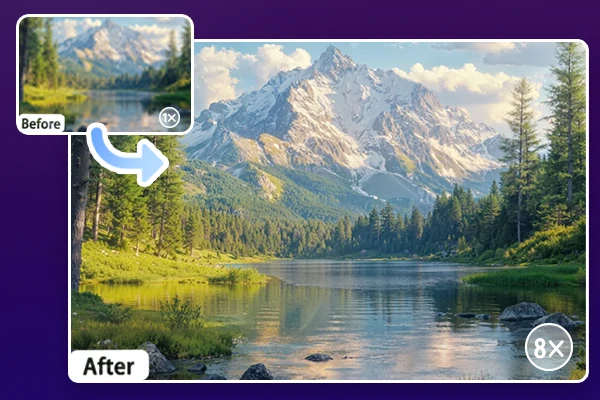
Instantly Enlarge Image Without Quality Loss
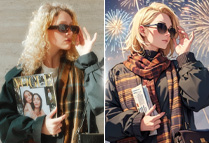
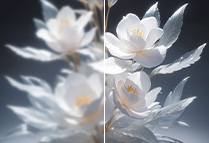
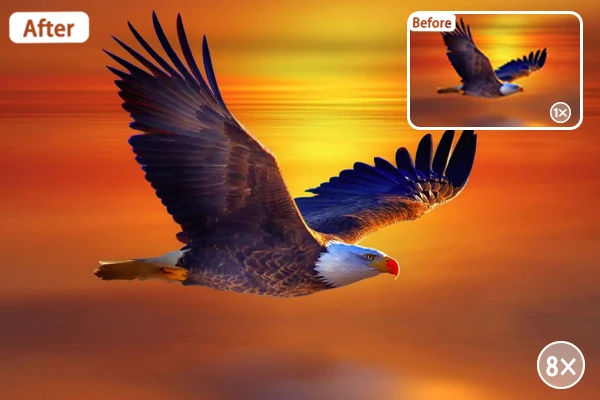
If you have small or low-resolution photos that lose detail after enlarging, SeaArt AI image enlarger is the best solution. Its advanced algorithms enhance photos while preserving sharpness and clarity, turning blurry details into crisp, clear images. This tool can enlarge images in one click without losing quality, delivering professional results for both printing and online sharing.
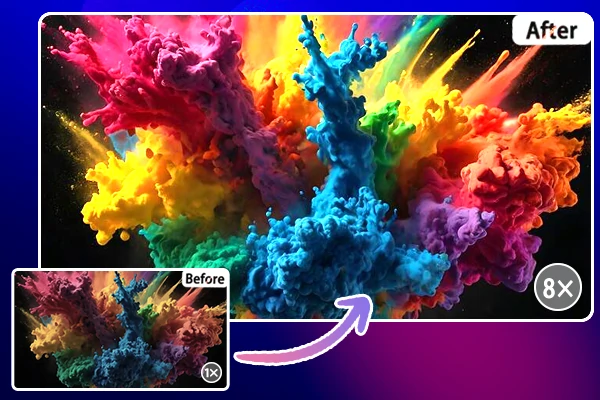
Enlarge Photo with Vibrant Colors & Sharp Details
This free AI image enlarger can do more than simply enlarge your photos - it also enhances the overall visual quality by boosting vibrant colors and preserving sharp details. These advanced algorithms not only increase resolution but also intelligently improve color saturation, making your images appear brighter and more vivid.
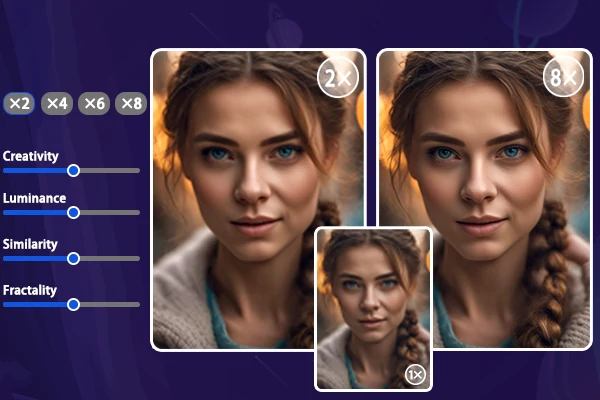
Customizable Options for Better Visuals
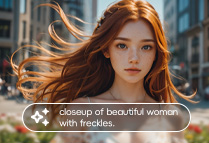
Our AI image enlarger offers customizable options to enhance your photos with precision. You can adjust the image size, style, and models for pixel upscales. Other parameters can be fine-tuned to control the similarity to the original photo, while the prompts allow you to specify the effects you want. This function gives you complete creative control over the final outcome.
Ideal for Personal and Business Use
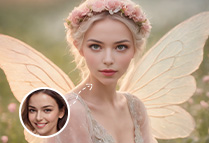
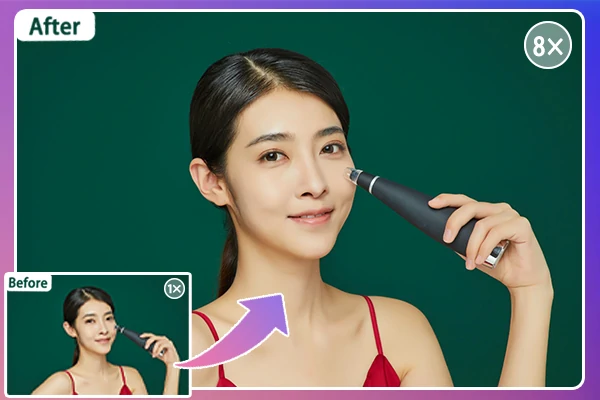
Our AI image enlarger supports multiple types of photos, including 2D anime style or 3D realistic style. For personal projects, it helps you enlarge low-quality images, transforming blurry portraits or landscapes into crystal-clear, high-resolution photos. For business use, it elevates the quality of your product images, allowing you to showcase every detail to your customers.
How Does AI Image Enlarger Work?
Upload an image
Upload the image you'd like to enlarge.
Customize options for AI image enlargement
Choose the image enlargement option (2x to 8x) and other related options, then our AI photo enlarger will automatically enlarge your images in seconds.
Preview and save
Click to instantly preview the result. If satisfied, download the image.
AI Image Enlarger - FAQs

What can I do to make small, low-quality images look sharper and cleaner?

What types of images can be handled by the AI image enlarger?
This tool supports widely used image formats such as JPG, PNG, and WebP, making it suitable for a variety of image types, including portraits, landscapes, and graphics.
Can I customize the size and style of my image when using the image enlarger?
Yes, the tool offers customizable options for size, style, and model adjustments to suit your specific needs. You can even choose a higher creativity value to deliver more creative AI works.