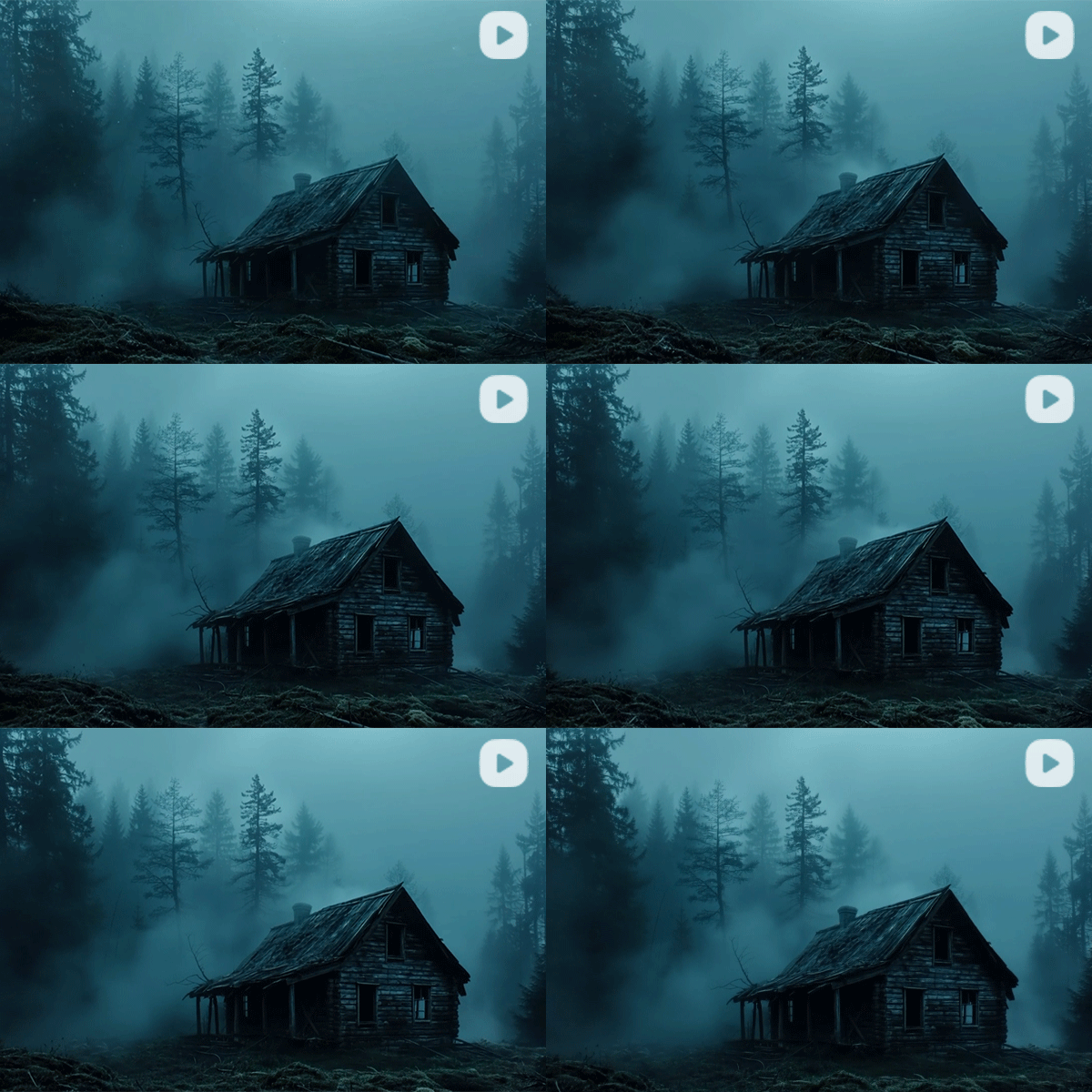
Online AI Scary Video Maker
With SeaArt's AI scary video maker, you can easily turn visuals or text into spine-chilling videos, combining creativity and horror to produce unique and captivating content in seconds.
Unleash Horrific Creativity with AI Scary Video Maker
Find fun by creating AI scary videos with text or images by using this potential AI video generator.
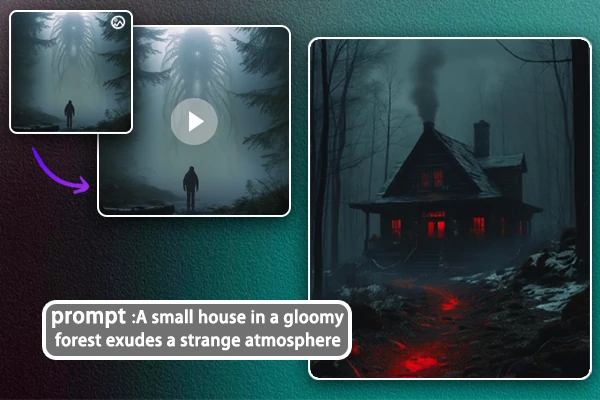
Scary Video Generation from Image or Text
Bring your eerie ideas to life with SeaArt's horror movie maker effortlessly. Whether you start with an image or a text prompt, the AI transforms your input into a spine-chilling video without painstaking editing skills. Start to create chilling videos that send shivers down your audience's spine!
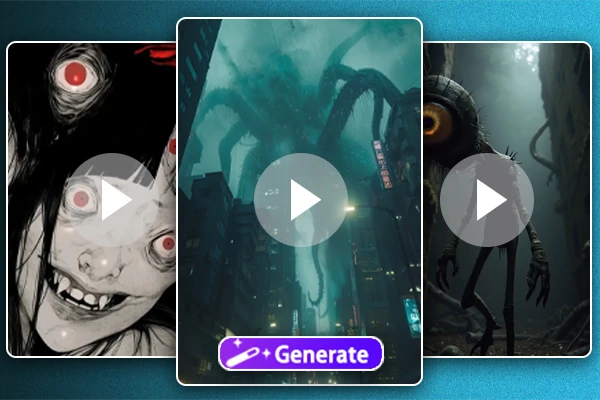
Diversified Types of Scary Videos
Use our scary video maker to create horror-themed videos of any type, from spine-chilling animations like Tomie-style creation and eerie sci-fi movies to fantasy storytelling. With just several steps in this ideal horror movie maker, all kinds of horror videos will be presented to you for different creation requests.
AI Scary Video Generator for Every Need
SeaArt AI scary video maker is flexible and versatile for creating horror clips for social media, ads, or game trailers. Perfect for engaging content like Halloween-style art that resonates with viewers during festivals or carnivals. Share your creepy videos on TikTok or YouTube to get more likes and interaction from your followers.
Why Use AI Scary Video Maker?


Professional-Quality
With advanced AI technology, you can achieve excellent results using high-end video production techniques, ensuring your scary videos look polished and captivating.

Efficient and Effortless
Say bye to the days of spending hours editing horror videos. This horror movie maker simplifies all complex production processes into just several clicks.



User-friendly Interface
A clean and intuitive interface that makes it accessible for all to easily produce horrors.

How to Create Scary Videos?
Step 1: Upload Image or Input Prompt
Uploading an image that inspires you or types out a prompt to describe the eerie scene you want to create.
Step 2: Watch the AI Work Its Magic
Click "Generate" and let the AI do the heavy lifting. Wait a moment to explore a scary video with chilling effects and spooky visuals.
Step 3: Download and Share Your Video
Download it instantly or you can regenerate the video again until you feel satisfied, then share it on your social media platforms.
AI Scary Video Generator – FAQs

Can I use SeaArt scary video generator for free?

What is the maximum length of text I can turn into a video?
There are two kinds of choices for you to create, 5s and 10s.
What if I do not have any idea about the prompt?
No worries! AI scary video generator will still generate based on basic prompts. Reading SeaArt news or blogs to get more inspiration is also recommended.