Teenage Filter
Try the free online youth filter and experience the fun of seeing your younger self. Powered by AI, it's a quick and easy way to relive your teenage years.
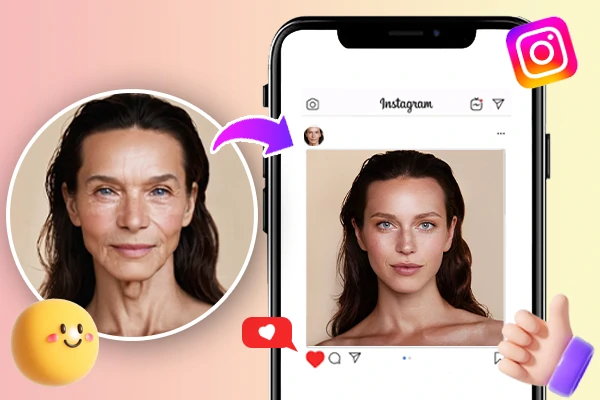
Free Teenage Filter for Natural, Realistic Results
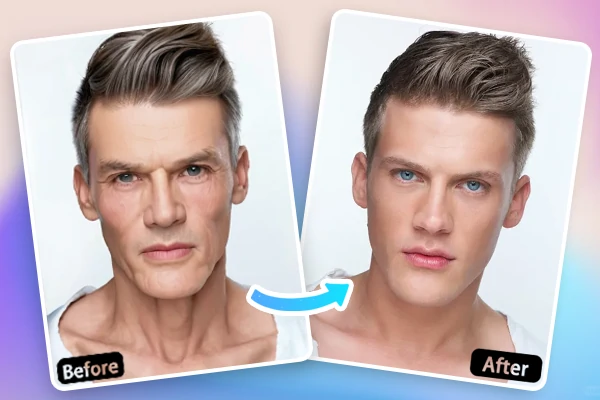
The Teenage Filter offers a free and easy way to relive your youth with natural, realistic results. Using SeaArt AI, this filter transforms your current photo into a youthful version of yourself, ensuring a seamless and lifelike transformation. What sets the tool apart is its ability to maintain your unique facial features while giving you an authentic, age-reversed look. With just a simple upload and adjustment, you can see your teenage self without any complex edits or costs involved.
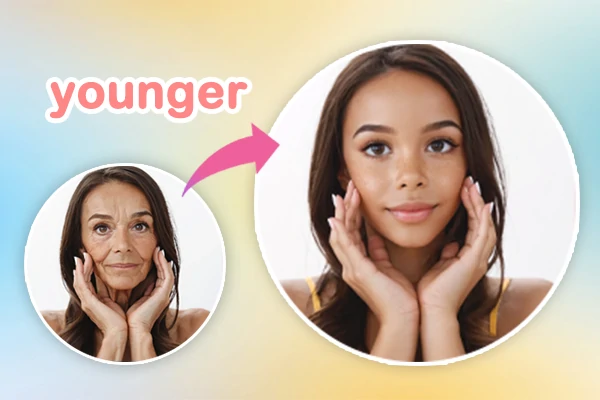
Relive Your Youth and Cherish Precious Memories
The teenage filter lets you relive your youth by transforming photos into youthful versions of yourself or loved ones. Whether revisiting your own teenage years or imagining what your family looked like as teens, this filter offers a fun, nostalgic experience. Simply upload a photo, share the results, and join the "time travel" trend on TikTok. It's the perfect way to connect with the past, spark fun memories, and engage with social media, all while enjoying a lighthearted trip down memory lane.
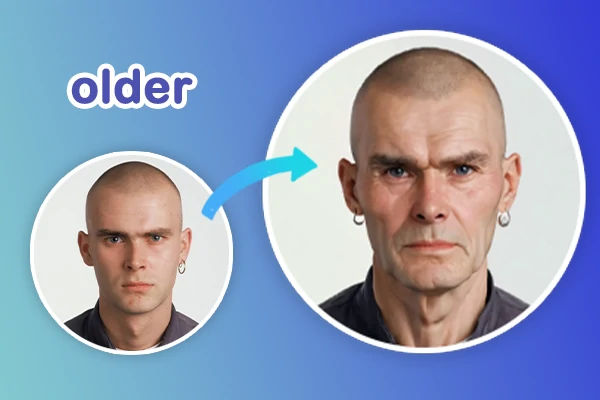
More Than Just a Teenage Filter
The Teenage Filter is just one of many AI filters you can explore. After seeing your younger self, try it again to see yourself at other age, or explore other fun AI filter to enhance your photos in different ways. From transforming your age to experimenting with unique effects, these filters offer endless possibilities for creativity. Try them all to discover even more exciting ways to transform your look.
How the Teenage Filter Works?
Upload and Select
Upload a photo, read the instructions and choose the proper values of related options to get better effects.
Enter Prompts and Click to Remove
You can enter detailed prompts to get a satisfied look. Then click the generate button to create and wait for a few seconds.
Preview and Save
Click to instantly preview the result. If satisfied, download the image.
Teenage Filter- FAQs

How does the Teenage Filter maintain a realistic look while changing my age?

Do I need to upload a specific type of photo for the Teenage Filter to work properly?
For the best results, it's recommended to upload a clear, well-lit photo where your face is visible and not obstructed. The tool works best with frontal face shots where your facial features are easy for the AI to detect.
Is the Teenage Filter available for group photos?
Yes, you can use the Teenage Filter on group photos, but keep in mind that the filter will apply the age transformation to each person in the image. Ensure that all faces are clearly visible for optimal results.